
SoLive - Live Video Chat
BlueStacksを使ってPCでプレイ - 5憶以上のユーザーが愛用している高機能Androidゲーミングプラットフォーム

Run SoLive - Live Video Chat on PC or Mac
Let BlueStacks turn your PC, Mac, or laptop into the perfect home for SoLive – Live Video Chat, a fun Social app from LOKA DİGİTAL MEDYA REKLAMCILIK VE TEKNOLOJİ A.Ş.
About the App
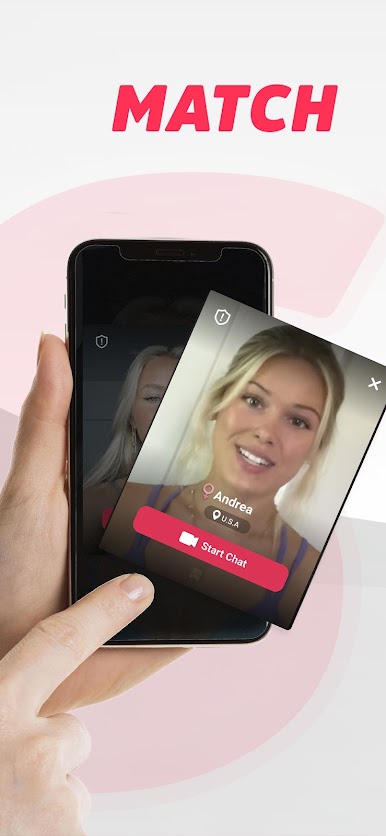
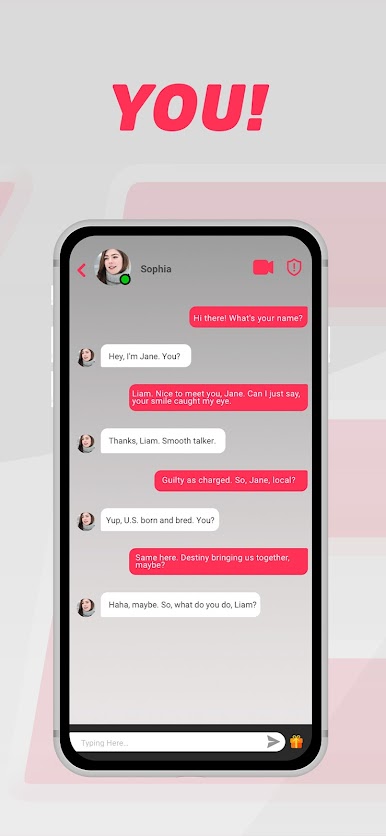
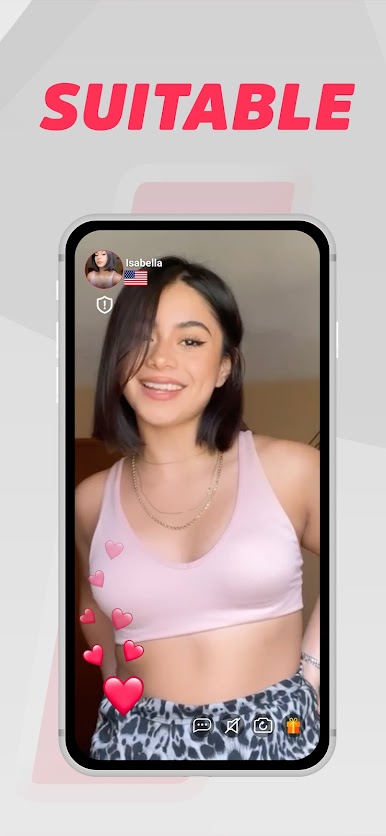
Ready to shake up your social life and meet new folks face to face—without leaving your couch? SoLive – Live Video Chat makes it super simple to connect with new people from all over the world, whether you’re looking for casual conversation, new friends, or just a little bit of excitement in your day. Jump in, set up your profile in just a couple of taps, and you’ll be chatting in no time. Meeting someone new is as easy as starting a video call and seeing who you meet next.
App Features
-
Instant Video Chats
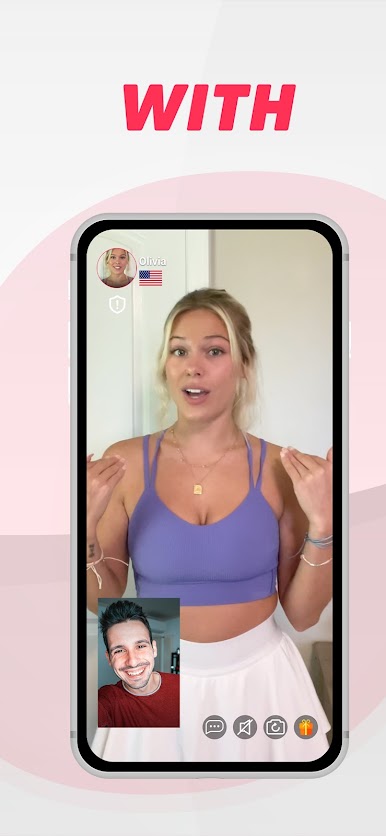
Connect with others right away—no endless waiting or complicated sign-up steps. Just create your profile, and you’re set to start real-time video chats. -
Global Connections
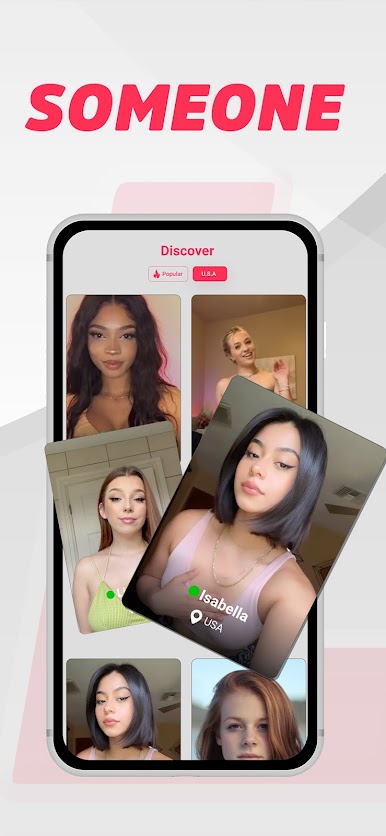
Ever wanted to chat with someone from another country? With SoLive – Live Video Chat, you can meet people from all corners of the globe. -
Simple Profile Setup
Setting up is quick and straightforward. No hassle, no fuss—just pop in your info and you’re good to go. -
Genuine Conversations
Whether it’s friendly banter or a deep conversation, interact with real people who are just as interested in connecting as you are. -
Meet New Friends Anytime
No set schedules or complicated rules. Hop on whenever you want and see who’s online. You never know who you’ll run into.
Trying out SoLive – Live Video Chat on BlueStacks can make your experience feel even smoother, with a bigger screen and easier navigation if you’re using your computer. Made by LOKA DİGİTAL MEDYA REKLAMCILIK VE TEKNOLOJİ A.Ş, this Social app is your ticket to breaking the boredom and expanding your circle, one conversation at a time.
BlueStacks gives you the much-needed freedom to experience your favorite apps on a bigger screen. Get it now.
SoLive - Live Video ChatをPCでプレイ
-
BlueStacksをダウンロードしてPCにインストールします。
-
GoogleにサインインしてGoogle Play ストアにアクセスします。(こちらの操作は後で行っても問題ありません)
-
右上の検索バーにSoLive - Live Video Chatを入力して検索します。
-
クリックして検索結果からSoLive - Live Video Chatをインストールします。
-
Googleサインインを完了してSoLive - Live Video Chatをインストールします。※手順2を飛ばしていた場合
-
ホーム画面にてSoLive - Live Video Chatのアイコンをクリックしてアプリを起動します。