


スウェーデン語勉強
BlueStacksを使ってPCでプレイ - 5憶以上のユーザーが愛用している高機能Androidゲーミングプラットフォーム

Run Learn Swedish on PC or Mac
Why limit yourself to your small screen on the phone? Run Learn Swedish, an app by MetaLanguage, best experienced on your PC or Mac with BlueStacks, the world’s #1 Android emulator.
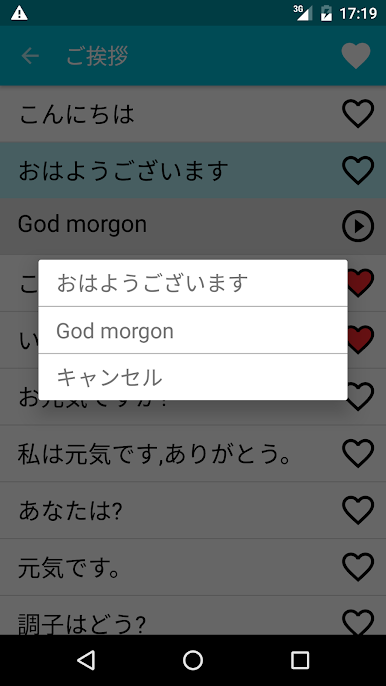
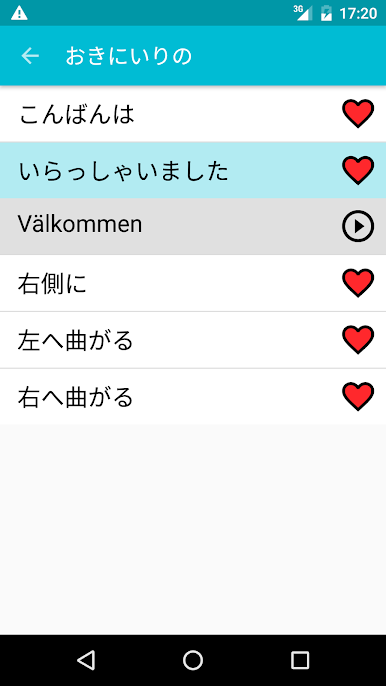
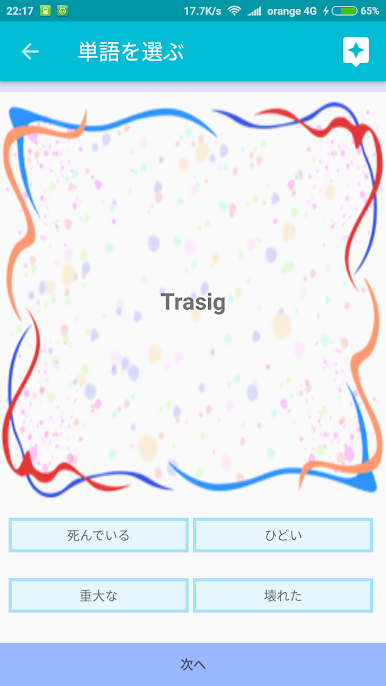
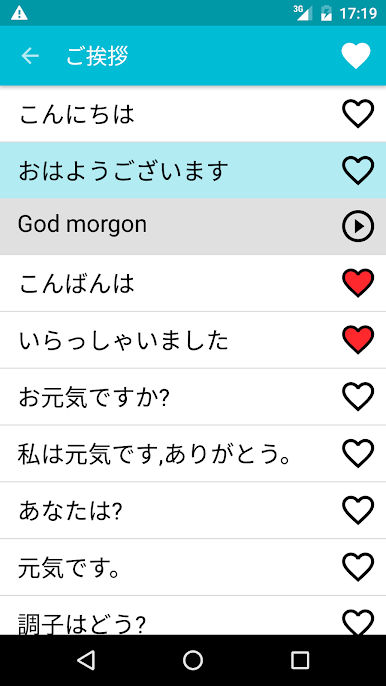
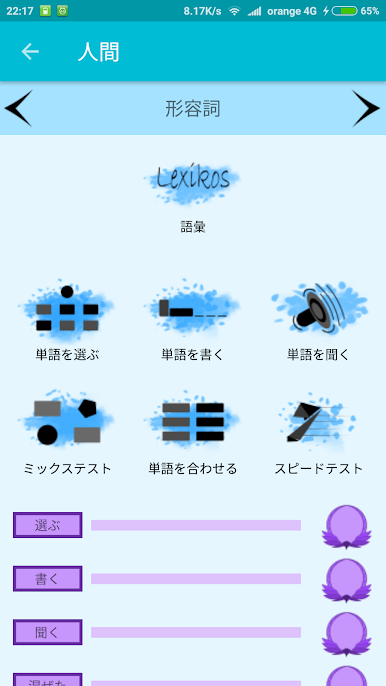
Learn Swedish keeps things very simple, which is kind of the point here. It loads up to clear lists of words and phrases, the everyday stuff someone actually needs for travel or getting started with the language. No flashy mini games, no confusing menus, just straightforward sections to browse and study. What stands out is how natural the translations read, since they are done by Swedes, so nothing feels awkward or textbook stiff. Beginners can pick it up without feeling lost, while someone who already knows a bit can jump around and brush up. It has that no-nonsense vibe, and there is not alot of fluff.
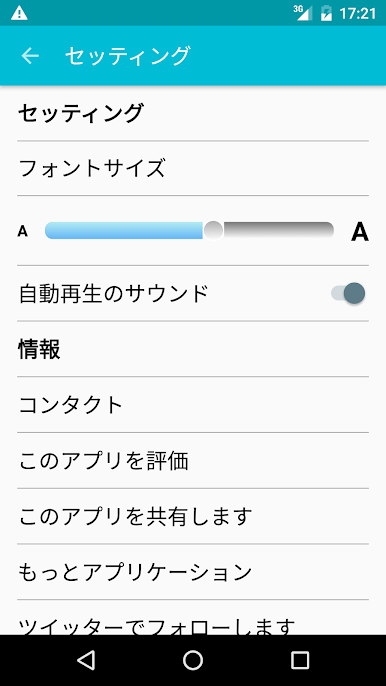
Adding items to a personal favorites list is handy, because it lets someone focus on the bits they keep forgetting. The whole thing works offline, which makes it useful on a plane or the subway when signal drops. On PC with BlueStacks, the bigger screen helps a lot for scanning longer lists, and clicking through sections with a mouse feels quicker than tapping around on a phone. It is not trying to be a full course with lessons and quizzes, more like a reliable pocket phrase and vocab tool that people can dip into whenever they have a few minutes. For travel prep or daily practice, it feels lightweight, fast, and easy to keep up with.
Ready to experience Learn Swedish on a bigger screen, in all its glory? Download BlueStacks now.


スウェーデン語勉強をPCでプレイ
-
BlueStacksをダウンロードしてPCにインストールします。
-
GoogleにサインインしてGoogle Play ストアにアクセスします。(こちらの操作は後で行っても問題ありません)
-
右上の検索バーにスウェーデン語勉強を入力して検索します。
-
クリックして検索結果からスウェーデン語勉強をインストールします。
-
Googleサインインを完了してスウェーデン語勉強をインストールします。※手順2を飛ばしていた場合
-
ホーム画面にてスウェーデン語勉強のアイコンをクリックしてアプリを起動します。

