


最大値と乗算する
BlueStacksを使ってPCでプレイ - 5憶以上のユーザーが愛用している高機能Androidゲーミングプラットフォーム

Play Multiply with Max on PC or Mac
Bring your A-game to Multiply with Max, the Educational game sensation from MMeGAMES. Give your gameplay the much-needed boost with precise game controls, high FPS graphics, and top-tier features on your PC or Mac with BlueStacks.
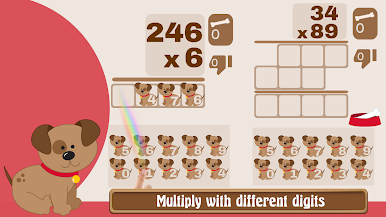
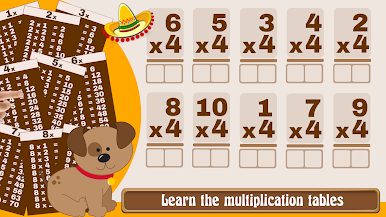
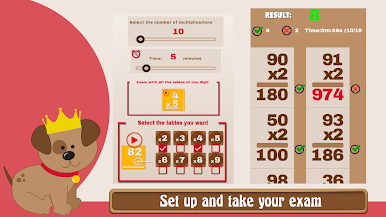
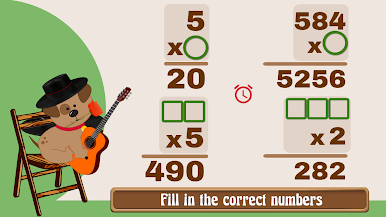
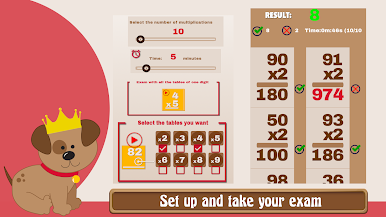
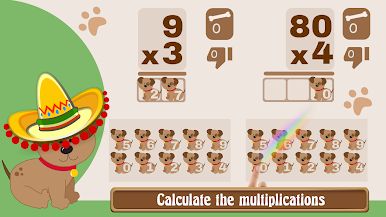
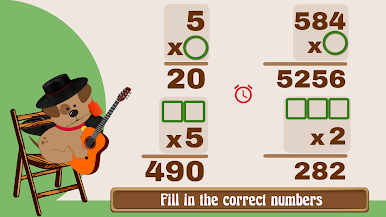
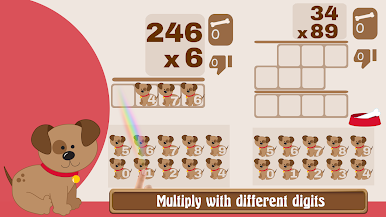
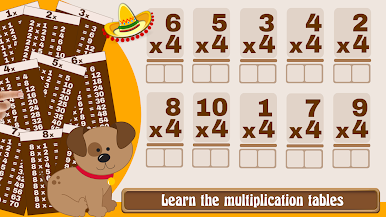
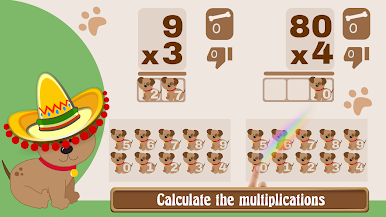
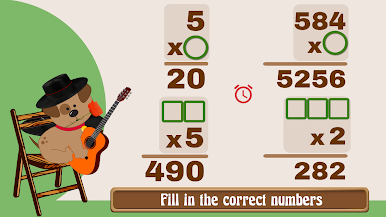
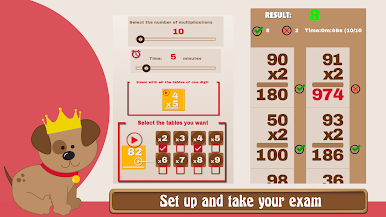
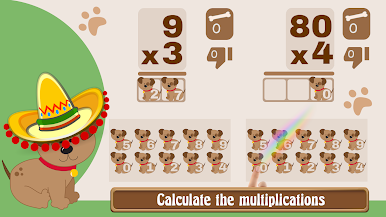
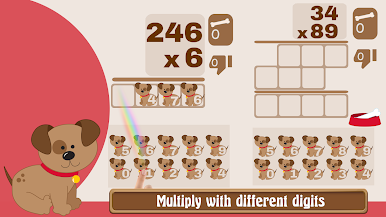
Multiply with Max is a straight, no fuss way to practice multiplication that actually feels like doing math on paper. The game uses the classic column method, so you see the carry numbers and everything laid out like a real notebook, which makes the steps click for kids and for anyone rusty on tables. You pick the tables you want to drill, from the 2s up through the 9s, or mix them with one digit by one digit, two by one, three by one, even two by two for a bit more challenge. There is a speed test mode where you set how many problems, choose a timer, and decide which tables to include, so sessions can be short and sharp or a longer grind. There are exercises where a factor is blank and you have to figure out the multiplicand or the multiplier, which is sneaky good for understanding how the pieces fit.
It is not just drills either. There are little Max minigames, like popping bubbles or collecting eggs, plus a powers game and a space mode that pushes quick mental math. You can play against others or invite friends once you warm up in the trainer. On PC through BlueStacks, the vertical layout and small digits are easier to read, and using a keyboard or mouse makes input clean. Parents, teachers, and students can all use it without setup. English and Spanish switch automatically based on your device, which is handy if a kid switches languages at home.
Make your gaming sessions memorable with precise controls that give you an edge in close combats and visuals that pop up, bringing every character to life.










最大値と乗算するをPCでプレイ
-
BlueStacksをダウンロードしてPCにインストールします。
-
GoogleにサインインしてGoogle Play ストアにアクセスします。(こちらの操作は後で行っても問題ありません)
-
右上の検索バーに最大値と乗算するを入力して検索します。
-
クリックして検索結果から最大値と乗算するをインストールします。
-
Googleサインインを完了して最大値と乗算するをインストールします。※手順2を飛ばしていた場合
-
ホーム画面にて最大値と乗算するのアイコンをクリックしてアプリを起動します。

