

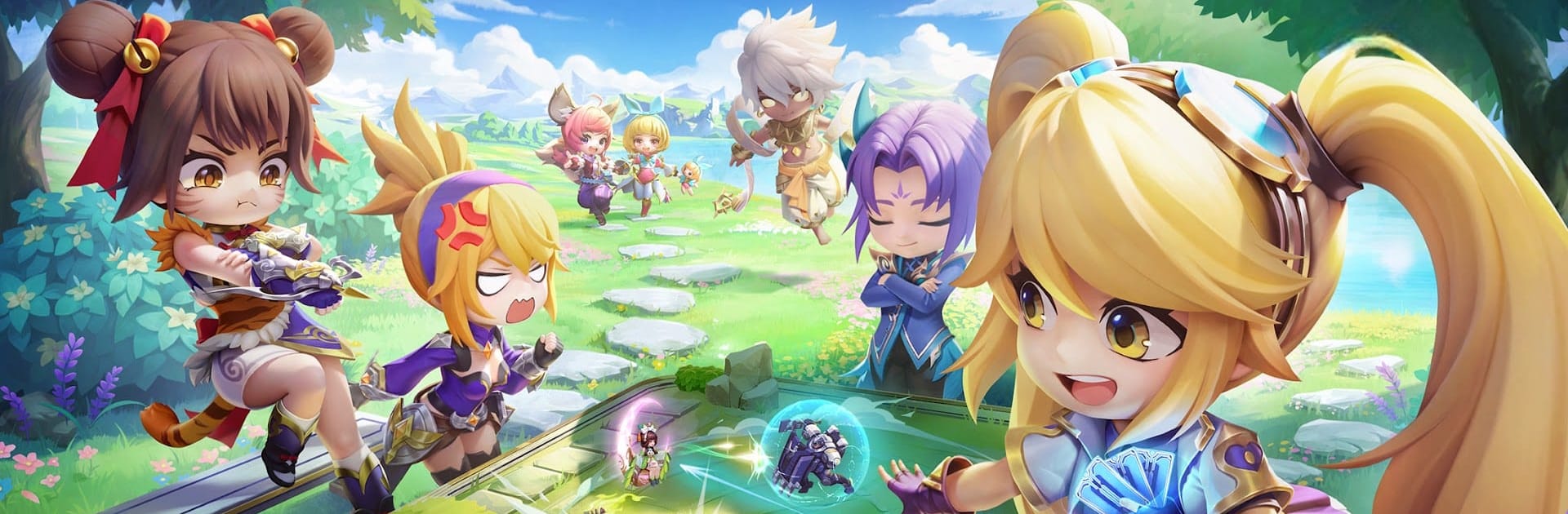
Magic Chess: Go Go
BlueStacksを使ってPCでプレイ - 5憶以上のユーザーが愛用している高機能Androidゲーミングプラットフォーム

Play Magic Chess: Go Go on PC or Mac
Magic Chess: Go Go is a Strategy game developed by Vizta Games. BlueStacks app player is the best platform to play this Android game on your PC or Mac for an immersive gaming experience.
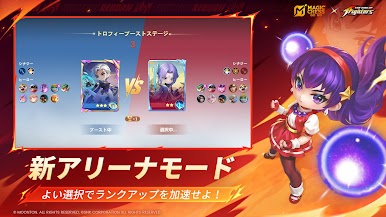
Try out different strategies to win chess games in Magic Chess: Go Go. Recruit special MLBB heroes and merge them together to form the ultimate lineup. Showcase your skills against other players in online multiplayer battles.
About the Game
Magic Chess: Go Go goes beyond casual chess. It combines tactical gameplay and action. You can recruit legendary heroes like Lancelot, Nana, Angela, Guinevere, Layla, and more. When you aren’t playing in solo mode, you can team up with your friends to defeat other teams and claim rewards.
Gameplay Overview
This game tests your tactical brilliance with multiple challenging levels. You need to collect unique commander skills to create personalized strategies to outsmart your enemies and win the battle. You can also take advantage of your powerful cards, as they can turn the tide of battle.
Game Features
- Daily rewards
- Multiple playable heroes
- Smooth game controls
How to Play?
Download Magic Chess: Go Go for free from the Google Play Store using the BlueStacks app player.

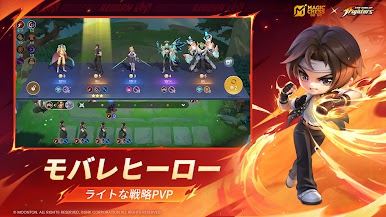
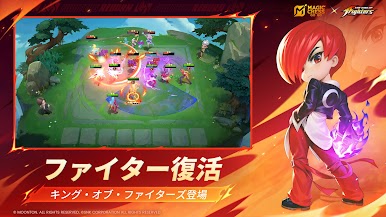


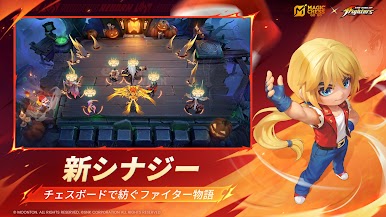

Magic Chess: Go GoをPCでプレイ
-
BlueStacksをダウンロードしてPCにインストールします。
-
GoogleにサインインしてGoogle Play ストアにアクセスします。(こちらの操作は後で行っても問題ありません)
-
右上の検索バーにMagic Chess: Go Goを入力して検索します。
-
クリックして検索結果からMagic Chess: Go Goをインストールします。
-
Googleサインインを完了してMagic Chess: Go Goをインストールします。※手順2を飛ばしていた場合
-
ホーム画面にてMagic Chess: Go Goのアイコンをクリックしてアプリを起動します。

