


このページには広告が含まれます
HotSOS Mobile
仕事効率化 | Amadeus, Inc
BlueStacksを使ってPCでプレイ - 5憶以上のユーザーが愛用している高機能Androidゲーミングプラットフォーム

Play HotSOS Mobile on PC
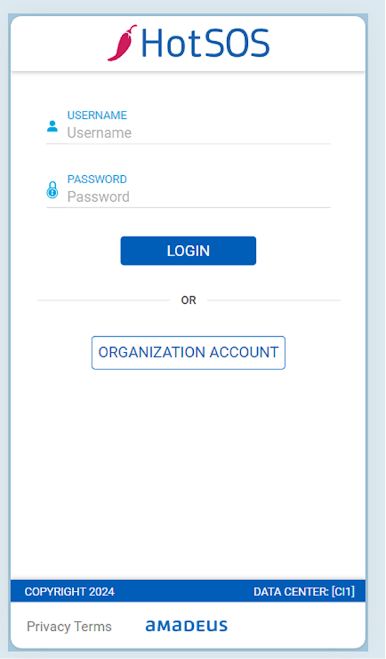
HotSOS Mobile for Android extends Amadeus' award winning desktop Hotel Service Optimization System to the field on mobile tablets and smartphones.
HotSOS Mobile is the premier application for empowering hotel employees to provide guests the best possible stay from a service and facilities perspective. Through HotSOS Mobile, employees and managers can access multiple functions catered to their role within the hotel operations.
The role based access notifies staff of awaiting service orders and allows them to view detailed information and manage pending work better. HotSOS Mobile also gives the ability to generate service orders and perform guestroom or public space inspections and gives department heads and hotel managers a tool to easily manage operations on the go.
Please contact hospitality.sosupport@amadeus.com to inquire more about Amadeus' innovative hotel solutions.
HotSOS Mobile is the premier application for empowering hotel employees to provide guests the best possible stay from a service and facilities perspective. Through HotSOS Mobile, employees and managers can access multiple functions catered to their role within the hotel operations.
The role based access notifies staff of awaiting service orders and allows them to view detailed information and manage pending work better. HotSOS Mobile also gives the ability to generate service orders and perform guestroom or public space inspections and gives department heads and hotel managers a tool to easily manage operations on the go.
Please contact hospitality.sosupport@amadeus.com to inquire more about Amadeus' innovative hotel solutions.
HotSOS MobileをPCでプレイ
-
BlueStacksをダウンロードしてPCにインストールします。
-
GoogleにサインインしてGoogle Play ストアにアクセスします。(こちらの操作は後で行っても問題ありません)
-
右上の検索バーにHotSOS Mobileを入力して検索します。
-
クリックして検索結果からHotSOS Mobileをインストールします。
-
Googleサインインを完了してHotSOS Mobileをインストールします。※手順2を飛ばしていた場合
-
ホーム画面にてHotSOS Mobileのアイコンをクリックしてアプリを起動します。

