

パークルマニア - スロット、サイコロ、ビンゴ
BlueStacksを使ってPCでプレイ - 5憶以上のユーザーが愛用している高機能Androidゲーミングプラットフォーム

Play Farkle mania - Slots game on PC or Mac
Explore a whole new adventure with Farkle mania – Slots game, a Casino game created by NuriGames Inc.. Experience great gameplay with BlueStacks, the most popular gaming platform to play Android games on your PC or Mac.
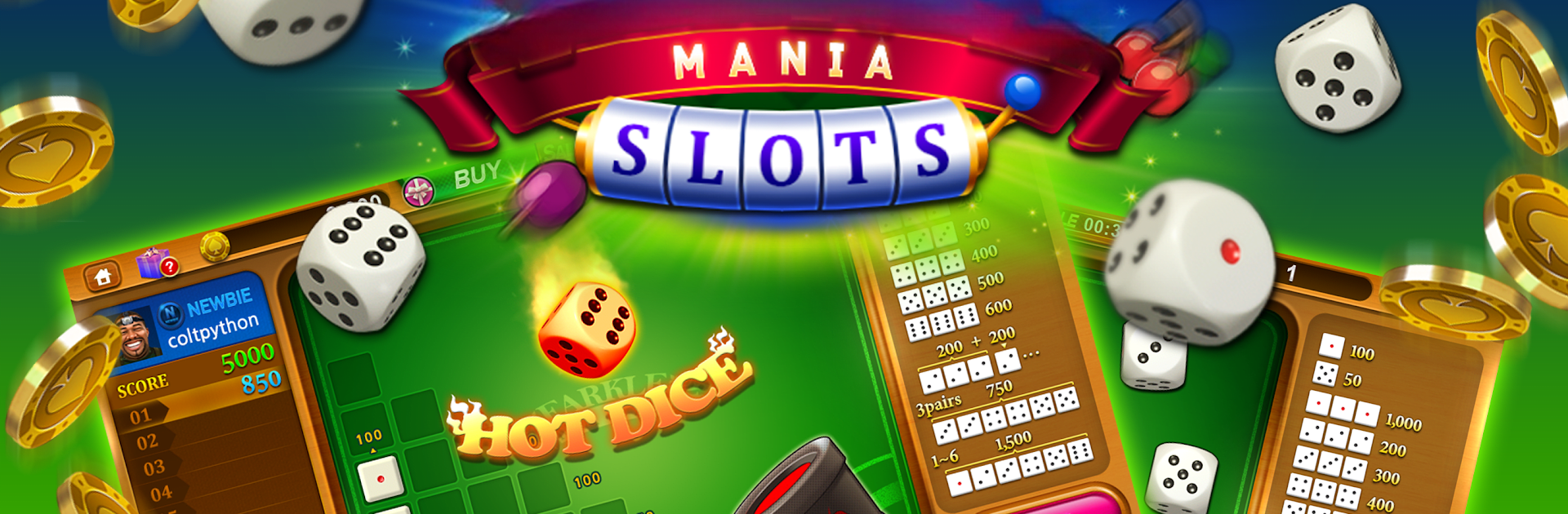
Farkle Mania feels like a fast push‑your‑luck dice game wrapped in a big social casino. It throws six dice on the table, lets players bank points or risk another roll, and those hot dice streaks are the best part because a run can snowball fast or crash just as quick. The single play mode is not just filler either, it sets clear targets and bumps up rewards if players aim higher. There are items that tweak the odds, so rounds do not drag and there is always another reason to roll again. On PC with BlueStacks the clicking feels snappy and the bigger screen makes it easier to track dice, scores, and all the little bonuses without squinting.
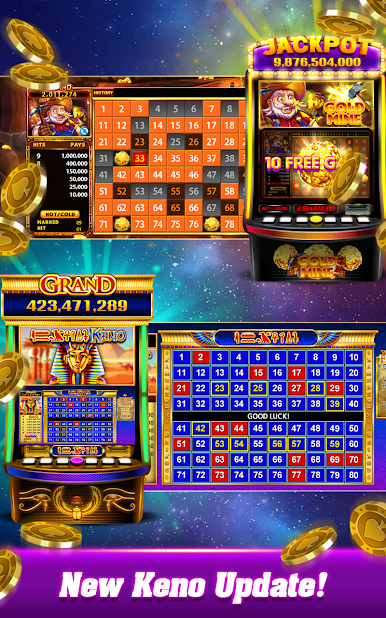
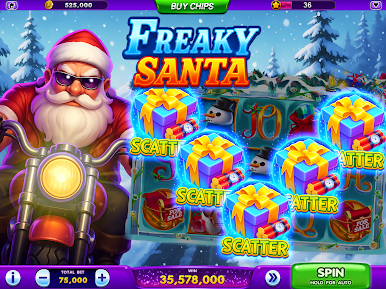
It is built to be social. There is quick matchmaking for 1v1 rolls, and friends can be invited for a straight up challenge. Coins drip in every couple hours, a daily fortune wheel tosses extra chips, and there are small ticket bonus games to break up the routine. Seasonal events come and go with extra perks, and a VIP track exists for players who want more boosters. Outside the dice table there is a whole casino lobby, so when the Farkle groove cools off there are over a hundred slot machines, several video poker variants like Jacks or Better and Deuces Wild, plus Blackjack and Baccarat that use a six‑deck setup. Roulette uses the American wheel with 38 numbers, Keno draws are quick, and the video bingo is easy to follow with up to four tickets, pattern goals, and wild balls doing work. It is all for fun coins, not real cash, and players can hop in with guest, Facebook, or Apple sign in without a fuss.
Get ready for a buttery smooth, high-performance gaming action only on BlueStacks.



















パークルマニア - スロット、サイコロ、ビンゴをPCでプレイ
-
BlueStacksをダウンロードしてPCにインストールします。
-
GoogleにサインインしてGoogle Play ストアにアクセスします。(こちらの操作は後で行っても問題ありません)
-
右上の検索バーにパークルマニア - スロット、サイコロ、ビンゴを入力して検索します。
-
クリックして検索結果からパークルマニア - スロット、サイコロ、ビンゴをインストールします。
-
Googleサインインを完了してパークルマニア - スロット、サイコロ、ビンゴをインストールします。※手順2を飛ばしていた場合
-
ホーム画面にてパークルマニア - スロット、サイコロ、ビンゴのアイコンをクリックしてアプリを起動します。

