


My Contraction Timer
BlueStacksを使ってPCでプレイ - 5憶以上のユーザーが愛用している高機能Androidゲーミングプラットフォーム

概要
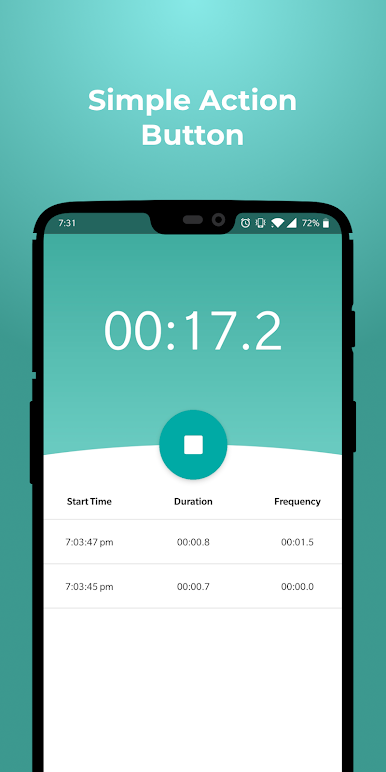
My Contraction Timer helps you time your contractions as easily as possible. Simply press the start button when the contraction starts and the stop button when the contraction ends.
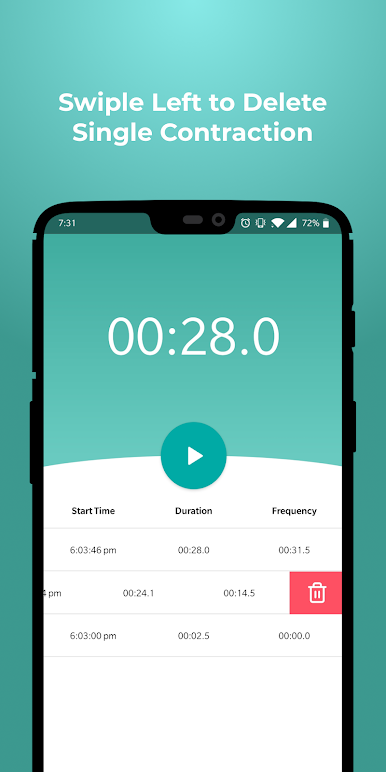
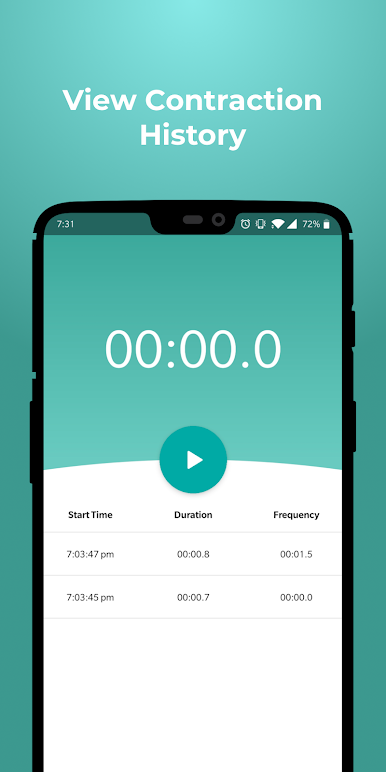
My Contraction Timer will keep a history of when each contraction started, how long it lasted, and the frequency between each one.
If you have any additional suggestions or inquiries, please leave a message.
My Contraction TimerをPCでプレイ
-
BlueStacksをダウンロードしてPCにインストールします。
-
GoogleにサインインしてGoogle Play ストアにアクセスします。(こちらの操作は後で行っても問題ありません)
-
右上の検索バーにMy Contraction Timerを入力して検索します。
-
クリックして検索結果からMy Contraction Timerをインストールします。
-
Googleサインインを完了してMy Contraction Timerをインストールします。※手順2を飛ばしていた場合
-
ホーム画面にてMy Contraction Timerのアイコンをクリックしてアプリを起動します。

