


このページには広告が含まれます
App2Track
ビジネス | Optimizers B.V.
BlueStacksを使ってPCでプレイ - 5憶以上のユーザーが愛用している高機能Androidゲーミングプラットフォーム

Play App2Track on PC
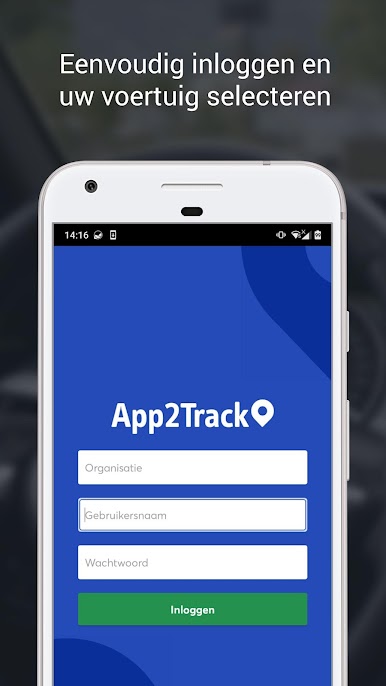
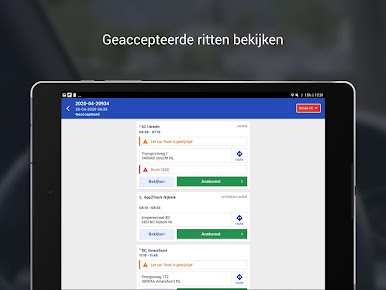
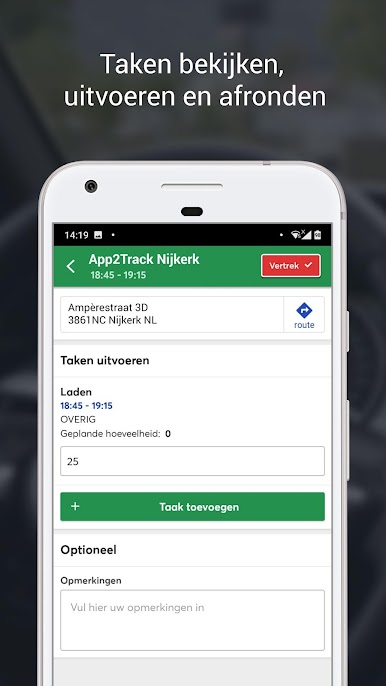
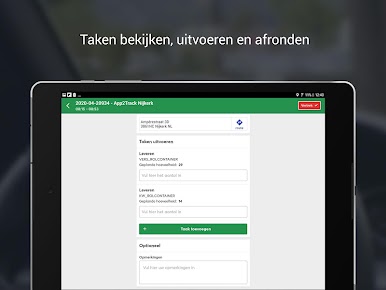
App2Track – the drivers’ app for transport and home delivery
No onboard computer system? App2Track is the solution! Use App2Track to track both chartered drivers and your own through your or your clients’ Control Tower. Match routes to drivers accurately and ensure visibility and route execution data for your Control Tower or Transportation Platform with App2Track!
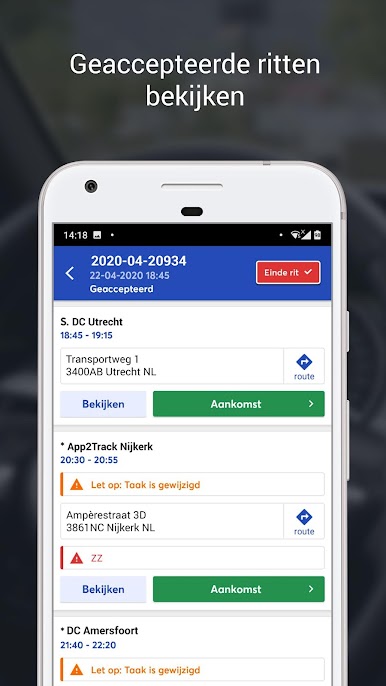
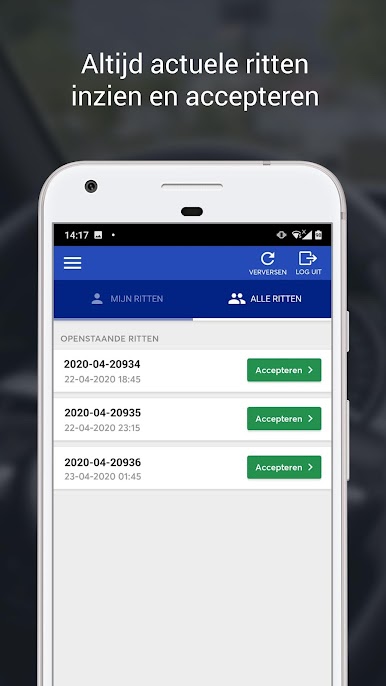
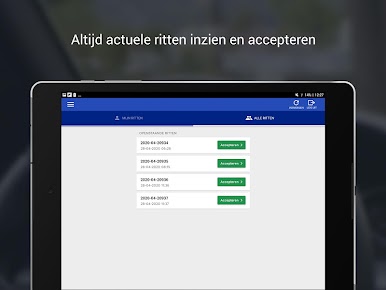
App2Track allows drivers to swap or take over each other’s routes without intermediaries. App2Track’s user-friendly design makes the app easy to use, even for drivers who aren’t familiar with smartphones.
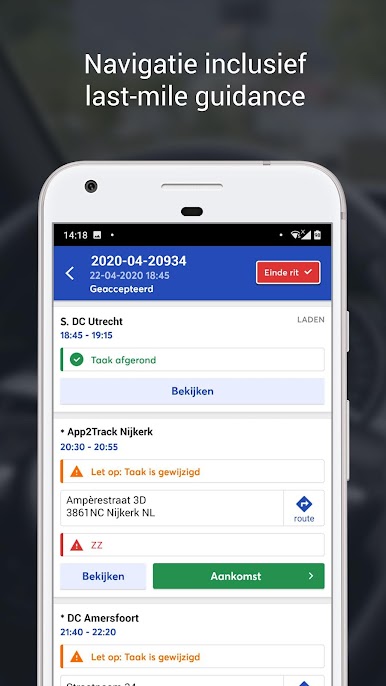
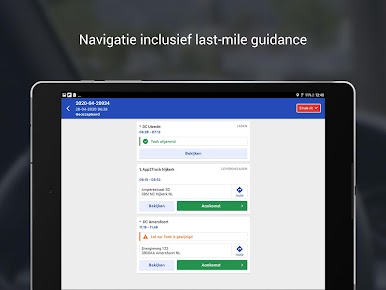
Navigation including last-mile guidance is included. Choose which navigation solution you would like to link, including Waze, Google, Sygic and TomTom.
You can download App2Track to Android phones, tablets and open Android onboard computer systems such as Mercedes Benz Fleetboard, Rietveld, Vehco and TomTom.
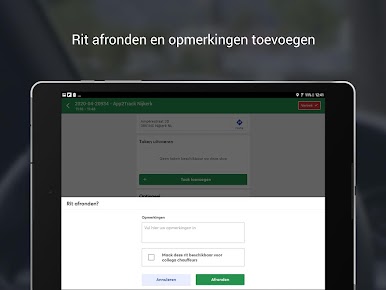
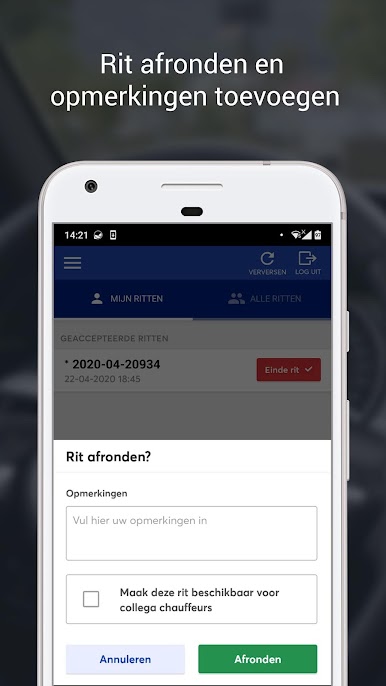
App2Track is a step towards paperless assignments with transportation processes incorporating fully digital of logbooks, consignment notes and other documentation.
Use App2Track to turn your phone into an onboard computer system today!
The advantages of App2Track:
- Real-time delivery tracking
- No more waiting for documents
- User-friendly and personal guidance
- Supported on phones, tablets and on-board computer systems
- Communication via the app, less calling
- Track tours on the App2Track dashboard
- Any desired navigation app can be connected
- Happy drivers
No onboard computer system? App2Track is the solution! Use App2Track to track both chartered drivers and your own through your or your clients’ Control Tower. Match routes to drivers accurately and ensure visibility and route execution data for your Control Tower or Transportation Platform with App2Track!
App2Track allows drivers to swap or take over each other’s routes without intermediaries. App2Track’s user-friendly design makes the app easy to use, even for drivers who aren’t familiar with smartphones.
Navigation including last-mile guidance is included. Choose which navigation solution you would like to link, including Waze, Google, Sygic and TomTom.
You can download App2Track to Android phones, tablets and open Android onboard computer systems such as Mercedes Benz Fleetboard, Rietveld, Vehco and TomTom.
App2Track is a step towards paperless assignments with transportation processes incorporating fully digital of logbooks, consignment notes and other documentation.
Use App2Track to turn your phone into an onboard computer system today!
The advantages of App2Track:
- Real-time delivery tracking
- No more waiting for documents
- User-friendly and personal guidance
- Supported on phones, tablets and on-board computer systems
- Communication via the app, less calling
- Track tours on the App2Track dashboard
- Any desired navigation app can be connected
- Happy drivers

App2TrackをPCでプレイ
-
BlueStacksをダウンロードしてPCにインストールします。
-
GoogleにサインインしてGoogle Play ストアにアクセスします。(こちらの操作は後で行っても問題ありません)
-
右上の検索バーにApp2Trackを入力して検索します。
-
クリックして検索結果からApp2Trackをインストールします。
-
Googleサインインを完了してApp2Trackをインストールします。※手順2を飛ばしていた場合
-
ホーム画面にてApp2Trackのアイコンをクリックしてアプリを起動します。

