Postfun - exchange postcards
BlueStacksを使ってPCでプレイ - 5憶以上のユーザーが愛用している高機能Androidゲーミングプラットフォーム
Run Postfun - exchange postcards on PC or Mac
Multitask effortlessly on your PC or Mac as you try out Postfun – exchange postcards, a Social app by Ostasoft on BlueStacks.
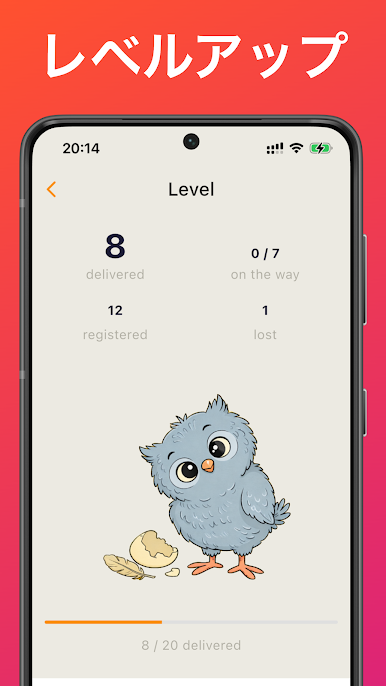
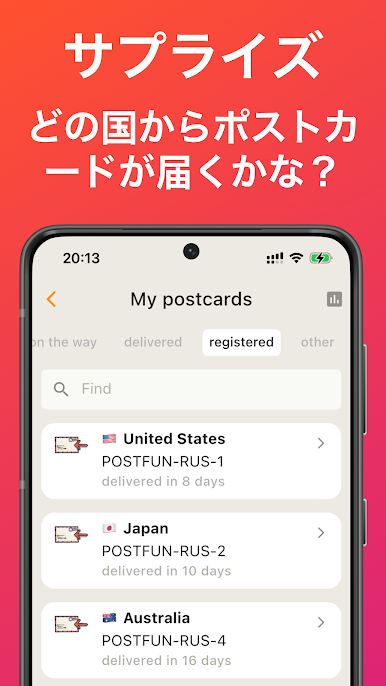
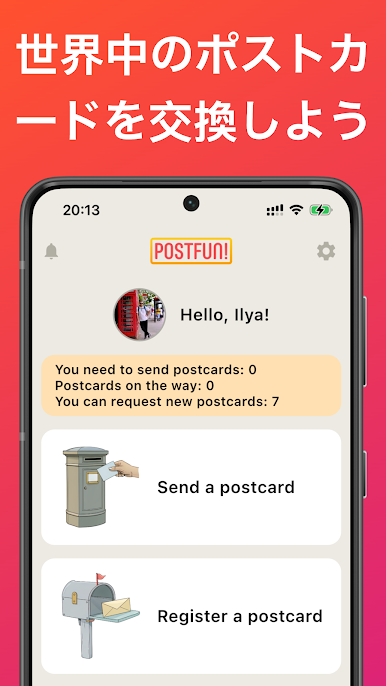
Postfun feels like a chill mail swap club where real postcards move around the world, one by one. The flow is simple and kind of satisfying. The app gives a postal address and a unique Postcard ID, someone writes a card on paper, adds the ID, and drops it in the mailbox. After a bit of waiting, a postcard shows up from a random user somewhere else. When it arrives, they enter the ID in the app and leave a quick thank you for the sender. Then the cycle repeats. It has that slow, pleasant rhythm that makes the daily mail more fun, and there is a small surprise factor each time because the return card is from a different person.
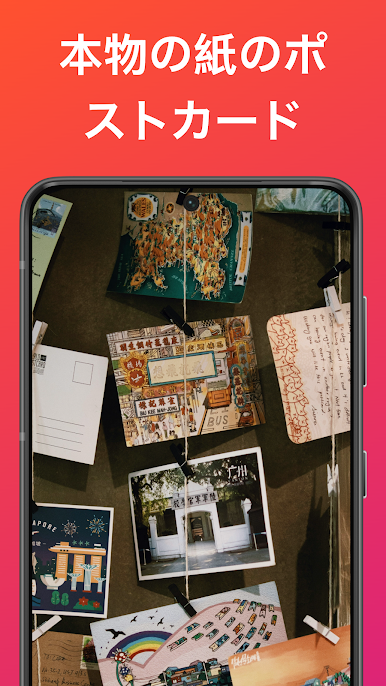
What stands out is how easy it is to lean into a theme. Some users chase certain topics like cats, art, or city views. Others care about stamps and countries and build a little collection that grows without pressure. The app is not fussy, it just keeps the addresses, IDs, and status in one place so the hobby stays stress free. Running it on BlueStacks is handy on a PC, since typing thank you notes is faster, copying the Postcard IDs is cleaner, and it is easier to keep track while filling out an adress. There is a whole world of postcard fans out there, and this gives a simple way to join that loop without overthinking it.
Big screen. Bigger performance. Use BlueStacks on your PC or Mac to run your favorite apps.
Postfun - exchange postcardsをPCでプレイ
-
BlueStacksをダウンロードしてPCにインストールします。
-
GoogleにサインインしてGoogle Play ストアにアクセスします。(こちらの操作は後で行っても問題ありません)
-
右上の検索バーにPostfun - exchange postcardsを入力して検索します。
-
クリックして検索結果からPostfun - exchange postcardsをインストールします。
-
Googleサインインを完了してPostfun - exchange postcardsをインストールします。※手順2を飛ばしていた場合
-
ホーム画面にてPostfun - exchange postcardsのアイコンをクリックしてアプリを起動します。