

Light Pollution Map - Dark Sky
BlueStacksを使ってPCでプレイ - 5憶以上のユーザーが愛用している高機能Androidゲーミングプラットフォーム

Run Light Pollution Map - Dark Sky on PC or Mac
Multitask effortlessly on your PC or Mac as you try out Light Pollution Map – Dark Sky, a Education app by Dunbar Technology, LLC on BlueStacks.
About the App
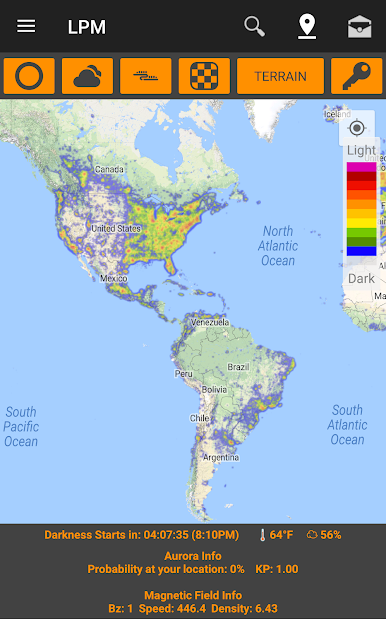
Light Pollution Map – Dark Sky puts a smart, live map of the night right in your pocket. Whether you’re scouting a truly dark spot, planning astrophotography, or just want to catch the ISS fly over your backyard, this Education app helps you make the most of every clear night. Prefer a bigger view while planning? You can also run it on BlueStacks.
App Features
-
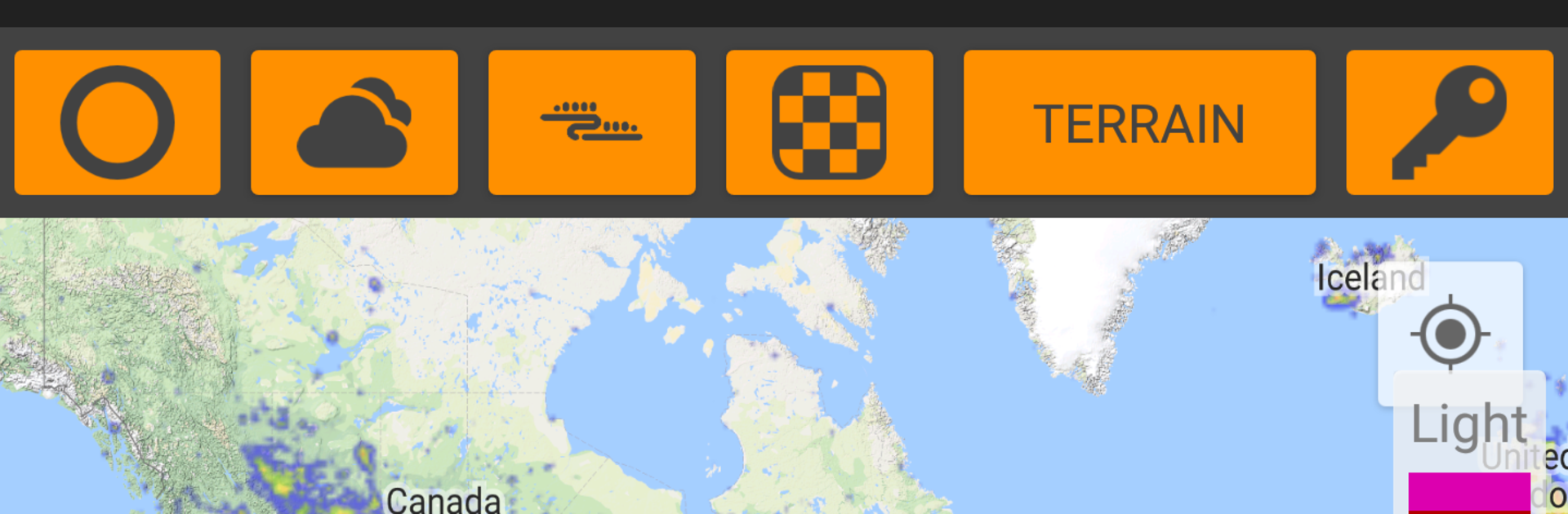
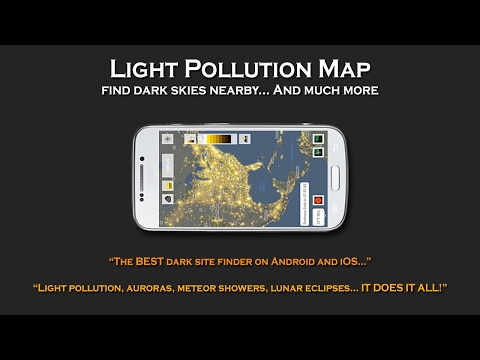
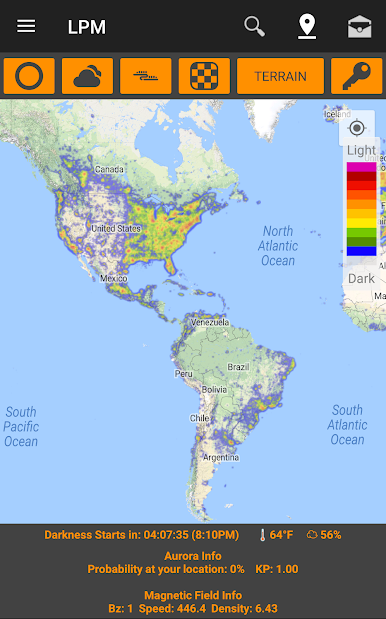
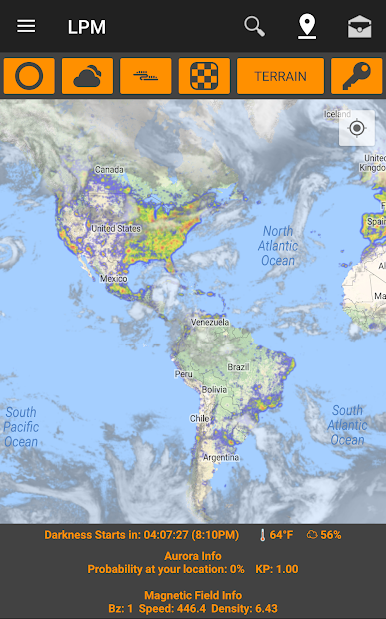
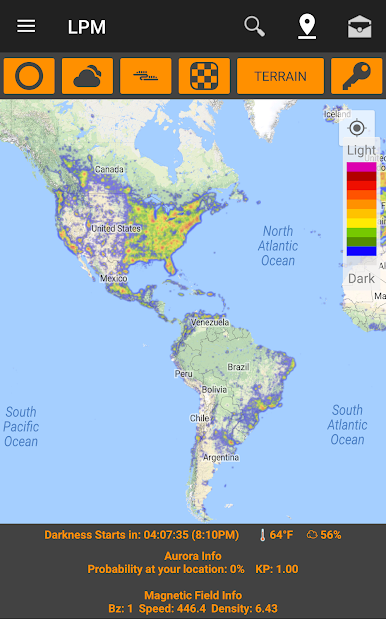
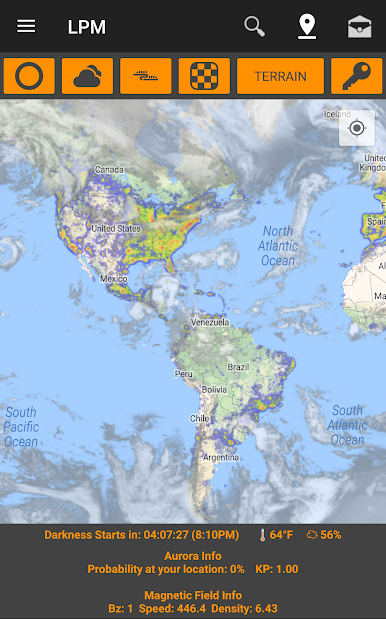
Dark-sky Finder: See light pollution at a glance to uncover nearby dark sites. Save favorite locations, tweak overlay opacity and map style, and use a horizon-safe radius so distant glow doesn’t creep into your shots.
-
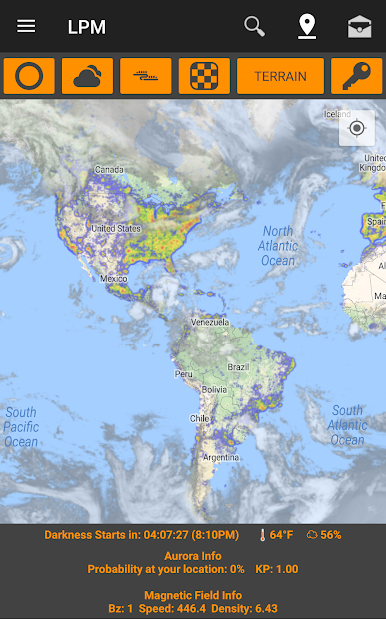
Real-time Conditions: Built-in cloud cover and temperature info helps you decide if it’s worth stepping outside—or driving an hour—before you go.
-
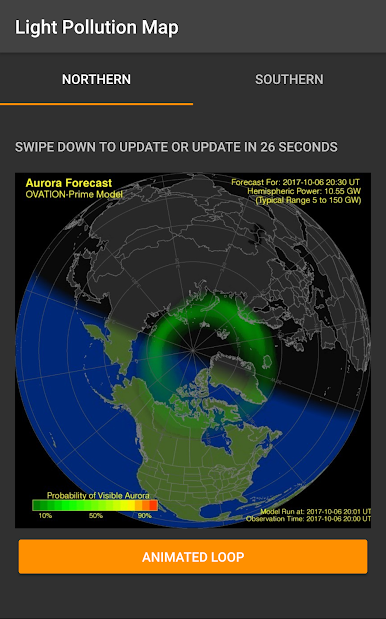
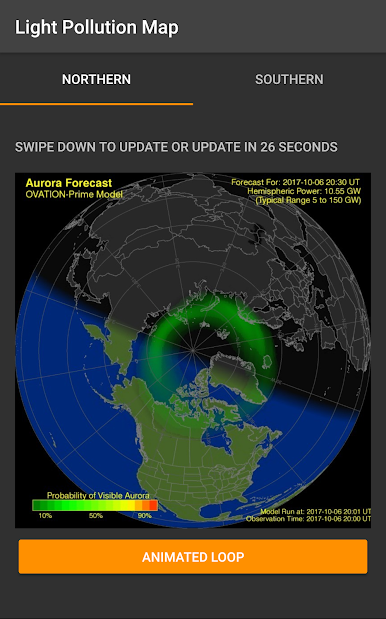
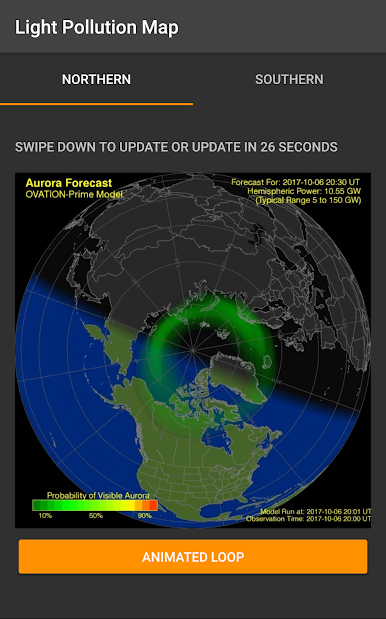
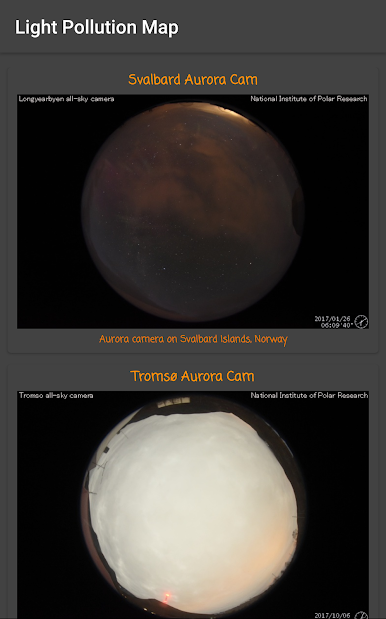
Aurora Tools: Add an aurora layer to the map and watch live indicators like KP, Bz, density, and solar wind speed. Get a feel for your chances before you head north.
-
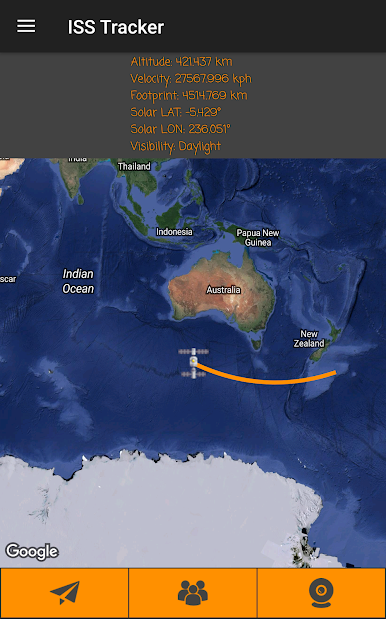
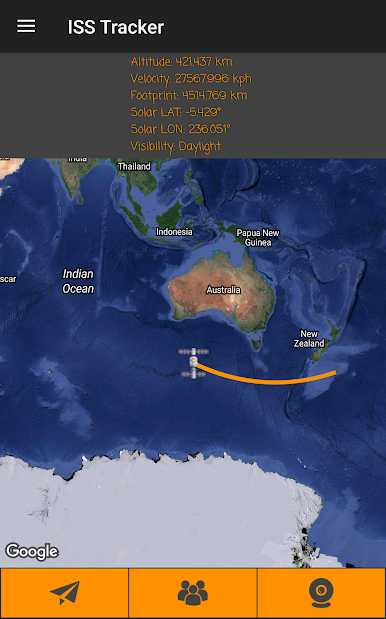
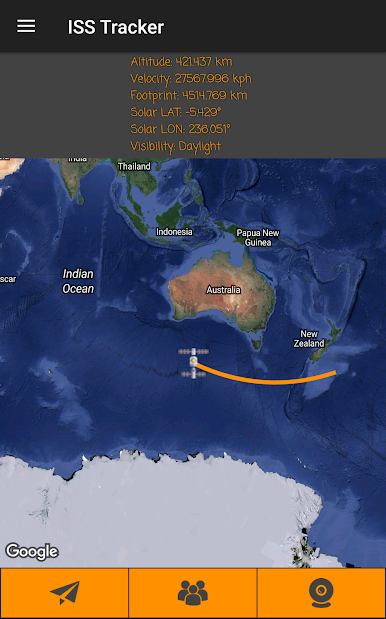
ISS Tracker: Follow the International Space Station on a live map, check upcoming passes for your location, see who’s aboard, and peek at a live camera feed.
-
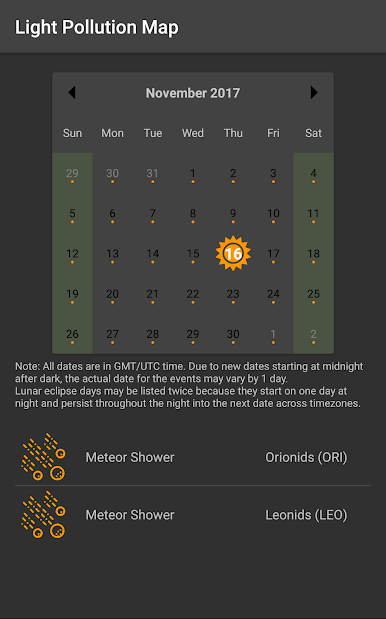
Smart Alerts: Set notifications for meteor showers, supermoons, lunar eclipses, aurora activity, and ISS flyovers so you don’t miss the big moments.
-
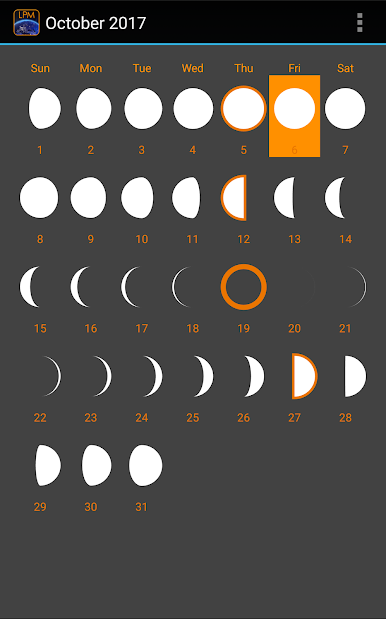
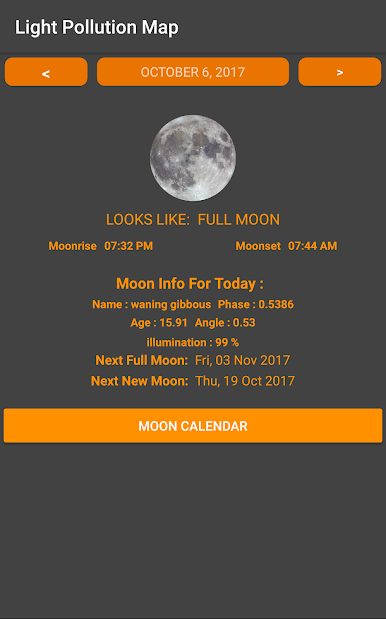
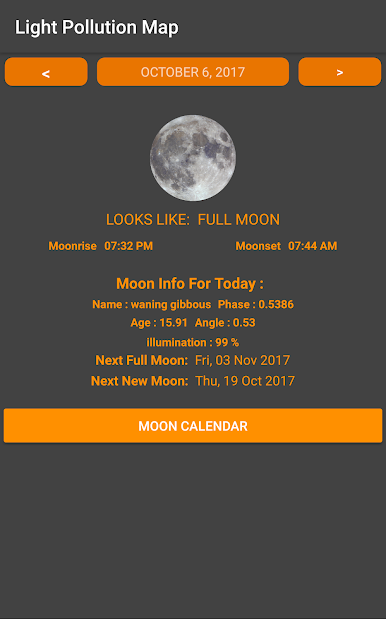
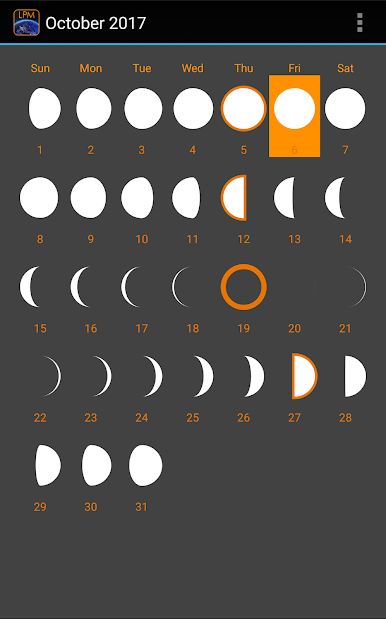
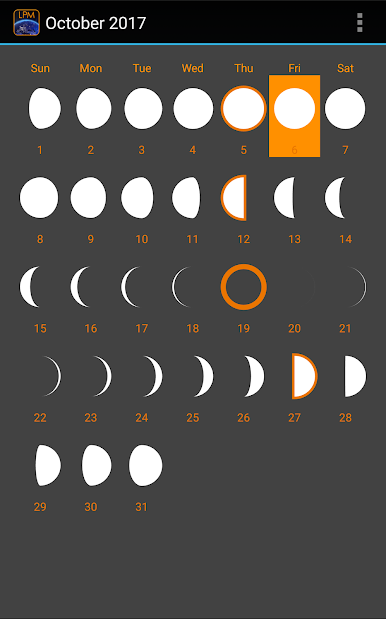
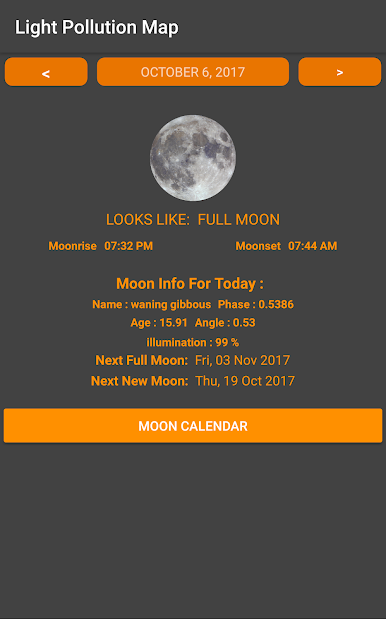
Moon Insights: Check moon phases plus rise and set times for any date and place. A position tool shows exactly where and when the Moon will appear on the horizon.
-
Astronomy Calculators: Handy calculators for observing and imaging tasks—because a little math goes a long way under the stars.
-
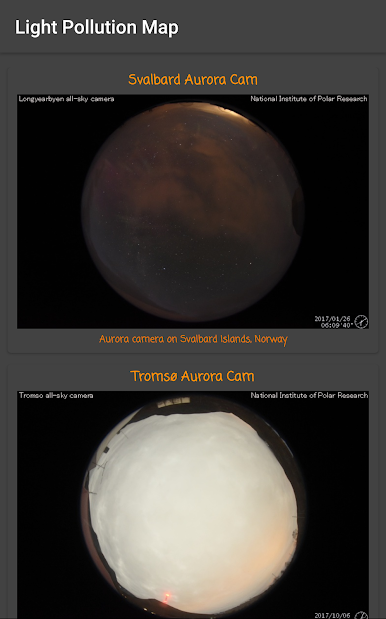
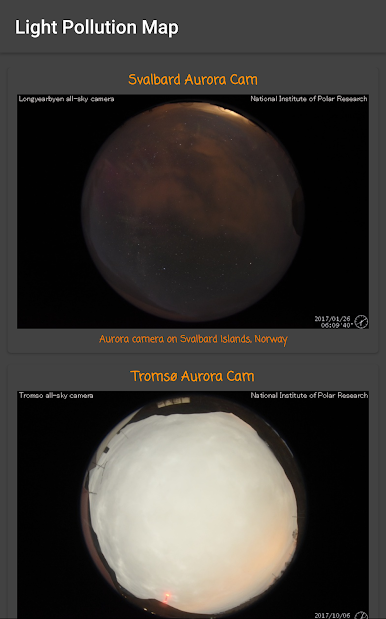
Live Feeds & Imagery: Explore live aurora webcams and magnetosphere graphs, view current images from NASA’s SOHO, and enjoy a fresh Astronomy Photo of the Day.
-
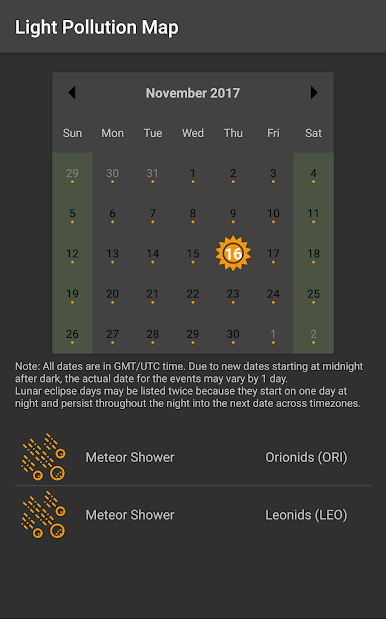
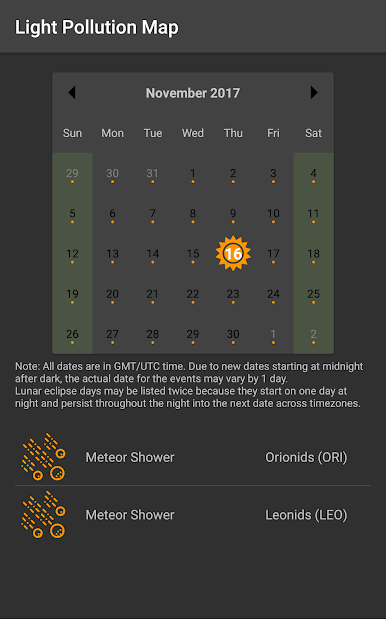
Night Sky Calendar: Browse past and upcoming celestial events to plan your next session with confidence.
-
Widgets: Add home-screen widgets for aurora status, cloud cover, temperature, APOD, and the true darkness start/end times.
-
Night Mode & AMOLED Themes: Keep your night vision and battery life intact with darker UI options.
-
Upgrades Available: Some tools are part of optional in-app purchases or a subscription; feature availability may vary by package.
Switch to BlueStacks and make the most of your apps on your PC or Mac.
Light Pollution Map - Dark SkyをPCでプレイ
-
BlueStacksをダウンロードしてPCにインストールします。
-
GoogleにサインインしてGoogle Play ストアにアクセスします。(こちらの操作は後で行っても問題ありません)
-
右上の検索バーにLight Pollution Map - Dark Skyを入力して検索します。
-
クリックして検索結果からLight Pollution Map - Dark Skyをインストールします。
-
Googleサインインを完了してLight Pollution Map - Dark Skyをインストールします。※手順2を飛ばしていた場合
-
ホーム画面にてLight Pollution Map - Dark Skyのアイコンをクリックしてアプリを起動します。

