

PdaNet+
BlueStacksを使ってPCでプレイ - 5憶以上のユーザーが愛用している高機能Androidゲーミングプラットフォーム

Run PdaNet+ on PC or Mac
Upgrade your experience. Try PdaNet+, the fantastic Communication app from JFTech LLC, from the comfort of your laptop, PC, or Mac, only on BlueStacks.
About the App
Ever been frustrated when you can’t use your phone’s internet connection on your laptop or tablet? PdaNet+ by JFTech LLC is designed to help you share your mobile data with other devices — all without complicated setup or carrier restrictions getting in the way. Whether you’re working remotely, traveling, or just need a backup connection, this handy Communication app keeps you online across your devices. It’s clear and easy to use, with options that work on most Android phones.
App Features
-
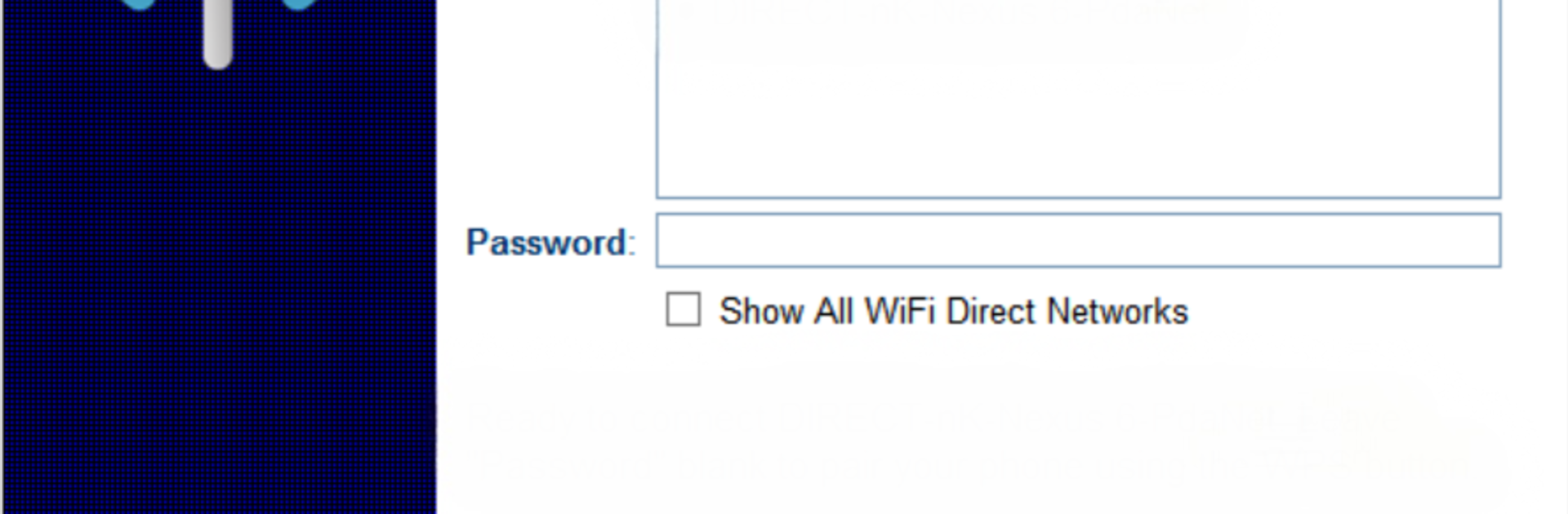
WiFi Direct Hotspot:
Connect computers and tablets to your phone using a unique WiFi Direct Hotspot, even if Android’s standard hotspot doesn’t work. Some devices will need an extra app or quick proxy setup, but the in-app Help button makes it easy to follow along. -
USB Tethering:
Prefer a stable, wired connection? Plug your phone into your Windows or Mac and tether instantly. This also gives you the option to turn your desktop or laptop into a temporary WiFi hotspot for other devices. -
Bluetooth Tether Mode:
If USB isn’t your thing, you can link your phone and computer via Bluetooth. It’s simple and doesn’t need extra cables — though WiFi Direct is usually faster if that’s available to you. -
Flexible for Most Data Plans:
PdaNet+ is extremely useful if your carrier limits or meters hotspot features, but you still want to share your phone’s data connection. If your mobile plan blocks or restricts tethering, this is a clever workaround that might just give you the access you need. -
No Root Needed:
You don’t have to mess around with rooting your device. PdaNet+ works right “out of the box” on the vast majority of Android phones running version 4.1 or up. -
Step-By-Step Troubleshooting:
Noticed a hiccup while connecting? The app’s Help section offers quick fixes and practical advice — just tap and get the details you need, whether it’s for WiFi Direct or USB driver issues. -
Compatibility:
Works great on both computers and tablets. And if you prefer a bigger view, you can try running PdaNet+ through BlueStacks for that desktop experience. -
Free Edition:
You can use the main features in a free, time-limited mode — no commitment required to check if it’s a good fit for your needs.
Switch to BlueStacks and make the most of your apps on your PC or Mac.


PdaNet+をPCでプレイ
-
BlueStacksをダウンロードしてPCにインストールします。
-
GoogleにサインインしてGoogle Play ストアにアクセスします。(こちらの操作は後で行っても問題ありません)
-
右上の検索バーにPdaNet+を入力して検索します。
-
クリックして検索結果からPdaNet+をインストールします。
-
Googleサインインを完了してPdaNet+をインストールします。※手順2を飛ばしていた場合
-
ホーム画面にてPdaNet+のアイコンをクリックしてアプリを起動します。

