


このページには広告が含まれます
Pear Launcher Pro
パーソナライゼーション | Yajat Kumar
BlueStacksを使ってPCでプレイ - 5憶以上のユーザーが愛用している高機能Androidゲーミングプラットフォーム

Play Pear Launcher Pro on PC
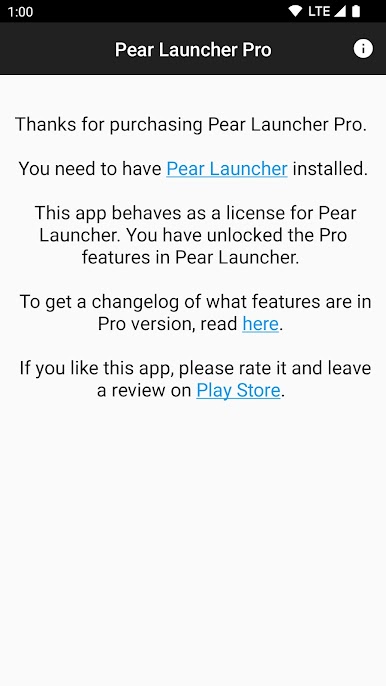
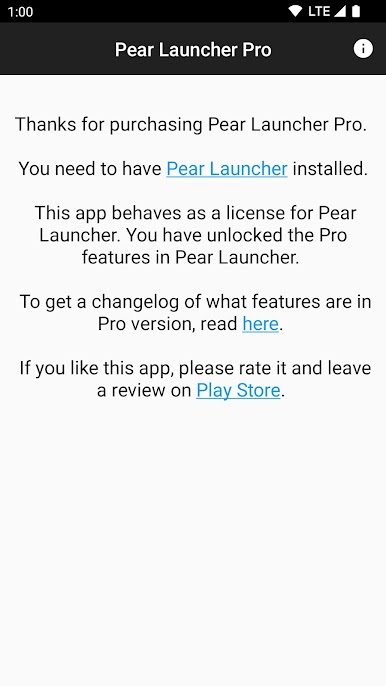
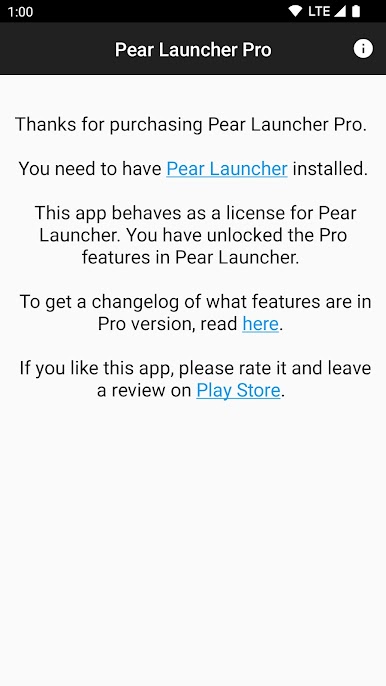
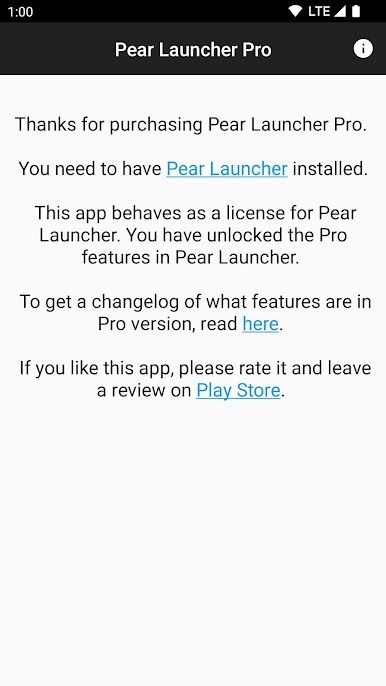
This app behaves as a license for Pear launcher.
You have Unlocked the following features in Pear Launcher:
• To have more than 10 apps in drawer folders
• App drawer groups
• Swipe up two fingers, Swipe down two fingers gestures
• Proximity and shake gestures
• Badges customizations
• Extract badge color from app icon
• Change badge style (dots or count)
• Change badge position
You have Unlocked the following features in Pear Launcher:
• To have more than 10 apps in drawer folders
• App drawer groups
• Swipe up two fingers, Swipe down two fingers gestures
• Proximity and shake gestures
• Badges customizations
• Extract badge color from app icon
• Change badge style (dots or count)
• Change badge position
Pear Launcher ProをPCでプレイ
-
BlueStacksをダウンロードしてPCにインストールします。
-
GoogleにサインインしてGoogle Play ストアにアクセスします。(こちらの操作は後で行っても問題ありません)
-
右上の検索バーにPear Launcher Proを入力して検索します。
-
クリックして検索結果からPear Launcher Proをインストールします。
-
Googleサインインを完了してPear Launcher Proをインストールします。※手順2を飛ばしていた場合
-
ホーム画面にてPear Launcher Proのアイコンをクリックしてアプリを起動します。

