

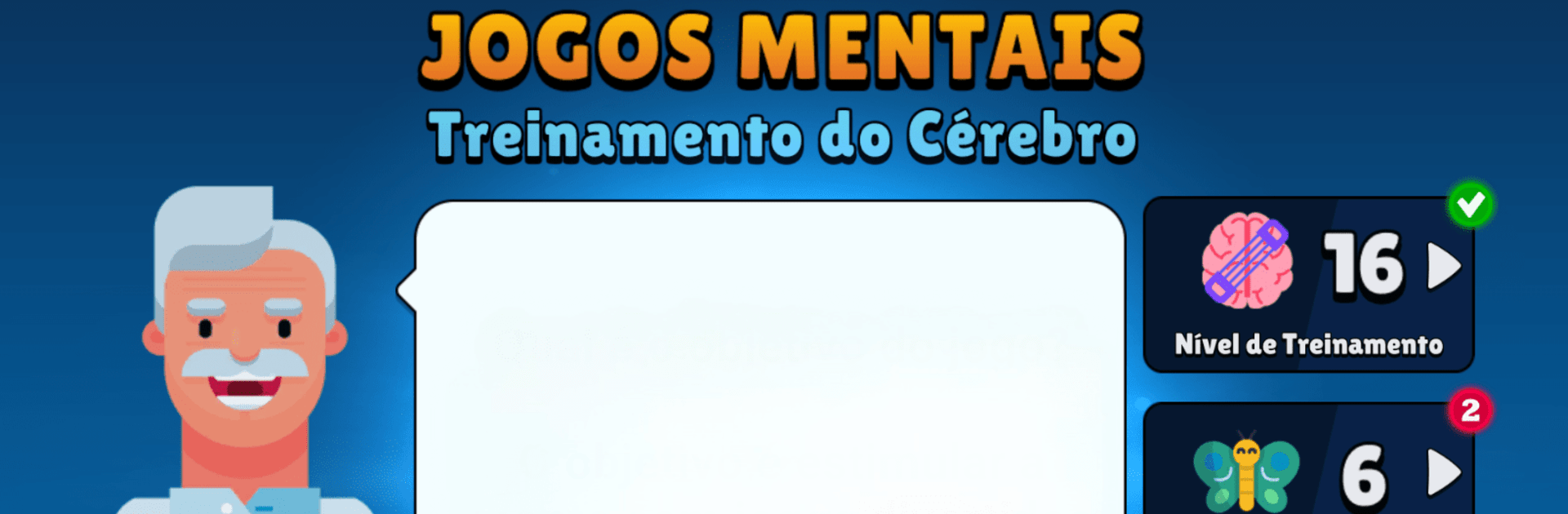
Neurobics: 60 Brain Games
BlueStacksを使ってPCでプレイ - 5憶以上のユーザーが愛用している高機能Androidゲーミングプラットフォーム

Play Neurobics: 60 Brain Games on PC or Mac
Bring your A-game to Neurobics: 60 Brain Games, the Puzzle game sensation from Peoresnada.com. Give your gameplay the much-needed boost with precise game controls, high FPS graphics, and top-tier features on your PC or Mac with BlueStacks.
About the Game
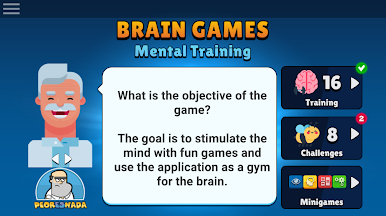
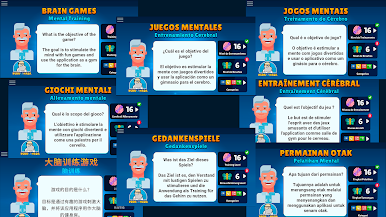
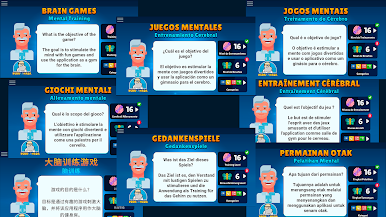
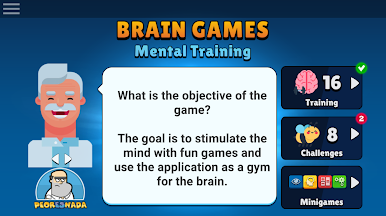
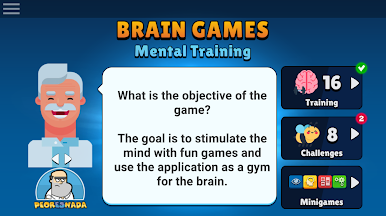
Looking to keep your brain on its toes without feeling like you’re stuck in a classroom? Neurobics: 60 Brain Games by Peoresnada.com mixes fun with just the right amount of challenge, wrapping a whole bunch of clever puzzles into one smooth package. Whether you’re hoping to sharpen up your memory, tackle logic problems, or just want a fresh spin on classic brain teasers during your coffee break, this puzzle game has something up its sleeve for everyone.
Game Features
-
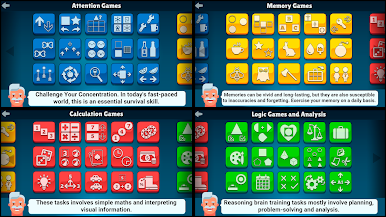
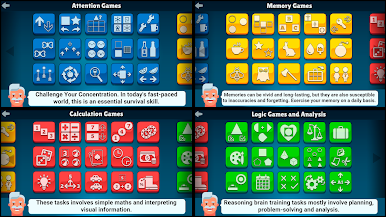
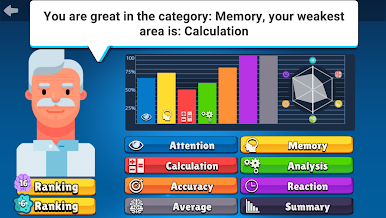
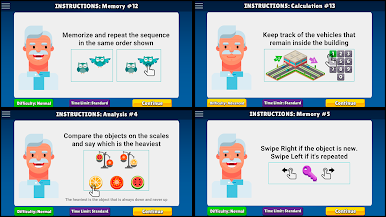
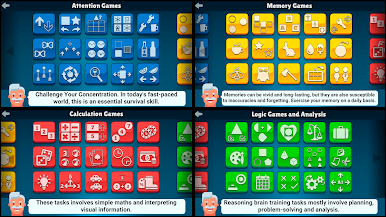
Memory Workouts
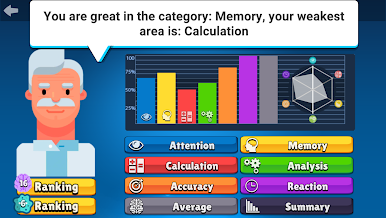
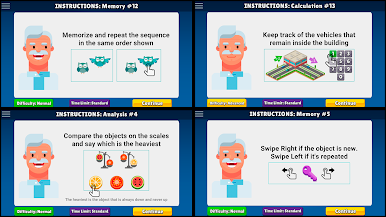
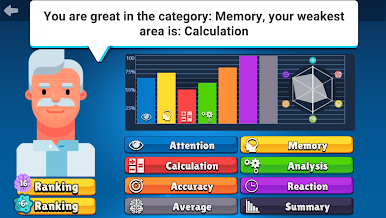
Ditch the sticky notes—these games put your recall to the test. From quick matching games to creative memory challenges, you’ll find plenty to keep both your short-term and long-term memory firing. -
Logic & Reasoning Puzzles
Love a good “aha!” moment? With logic games that encourage problem-solving and out-of-the-box thinking, there’s always something new to tease your brain. -
Focus & Concentration Boosters
If distractions are your nemesis, try attention games designed to help you sharpen your focus. Expect activities that push you to observe, react, and concentrate a little more closely. -
Math & Calculation Challenges
Give your mental math muscles a little stretch. From speedy arithmetic to playful number puzzles, these games make math feel fresh—not like homework. -
Personalized Brain Training
Customize your routine or take on daily challenges that adapt as you improve. There’s room for all skill levels, so you can take things at your own pace. -
Variety for Every Mood
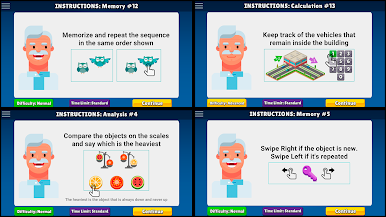
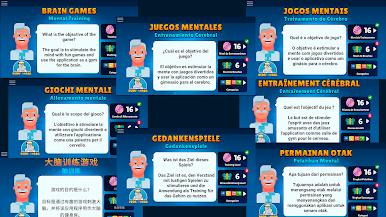
With 60 different games covering everything from visual puzzles to auditory memory drills, there’s plenty to keep things interesting—no two sessions ever feel quite the same. -
Play Anywhere (Even on BlueStacks)
Whether you’re tapping away on your phone or sneaking in a session on BlueStacks, these bite-sized puzzles are ready whenever you are.
Get ready for a buttery smooth, high-performance gaming action only on BlueStacks.




Neurobics: 60 Brain GamesをPCでプレイ
-
BlueStacksをダウンロードしてPCにインストールします。
-
GoogleにサインインしてGoogle Play ストアにアクセスします。(こちらの操作は後で行っても問題ありません)
-
右上の検索バーにNeurobics: 60 Brain Gamesを入力して検索します。
-
クリックして検索結果からNeurobics: 60 Brain Gamesをインストールします。
-
Googleサインインを完了してNeurobics: 60 Brain Gamesをインストールします。※手順2を飛ばしていた場合
-
ホーム画面にてNeurobics: 60 Brain Gamesのアイコンをクリックしてアプリを起動します。

