


ツイスト&アンタイ: ロープパズル
BlueStacksを使ってPCでプレイ - 5憶以上のユーザーが愛用している高機能Androidゲーミングプラットフォーム

概要
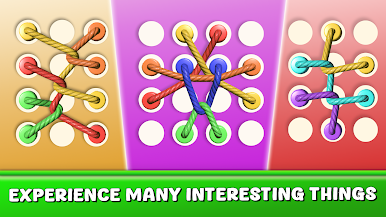
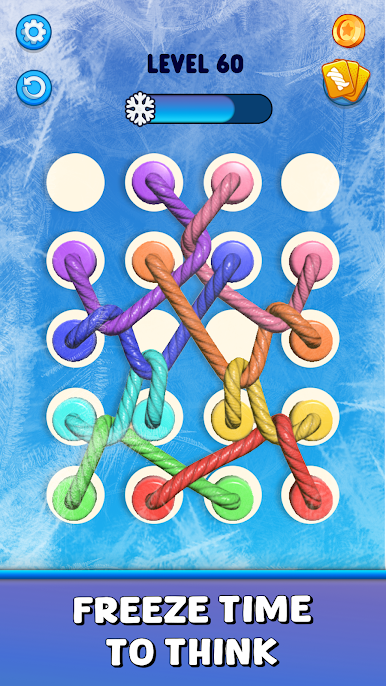
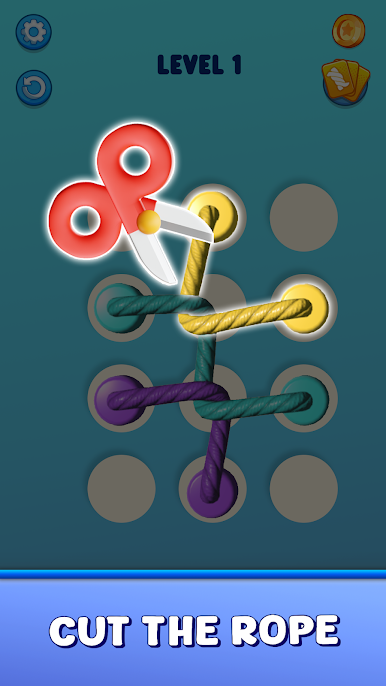
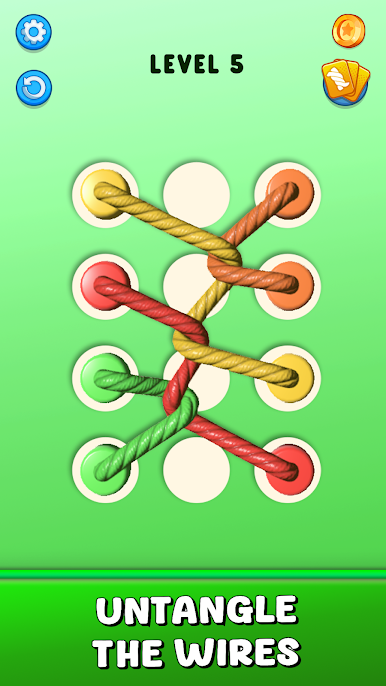
Twist & Untie: Rope Knot Tangleでは、もつれや結び目を含むパズルが次々と登場し、ツイストやコップ、カノンのような複雑なロープのパターンをほどいていきます。スヌーピーや世界地図パズル、糸通しなど、さまざまなチャレンジがあり、プレイヤーはツイストしたロープを解きながらマスタースキルを高めていくことが求められます。
Twist & Untie: Rope Knot Tangleの遊び方
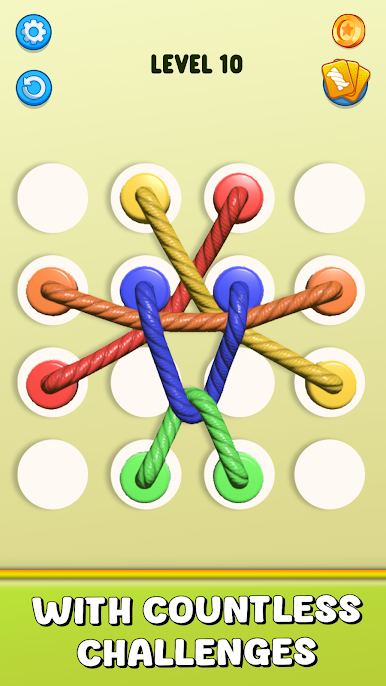
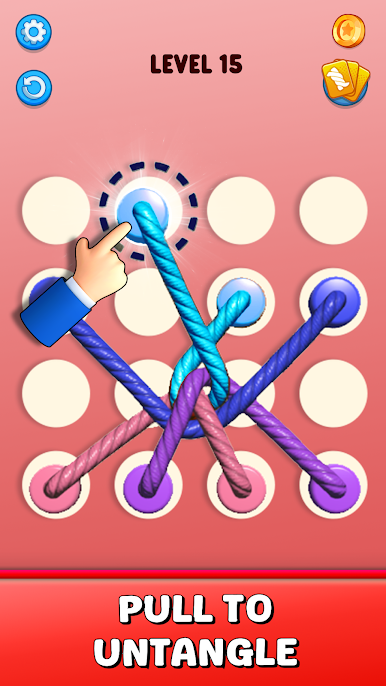
ひもで縛ること、バンディング、または結うような操作で、ロープの結び目をほどいていきます。選ぶロープは慎重に選び、さらなるもつれを防ぎましょう。
トリコットやツイステッドの技術を使ってロープを正しい位置に移動させ、ねじれたロープを解いてください。
3d パズルの環境で、ロープの順序を正確に整列し、パターン、ローピング、交わる地点を通過しながら、ロープのねじれを解消します。
素早く正確にタップして、グラップリングやスイングの操作を駆使し、ロープを適切に位置調整して、結び目をほどいていきます。
Twist & Untie: Rope Knot Tangleの特徴
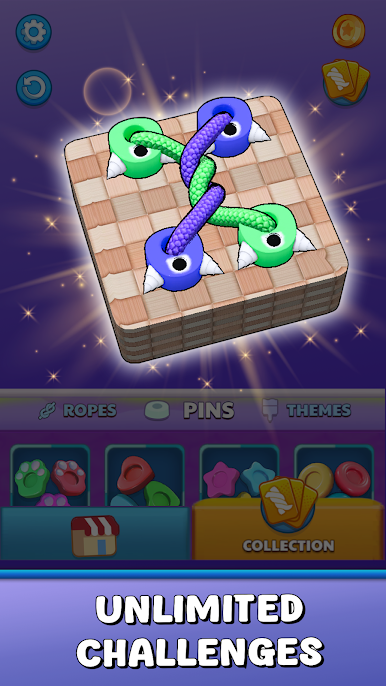
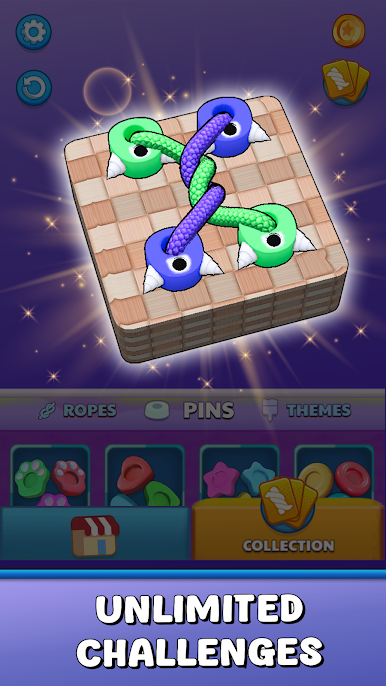
3d パズル、ノットの美しいビジュアルで、ゲームの視覚的な魅力を高め、ロープのスイングや巻き戻しを鮮やかに表現します。hole ioやhelix jumpのようなダイナミックなデザインが魅力です。
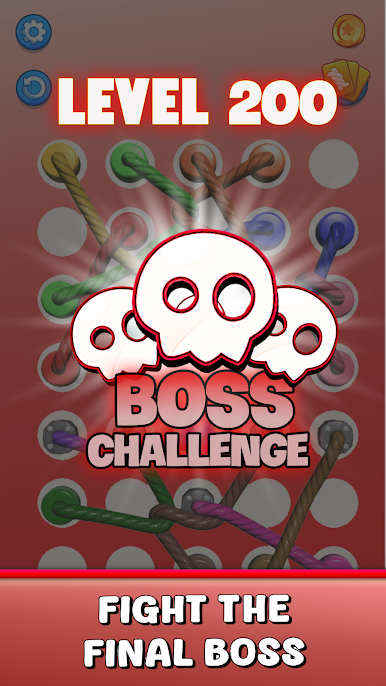
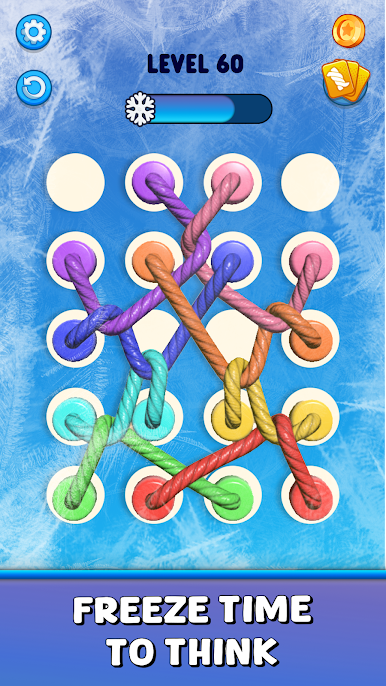
2000+のレベルがあり、各マップごとに異なる難易度が設定されています。トラップやスプライシング、スレッドの要素を取り入れた複雑なパターンとねじれを克服していく楽しさが詰まっています。
問題解決スキルを高めるための挑戦が数多く用意されており、ロープを編む、スプライシングすることで、プレイヤーの知力と集中力が試されます。
「Twist & Untie: Rope Knot Tangle」の冒険に飛び込み、絡まり、結び目をほどくスリルを体験しましょう。リラックスと知的刺激の両方を兼ね備えたこのゲームは、活気のある3D グラフィックスと、ジグザグや反るような複雑なデザインが魅力です。多様なコントロールシステムにより、ロープを簡単に回転させたり、動かしたりできます。
初心者からマスターまで、すべてのプレイヤーに楽しんでいただけるツイストとアンタイの体験を提供します。トリコットやクラバットを使用してロープを組み合わせ、最適なバランスと対称性を保ちながら、スムーズにパズルを進めましょう。
スヌーピーやスプライシングの技術を駆使して、ロープを調整し、コードを引き伸ばし、複雑なパターンを解くスキルをマスターしてください。シームレスな設計により、ロープを簡単に操作し、スムーズな体験を提供します。
さまざまなレベルを進むごとに新しいスキルを解放し、パックマンのようなモジュール形式のデザインで、素早く考えて配置する技術が必要です。どのレベルでも、ツイステッドや両端のパターンを調整し、最適な形に配置して解決しましょう。
絡み合った迷宮を進みながら、タップと回転の操作でロープを整理し、クソをほどく体験を楽しんでください。「Twist & Untie: Rope Knot Tangle」は、リラックス、創造性、挑戦のすべてを楽しめるゲームです。
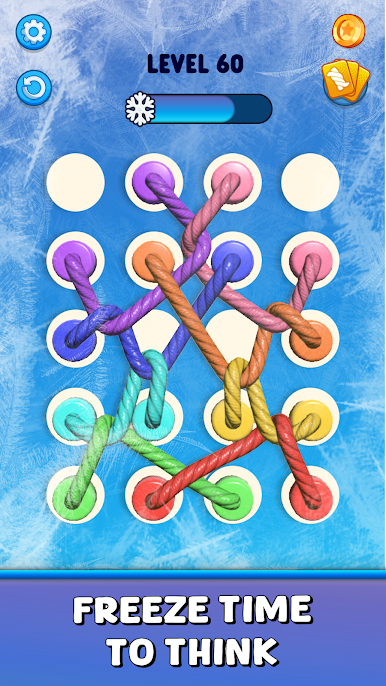
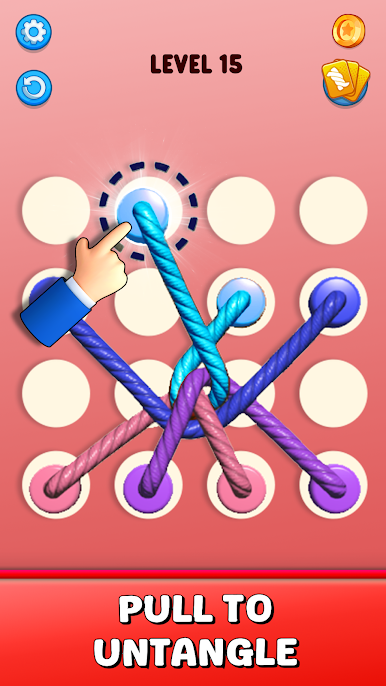
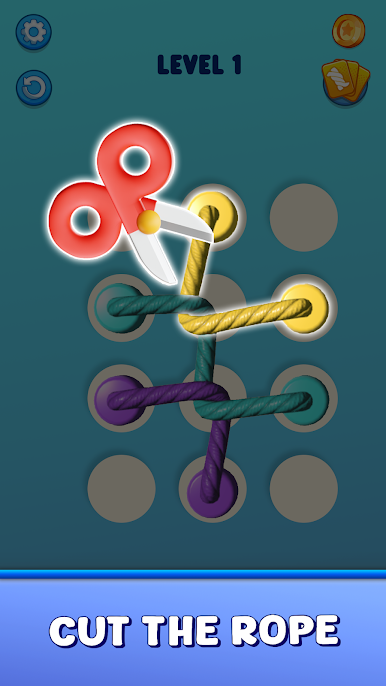
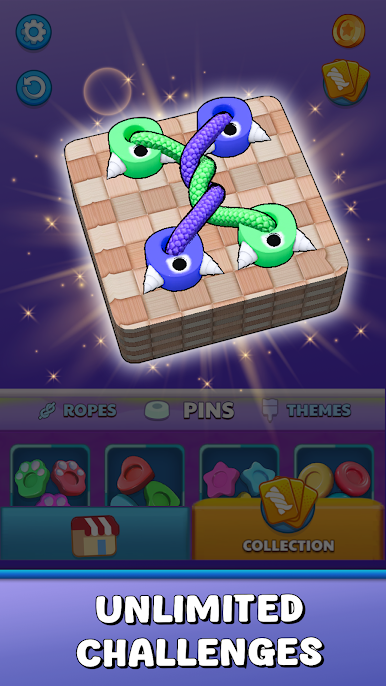
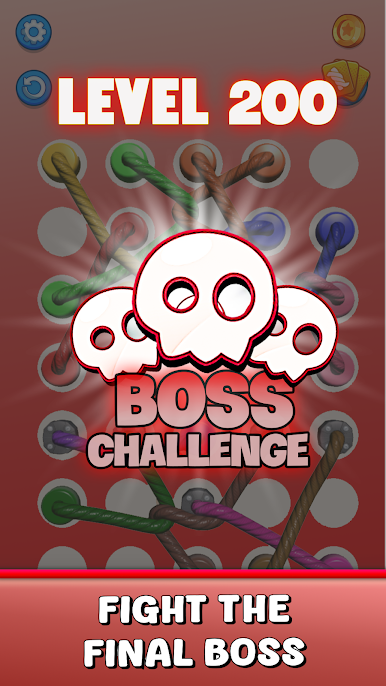
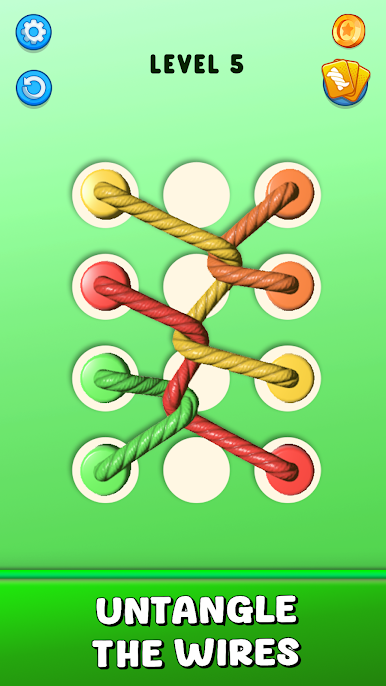
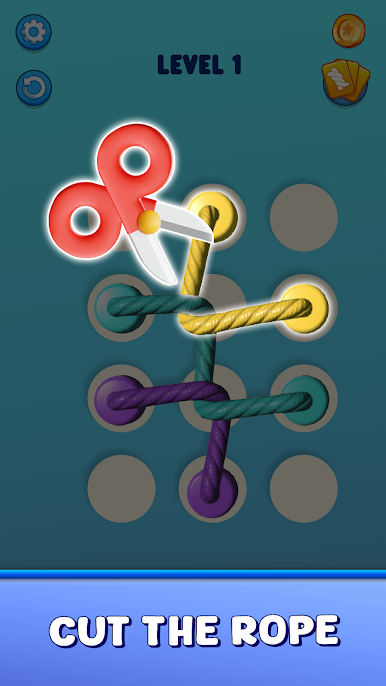
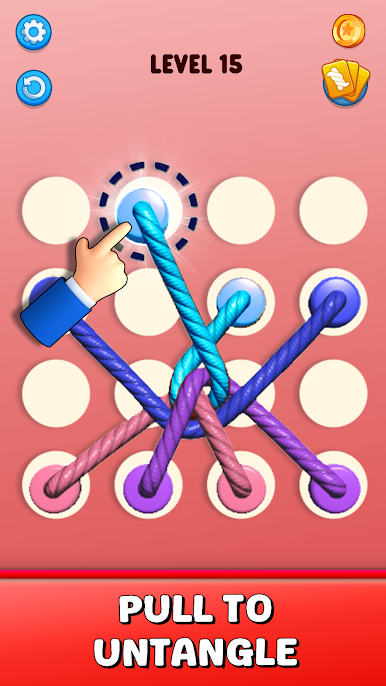
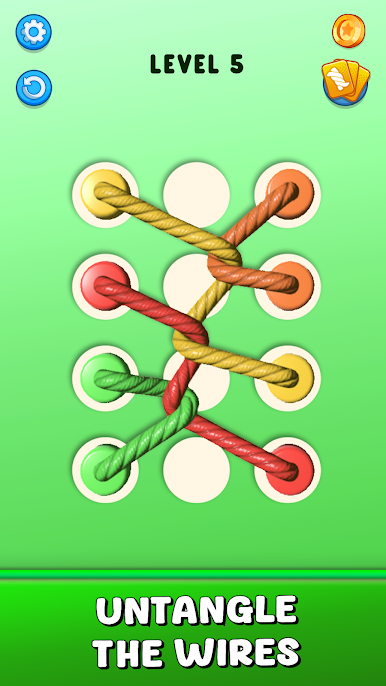
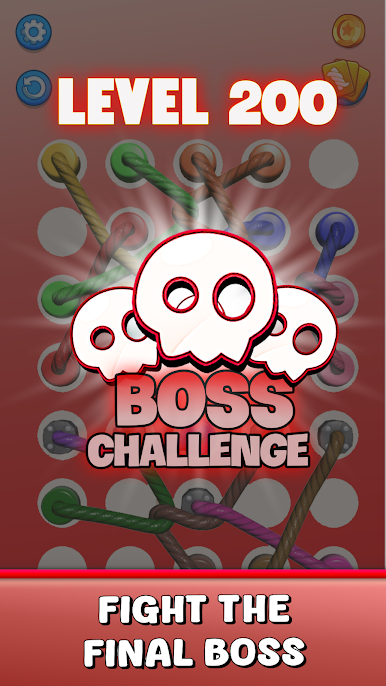
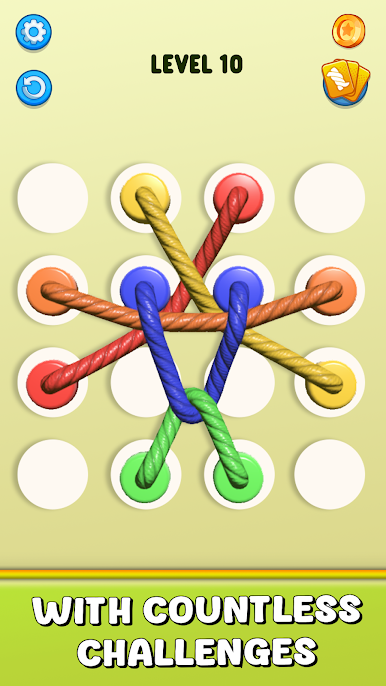
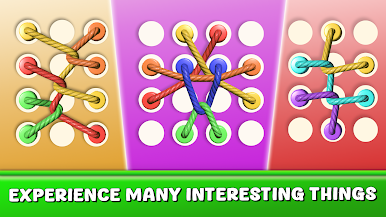
ツイスト&アンタイ: ロープパズルをPCでプレイ
-
BlueStacksをダウンロードしてPCにインストールします。
-
GoogleにサインインしてGoogle Play ストアにアクセスします。(こちらの操作は後で行っても問題ありません)
-
右上の検索バーにツイスト&アンタイ: ロープパズルを入力して検索します。
-
クリックして検索結果からツイスト&アンタイ: ロープパズルをインストールします。
-
Googleサインインを完了してツイスト&アンタイ: ロープパズルをインストールします。※手順2を飛ばしていた場合
-
ホーム画面にてツイスト&アンタイ: ロープパズルのアイコンをクリックしてアプリを起動します。

