


LightBlue® — Bluetooth LE
BlueStacksを使ってPCでプレイ - 5憶以上のユーザーが愛用している高機能Androidゲーミングプラットフォーム

Run LightBlue® — Bluetooth LE on PC or Mac
Multitask effortlessly on your PC or Mac as you try out LightBlue® — Bluetooth LE, a Tools app by Punch Through Design on BlueStacks.
About the App
LightBlue® — Bluetooth LE is your go-to tool when you want to connect with Bluetooth Low Energy (BLE) devices around you, whether you’re tinkering, testing, or just curious. Made by Punch Through Design, this handy app puts you in control, letting you scan, connect, and even poke around inside the gadgets that use BLE—think fitness trackers, smart sensors, or custom hardware. Whether you want to track down a missing device or experiment with your own projects, LightBlue® makes things straightforward and surprisingly fun.
App Features
-
Quick Scanning & Device Discovery
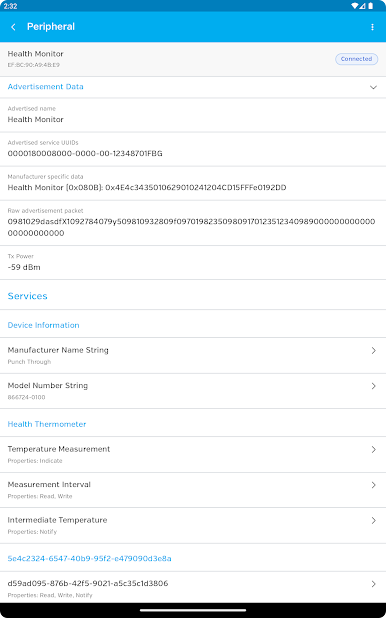
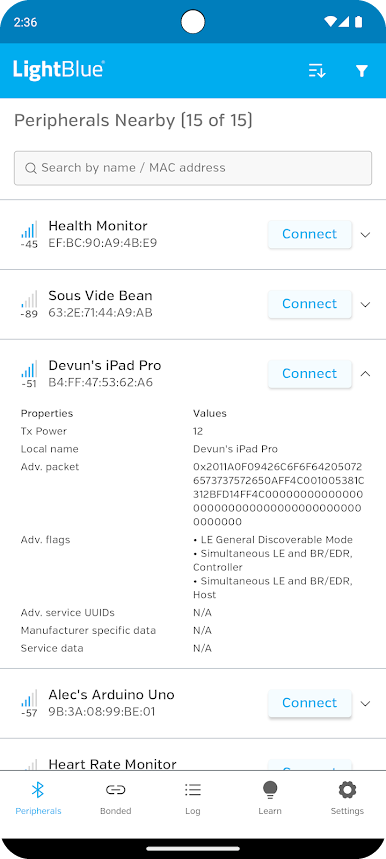
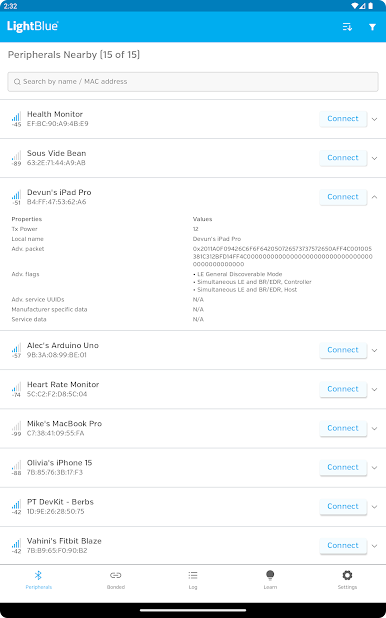
See all nearby BLE devices with a couple of taps. Scanning’s fast, and you get an instant list with names, MAC addresses, and real-time signal strength (RSSI)—which is super useful if you’re, say, hunting for your lost fitness band in the couch cushions. -
Deep Dive into Device Info
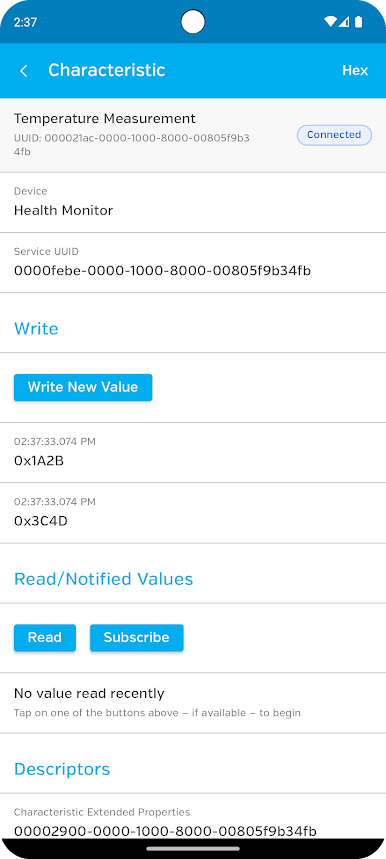
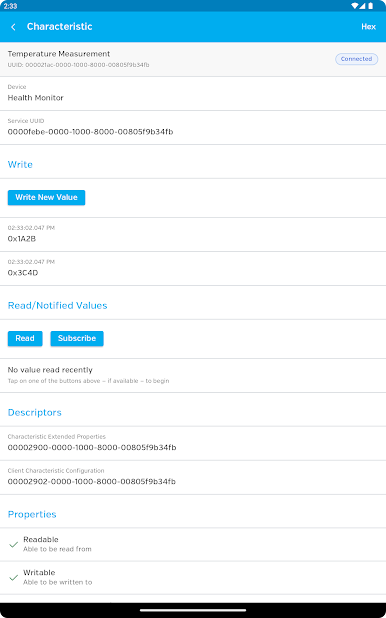
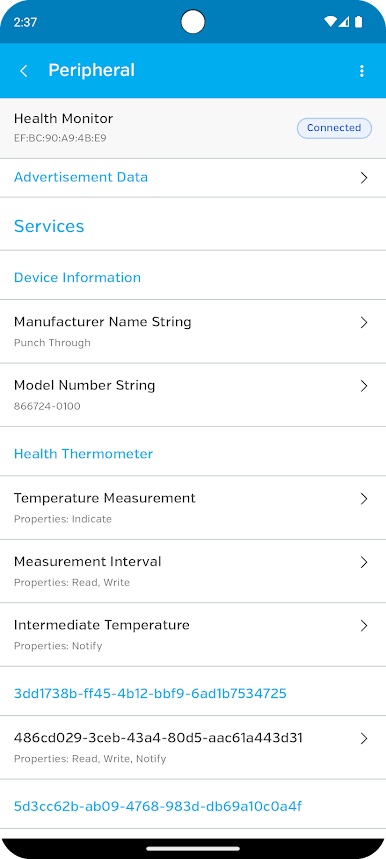
Curious about what your BLE gadget can actually do? Browse all its services and characteristics without needing to be a programming whiz. You can read data from characteristics, write to them in either hex or UTF-8 string format, and enable notifications so you don’t miss any updates from your connected device. -
Real-Time Logging
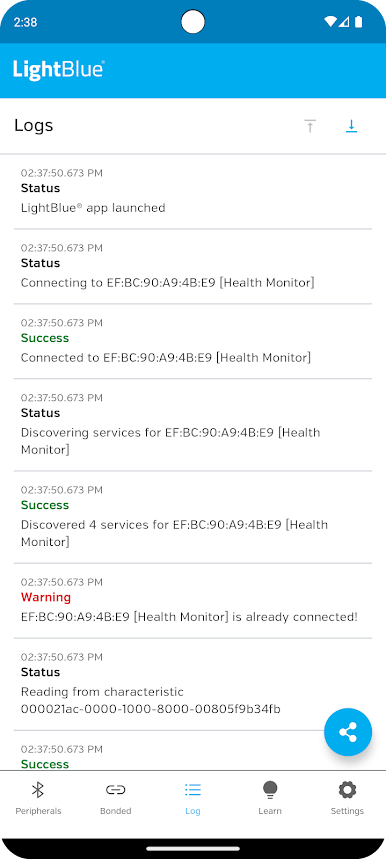
Everything you do in the app gets tracked in a plain-text log—seeing device discoveries, connections, data read/written, and more. Perfect for developers, or anyone who likes to know exactly what’s happening behind the scenes. Want to share your findings or bug reports? Easy, just send the log right from the app. -
Testing & Prototyping Made Simple
If you’re a developer working on new BLE gadgets, LightBlue® is a solid way to test heart rate monitors, keyfobs, sensors, or custom peripherals. Read, write, and notify support are all built-in for seamless firmware development or troubleshooting. -
Works Hand-in-Hand with BlueStacks
If you’d rather check out BLE devices right from your computer instead of your phone, LightBlue® plays nicely on your PC with BlueStacks, giving you a bigger screen for all the details. -
Respect for Your Privacy
The app only asks for location access when it’s absolutely needed by Android to run BLE scans, and that’s it. No tracking your whereabouts, just getting the technical job done.
With its clean, flexible approach, LightBlue® — Bluetooth LE gives everyone, from curious users to tech developers, a smarter way to explore the BLE world.
Switch to BlueStacks and make the most of your apps on your PC or Mac.

LightBlue® — Bluetooth LEをPCでプレイ
-
BlueStacksをダウンロードしてPCにインストールします。
-
GoogleにサインインしてGoogle Play ストアにアクセスします。(こちらの操作は後で行っても問題ありません)
-
右上の検索バーにLightBlue® — Bluetooth LEを入力して検索します。
-
クリックして検索結果からLightBlue® — Bluetooth LEをインストールします。
-
Googleサインインを完了してLightBlue® — Bluetooth LEをインストールします。※手順2を飛ばしていた場合
-
ホーム画面にてLightBlue® — Bluetooth LEのアイコンをクリックしてアプリを起動します。

