

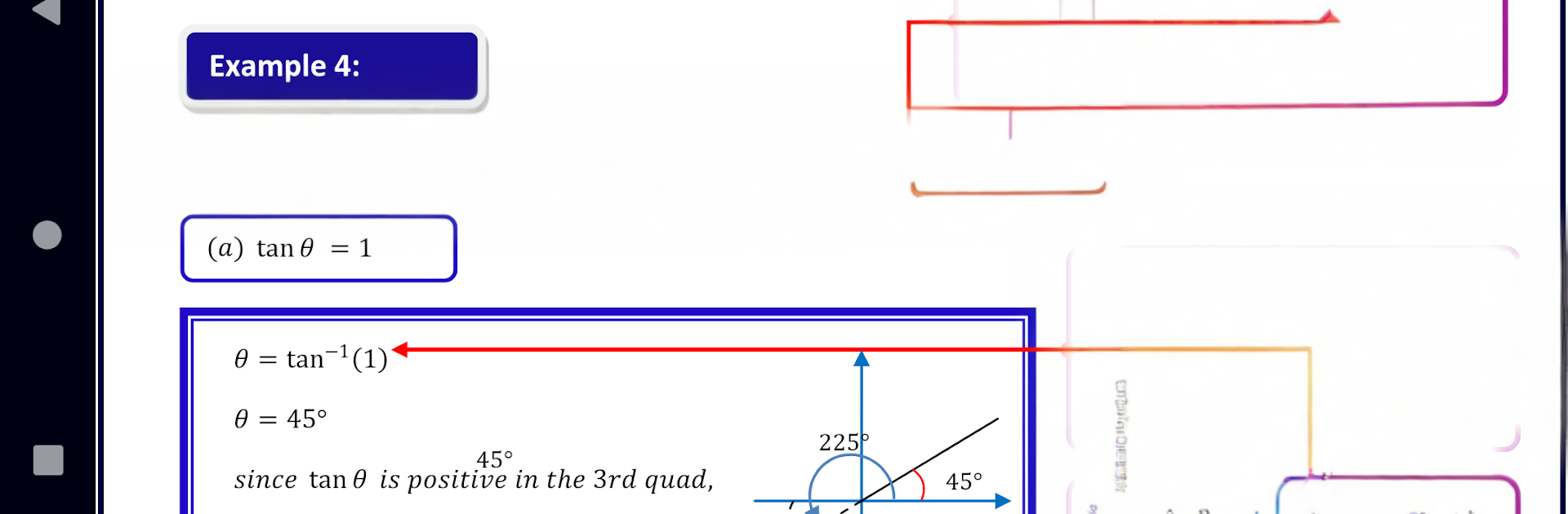
Trigonometry-1 Notes and Quiz
BlueStacksを使ってPCでプレイ - 5憶以上のユーザーが愛用している高機能Androidゲーミングプラットフォーム

Run Trigonometry 1 Pure Math on PC or Mac
Let BlueStacks turn your PC, Mac, or laptop into the perfect home for Trigonometry 1 Pure Math, a fun Education app from Multimedia E-Learning Education System (MELES).
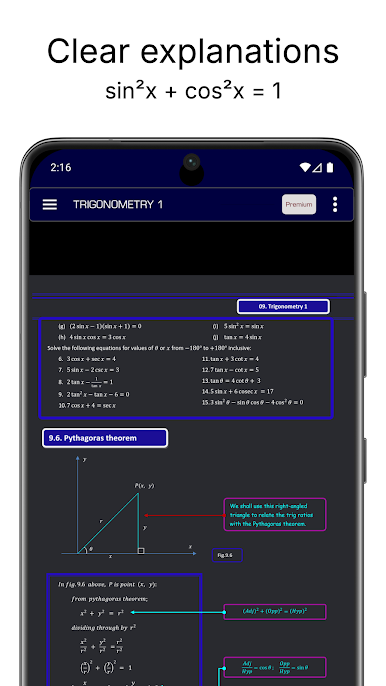
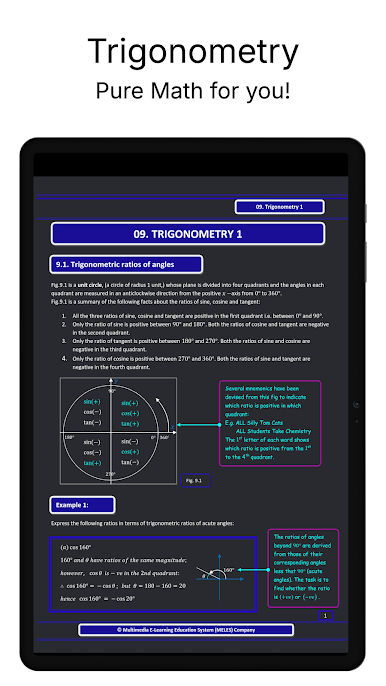
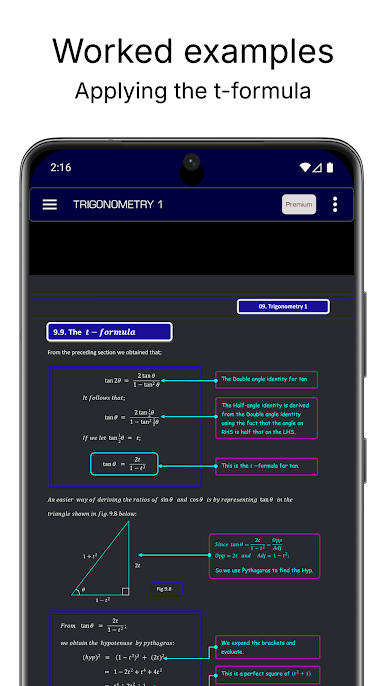
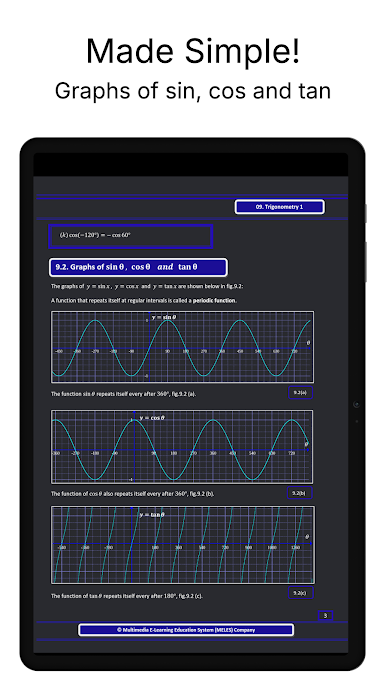
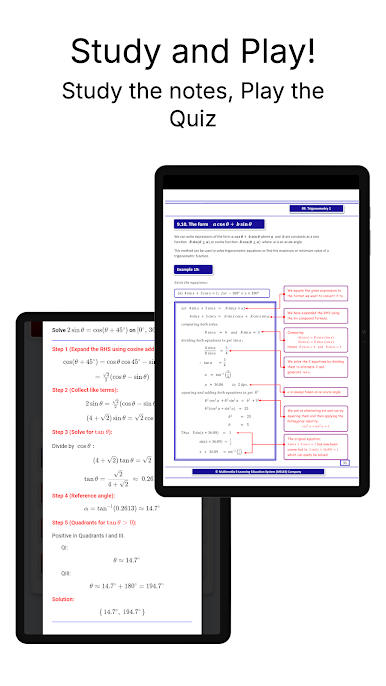
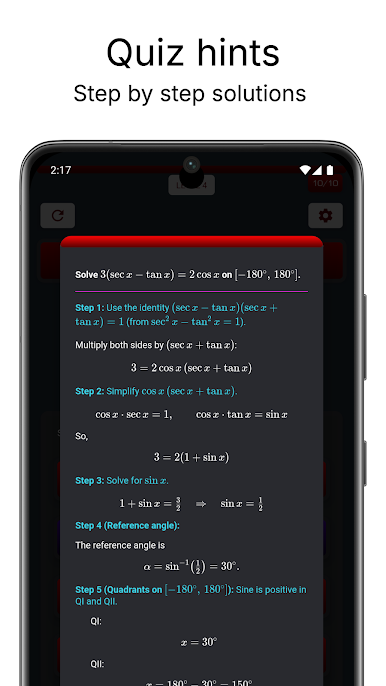
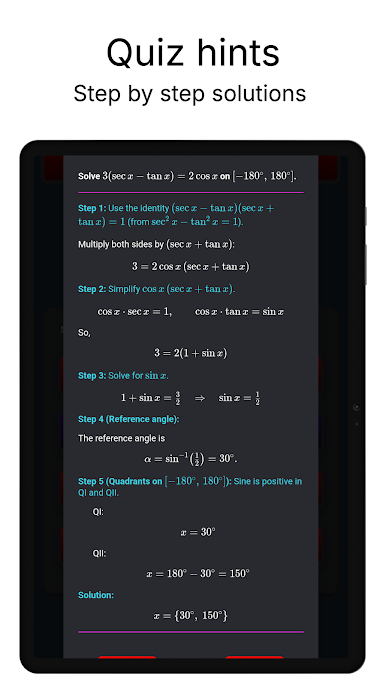
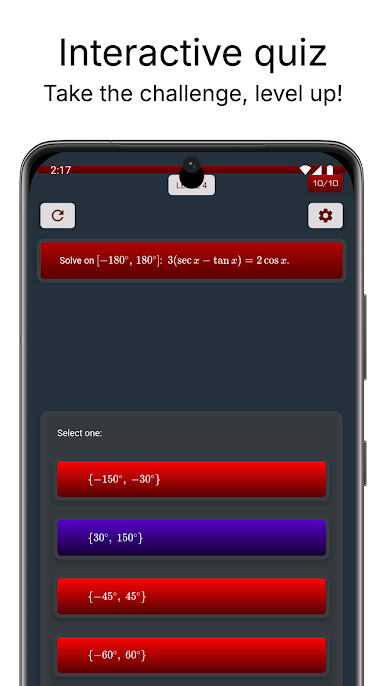
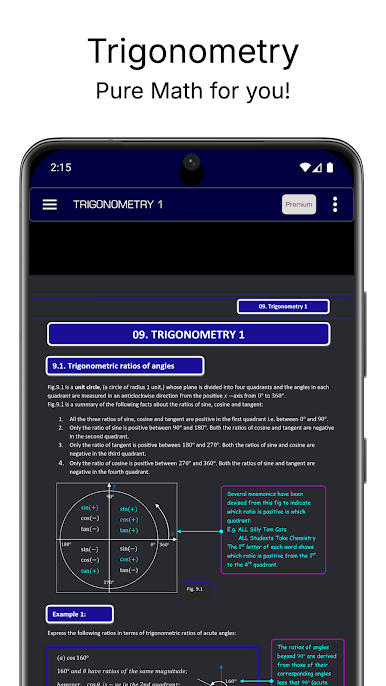
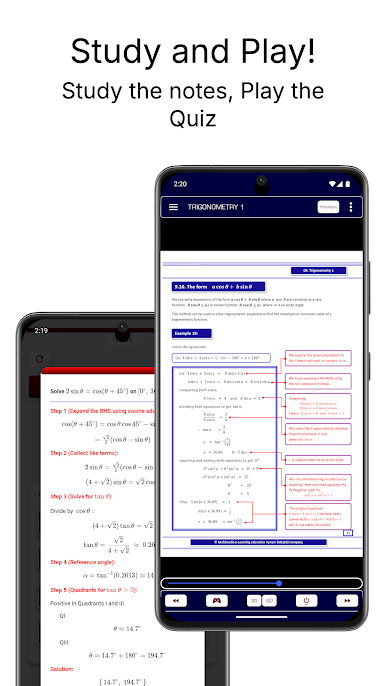
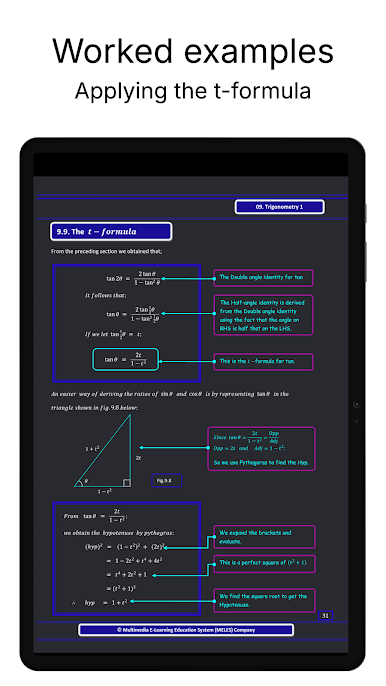
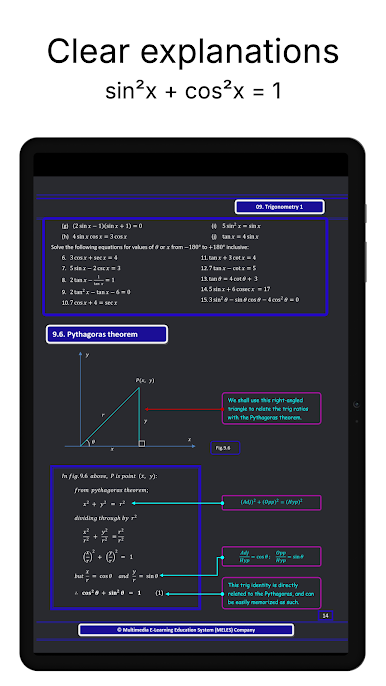
Trigonometry 1 Pure Math feels like a calm, well organised workbook that actually shows the working, not just the answers. The layout is simple, explanations are short and clear, and there are little side notes that fill in the “wait, why” moments. Each chapter has a pile of worked examples, step by step, then finishes with past paper style questions so someone can check if the method really stuck. It is not flashy, there are no gimmicks, just clean diagrams and steady guidance that moves from basics to tougher stuff without sudden jumps.
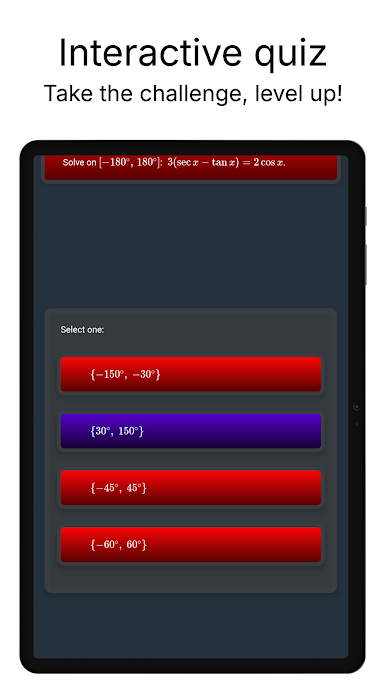
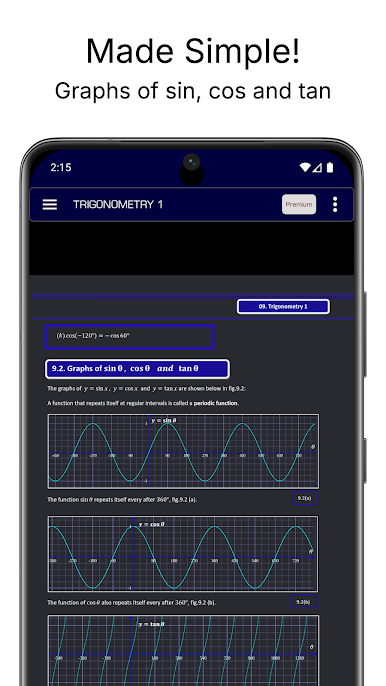
Content wise it starts with trigonometric ratios of angles, then the graphs of sinθ, cosθ and tanθ, the special angles 30°, 45°, 60°, and the reciprocal functions secant, cosecant, cotangent. It keeps going into trigonometric equations, Pythagoras theorem, compound and double angle formula, the t-formula, rewriting in the form a cosθ + b sinθ, the factor formulae, sine and cosine rules, and even area of a triangle. On PC with BlueStacks, the bigger screen makes the graphs and algebra lines easier to follow, and typing answers with a keyboard feels quicker than tapping. It suits exam prep or anyone rusty on trig who wants methods laid out plainly. If someone is after animated lessons or game style practice, this is not that. If they want lots of examples and a clear path through trig, this hits the mark.
Eager to take your app experience to the next level? Start right away by downloading BlueStacks on your PC or Mac.
Trigonometry-1 Notes and QuizをPCでプレイ
-
BlueStacksをダウンロードしてPCにインストールします。
-
GoogleにサインインしてGoogle Play ストアにアクセスします。(こちらの操作は後で行っても問題ありません)
-
右上の検索バーにTrigonometry-1 Notes and Quizを入力して検索します。
-
クリックして検索結果からTrigonometry-1 Notes and Quizをインストールします。
-
Googleサインインを完了してTrigonometry-1 Notes and Quizをインストールします。※手順2を飛ばしていた場合
-
ホーム画面にてTrigonometry-1 Notes and Quizのアイコンをクリックしてアプリを起動します。

