


ラジオカナダFMオンライン
BlueStacksを使ってPCでプレイ - 5憶以上のユーザーが愛用している高機能Androidゲーミングプラットフォーム

Run Radio Canada: Radio player App, Free FM Radio on PC or Mac
Multitask effortlessly on your PC or Mac as you try out Radio Canada: Radio player App, Free FM Radio, a Music & Audio app by Radioworld FM on BlueStacks.
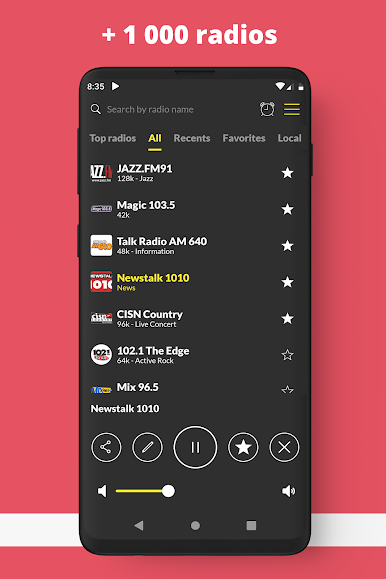
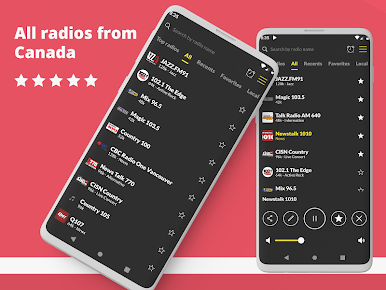
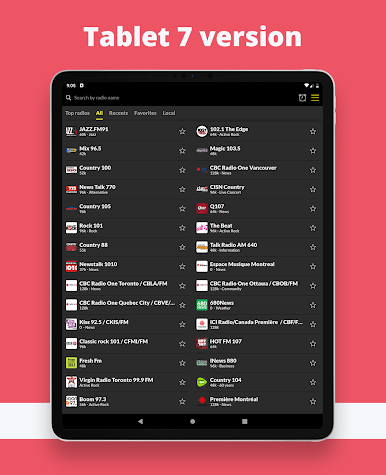
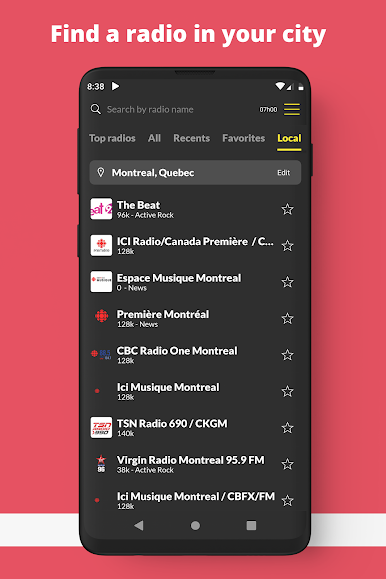
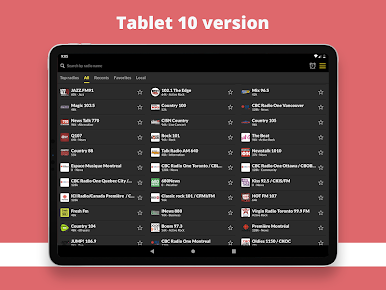
Radio Canada is basically a super simple way to stream Canadian radio without fuss. It loads fast, stations switch quick, and the layout is clean enough that anyone can figure it out in a minute. There are tons of choices too, from big national stuff like CBC Radio One to music stations, sports talk, and those oldies and classic rock channels everyone knows. It pulls in both regular FM streams and internet-only stations, so there is always something on even late at night.
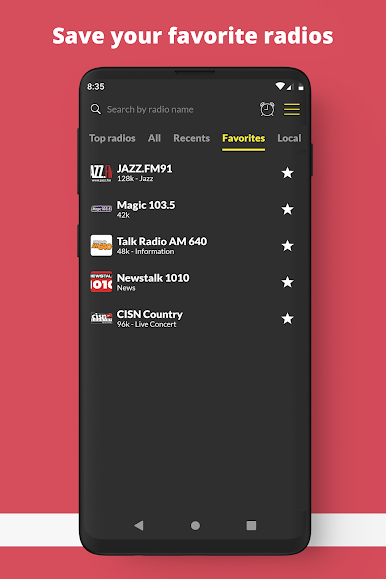
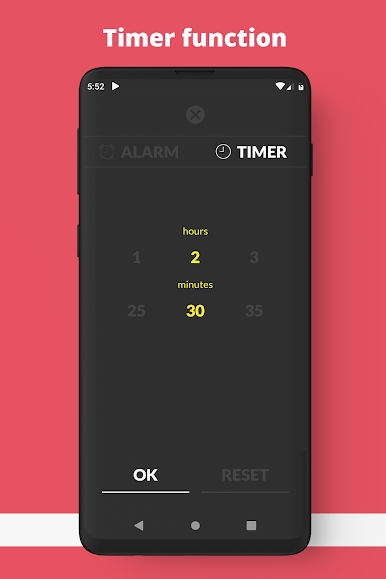
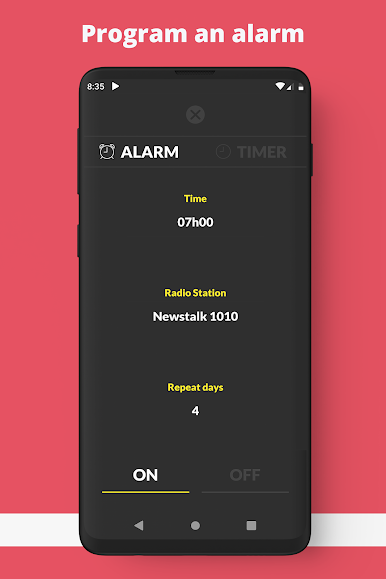
What stands out is the little quality-of-life bits. Favorites are easy to save, search is straightforward with the little magnifying glass, and it keeps playing while doing other things. There is a sleep timer for falling asleep to a show, and an alarm that can wake with a station, which is oddly handy. It supports Chromecast and Android Auto for people who want that. On a PC with BlueStacks it works like a desktop radio, great for background listening while working, and it keeps humming along in the corner without nagging. Audio is stable as long as the internet is decent, and it reconnects quickly if the network hiccups. Someone who wants local news at lunch, a hockey pregame, or a jazz set after dinner will find it all in one place, no weird setup needed.
Big screen. Bigger performance. Use BlueStacks on your PC or Mac to run your favorite apps.
ラジオカナダFMオンラインをPCでプレイ
-
BlueStacksをダウンロードしてPCにインストールします。
-
GoogleにサインインしてGoogle Play ストアにアクセスします。(こちらの操作は後で行っても問題ありません)
-
右上の検索バーにラジオカナダFMオンラインを入力して検索します。
-
クリックして検索結果からラジオカナダFMオンラインをインストールします。
-
Googleサインインを完了してラジオカナダFMオンラインをインストールします。※手順2を飛ばしていた場合
-
ホーム画面にてラジオカナダFMオンラインのアイコンをクリックしてアプリを起動します。

