


Nepali Calendar : Ramro Patro
BlueStacksを使ってPCでプレイ - 5憶以上のユーザーが愛用している高機能Androidゲーミングプラットフォーム

Run Nepali Calendar Ramro Patro on PC or Mac
Let BlueStacks turn your PC, Mac, or laptop into the perfect home for Nepali Calendar Ramro Patro, a fun Productivity app from Ramro Patro.
About the App
Looking to keep up with Nepali dates, festivals, and more, no matter where you are? Nepali Calendar Ramro Patro by Ramro Patro wants to be your essential productivity partner. It’s packed with everything from up-to-date Nepali and English calendars, tithi events, and festival reminders, to FM radio and horoscope—pretty much a one-stop hub for staying in the know about Nepal’s happenings.
App Features
-
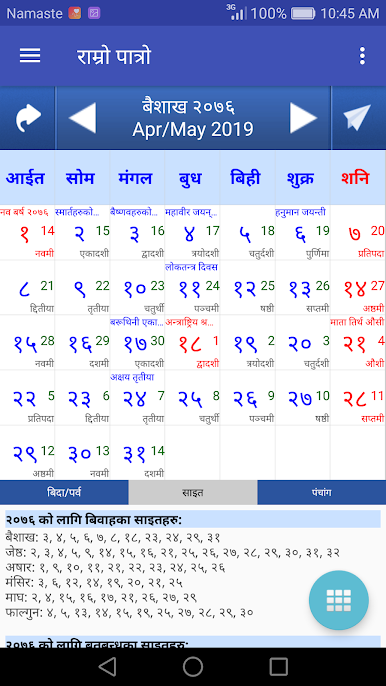
Full Nepali Calendar at a Glance
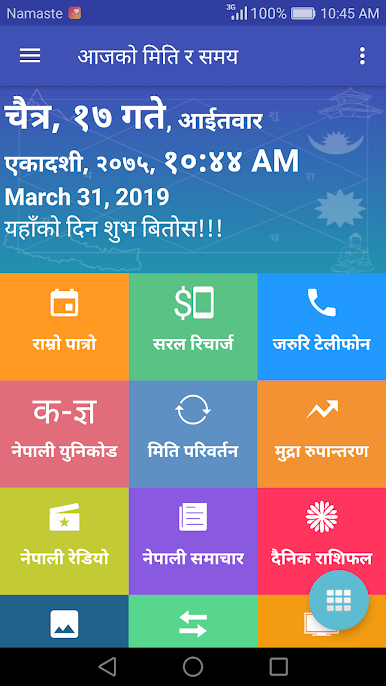
See today’s Nepali date and time, plus quick info about daily tithis, festivals, and public holidays. Flipping between English and Nepali calendars is a breeze. -
Important Dates Made Easy
Marriage dates, bratabandha, pasni, rudri, and hom ceremonies—just tap to find the key dates. Festival shortcuts put events like Dashain, Tihar, New Year, and more, right at your fingertips. -
Handy Nepali Date Converter
Switch between Bikram Sambat and English (AD) dates without any head-scratching. Works both ways—helpful for filling forms or remembering someone’s birthday. -
Nepali Unicode Tools
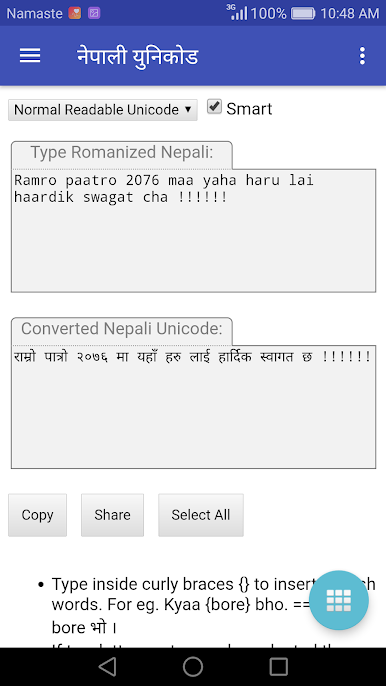
Type in Nepali, copy what you need, and share straight to social media or email. No extra hassle, no extra apps. -
Nepali News & FM Radio
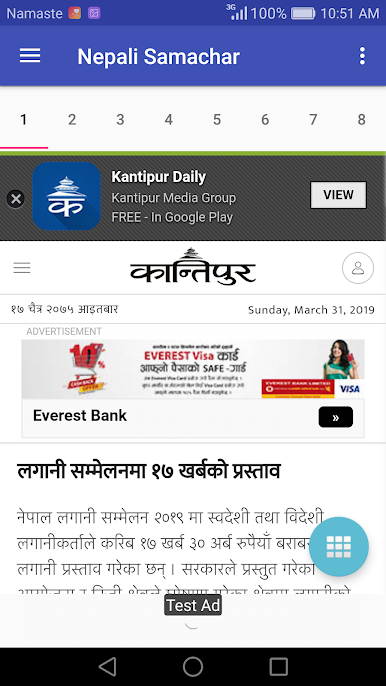
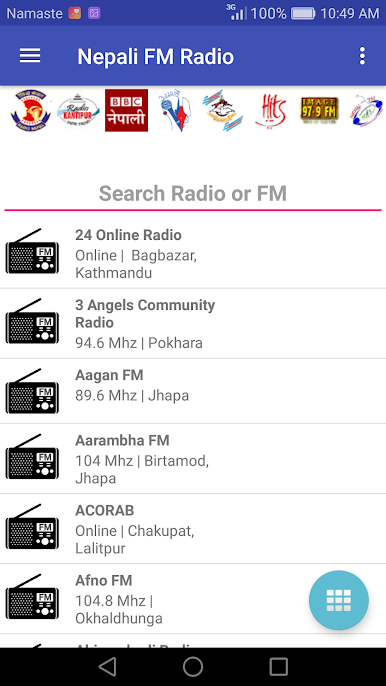
Catch up with the latest headlines from top Nepali sites and tune in to over 200 Nepali FM stations online. Just a connection away from both news and tunes. -
Foreign Exchange Made Simple
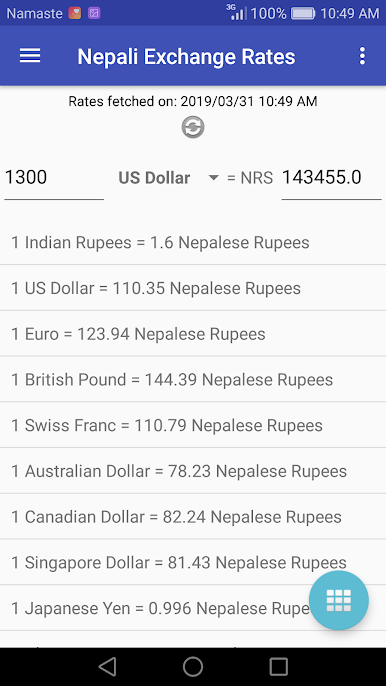
Stay on top of currency exchange rates to Nepali rupees, and crunch the numbers right inside the app. -
Daily Horoscope (Rashifal)
Want to know what the stars say? Check your daily rashifal for all twelve zodiac signs. -
E-Cards & Greetings
Send a quick good morning, festival wish, or New Year card with customizable e-cards—fast and fun. -
Unit Conversion & More
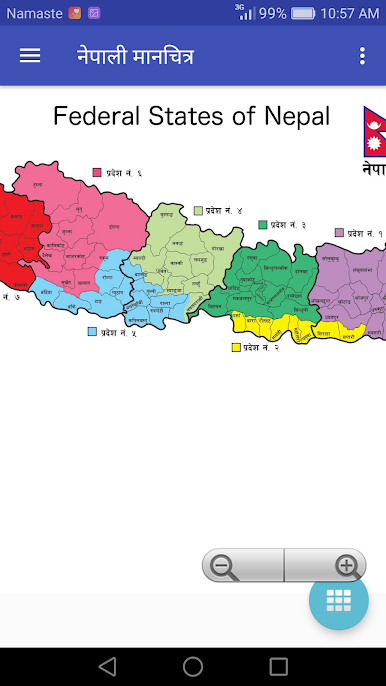
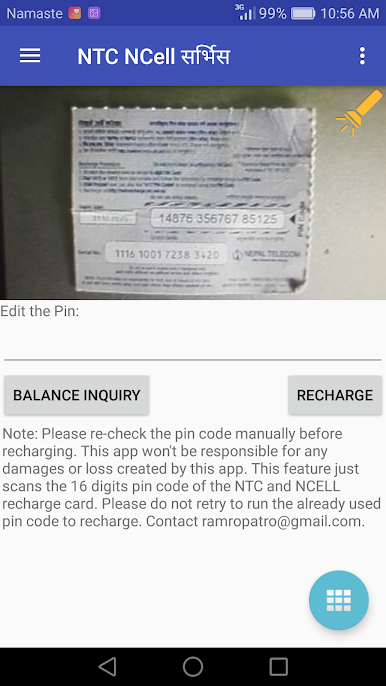
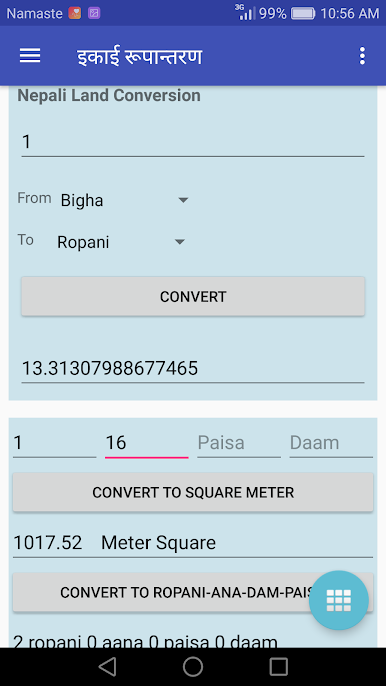
From Ropani and Aana measurements to phone recharge tools, region maps, and Nepali TV, it’s got the little extras that come in handy.
You can even take screenshots of any feature and share with friends easily. Experience all this, whether you’re using your phone or firing up BlueStacks for a bigger screen.
Eager to take your app experience to the next level? Start right away by downloading BlueStacks on your PC or Mac.


Nepali Calendar : Ramro PatroをPCでプレイ
-
BlueStacksをダウンロードしてPCにインストールします。
-
GoogleにサインインしてGoogle Play ストアにアクセスします。(こちらの操作は後で行っても問題ありません)
-
右上の検索バーにNepali Calendar : Ramro Patroを入力して検索します。
-
クリックして検索結果からNepali Calendar : Ramro Patroをインストールします。
-
Googleサインインを完了してNepali Calendar : Ramro Patroをインストールします。※手順2を飛ばしていた場合
-
ホーム画面にてNepali Calendar : Ramro Patroのアイコンをクリックしてアプリを起動します。

