


Remo Duplicate File Remover
BlueStacksを使ってPCでプレイ - 5憶以上のユーザーが愛用している高機能Androidゲーミングプラットフォーム

Run Remo Duplicate File Remover on PC or Mac
Get freedom from your phone’s obvious limitations. Use Remo Duplicate File Remover, made by Remo Software, a Tools app on your PC or Mac with BlueStacks, and level up your experience.
About the App
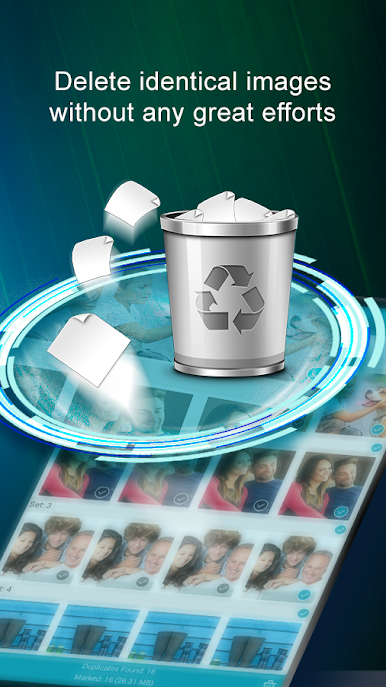
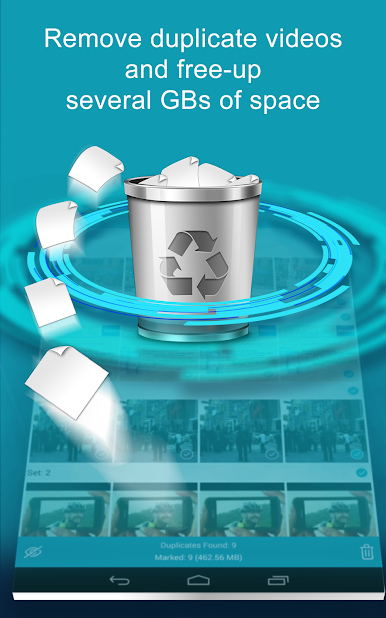
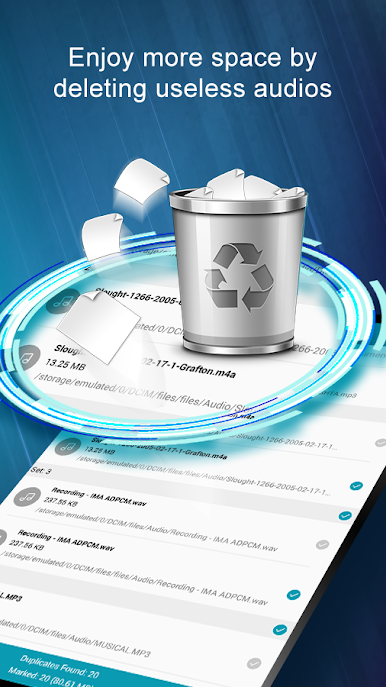
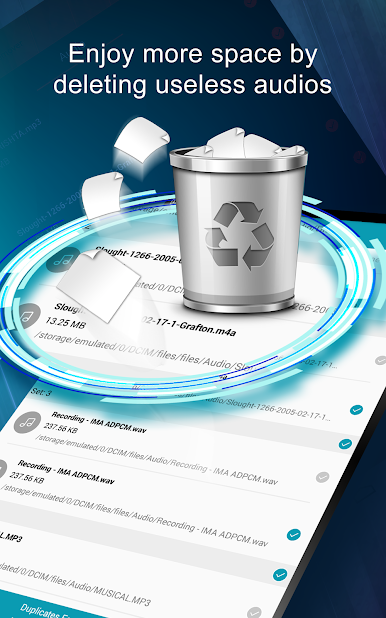
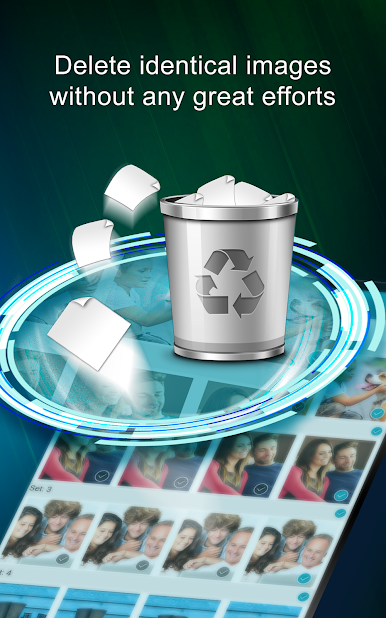
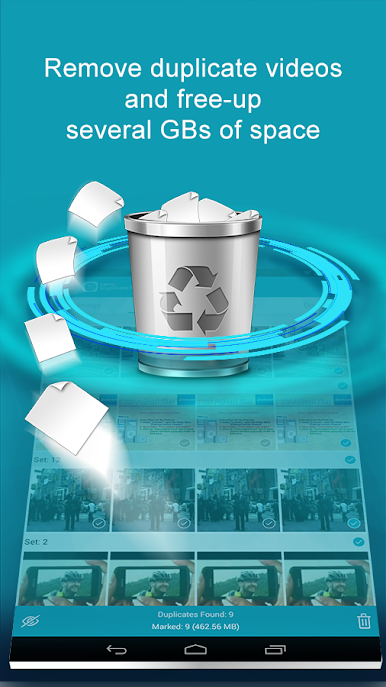
Ever feel like your phone’s storage is crammed with stuff you forgot you saved? Remo Duplicate File Remover steps in when it’s time to clean house—no need for hunting and pecking through mysterious folders. This handy tool from Remo Software helps you spot and remove any extra copies of files taking up space on your Android device. With just a few taps, you’ll get an organized storage setup and maybe even discover a bunch of files you didn’t realize you had. Whether you’re tidying up pictures or trimming down docs, it makes the whole process simple and painless.
App Features
-
Quick One-Tap Scans
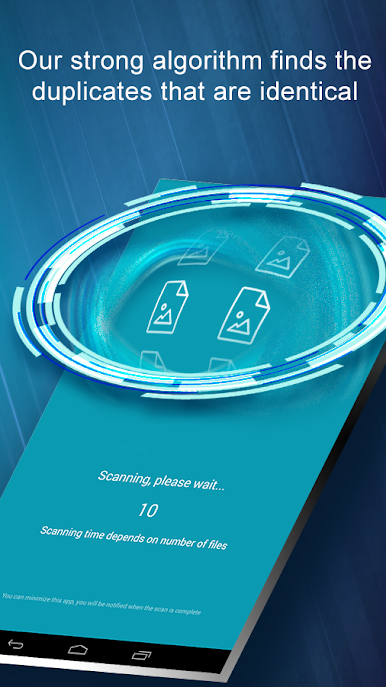
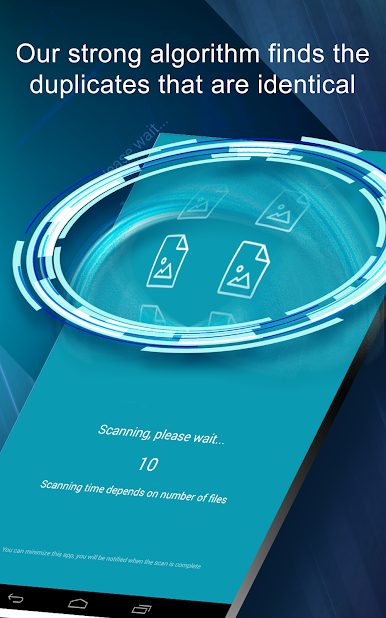
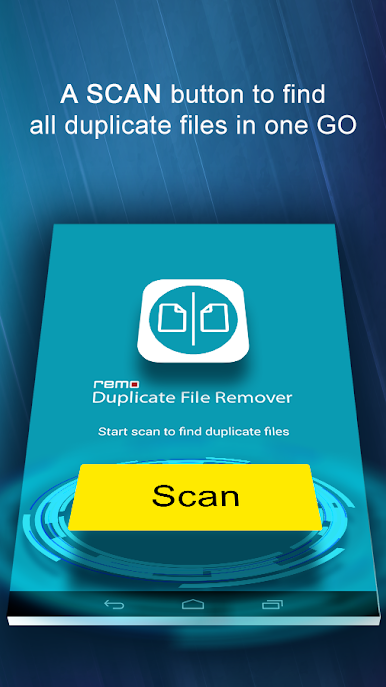
Just hit “Scan” and let the app do the hard work. It checks your entire device for duplicates without making you tap around for ages. -
Easy, Straightforward Interface
No need to be tech-savvy—every option is clear, and navigation’s a breeze. -
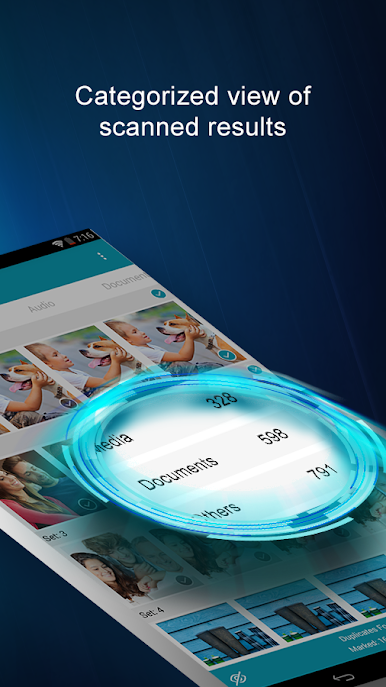
Organized Results
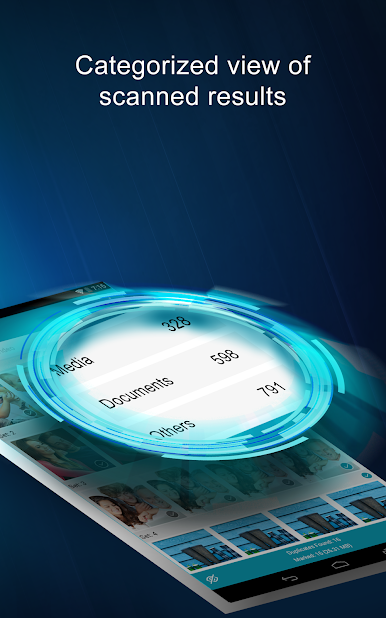
Files are sorted into three main sections—Media, Documents, and Others—so you’re not wading through a confusing mess. -
Detailed Categories
Within each section, find duplicates grouped by type. Want to delete extra pictures, PDFs, or ZIP files? It’s all broken down for you. -
Smart Notifications
Every couple of weeks, you’ll get a gentle reminder if new duplicate files crop up. Handy, right? -
Totally Free
Clean up your storage without spending a dime. All features come without hidden costs.
If you’re looking for a cleaner, faster experience on your device—or even running Remo Duplicate File Remover through BlueStacks—this app keeps your storage in check with minimal fuss.
Eager to take your app experience to the next level? Start right away by downloading BlueStacks on your PC or Mac.
Remo Duplicate File RemoverをPCでプレイ
-
BlueStacksをダウンロードしてPCにインストールします。
-
GoogleにサインインしてGoogle Play ストアにアクセスします。(こちらの操作は後で行っても問題ありません)
-
右上の検索バーにRemo Duplicate File Removerを入力して検索します。
-
クリックして検索結果からRemo Duplicate File Removerをインストールします。
-
Googleサインインを完了してRemo Duplicate File Removerをインストールします。※手順2を飛ばしていた場合
-
ホーム画面にてRemo Duplicate File Removerのアイコンをクリックしてアプリを起動します。

