

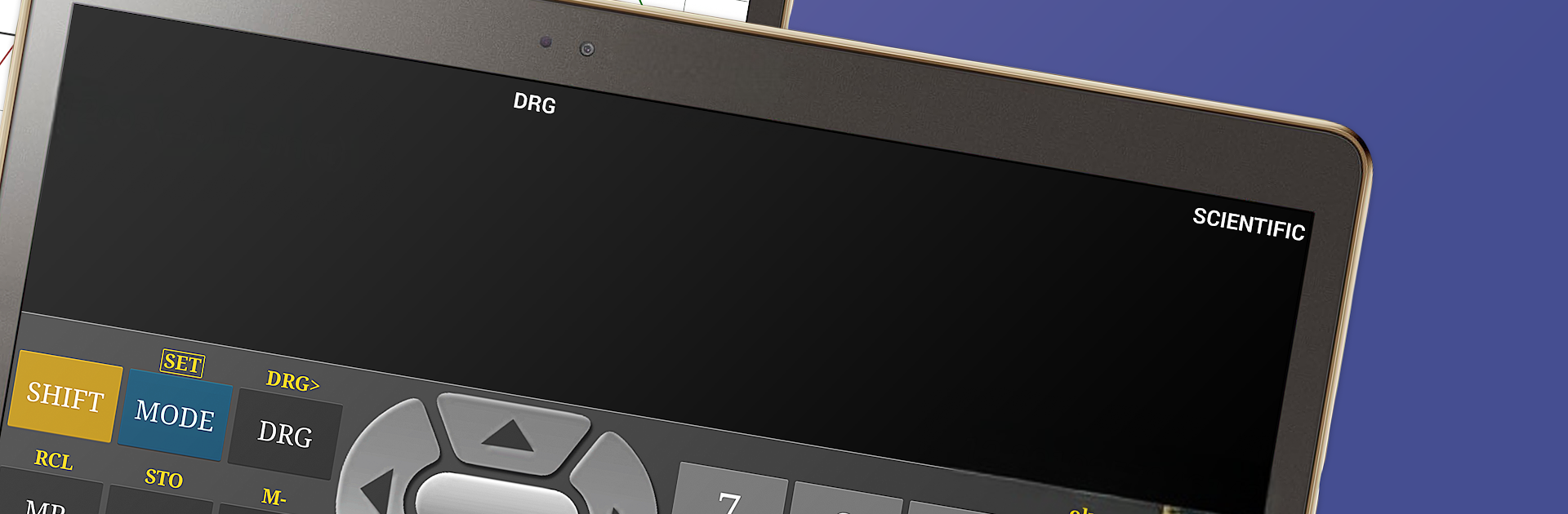
関数電卓
BlueStacksを使ってPCでプレイ - 5憶以上のユーザーが愛用している高機能Androidゲーミングプラットフォーム

Run Scientific Calculator Free on PC or Mac
Why limit yourself to your small screen on the phone? Run Scientific Calculator Free, an app by Scientific Software, best experienced on your PC or Mac with BlueStacks, the world’s #1 Android emulator.
About the App
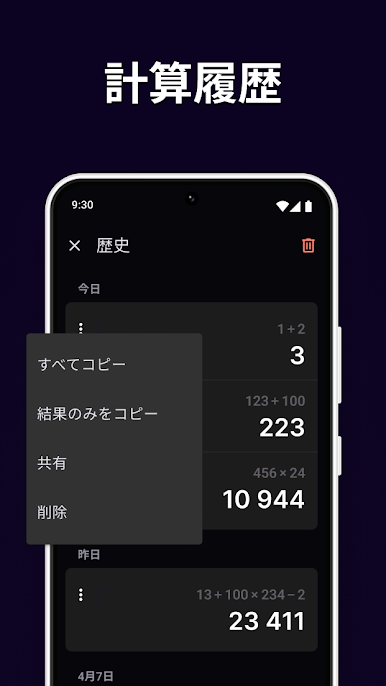
Sometimes you just want a calculator that does more than add and subtract. That’s where Scientific Calculator Free comes in. Whether you’re working through homework, double-checking a tricky equation, or plotting out a graph, this handy app by Scientific Software has your back. It feels like a legit scientific calculator, but lives right on your phone, and switching between different modes is a breeze.
App Features
-
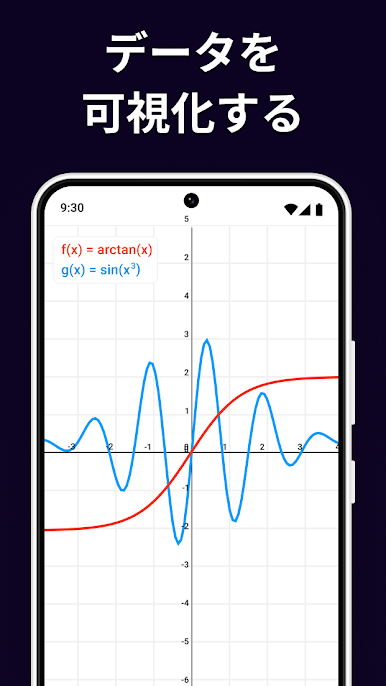
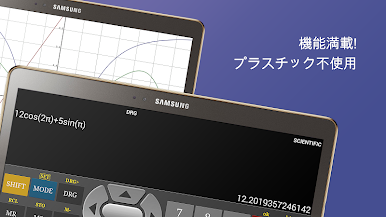
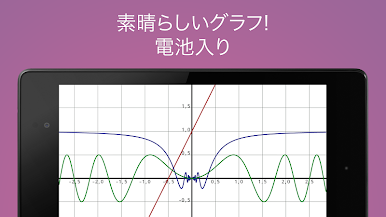
Colorful Graphing
Visual learners, rejoice! You can plot equations in full color with crisp, clear graphs that are easy on the eyes. -
Flexible Layouts
Works great whether your phone’s upright or turned to the side—portrait or landscape, it’s seamless. -
Complete Calculation Toolkit
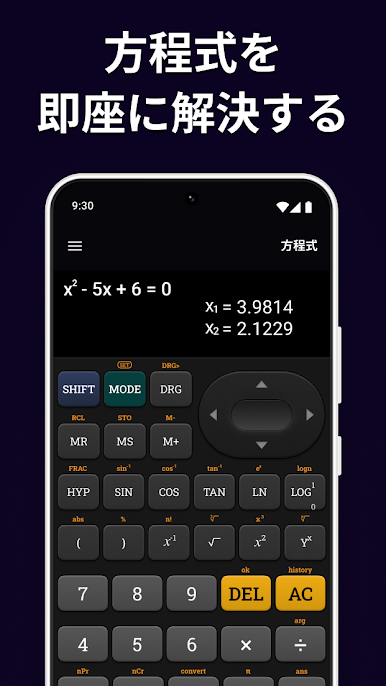
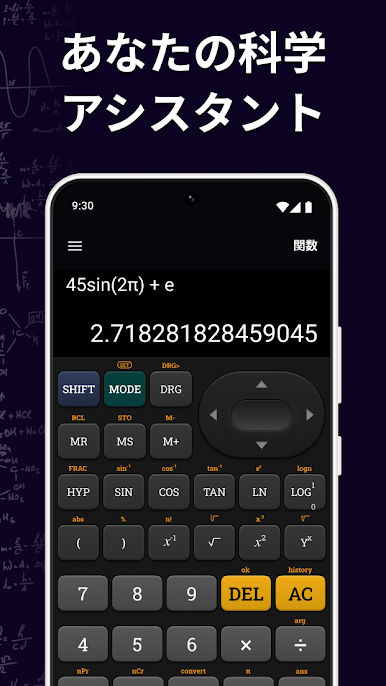
Need to calculate trig functions, logs, exponents, or fractions? It’s all here—and switching between tasks is quick. -
Complex Numbers, No Sweat
Go beyond the basics: handle complex numbers and solve equations that basic calculators simply can’t touch. -
Statistics & Binary Ops
Knock out basic stats, convert between binary, decimal, and hex, and even use bitwise operators for computer science work. -
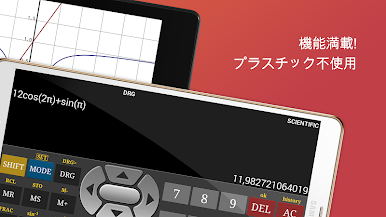
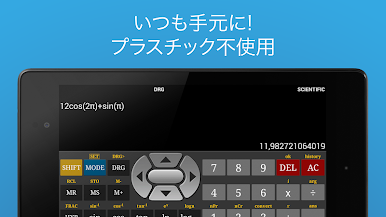
Genuine Calculator Feel
The interface looks and behaves just like the scientific calculators you’re probably used to—minus the plastic and battery worries.
And if you ever want to work out problems on a bigger screen, Scientific Calculator Free also plays nicely with BlueStacks. Just a little bonus for study sessions on your computer.
Ready to experience Scientific Calculator Free on a bigger screen, in all its glory? Download BlueStacks now.

関数電卓をPCでプレイ
-
BlueStacksをダウンロードしてPCにインストールします。
-
GoogleにサインインしてGoogle Play ストアにアクセスします。(こちらの操作は後で行っても問題ありません)
-
右上の検索バーに関数電卓を入力して検索します。
-
クリックして検索結果から関数電卓をインストールします。
-
Googleサインインを完了して関数電卓をインストールします。※手順2を飛ばしていた場合
-
ホーム画面にて関数電卓のアイコンをクリックしてアプリを起動します。

