


Daddy Long Legs
BlueStacksを使ってPCでプレイ - 5憶以上のユーザーが愛用している高機能Androidゲーミングプラットフォーム

Play Daddy Long Legs on PC or Mac
From the innovators and creators at Set Snail, Daddy Long Legs is another fun addition to the World of Arcade games. Go beyond your mobile screen and play it bigger and better on your PC or Mac. An immersive experience awaits you.
About the Game
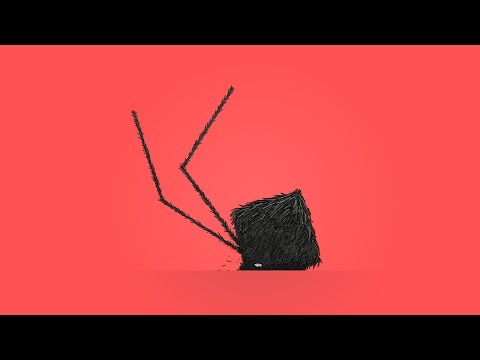
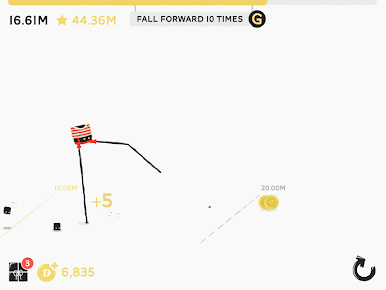
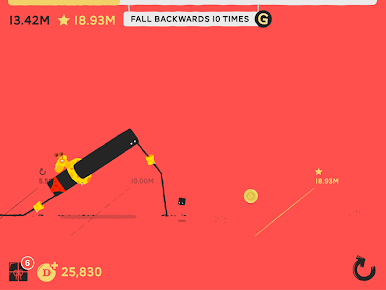
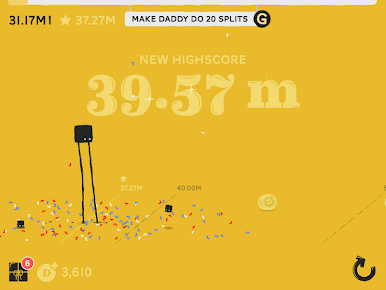
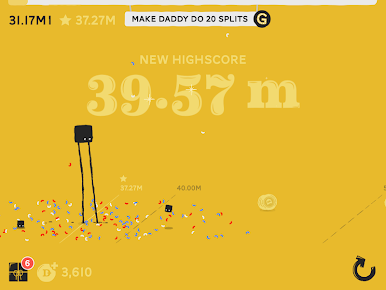
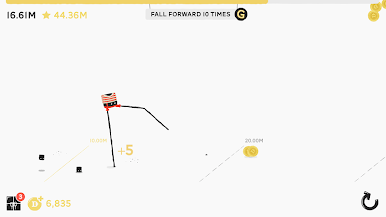
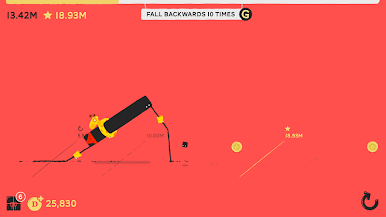
If you’ve ever wondered what it’d be like to walk on stilts—without the broken ankles—Daddy Long Legs by Set Snail is calling your name. This Arcade game invites you to guide an adorably oddball creature with legs far too long for its own good. Sounds simple, right? You’d be surprised. Each step can spiral into a wobbly disaster or an unexpected victory, and every tumble somehow manages to be both hilarious and weirdly addictive.
Game Features
-
Absurd Walking Challenge
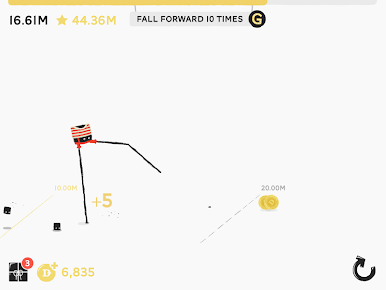
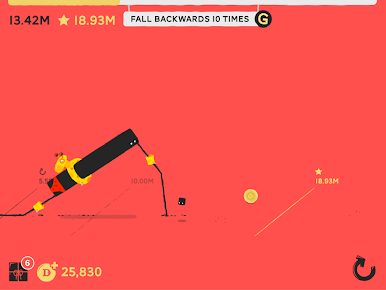
Take on the not-so-easy task of moving Daddy Long Legs forward—one unpredictable, tottering step at a time. The controls are simple, but don’t let that fool you. Mastering the knack of walking is half the fun (and all the laughter). -
Choose Your Character
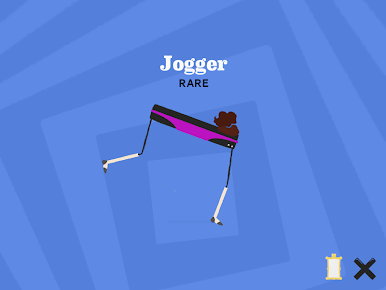
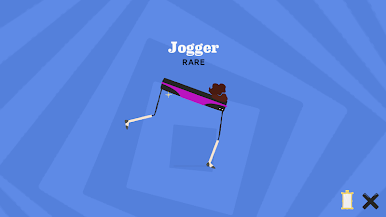
Switch things up whenever you want—walk as Daddy himself or try your luck controlling Horse, another equally unsteady friend. Each one brings their own unique brand of clumsiness to the table. -
Customize Your Look
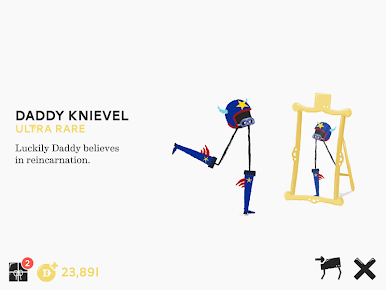
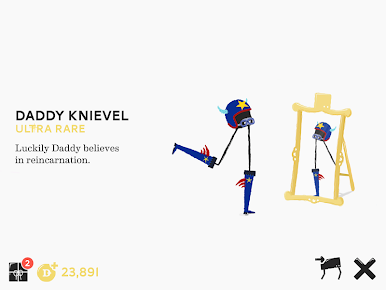
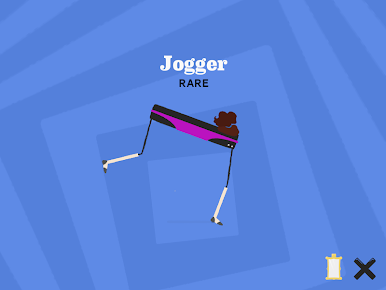
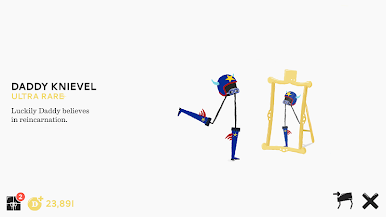
As you play, you’ll collect gifts that unlock all kinds of ridiculous costumes. Dress up Daddy in everything from bizarre hats to snazzy outfits and see just how goofy you can make him look as he faceplants yet again. -
Compete and Compare
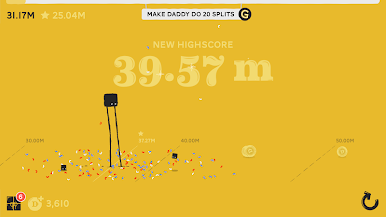
Feel like showing off? Check out daily and global highscores to see who’s managed the longest wobble. Challenge buddies or just enjoy watching how everyone else falls flat—literally. -
Fits Any Mood
Whether you want a genuine challenge or just fancy a few quick laughs, the game’s blend of tough mechanics and silly visuals never gets old. -
Perfect on BlueStacks
For those who love a bigger screen (and even bigger laughs), Daddy Long Legs works great on BlueStacks—making every glorious stumble feel even more epic.
Get ready for a buttery smooth, high-performance gaming action only on BlueStacks.
Daddy Long LegsをPCでプレイ
-
BlueStacksをダウンロードしてPCにインストールします。
-
GoogleにサインインしてGoogle Play ストアにアクセスします。(こちらの操作は後で行っても問題ありません)
-
右上の検索バーにDaddy Long Legsを入力して検索します。
-
クリックして検索結果からDaddy Long Legsをインストールします。
-
Googleサインインを完了してDaddy Long Legsをインストールします。※手順2を飛ばしていた場合
-
ホーム画面にてDaddy Long Legsのアイコンをクリックしてアプリを起動します。

