


このページには広告が含まれます
ボイスレコーダー
仕事効率化 | EZ Mobile
BlueStacksを使ってPCでプレイ - 5憶以上のユーザーが愛用している高機能Androidゲーミングプラットフォーム

Play Voice Recorder on PC
Summary
Simple and easy to use. You can reliably record your business meetings, speeches, lectures, songs. There is no time limits. Free Download!
Features
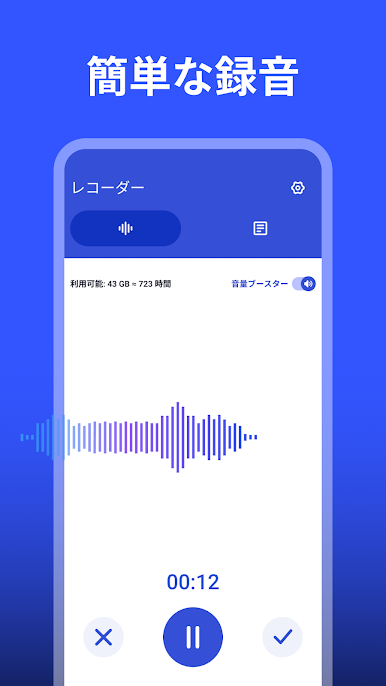
- Simple user interface, Easy to use.
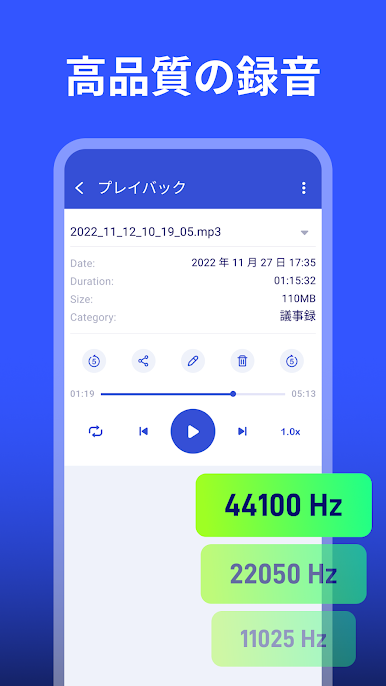
- Record voice with high quality (CD quality).
- Audio formats: MP3, M4A
- Multi-Window View
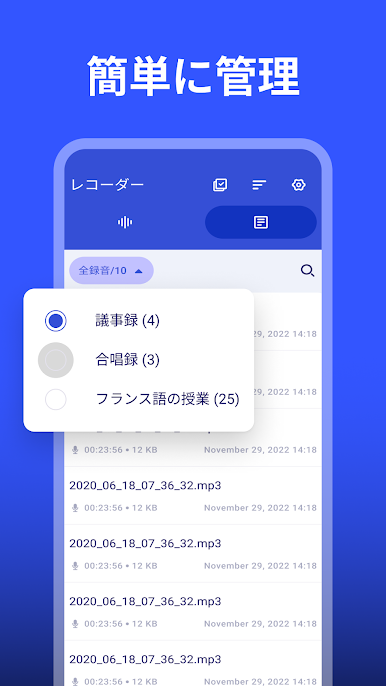
- Import/Export Recordings
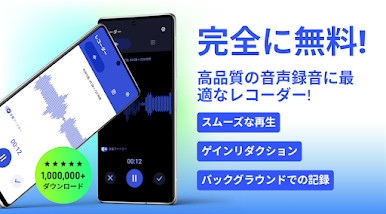
- Recording in background.
- Pause/resume recording process control.
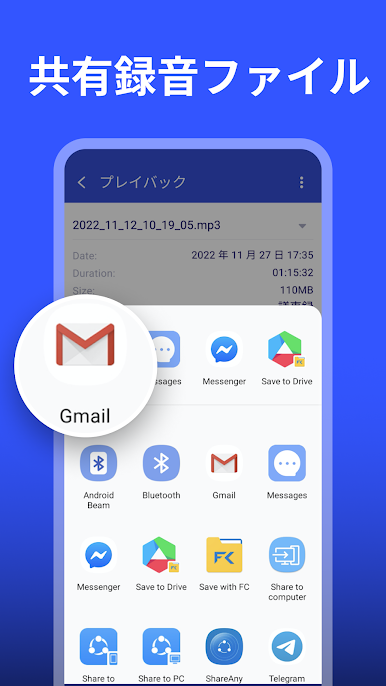
- Share/Delete/Save recording.
- Play, pause, stop audio file.
- Support Android 10 (Android Q), One UI version 2.0.
- Acts as an amplifier.
- Audio cut.
- Fast forward and rewind for audio playback.
- Category/tag/folder
- Material Design
Warn
- not support call recorder.
Simple and easy to use. You can reliably record your business meetings, speeches, lectures, songs. There is no time limits. Free Download!
Features
- Simple user interface, Easy to use.
- Record voice with high quality (CD quality).
- Audio formats: MP3, M4A
- Multi-Window View
- Import/Export Recordings
- Recording in background.
- Pause/resume recording process control.
- Share/Delete/Save recording.
- Play, pause, stop audio file.
- Support Android 10 (Android Q), One UI version 2.0.
- Acts as an amplifier.
- Audio cut.
- Fast forward and rewind for audio playback.
- Category/tag/folder
- Material Design
Warn
- not support call recorder.
ボイスレコーダーをPCでプレイ
-
BlueStacksをダウンロードしてPCにインストールします。
-
GoogleにサインインしてGoogle Play ストアにアクセスします。(こちらの操作は後で行っても問題ありません)
-
右上の検索バーにボイスレコーダーを入力して検索します。
-
クリックして検索結果からボイスレコーダーをインストールします。
-
Googleサインインを完了してボイスレコーダーをインストールします。※手順2を飛ばしていた場合
-
ホーム画面にてボイスレコーダーのアイコンをクリックしてアプリを起動します。

