


ブロックパズル - のクラシック・ブロックパズルゲーム
BlueStacksを使ってPCでプレイ - 5憶以上のユーザーが愛用している高機能Androidゲーミングプラットフォーム

Play Block Puzzle Quest Story Legend Breaker Blitz on PC or Mac
Bring your A-game to Block Puzzle Quest Story Legend Breaker Blitz, the Casual game sensation from Match 3 Puzzle Games. Give your gameplay the much-needed boost with precise game controls, high FPS graphics, and top-tier features on your PC or Mac with BlueStacks.
About the Game
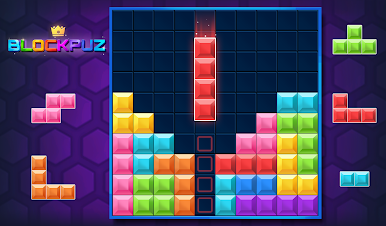
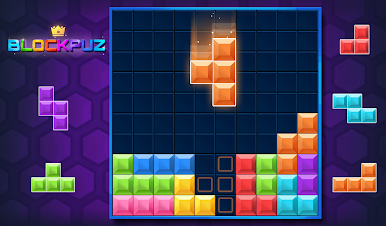
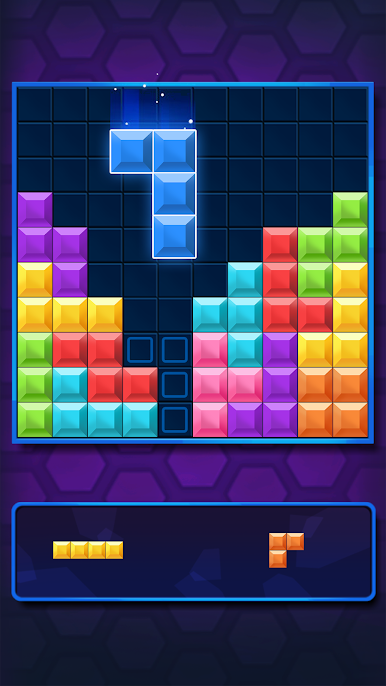
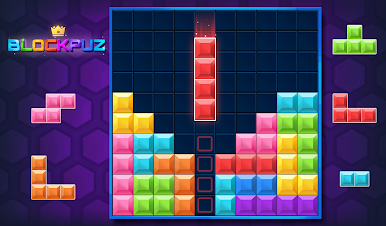
Block Puzzle Quest Story Legend Breaker Blitz throws you straight into the world of puzzling blocks and satisfying line clears. Whether you’re after a quick brain teaser or planning to chill for a while, this Casual game by Match 3 Puzzle Games keeps things interesting. Think old-school block puzzles but with a few modern twists and endless chances to outdo yourself.
Game Features
- Straightforward Controls
-
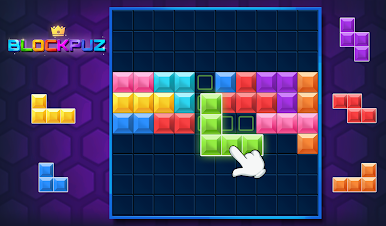
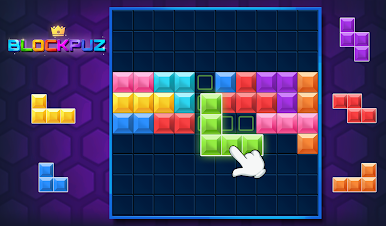
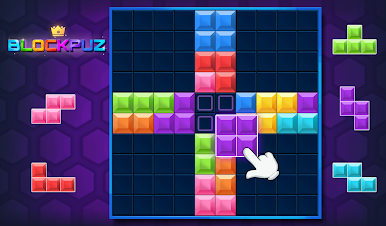
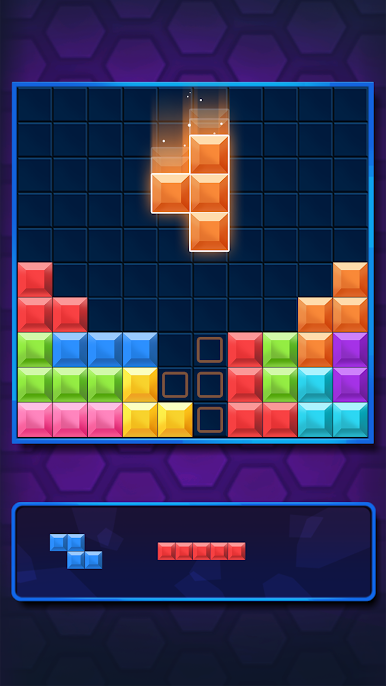
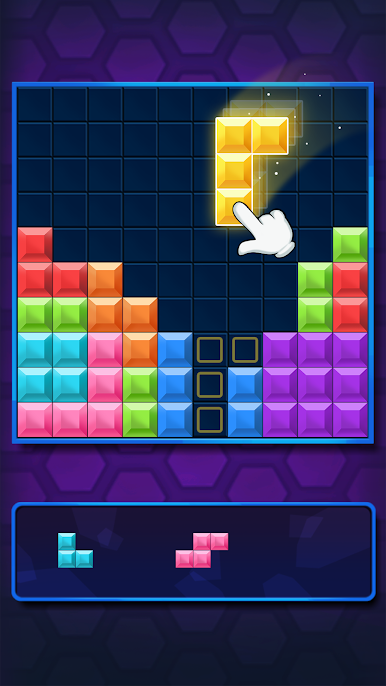
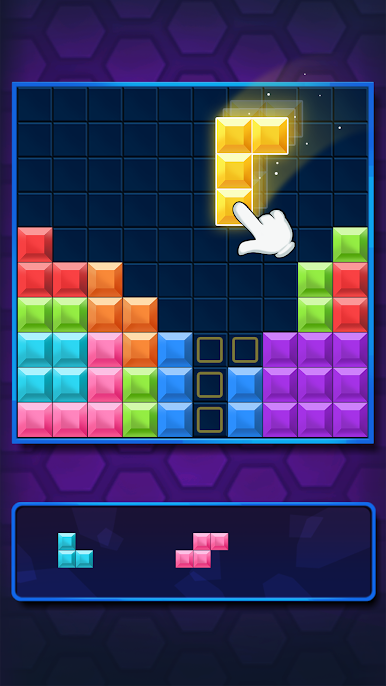
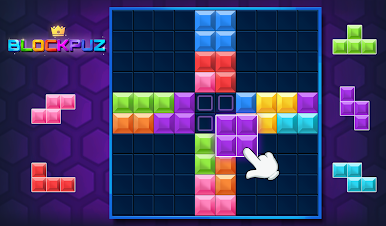
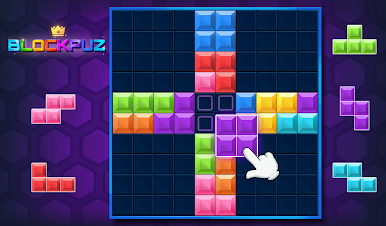
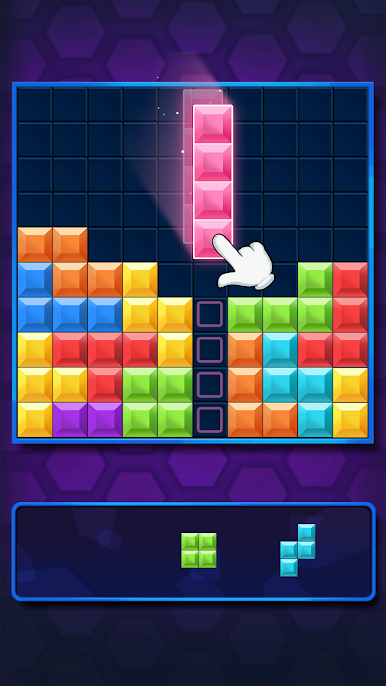
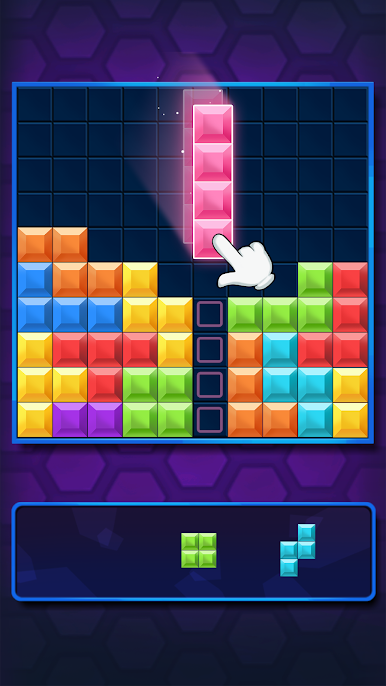
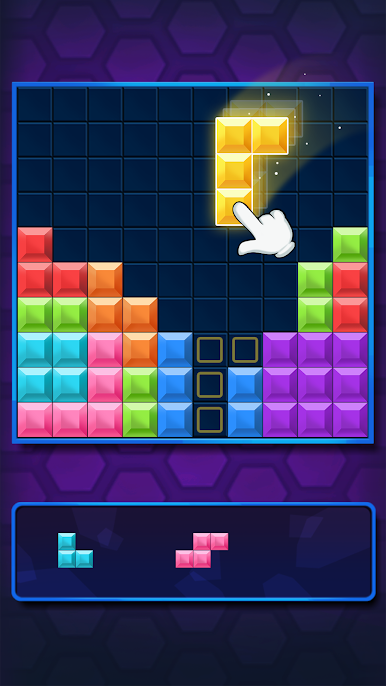
Just pick up and drag blocks onto the grid. No fancy gestures, nothing complicated—you’ll catch on in seconds, but you might end up hooked for hours.
-
No Rotations
-
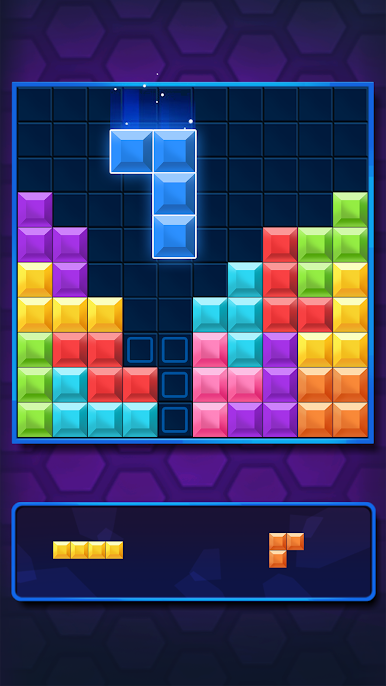
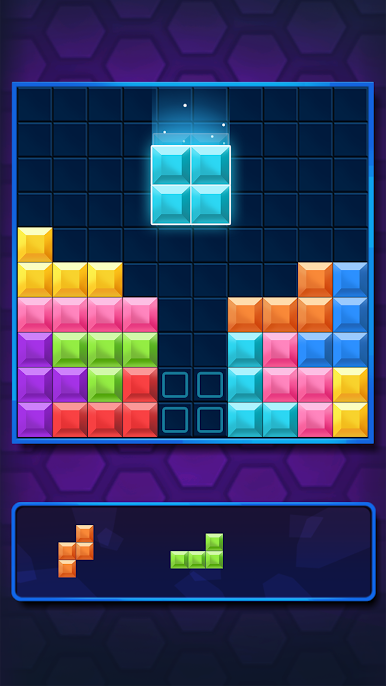
There’s a catch: you can’t rotate any of the blocks. That’s part of the challenge. You’ll need to think a few moves ahead and fit everything together as best you can.
-
Full Lines, Big Rewards
-
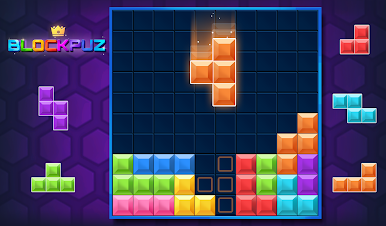
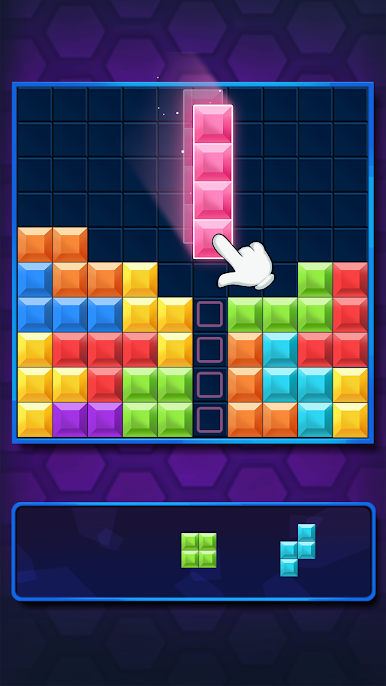
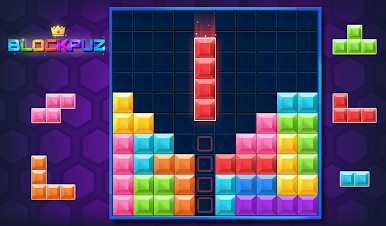
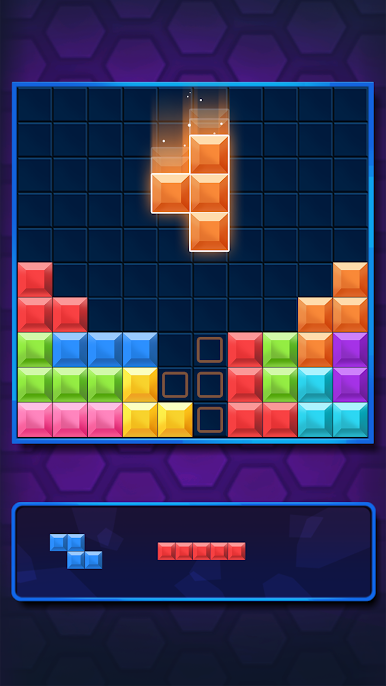
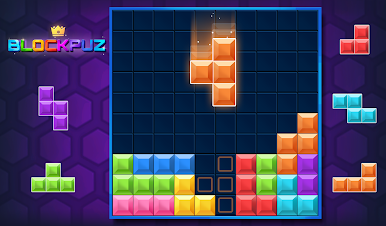
Make complete lines across or down, and watch them vanish. The game keeps you on your toes, always hunting for the next big clear.
-
Leaderboard Support
-
Ready to show off? Track your progress and see how your high scores stack up against others in the leaderboard. Perfect if you like a little friendly competition.
-
Free & Playable Offline
-
Internet goes down? No problem. Block Puzzle Quest Story Legend Breaker Blitz works just fine offline, so it’s always ready when you need something to do.
-
Casual Gaming, Your Way
-
Play for a few minutes or get lost for an hour. The pace is totally up to you—a great fit for winding down or sharpening up.
-
Great Experience with BlueStacks
- Wanna play on your PC? The game runs smoothly with BlueStacks, letting you play on a bigger screen with crisp controls.
Ready to top the leaderboard? We bet you do. Let precise controls and sharp visuals optimized on BlueStacks lead you to victory.


ブロックパズル - のクラシック・ブロックパズルゲームをPCでプレイ
-
BlueStacksをダウンロードしてPCにインストールします。
-
GoogleにサインインしてGoogle Play ストアにアクセスします。(こちらの操作は後で行っても問題ありません)
-
右上の検索バーにブロックパズル - のクラシック・ブロックパズルゲームを入力して検索します。
-
クリックして検索結果からブロックパズル - のクラシック・ブロックパズルゲームをインストールします。
-
Googleサインインを完了してブロックパズル - のクラシック・ブロックパズルゲームをインストールします。※手順2を飛ばしていた場合
-
ホーム画面にてブロックパズル - のクラシック・ブロックパズルゲームのアイコンをクリックしてアプリを起動します。

