

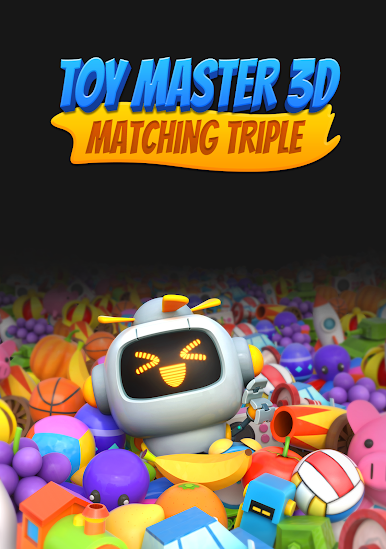
Toy Master 3D: Matching Triple
BlueStacksを使ってPCでプレイ - 5憶以上のユーザーが愛用している高機能Androidゲーミングプラットフォーム

Play Toy Master 3D: Matching Triple on PC or Mac
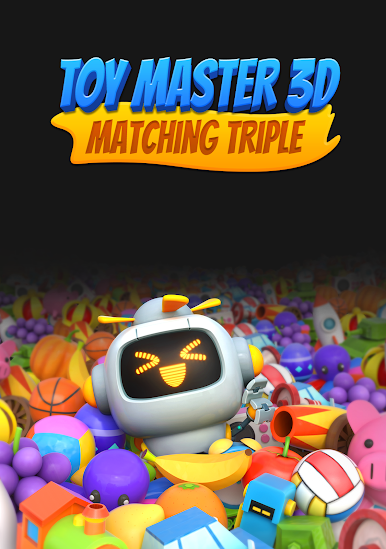
Bring your A-game to Toy Master 3D: Matching Triple, the Puzzle game sensation from Skylink Studio Global. Give your gameplay the much-needed boost with precise game controls, high FPS graphics, and top-tier features on your PC or Mac with BlueStacks.
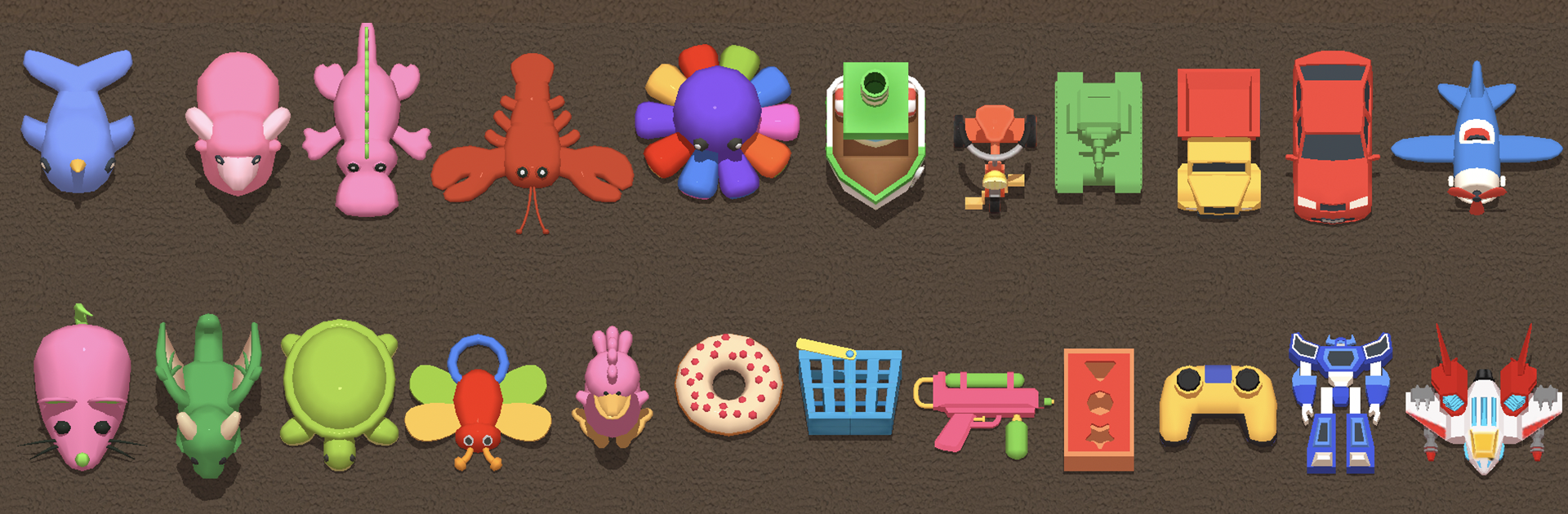
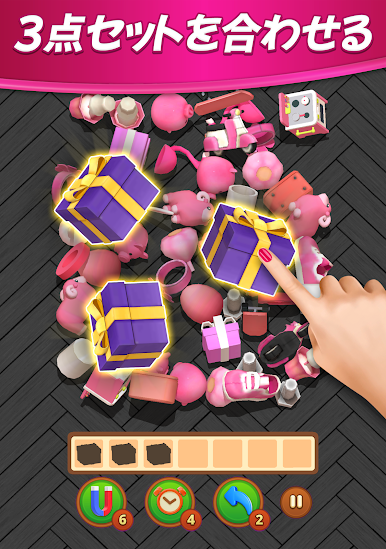
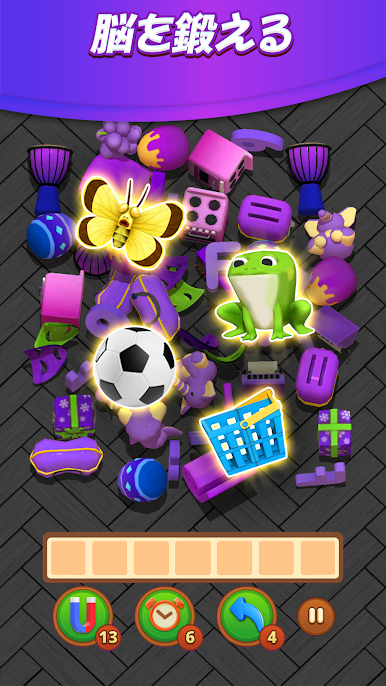
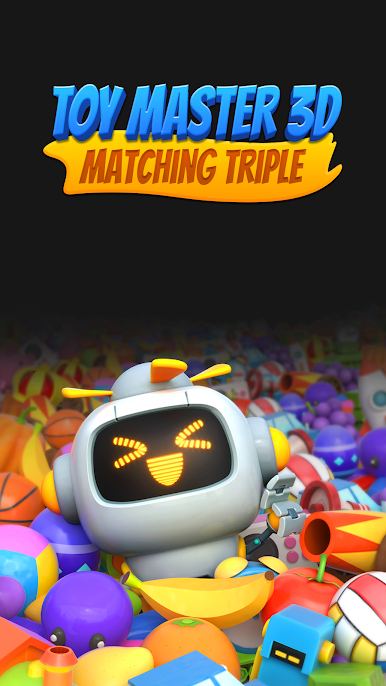
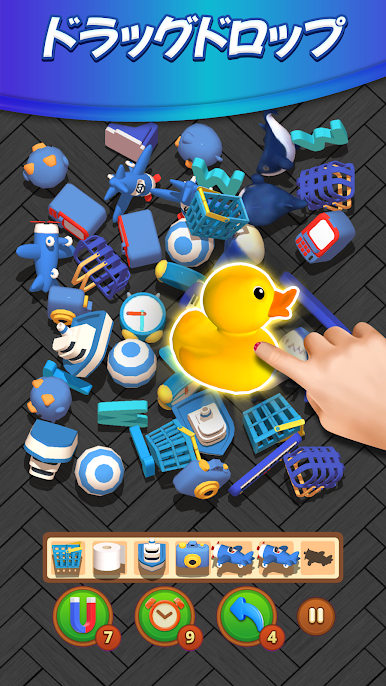
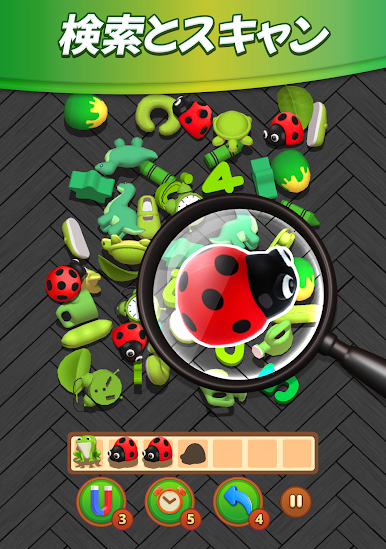
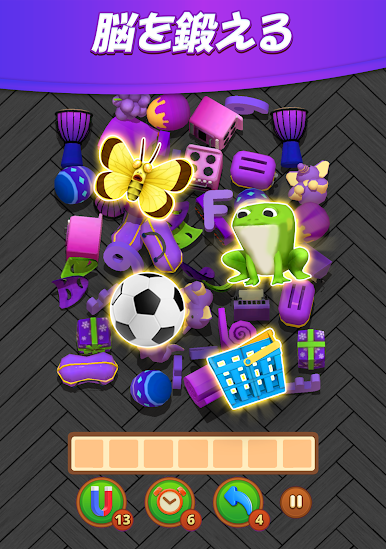
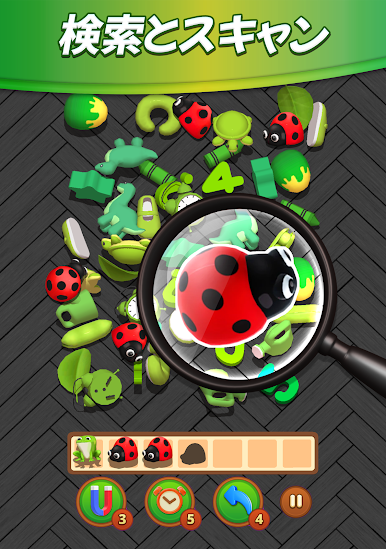
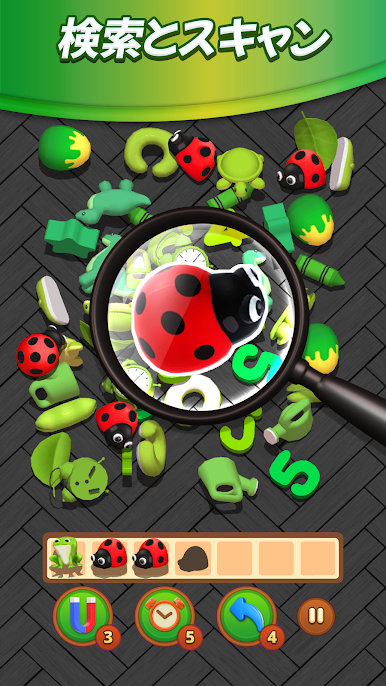
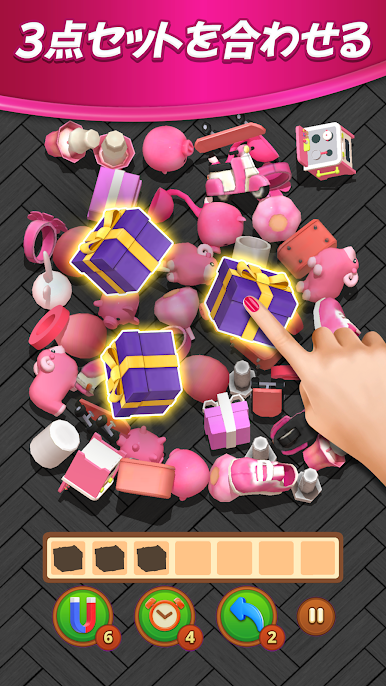
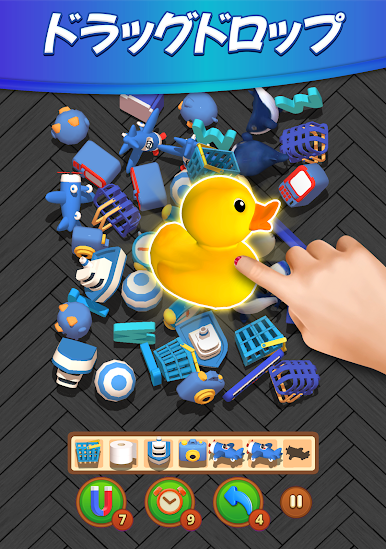
Toy Master 3D: Matching Triple is one of those puzzle games that’s simple to pick up but gets surprisingly tricky once you start moving through the stages. The idea is all about spotting three of the same 3D object in this big pile of mixed items and then tapping them to match before your tray fills up, or time runs out. There are loads of objects, too—cute animals, bright fruits, little toys, even some funny emoji shapes. It starts out pretty easy, but the farther you go, the messier things get, and suddenly it’s a real challenge to find everything in time.
What stands out is just how satisfying it is to clear a bunch of items quickly or spot a match no one else would’ve caught. Controls are dead simple—just drag or tap—and there’s something nice about breezing through a few levels while waiting for something else. Things can get tough if you’re not paying attention, though, since once your tray fills up, that’s it for that run. There are also boosters you can use, like freezing time or clearing certain objects, when things get wild. Playing on a PC with BlueStacks feels great too, since the bigger screen makes it easier to scan the mess of 3D pieces and react faster. For anyone who enjoys games that mix quick thinking with that feeling of clearing up a mess, this one keeps it interesting with new objects and challenges popping up as you go.
Ready to top the leaderboard? We bet you do. Let precise controls and sharp visuals optimized on BlueStacks lead you to victory.
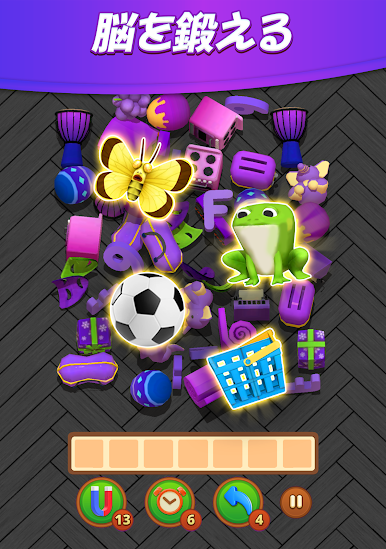
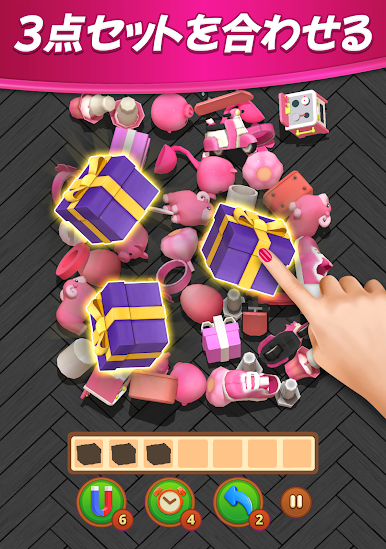

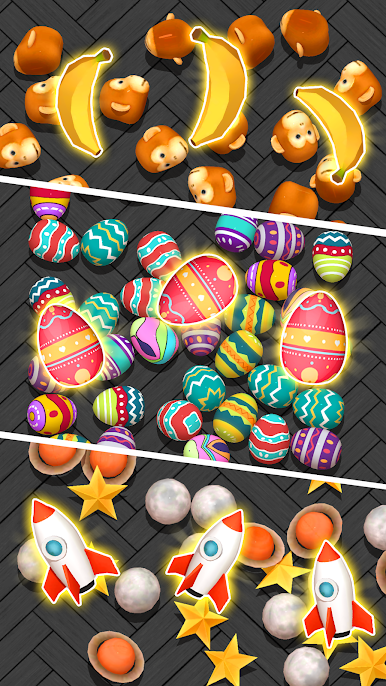
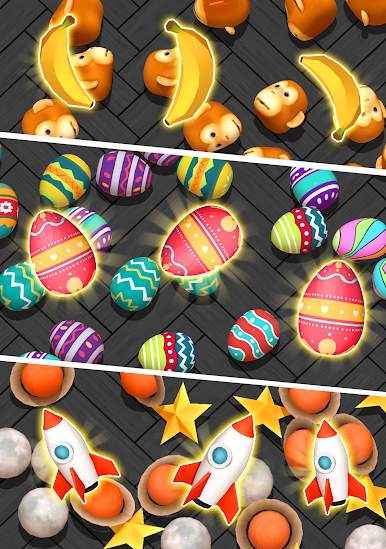

Toy Master 3D: Matching TripleをPCでプレイ
-
BlueStacksをダウンロードしてPCにインストールします。
-
GoogleにサインインしてGoogle Play ストアにアクセスします。(こちらの操作は後で行っても問題ありません)
-
右上の検索バーにToy Master 3D: Matching Tripleを入力して検索します。
-
クリックして検索結果からToy Master 3D: Matching Tripleをインストールします。
-
Googleサインインを完了してToy Master 3D: Matching Tripleをインストールします。※手順2を飛ばしていた場合
-
ホーム画面にてToy Master 3D: Matching Tripleのアイコンをクリックしてアプリを起動します。

