


Brain Out: brain games
BlueStacksを使ってPCでプレイ - 5憶以上のユーザーが愛用している高機能Androidゲーミングプラットフォーム

概要
All games are free, offline and very useful and interesting for all ages, for kids, for parents, and for everybody!
Brain Games are designed to help you:
- Concentration training
- Training memory
- Brain training
- Improve Mathematics skills
- Improve logic
- Improve IQ
- Think smart and quick
- React faster
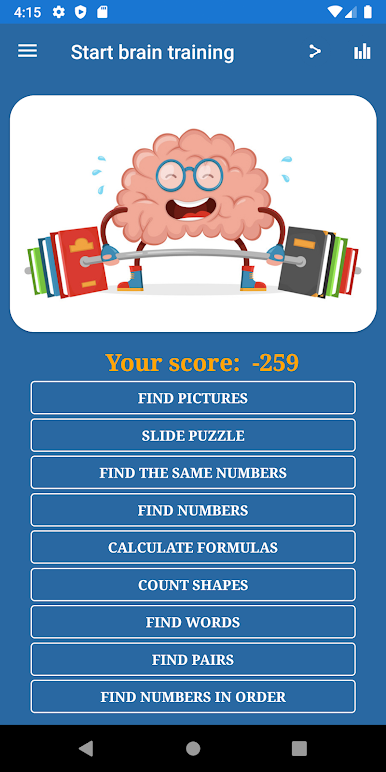
The application includes 10 brain games:
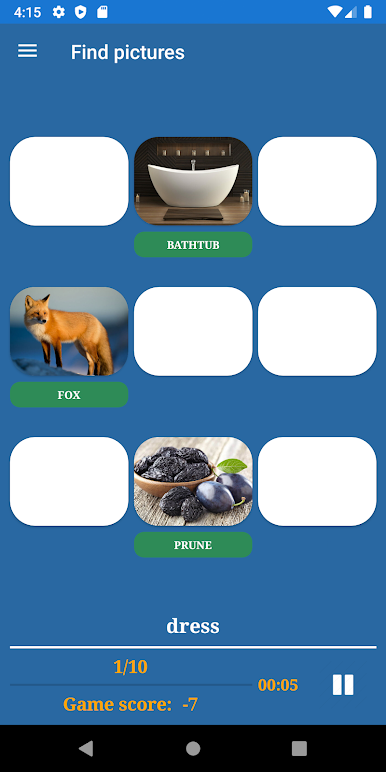
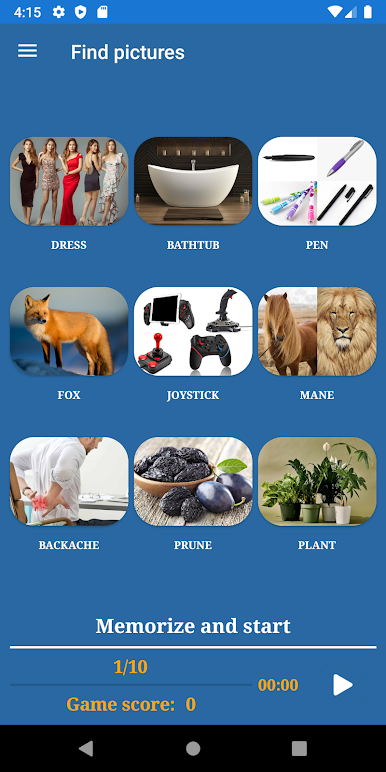
1. Find pictures
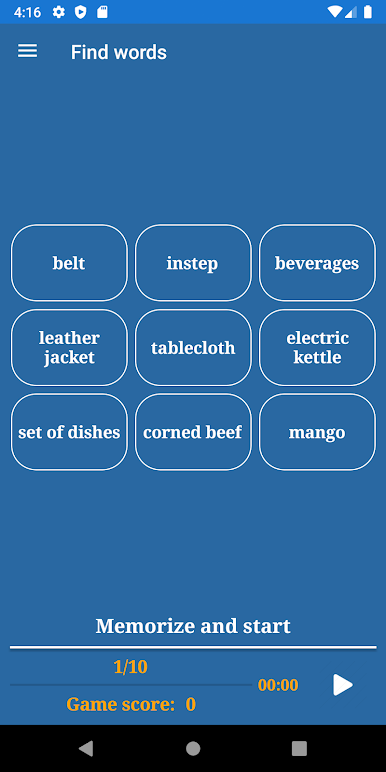
2. Find words
3. Find numbers
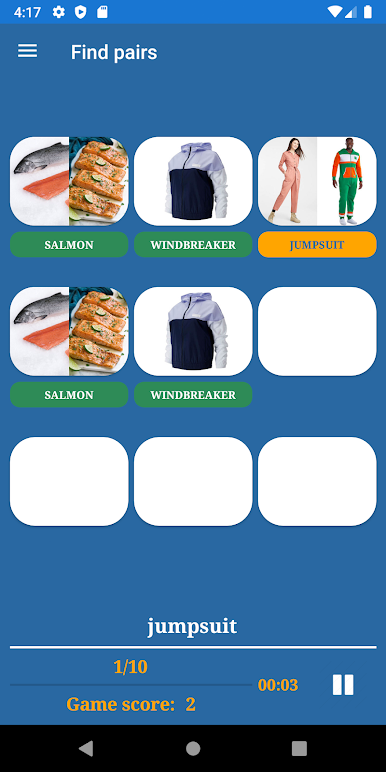
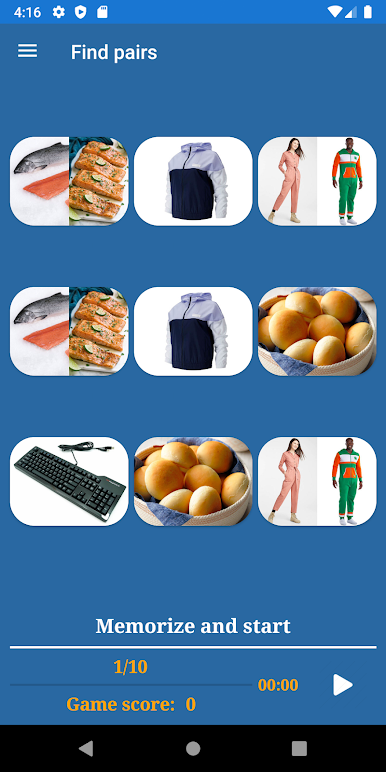
4. Find pairs
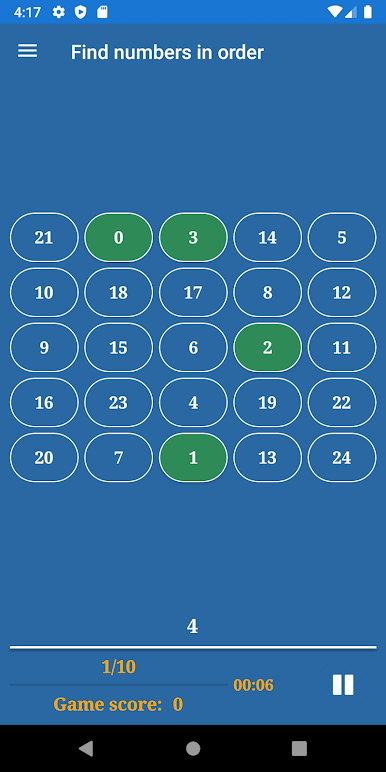
5. Find numbers in order
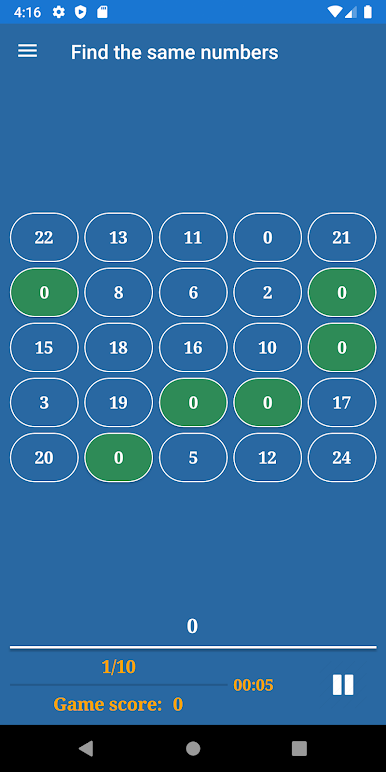
6. Find the same numbers
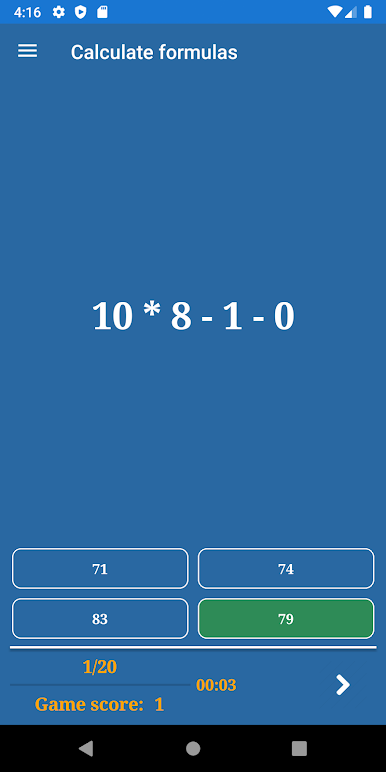
7. Calculate formulas
8. Slide the puzzle
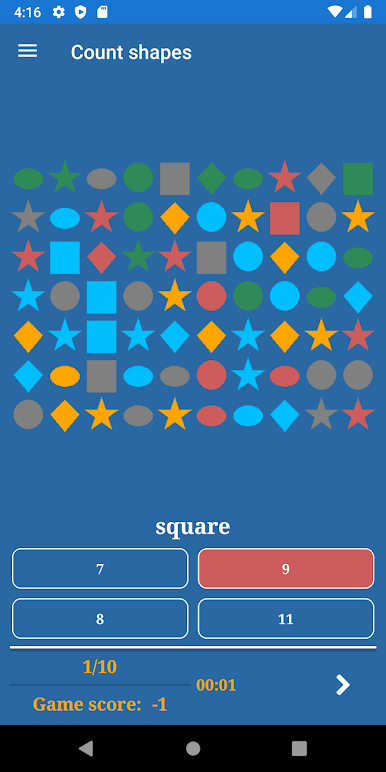
9. Count shapes
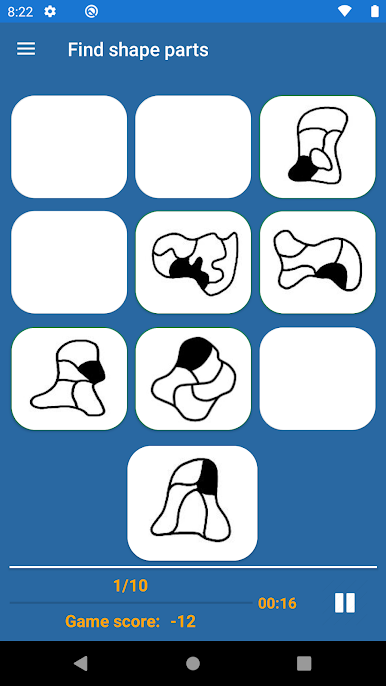
10. Find shape parts
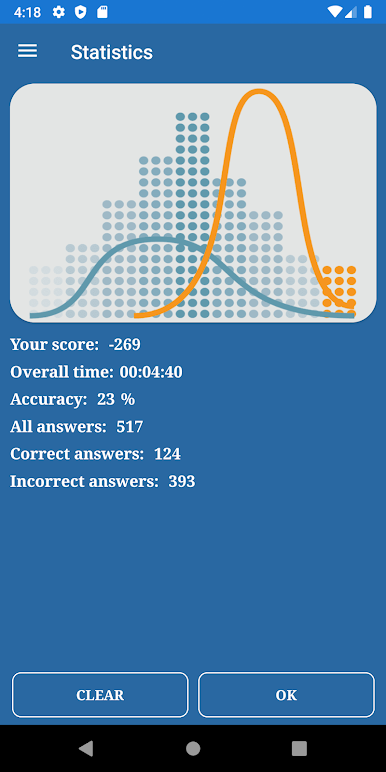
You can see statistics by choosing the menu item in the Main Menu. Information includes the overall score, accuracy, count of correct and incorrect answers.
Please read Rules before playing.
Supported languages: English, Russian, Spanish, Hindi, Portuguese, Indonesian, German, Bengali, Italian, French, Vietnamese, Chinese Simplified
(Ages 3+)
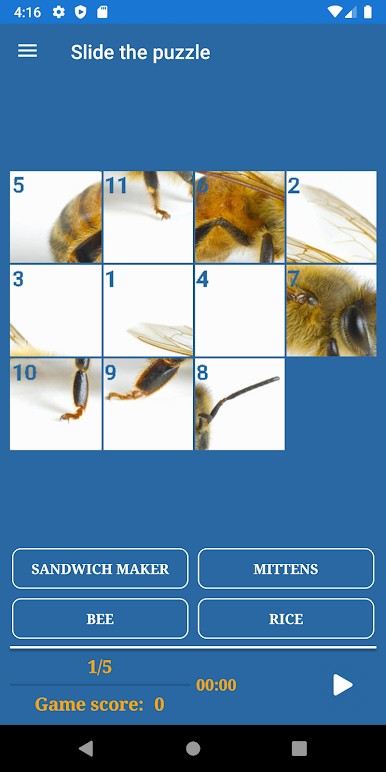
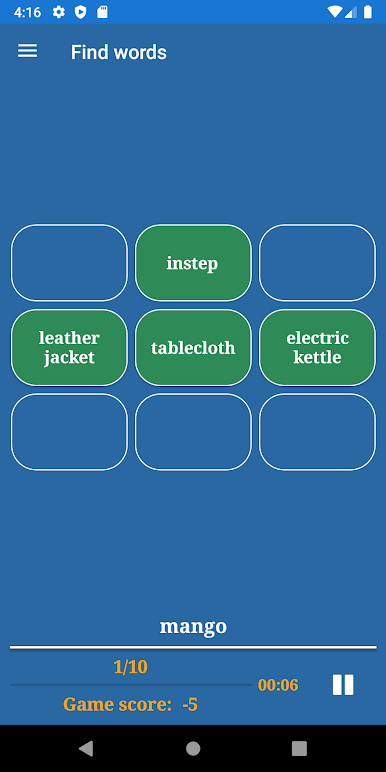
Brain Out: brain gamesをPCでプレイ
-
BlueStacksをダウンロードしてPCにインストールします。
-
GoogleにサインインしてGoogle Play ストアにアクセスします。(こちらの操作は後で行っても問題ありません)
-
右上の検索バーにBrain Out: brain gamesを入力して検索します。
-
クリックして検索結果からBrain Out: brain gamesをインストールします。
-
Googleサインインを完了してBrain Out: brain gamesをインストールします。※手順2を飛ばしていた場合
-
ホーム画面にてBrain Out: brain gamesのアイコンをクリックしてアプリを起動します。

