

優れた単語検索:オフラインで単語を検索
BlueStacksを使ってPCでプレイ - 5憶以上のユーザーが愛用している高機能Androidゲーミングプラットフォーム

Play The Best Word Search (Free) on PC or Mac
Explore a whole new adventure with The Best Word Search (Free), a Word game created by Kieter Labs. Experience great gameplay with BlueStacks, the most popular gaming platform to play Android games on your PC or Mac.
About the Game
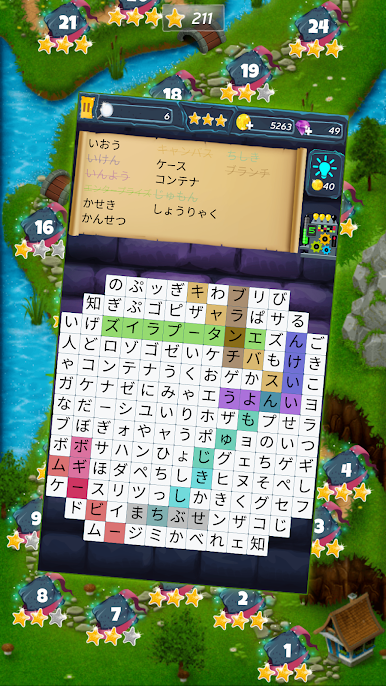
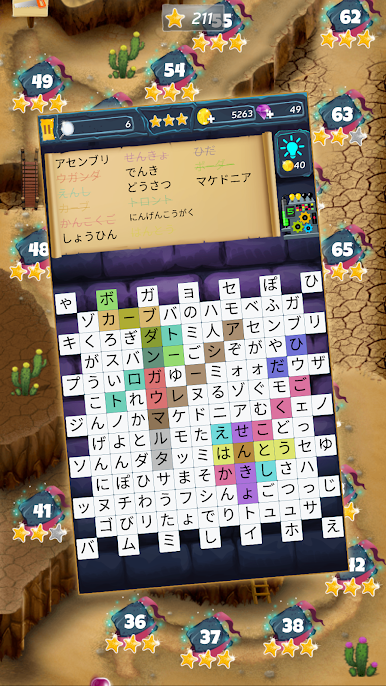
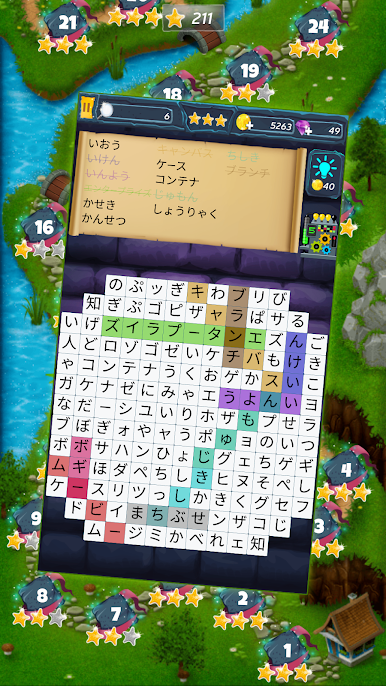
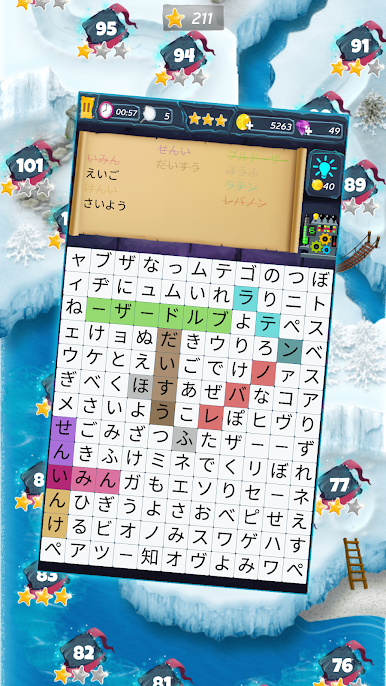
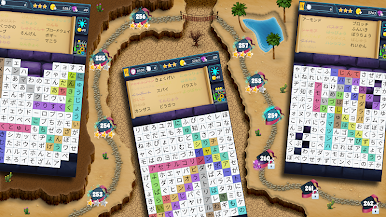
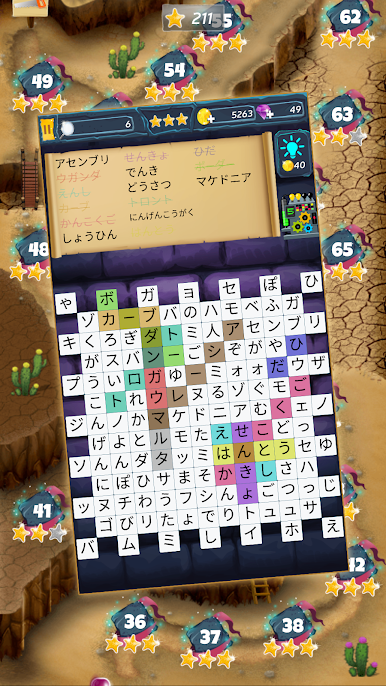
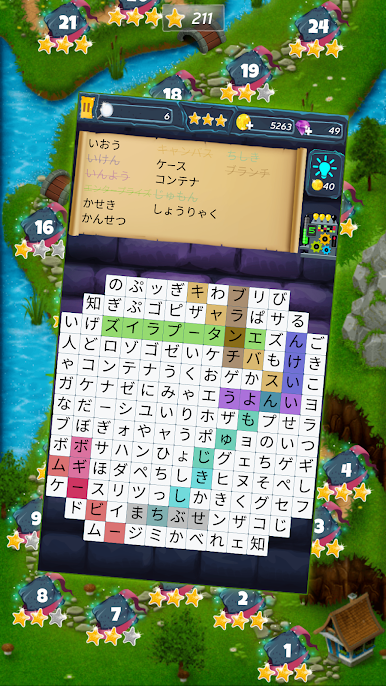
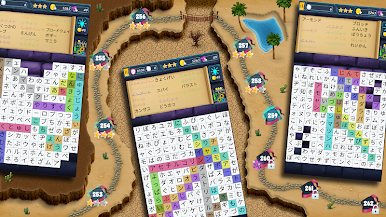
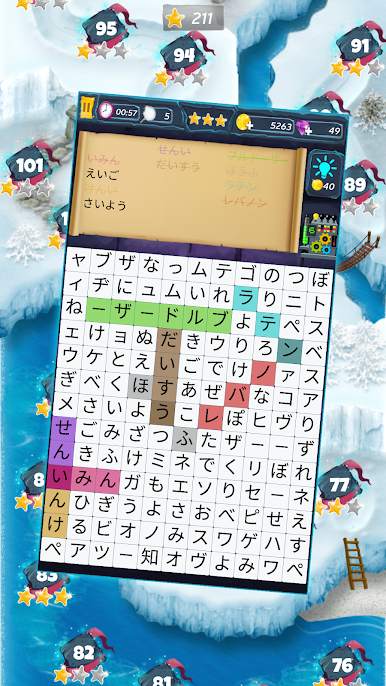
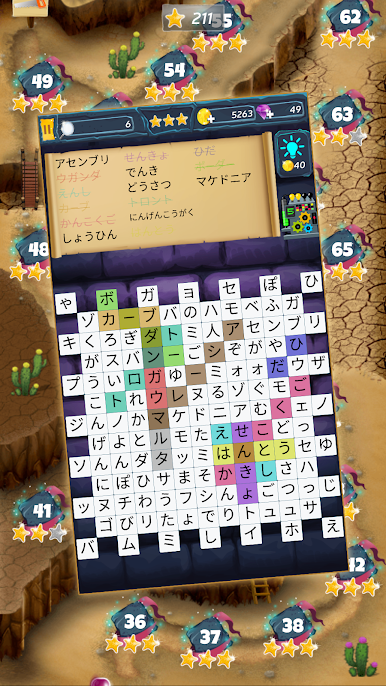
If you’re into word games but crave something with a bit more adventure, The Best Word Search (Free) by Kieter Labs offers an unexpected twist on the usual puzzle formula. Imagine your classic word search, but mixed with a map full of challenges, obstacles, and evolving goals. As you journey through different landscapes—think valleys, deserts, and seas—each level serves up a fresh take on the search-and-find experience, keeping things interesting every step of the way.
Game Features
- Ever-Changing Maps
-
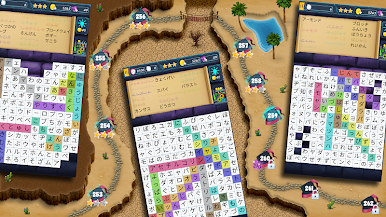
Tired of bland grids? You’ll wander through a colorful map that changes up the scenery and brings in new surprises as you advance.
-
Levels for Days
-
With hundreds of levels, you’ll never run out of words to find or adventures to tackle.
-
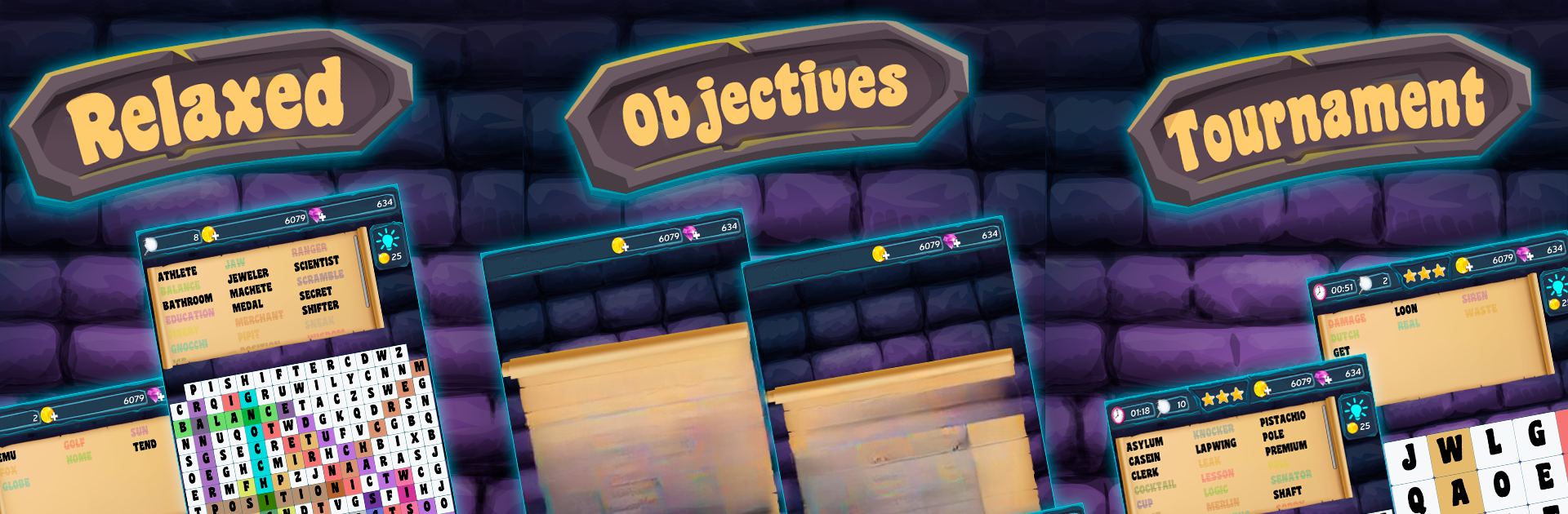
Two Distinct Game Modes
-
Prefer relaxed gameplay? Stick with Classic mode. Want requirements and specific goals? Switch to Modern mode for some extra challenge.
-
Build, Upgrade, Explore
-
As you progress, you won’t just be searching for words—you’ll also upgrade your tools, construct bridges, and unlock new ways forward across tricky terrain.
-
Track Your Progress Globally
-
Think you’re a word search pro? The worldwide leaderboards will show you where you stand among players everywhere.
-
Safe, Synced Progress
-
No worries about losing your data—your progress stays synced, whether you take a break or switch devices.
-
Achievement Hunt
-
There are more than 20 achievements to uncover, giving you plenty of side goals to aim for.
-
Pause and Return Anytime
-
Got an incoming call or something else to take care of? Your game saves automatically, so you never lose your spot.
-
Practice Multiple Languages
-
Brush up on your English, Spanish, French, Portuguese, Czech, or Russian vocabulary while having a good time.
-
Works Great on BlueStacks
-
For a bigger screen and smoother controls, you can play The Best Word Search (Free) on BlueStacks, making those extra-long words easier to spot.
-
Completely Free
- No paywalls here—the fun’s open to everyone.
Ready to top the leaderboard? We bet you do. Let precise controls and sharp visuals optimized on BlueStacks lead you to victory.




優れた単語検索:オフラインで単語を検索をPCでプレイ
-
BlueStacksをダウンロードしてPCにインストールします。
-
GoogleにサインインしてGoogle Play ストアにアクセスします。(こちらの操作は後で行っても問題ありません)
-
右上の検索バーに優れた単語検索:オフラインで単語を検索を入力して検索します。
-
クリックして検索結果から優れた単語検索:オフラインで単語を検索をインストールします。
-
Googleサインインを完了して優れた単語検索:オフラインで単語を検索をインストールします。※手順2を飛ばしていた場合
-
ホーム画面にて優れた単語検索:オフラインで単語を検索のアイコンをクリックしてアプリを起動します。

