


エッジジェスチャー
BlueStacksを使ってPCでプレイ - 5憶以上のユーザーが愛用している高機能Androidゲーミングプラットフォーム

Run Edge Gestures on PC or Mac
Get freedom from your phone’s obvious limitations. Use Edge Gestures, made by Total_Apps, a Tools app on your PC or Mac with BlueStacks, and level up your experience.
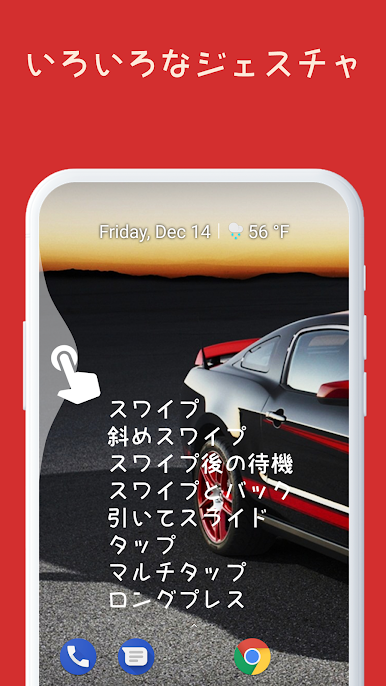
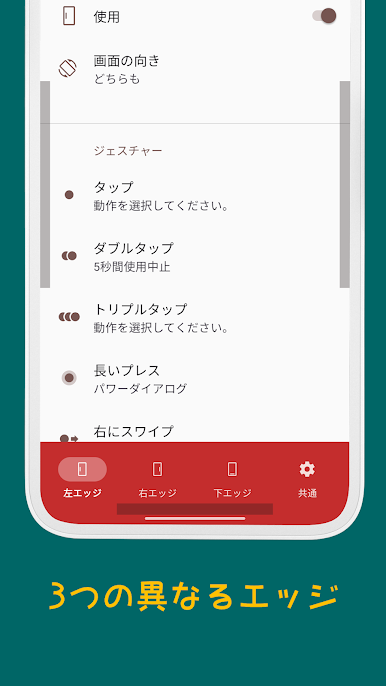
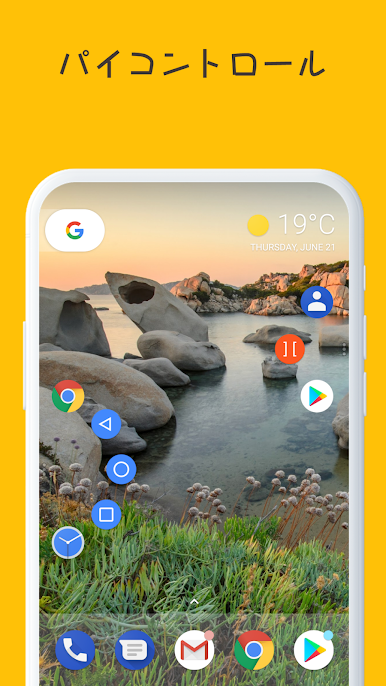
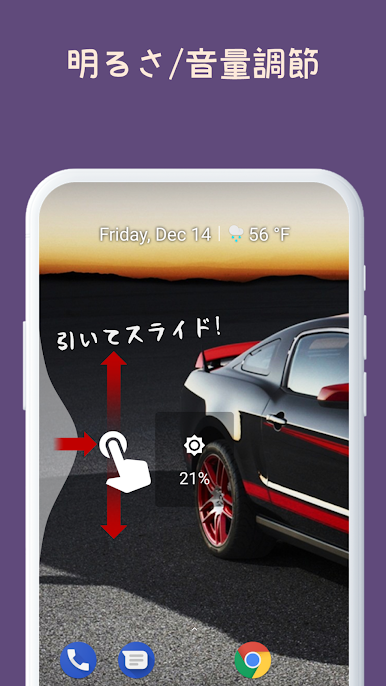
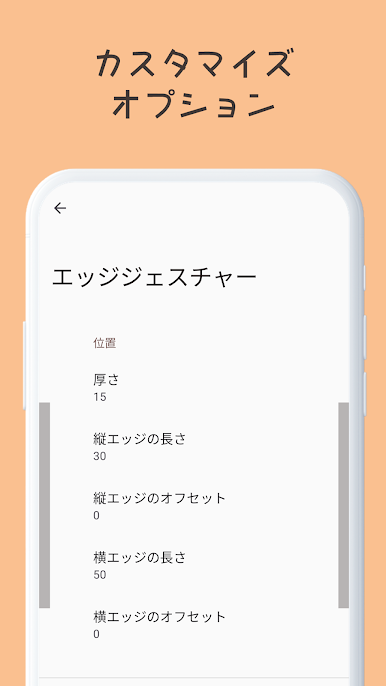
Edge Gestures turns the sides of the screen into little power zones, so swiping or tapping near the edge fires off actions without hunting through menus. It supports a bunch of moves like tap, double tap, long press, straight or diagonal swipes, swipe and hold, and a pull and slide that feels very precise. There is even a pie control for anyone who likes a radial menu pop-up. Those moves can launch apps or shortcuts, trigger back, home, or recents, open the power dialog, expand notifications or quick settings, adjust brightness or media volume, do a fast scroll through long lists, toggle split screen, or flip to the previous app. The edge area can be resized and repositioned, so it stays reachable but not in the way. On PC with BlueStacks, the edges sit along the emulator window and work smoothly with a mouse or trackpad, which honestly makes Android on desktop feel a lot less fussy.
The app relies on the accessibility service to know what is in the foreground and to run system stuff like Home, Back, Recent apps, Screenshot, Power dialog, expand panels, fast scroll, scroll to start, toggle split screen, and lock screen. Permissions are there for those commands and not much else, which is reassuring. It is not flashy or noisy. It just trims the steps between thought and action once the gestures are mapped the way someone likes.
Ready to experience Edge Gestures on a bigger screen, in all its glory? Download BlueStacks now.

エッジジェスチャーをPCでプレイ
-
BlueStacksをダウンロードしてPCにインストールします。
-
GoogleにサインインしてGoogle Play ストアにアクセスします。(こちらの操作は後で行っても問題ありません)
-
右上の検索バーにエッジジェスチャーを入力して検索します。
-
クリックして検索結果からエッジジェスチャーをインストールします。
-
Googleサインインを完了してエッジジェスチャーをインストールします。※手順2を飛ばしていた場合
-
ホーム画面にてエッジジェスチャーのアイコンをクリックしてアプリを起動します。

