


Flasia
BlueStacksを使ってPCでプレイ - 5憶以上のユーザーが愛用している高機能Androidゲーミングプラットフォーム

Run Flasia on PC or Mac
Multitask effortlessly on your PC or Mac as you try out Flasia, a Entertainment app by SungLab Inc on BlueStacks.
About the App
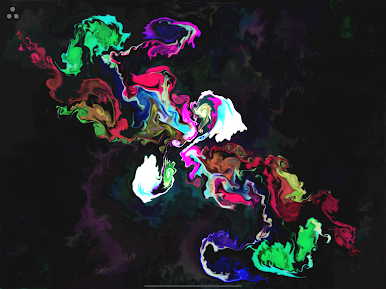
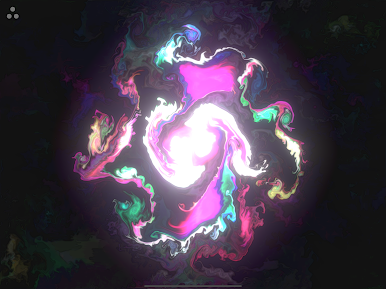
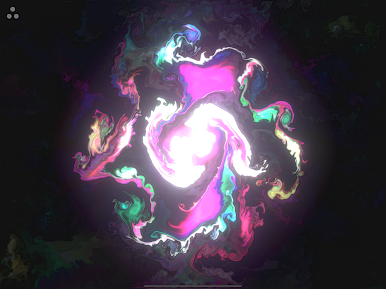
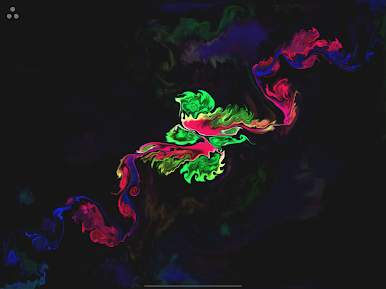
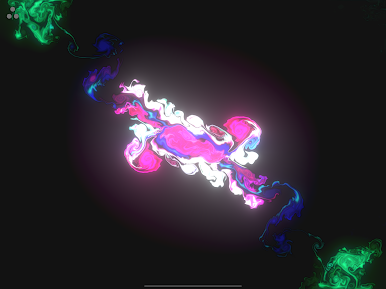
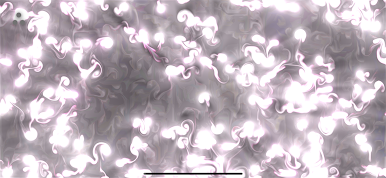
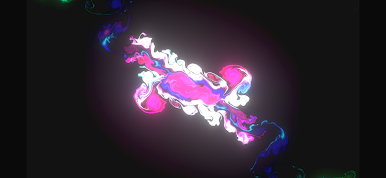
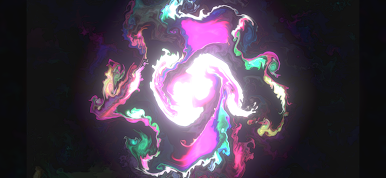
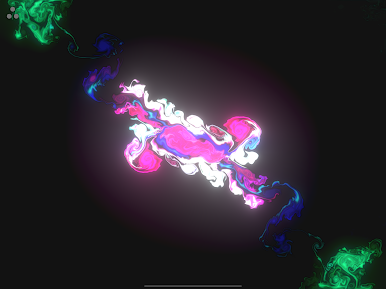
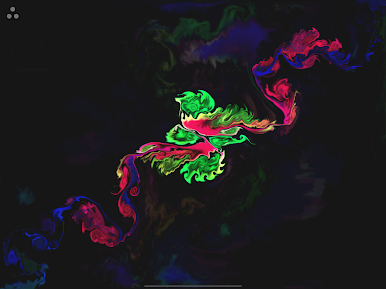
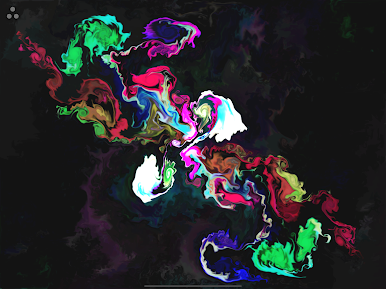
Flasia is a kinetic art sandbox where you paint with light, motion, and a whole lot of swirling energy. One swipe can bloom into auroras, a pinch can whip up a mini tornado, and a tap might spark firefly trails across the screen. It’s by SungLab Inc and sits comfortably in the Entertainment space—great when you want to unwind, think differently for a minute, or set a mood on the big screen. Prefer a larger canvas? It also plays nicely on BlueStacks.
App Features
- Multi-touch canvas: Use up to five fingers at once to nudge, pull, and stretch streams of particles like you’re sculpting liquid light.
- Two ways to create: Switch between Gesture Control for tossing forces around the screen and Multi-Touch Drawing for more direct, “paintbrush” style play.
- Make it yours: Adjust particle length, count, and size to craft your look—rainbow ribbons, calm nebula vibes, stormy waves, even Pollock-like splashes.
- Smooth fluid motion: Enjoy a responsive, high-FPS visual flow that feels silky and immediate as you move.
- Built-in sound: Pick from five immersive tracks by Aden Ray—or mute them if you prefer your own soundtrack.
- Ambient art mode: Turn your device into a living artwork for parties, chill sessions, or background visuals—think lightning flashes, black holes, aurora shimmer, and ocean swells.
- Great on bigger screens: Stunning on tablets and easy to enjoy on a PC via BlueStacks when you want more room to play.
- Instant creativity: No steep learning curve. Tap, swipe, and pinch to relax, brainstorm, or zone out for a few minutes of visual therapy.
Eager to take your app experience to the next level? Start right away by downloading BlueStacks on your PC or Mac.






FlasiaをPCでプレイ
-
BlueStacksをダウンロードしてPCにインストールします。
-
GoogleにサインインしてGoogle Play ストアにアクセスします。(こちらの操作は後で行っても問題ありません)
-
右上の検索バーにFlasiaを入力して検索します。
-
クリックして検索結果からFlasiaをインストールします。
-
Googleサインインを完了してFlasiaをインストールします。※手順2を飛ばしていた場合
-
ホーム画面にてFlasiaのアイコンをクリックしてアプリを起動します。

