このページには広告が含まれます
Syncfusion Flutter UI Widgets

Syncfusion Flutter UI Widgets

仕事効率化 | Syncfusion

BlueStacksを使ってPCでプレイ - 5憶以上のユーザーが愛用している高機能Androidゲーミングプラットフォーム

ページ更新日: Dec 15, 2025

Run Syncfusion Flutter UI Widgets on PC or Mac

Upgrade your experience. Try Syncfusion Flutter UI Widgets, the fantastic Productivity app from Syncfusion, from the comfort of your laptop, PC, or Mac, only on BlueStacks.

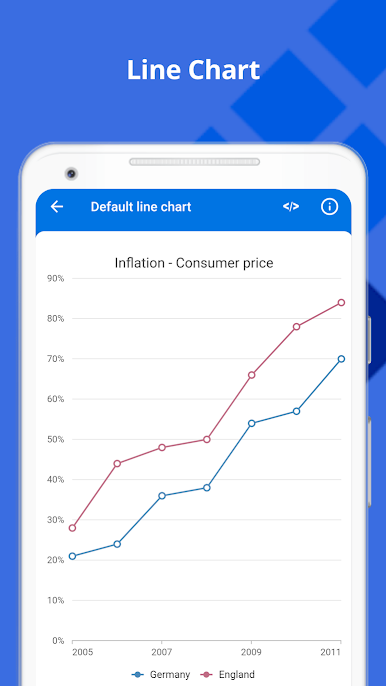
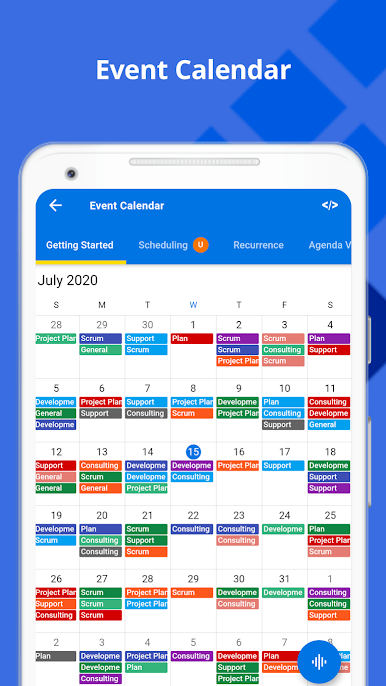
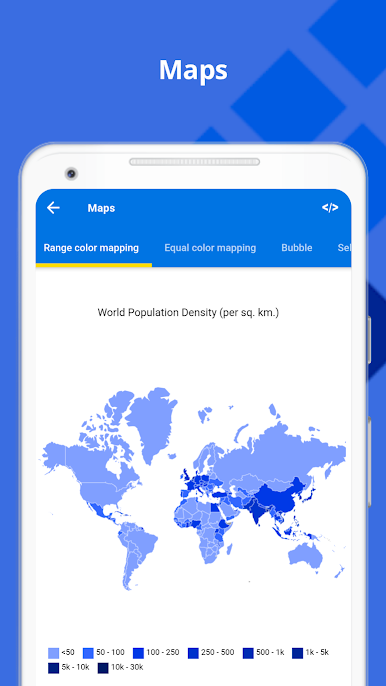
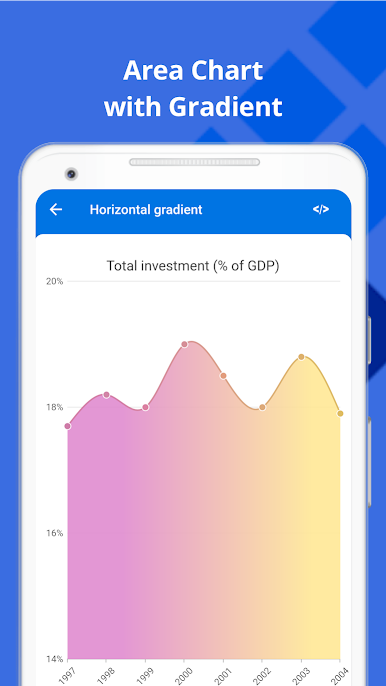
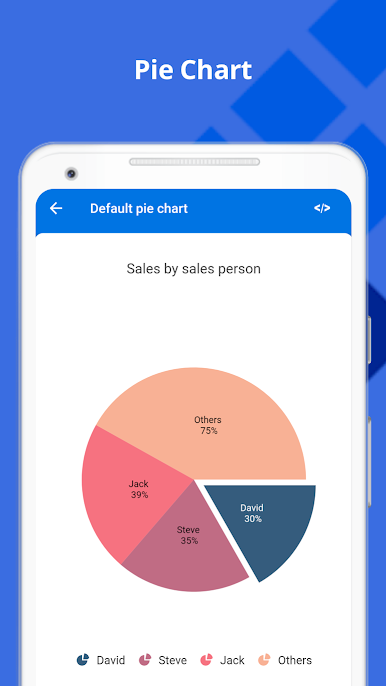
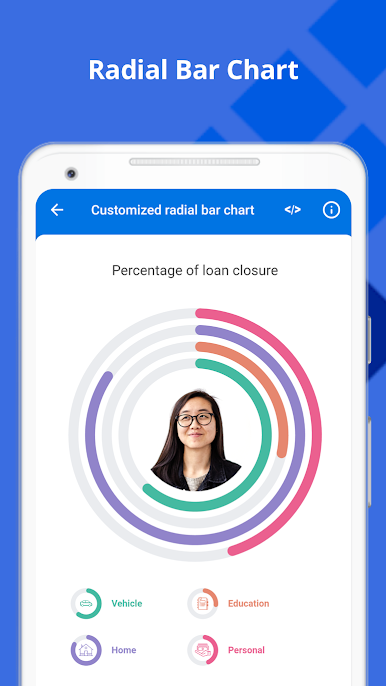
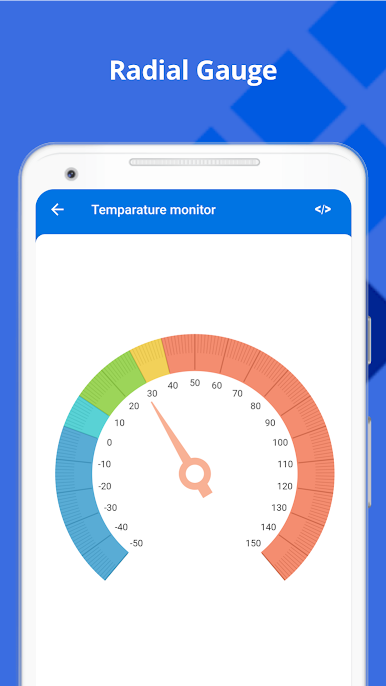
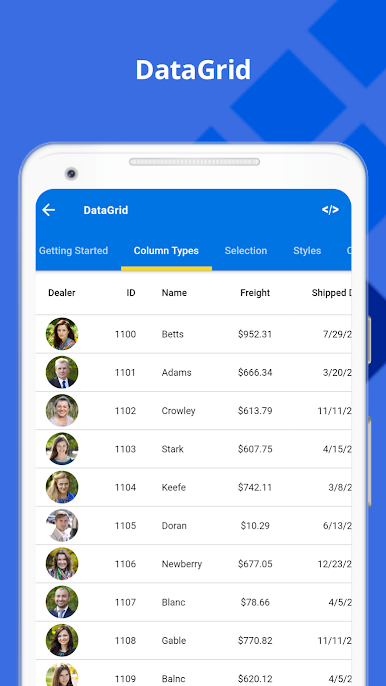
Syncfusion Flutter UI Widgets feels like a big, tidy showroom for Flutter components. It is not a game, more like a hands-on gallery where someone can tap into charts, a calendar, a serious DataGrid, a PDF viewer, and even tools for working with PDFs and spreadsheets. Everything is grouped neatly, so a person picks a widget, sees a live example, and flips on a few options to see how it behaves. The charts section stands out because there are so many styles and interactions, with smooth animations and tooltips that make data feel clear. The DataGrid is loaded with sorting and paging, great for big lists. The PDF viewer handles search and navigation well, and the date range picker is clean and direct. There are maps, a radial gauge for dashboards, sliders that feel responsive, a signature pad that actually tracks strokes nicely, and barcode samples that just work.

On a PC with BlueStacks, the whole thing is easier to poke at. A mouse makes panning charts, scrolling massive tables, and dragging sliders feel more precise. Signing in the signature pad with a trackpad looks clean, no weird jagged lines. Some samples take a moment to load, but once they do, navigation is quick. It is the kind of app that helps a person see what a Flutter app can look like without guessing, and it keeps a calm layout so the focus stays on the widgets themselves. If someone builds apps or just wants to preview strong UI pieces, this gives a lot to try, and it keeps growing.

Switch to BlueStacks and make the most of your apps on your PC or Mac.

Syncfusion Flutter UI WidgetsをPCでプレイ

  • BlueStacksをダウンロードしてPCにインストールします。

  • GoogleにサインインしてGoogle Play ストアにアクセスします。(こちらの操作は後で行っても問題ありません)

  • 右上の検索バーにSyncfusion Flutter UI Widgetsを入力して検索します。

  • クリックして検索結果からSyncfusion Flutter UI Widgetsをインストールします。

  • Googleサインインを完了してSyncfusion Flutter UI Widgetsをインストールします。※手順2を飛ばしていた場合

  • ホーム画面にてSyncfusion Flutter UI Widgetsのアイコンをクリックしてアプリを起動します。

動画の視聴