


4 連続
BlueStacksを使ってPCでプレイ - 5憶以上のユーザーが愛用している高機能Androidゲーミングプラットフォーム

Play Four in a Row - 2 Player on PC or Mac
Explore a whole new adventure with Four in a Row – 2 Player, a Board game created by The Angry Kraken. Experience great gameplay with BlueStacks, the most popular gaming platform to play Android games on your PC or Mac.
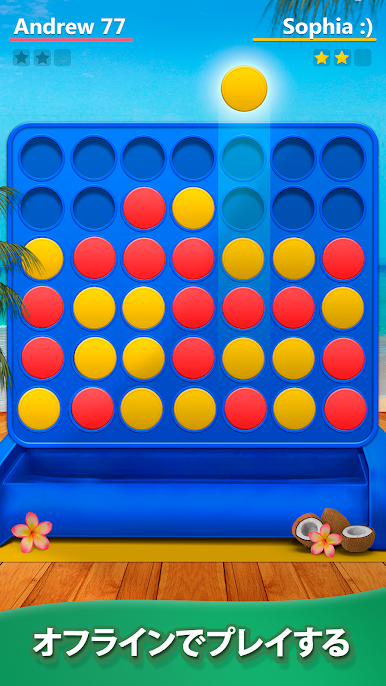
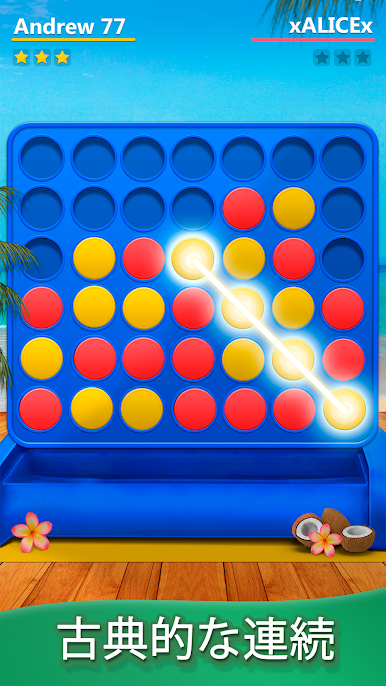
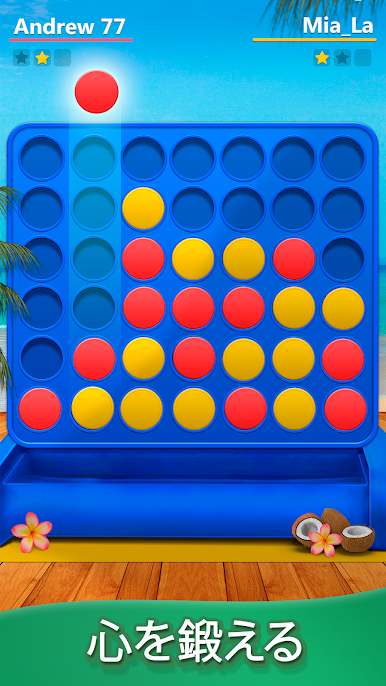
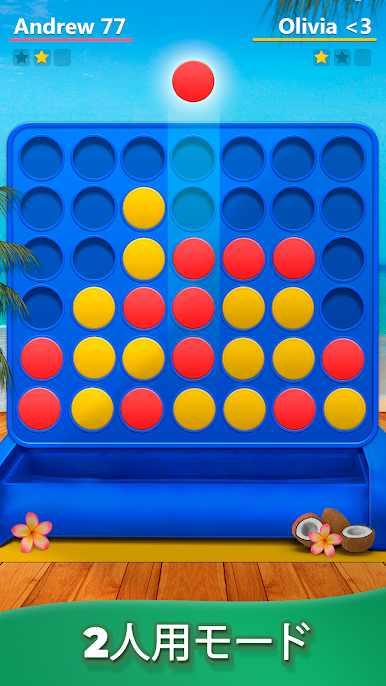
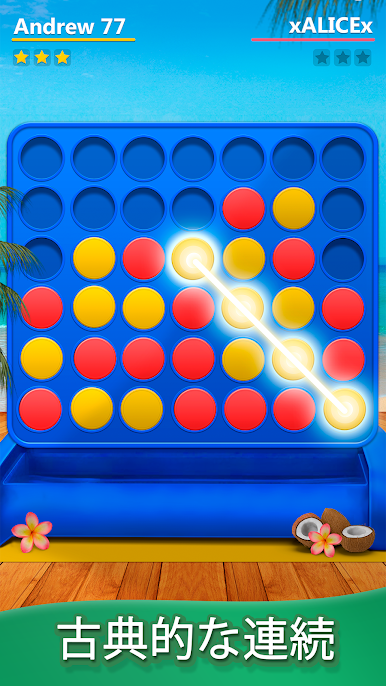
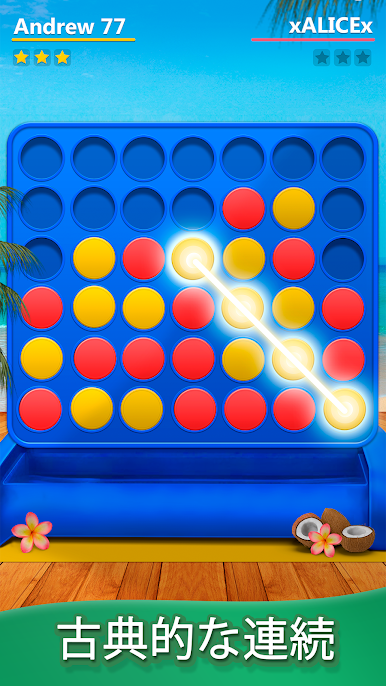
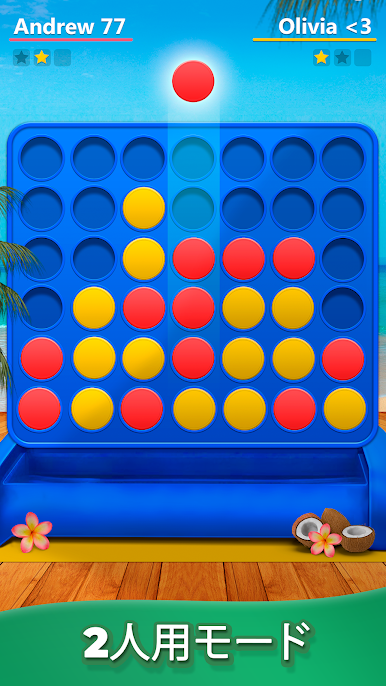
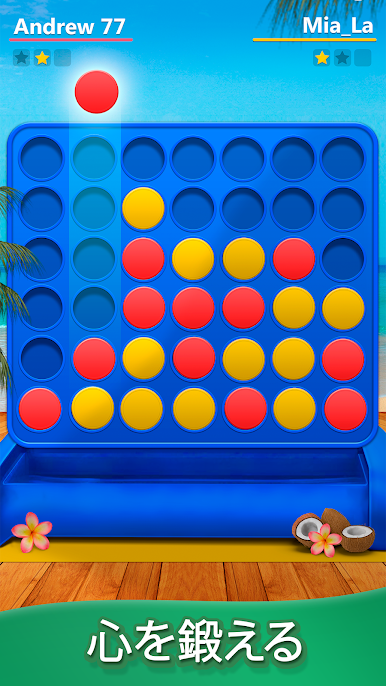
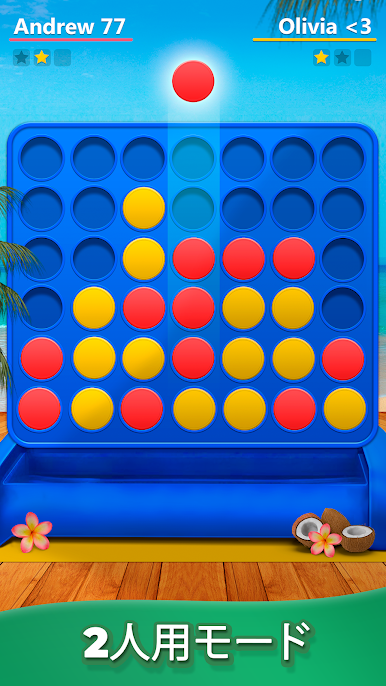
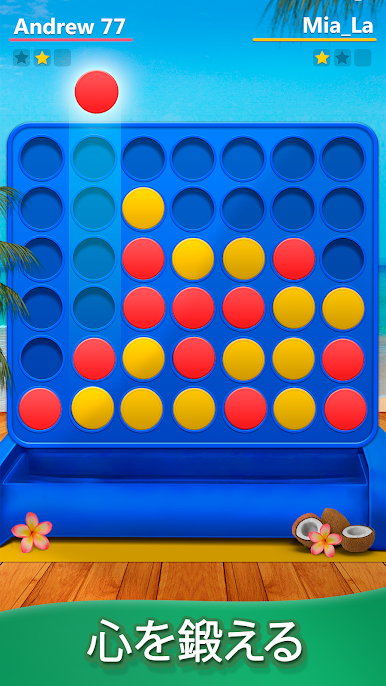
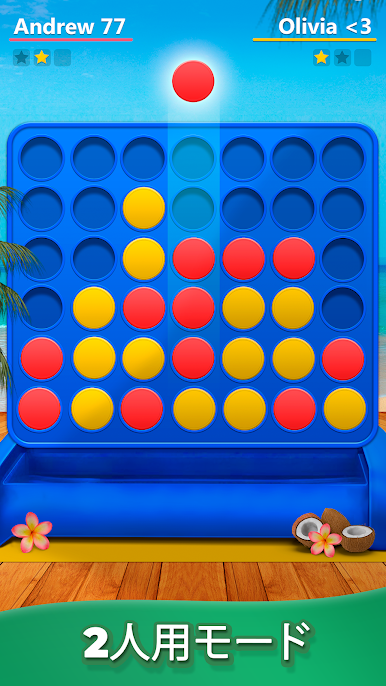
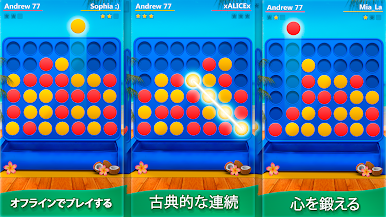
Four in a Row – 2 Player is that classic drop-a-disc puzzle everyone knows, but cleaned up and easy to pick up on PC. Two players take turns dropping pieces into a vertical grid, trying to line up four before the other side blocks it. It looks simple at first, then the game quietly raises the challenge and the built in CPU starts spotting traps and diagonals that punish lazy moves. There is a whole stack of level style challenges too, so it is not just free play. Each stage tweaks the setup or makes the AI a bit sharper, which turns short matches into a nice little brain workout.
On a monitor with BlueStacks, the board is big and clear and clicking a column to drop a piece feels exact. No sign ups, no weird menus, it saves progress automatically so someone can bounce out and come back later. Local two player on the same screen is there for couch competition, and solo against the computer works fine when there is no one else nearby. Rounds are quick, a minute or two, so it fits between other stuff without turning into a time sink. It stays friendly and straightforward, but it still forces real planning because one small mistake and the other side slides a four-in-a-row across or diagonally before it is even noticed. If someone enjoys tight little strategy duels, this scratches that itch without fuss.
Start your journey now. Download the game on BlueStacks, invite your friends, and march on a new adventure.
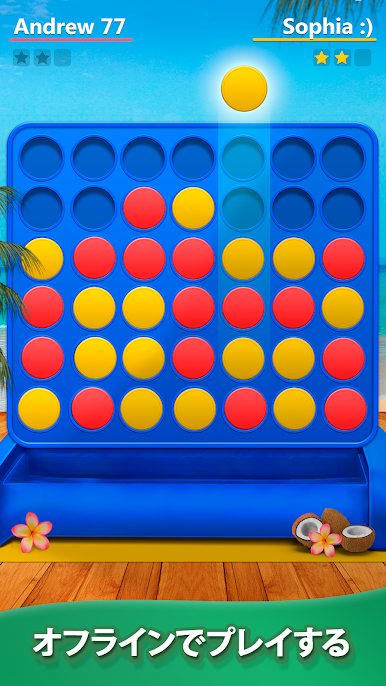
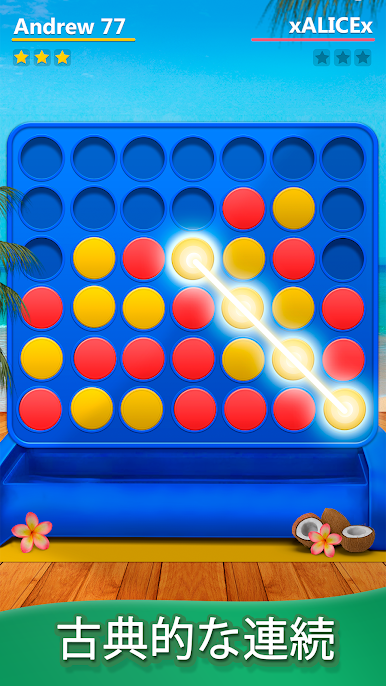
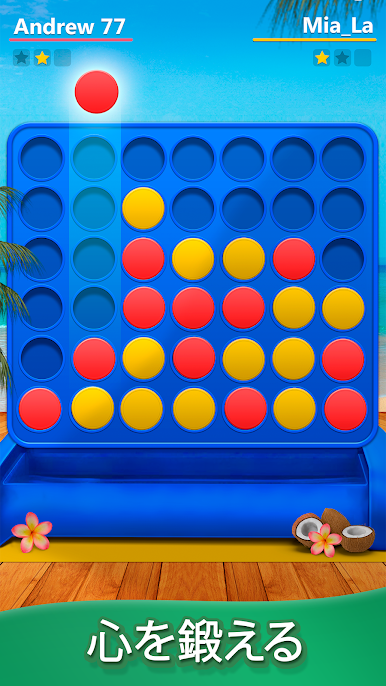
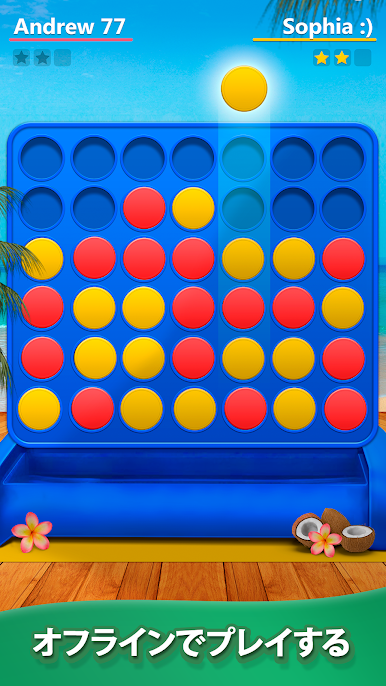

4 連続をPCでプレイ
-
BlueStacksをダウンロードしてPCにインストールします。
-
GoogleにサインインしてGoogle Play ストアにアクセスします。(こちらの操作は後で行っても問題ありません)
-
右上の検索バーに4 連続を入力して検索します。
-
クリックして検索結果から4 連続をインストールします。
-
Googleサインインを完了して4 連続をインストールします。※手順2を飛ばしていた場合
-
ホーム画面にて4 連続のアイコンをクリックしてアプリを起動します。

