


Screen Test Pro
BlueStacksを使ってPCでプレイ - 5憶以上のユーザーが愛用している高機能Androidゲーミングプラットフォーム

Run Screen Test Pro on PC or Mac
Why limit yourself to your small screen on the phone? Run Screen Test Pro, an app by THJHSoftware, best experienced on your PC or Mac with BlueStacks, the world’s #1 Android emulator.
About the App
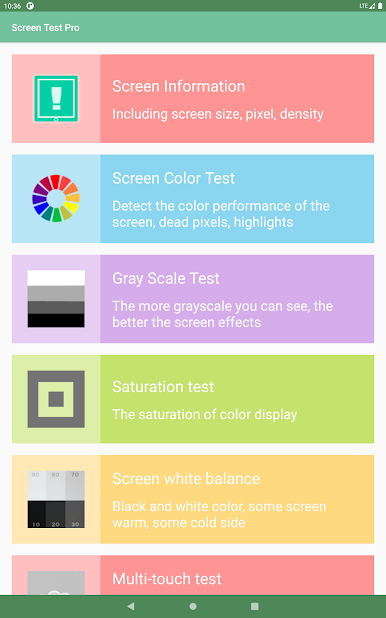
Whether you’re just curious about your device’s screen or you need a thorough checkup, Screen Test Pro from THJHSoftware is ready to help you dig into those details. This handy app puts a whole suite of tools right at your fingertips for testing and analyzing your phone or tablet’s display. Expect clear results and easy-to-understand features, whether you want to spot pixel problems, fine-tune your color settings, or simply figure out what your display can do. It’s also pretty useful when running on BlueStacks, especially if you want to see how your screen skills hold up there.
App Features
-
Screen Specs at a Glance
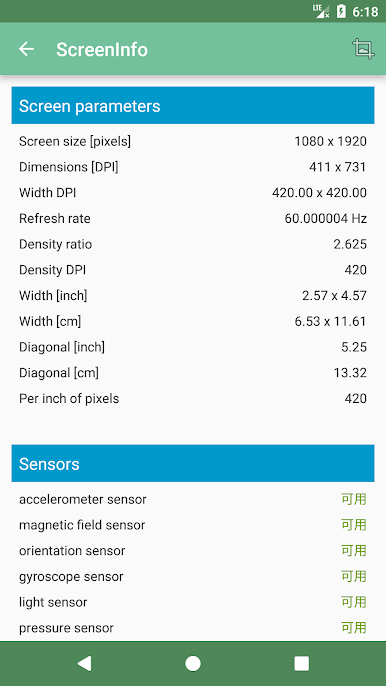
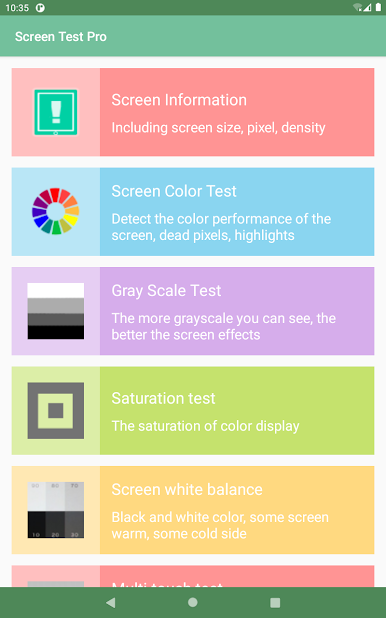
Curious about your display’s numbers? Get instant info like resolution, pixel count, available area, density, and that all-important DPI value. -
Color & Dead Pixel Check
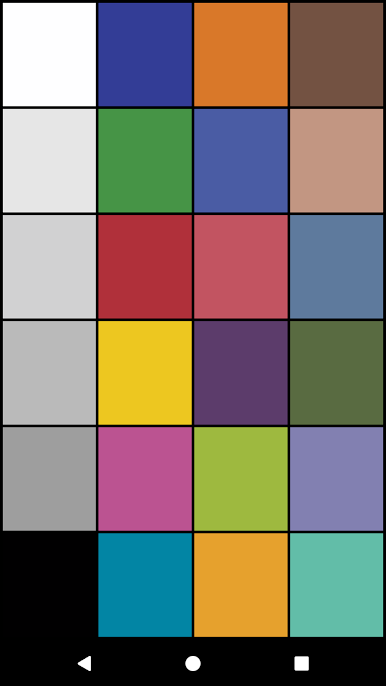
Noticing strange spots or weird color patches? The built-in color tests help you spot dead pixels, bright points, and any color oddities fast. -
Gray Scale, Brightness & White Balance
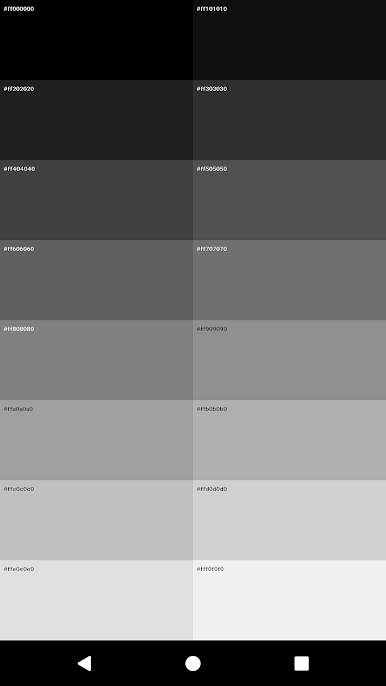
See how smooth your screen’s color transitions are with grayscale testing. Compare maximum and minimum brightness for day and night use, and check if your display leans warm or cool with the white balance tool. -
Touch & Multi-Touch Analysis
Wondering how many fingers your screen can handle, or if every inch reacts like it should? Run the touch and multi-touch tests for quick answers, checking touch points and full-screen responsiveness. -
Edge Leak & Text Test
Worried about light leaks at the edges or fuzzy text? Use the leakage test and text reading section to check edge performance and overall readability. -
Sharpness & Color Accuracy
Test how crisp those lines look and see if colors are popping just right, so you know exactly what your device can (and can’t) show. -
Pressure Sensitivity
For those devices that support pressure touch, see how the screen responds to different levels of tap or press. -
Sensor Rundown
Get a quick overview of onboard sensors, from accelerometers and gyroscopes to light, temperature, and proximity sensors—plus more advanced options like heart rate or humidity if your device has them.
Screen Test Pro offers clear ways to take control of your device’s display, making sure you’re always getting the best from your hardware.
Big screen. Bigger performance. Use BlueStacks on your PC or Mac to run your favorite apps.

Screen Test ProをPCでプレイ
-
BlueStacksをダウンロードしてPCにインストールします。
-
GoogleにサインインしてGoogle Play ストアにアクセスします。(こちらの操作は後で行っても問題ありません)
-
右上の検索バーにScreen Test Proを入力して検索します。
-
クリックして検索結果からScreen Test Proをインストールします。
-
Googleサインインを完了してScreen Test Proをインストールします。※手順2を飛ばしていた場合
-
ホーム画面にてScreen Test Proのアイコンをクリックしてアプリを起動します。

