


Insta Story Maker: Reel, Video
BlueStacksを使ってPCでプレイ - 5憶以上のユーザーが愛用している高機能Androidゲーミングプラットフォーム

Run Insta Story Art Maker: Story Creator for Instagram on PC or Mac
Upgrade your experience. Try Insta Story Art Maker: Story Creator for Instagram, the fantastic Photography app from Cute Wallpapers Studio, from the comfort of your laptop, PC, or Mac, only on BlueStacks.
About the App
Insta Story Art Maker: Story Creator for Instagram is all about making your photos and stories pop, no design skills needed. Whether you want to wow your friends with custom posts or just put together gorgeous memories from your day, this Photography app by Cute Wallpapers Studio keeps things fast, fun, and super simple. Just pick a design, add your favorite pictures, and you’re ready to impress—right from your phone or through BlueStacks if you’d rather go bigger on your computer.
App Features
-
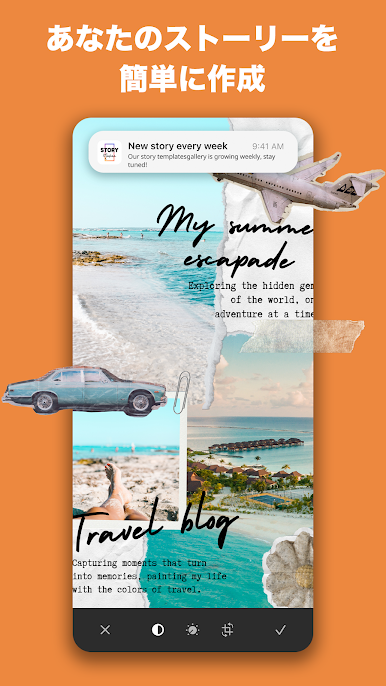
Creative Templates Galore
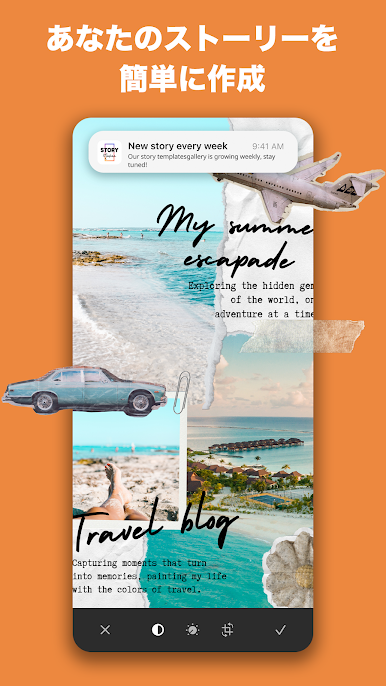
Feeling stuck? Choose from over 100 templates for Instagram stories, with themes covering everything from travel and birthdays to romantic dates or weddings. There’s basically a layout for any vibe or occasion. -
Playful Themes
With more than 50 themed packs—think: love, memory lane, parties, and way more—finding the right look for your story is a breeze. -
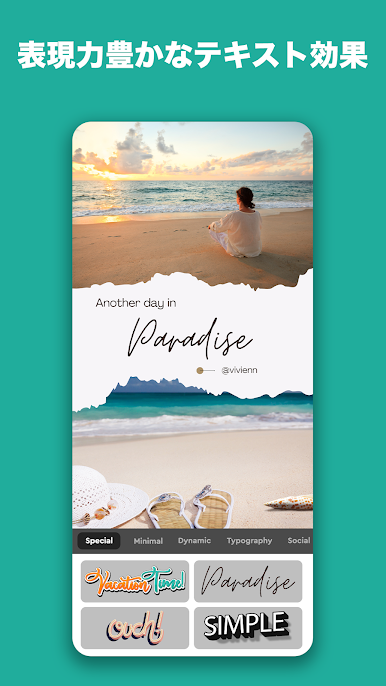
Custom Text Options
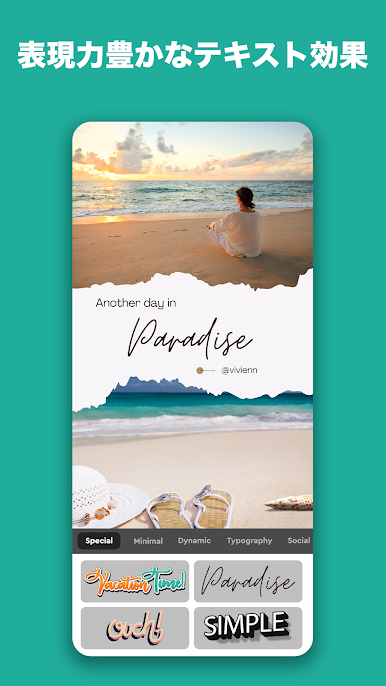
Want your words to stand out? Tweak them with a huge selection of colors, over 100 unique fonts, and easy text tools to match your style or mood perfectly. -
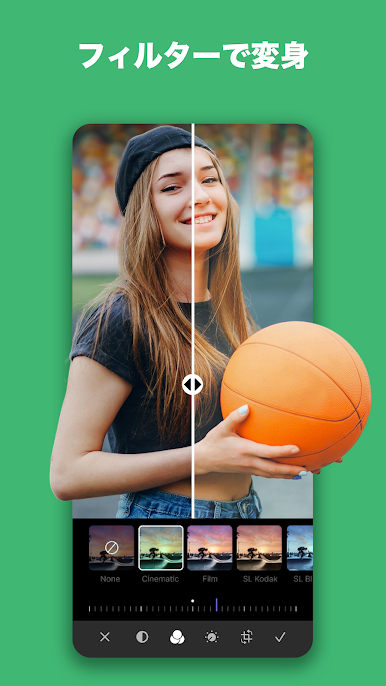
Filters & Effects
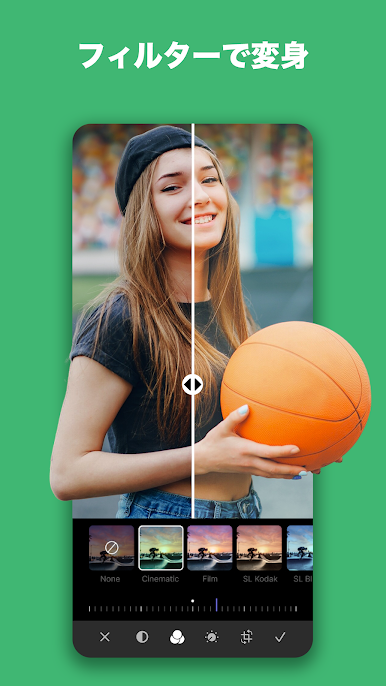
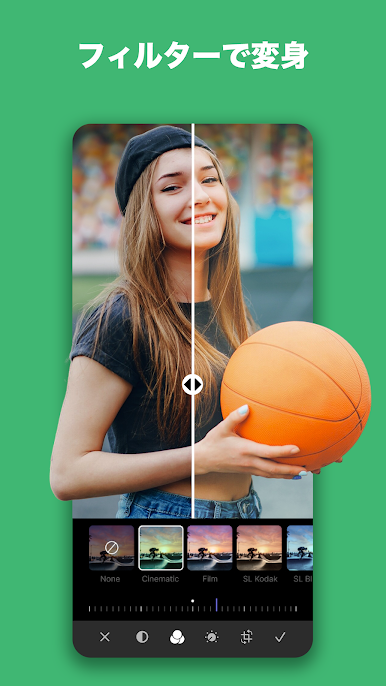
Give your photos or even videos a boost with crisp, high-quality filters and artsy effects. There’s a ton to pick from, and each one adds a little extra flair to your post. -
Easy High-Res Sharing
Finished your masterpiece? Export your story in high resolution and share straight to your Instagram Story, Facebook Story, or Snapchat. No fussing with blurry images. -
No Account Needed
No sign-ups or logins to worry about. Download the app and start making story collages on the fly—works great if you’re in a hurry or just want to experiment. -
Super Simple to Use
Select a design, choose images from your gallery or snap new ones, and assemble your story right there. It’s designed to feel quick and natural, even if you’re new to these apps.
Give your stories a fresh look, right from your phone or by using BlueStacks to work on a bigger screen.
Switch to BlueStacks and make the most of your apps on your PC or Mac.









Insta Story Maker: Reel, VideoをPCでプレイ
-
BlueStacksをダウンロードしてPCにインストールします。
-
GoogleにサインインしてGoogle Play ストアにアクセスします。(こちらの操作は後で行っても問題ありません)
-
右上の検索バーにInsta Story Maker: Reel, Videoを入力して検索します。
-
クリックして検索結果からInsta Story Maker: Reel, Videoをインストールします。
-
Googleサインインを完了してInsta Story Maker: Reel, Videoをインストールします。※手順2を飛ばしていた場合
-
ホーム画面にてInsta Story Maker: Reel, Videoのアイコンをクリックしてアプリを起動します。

