


Guess the Poke Shadows
BlueStacksを使ってPCでプレイ - 5憶以上のユーザーが愛用している高機能Androidゲーミングプラットフォーム

概要
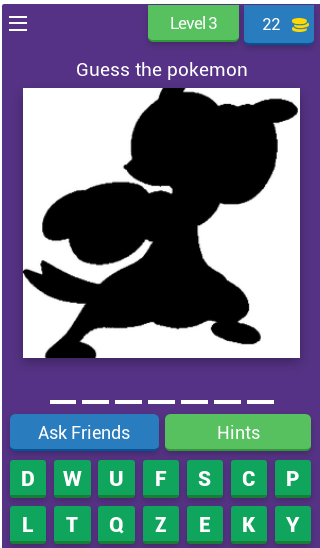
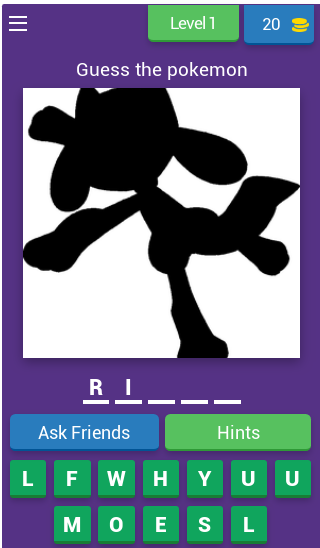
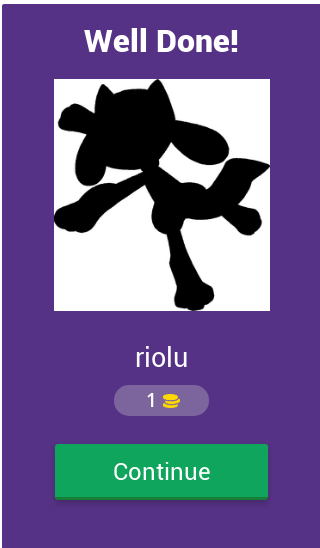
Guess the Pokemon based on their black shadows.
Download the game and challenge yourself how many pokemons you can remember and recognise.
Features:
★ 100% Free
★ Simple, Addictive, more than 50 levels provided
No update required. You only need to check the levels when you connected to internet.
★ Hints Provided
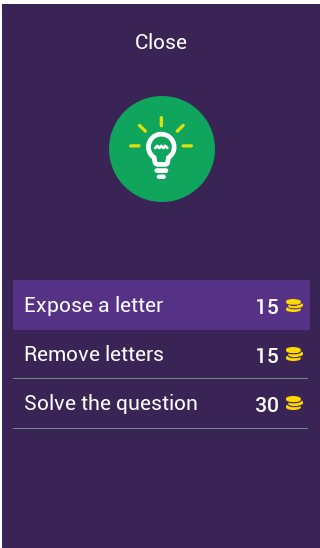
You can get hints by exposing a letter, removing all wrong letters or solving the question.
Run out of coins? Don't worry, you can share the game to Facebook, Twitter every 4 hours to get extra coins.
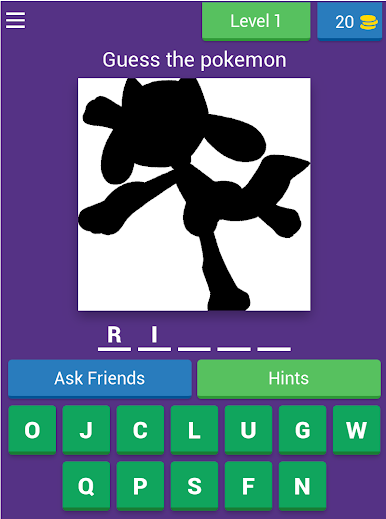
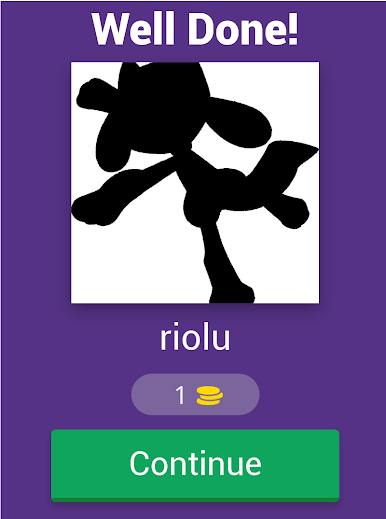
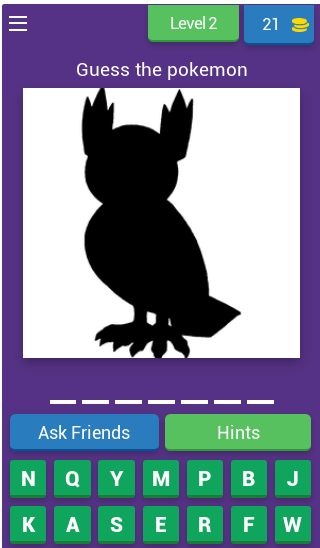
Guess the Poke ShadowsをPCでプレイ
-
BlueStacksをダウンロードしてPCにインストールします。
-
GoogleにサインインしてGoogle Play ストアにアクセスします。(こちらの操作は後で行っても問題ありません)
-
右上の検索バーにGuess the Poke Shadowsを入力して検索します。
-
クリックして検索結果からGuess the Poke Shadowsをインストールします。
-
Googleサインインを完了してGuess the Poke Shadowsをインストールします。※手順2を飛ばしていた場合
-
ホーム画面にてGuess the Poke Shadowsのアイコンをクリックしてアプリを起動します。

