


Bluetoothウィジェット:イヤホン・スピーカーの接続
BlueStacksを使ってPCでプレイ - 5憶以上のユーザーが愛用している高機能Androidゲーミングプラットフォーム

Run Bluetooth Audio Connect Widget on PC or Mac
What’s better than using Bluetooth Audio Connect Widget by Tomas Hadraba? Well, try it on a big screen, on your PC or Mac, with BlueStacks to see the difference.
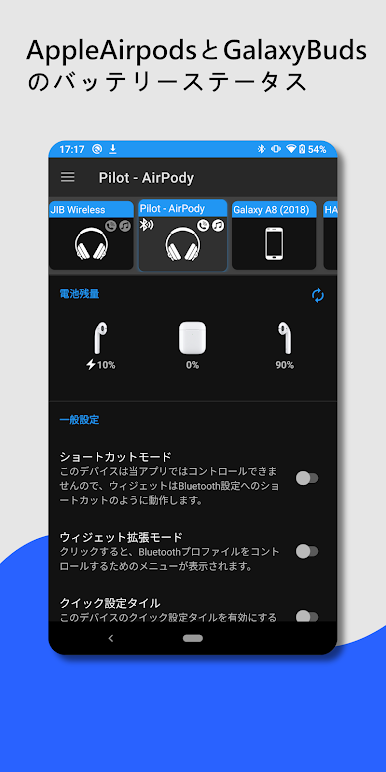
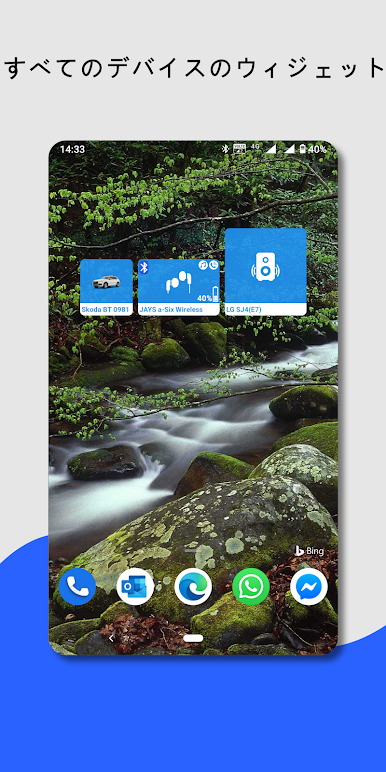
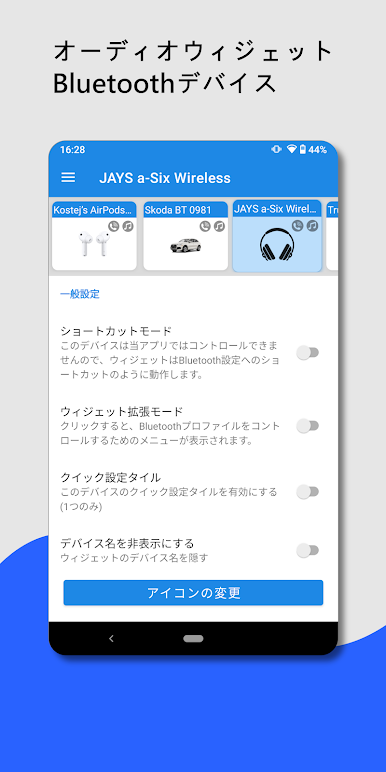
Bluetooth Audio Connect Widget is one of those apps that makes it a lot easier to juggle Bluetooth devices, especially for anyone who’s tired of digging through menus just to connect some headphones. It basically lets people stick a little widget right on their screen—either one for each Bluetooth device or one list—and from there, connecting or switching audio is just a quick tap. No need to scroll through settings to reconnect headphones, or to swap between car audio, soundbars, or handsfree sets. Plus, it shows battery life right there on the widget, and that’s handy for things like AirPods or Galaxy Buds, even splitting out battery info for each earbud and the case if the headphones support it.
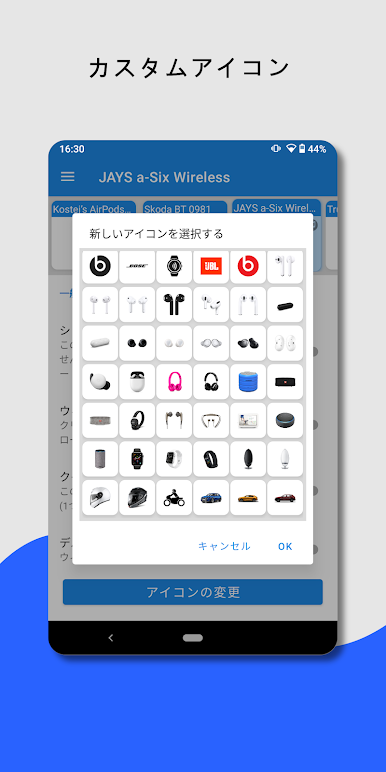
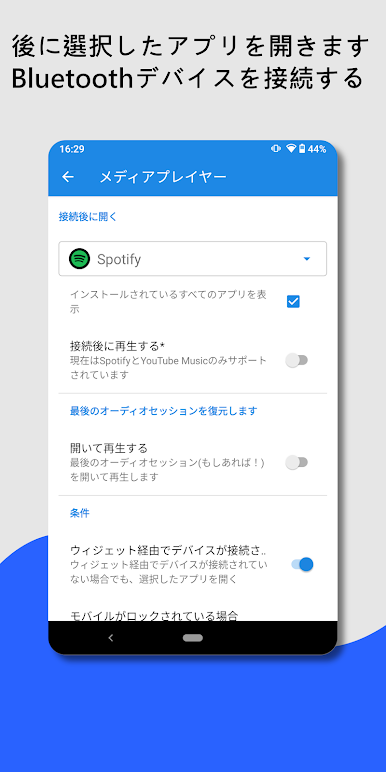
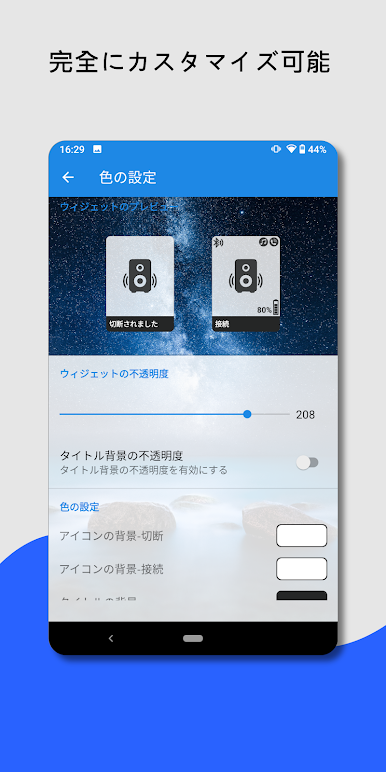
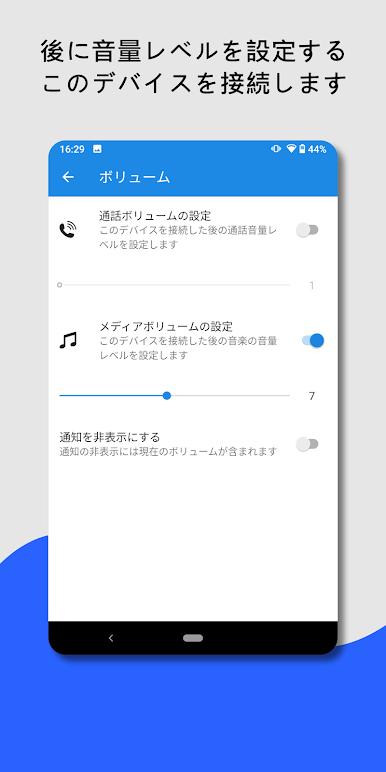
There’s a surprising amount of control, too. For devices that support it, users get to see which profiles are active (so it’s clear if the headphones are set for music, calls, or both). The widget can be tweaked for size, color, icon style, and even fits in with the wallpaper if the phone’s on a newer version of Android. Everything can be as simple or as detailed as wanted—connect with one touch, automatically launch Spotify, set the volume, and get a notification every time Bluetooth connects. It’s all about not having to break the flow to mess with Bluetooth settings. Running it on something like BlueStacks on a PC is smooth, and feels just as quick—great for controlling audio devices at home from the desktop. The only real thing missing is support for dual audio (playing from two Bluetooth devices at once), but for flipping between headphones, speakers, or soundbars, this widget does the job well without complicating things.
Eager to take your app experience to the next level? Start right away by downloading BlueStacks on your PC or Mac.

Bluetoothウィジェット:イヤホン・スピーカーの接続をPCでプレイ
-
BlueStacksをダウンロードしてPCにインストールします。
-
GoogleにサインインしてGoogle Play ストアにアクセスします。(こちらの操作は後で行っても問題ありません)
-
右上の検索バーにBluetoothウィジェット:イヤホン・スピーカーの接続を入力して検索します。
-
クリックして検索結果からBluetoothウィジェット:イヤホン・スピーカーの接続をインストールします。
-
Googleサインインを完了してBluetoothウィジェット:イヤホン・スピーカーの接続をインストールします。※手順2を飛ばしていた場合
-
ホーム画面にてBluetoothウィジェット:イヤホン・スピーカーの接続のアイコンをクリックしてアプリを起動します。

