


このページには広告が含まれます
Ultimate Classic Rock
音楽とオーディオ | Townsquare Media, Inc.
BlueStacksを使ってPCでプレイ - 5憶以上のユーザーが愛用している高機能Androidゲーミングプラットフォーム

Play Ultimate Classic Rock on PC
Ultimate Classic Rock (UCR) explores the past, present and future of rock music and pop culture
Key Features:
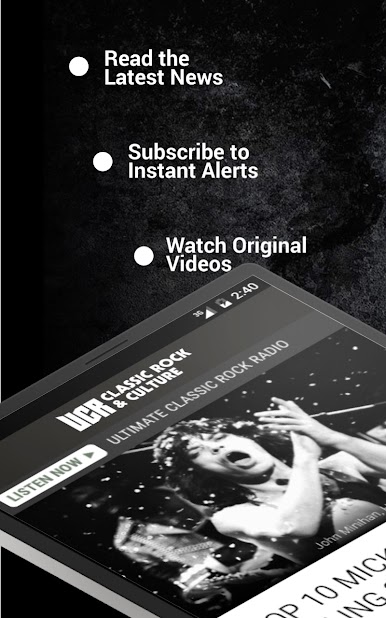
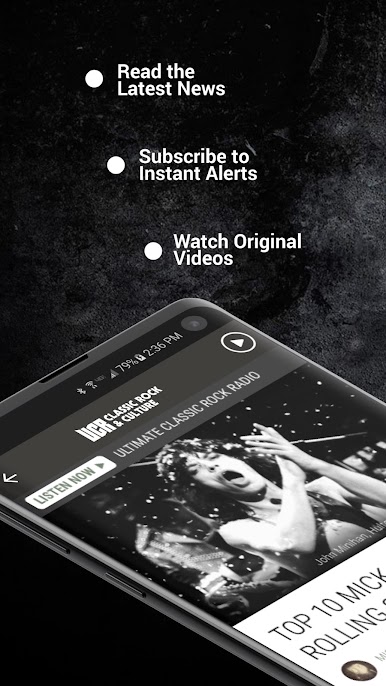
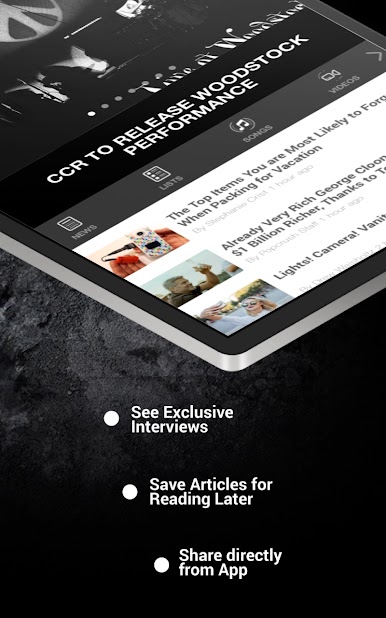
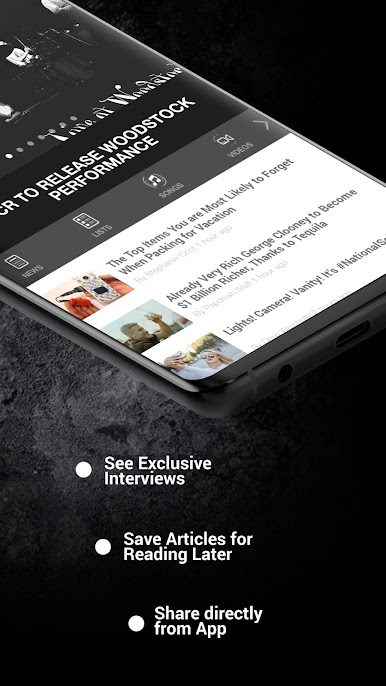
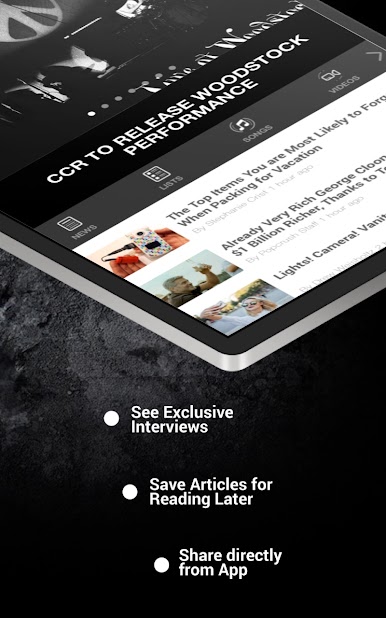
- Read the latest classic rock news
- Learn what happened on this day in rock, movie and TV history
- Listen to the greatest classic rock music ever made
- Subscribe to notifications for breaking news and other topics
- Share the latest news via Facebook & Twitter
- Save articles for reading later (supports offline viewing)
- Featured full multi-tasking with background audio and controls
This is the latest version of the UCR / Ultimate Classic Rock app and we have many more features planned, so please share your feedback from within the app by clicking the Send Us Feedback link in the menu
Key Features:
- Read the latest classic rock news
- Learn what happened on this day in rock, movie and TV history
- Listen to the greatest classic rock music ever made
- Subscribe to notifications for breaking news and other topics
- Share the latest news via Facebook & Twitter
- Save articles for reading later (supports offline viewing)
- Featured full multi-tasking with background audio and controls
This is the latest version of the UCR / Ultimate Classic Rock app and we have many more features planned, so please share your feedback from within the app by clicking the Send Us Feedback link in the menu
Ultimate Classic RockをPCでプレイ
-
BlueStacksをダウンロードしてPCにインストールします。
-
GoogleにサインインしてGoogle Play ストアにアクセスします。(こちらの操作は後で行っても問題ありません)
-
右上の検索バーにUltimate Classic Rockを入力して検索します。
-
クリックして検索結果からUltimate Classic Rockをインストールします。
-
Googleサインインを完了してUltimate Classic Rockをインストールします。※手順2を飛ばしていた場合
-
ホーム画面にてUltimate Classic Rockのアイコンをクリックしてアプリを起動します。

