


Metal Slug XX Online
BlueStacksを使ってPCでプレイ - 5憶以上のユーザーが愛用している高機能Androidゲーミングプラットフォーム

概要
Key Features:
◆Classic gameplay!!
The Classic 2D (side-scrolling) Run and gun legendary game series METAL SLUG gameplay!
◆ALL-NEW Graphics!!
Remastered all characters, bosses, buildings and environments in true HD!
◆Reworked campaigns!!
Relive all of player favorite and the most iconic missions and 78 bosses!
◆Build your own squad!!
Select and improve the Units you like make the strongest squad in the war!
◆Weapons and Tanks!!
Classic weapon and tank design with 100+ customization!
◆Online Multiplayer!!
Team up with friends in customizable, classic 1vs1, 2v2, 3v3 even up to 40vs40 multiplayer PvP and Co-op mission actions!
◆Join Corps!!
Join the Corps to fight the most dangerous bosses with other Corps member all over the world!




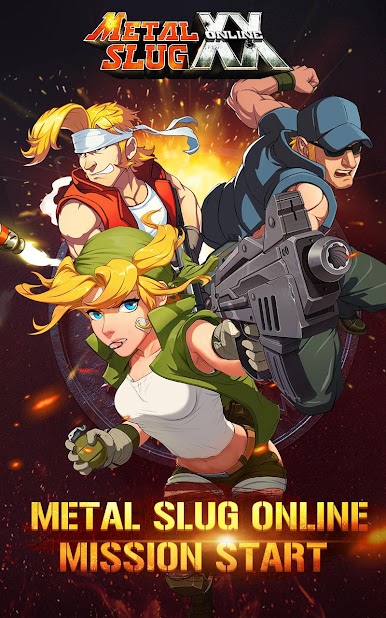








Metal Slug XX OnlineをPCでプレイ
-
BlueStacksをダウンロードしてPCにインストールします。
-
GoogleにサインインしてGoogle Play ストアにアクセスします。(こちらの操作は後で行っても問題ありません)
-
右上の検索バーにMetal Slug XX Onlineを入力して検索します。
-
クリックして検索結果からMetal Slug XX Onlineをインストールします。
-
Googleサインインを完了してMetal Slug XX Onlineをインストールします。※手順2を飛ばしていた場合
-
ホーム画面にてMetal Slug XX Onlineのアイコンをクリックしてアプリを起動します。

