

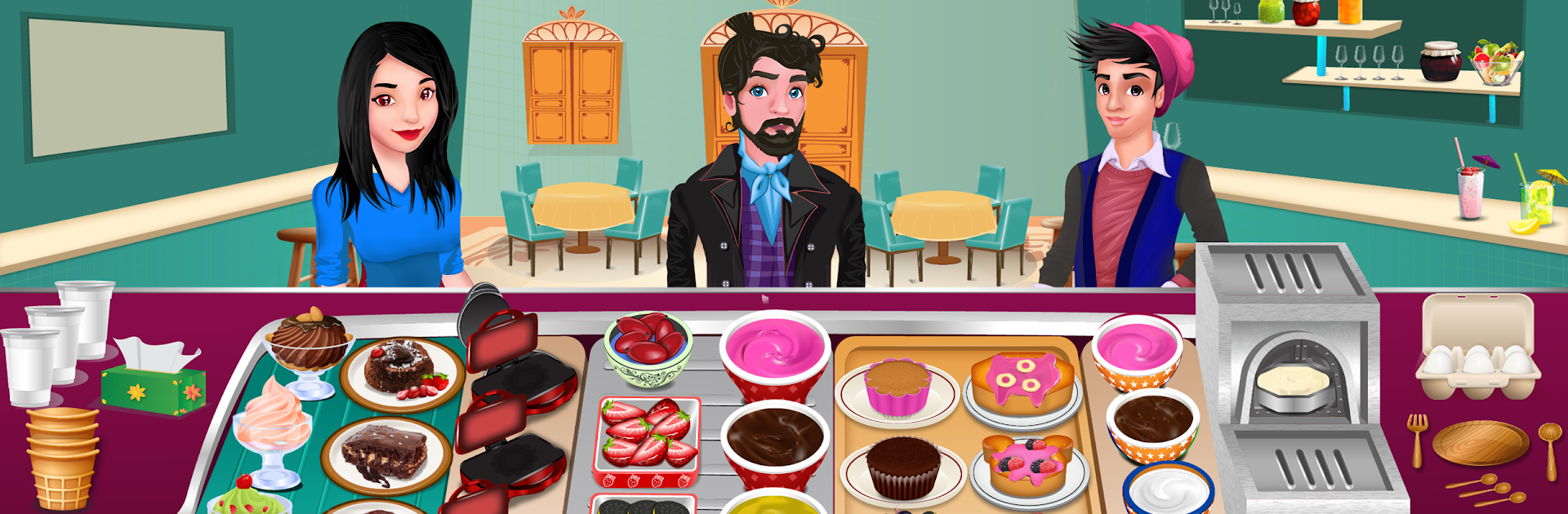
Cooking Max:料理とレストランのための究極のアプリ
BlueStacksを使ってPCでプレイ - 5憶以上のユーザーが愛用している高機能Androidゲーミングプラットフォーム

Play Cooking Max - Mad Chef’s restaurant game on PC or Mac
Explore a whole new adventure with Cooking Max – Mad Chef’s restaurant game, a Casual game created by Twizard Studios. Experience great gameplay with BlueStacks, the most popular gaming platform to play Android games on your PC or Mac.
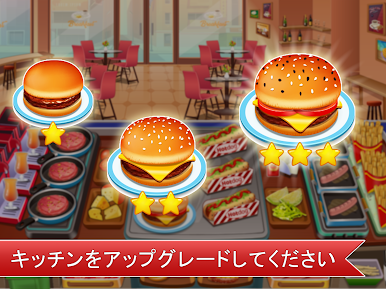
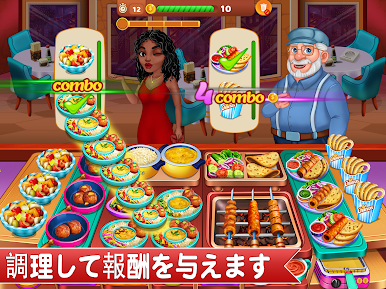
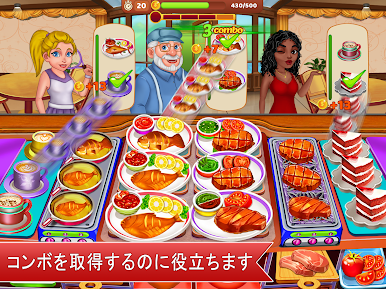
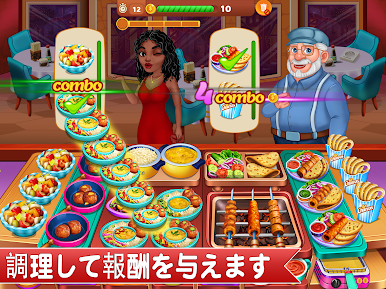
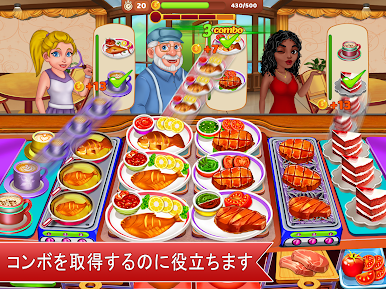
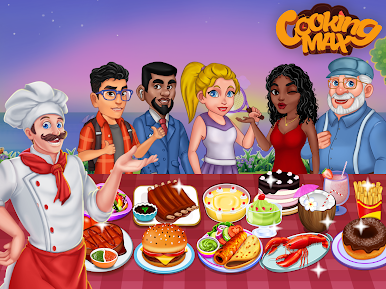
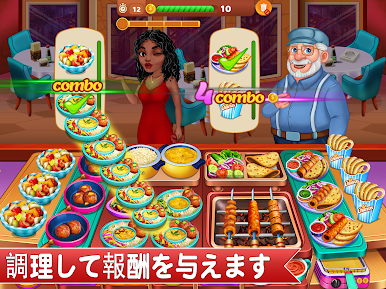
So, Cooking Max – Mad Chef’s restaurant game is one of those fast-paced cooking games where you’re basically running around a virtual kitchen, making tons of different food for customers who just keep pouring in. The big thing is definitely time management — you’re flipping steaks, pouring drinks, assembling those fancy dishes, then rushing to get them out before the people waiting get too impatient. Customers show up nonstop, and every level feels like you’re in one of those wild cooking show challenges where you’ve got way too many orders at the same time. Playing on PC with BlueStacks means the mouse control actually helps keep up when things get hectic, which is a nice bonus.
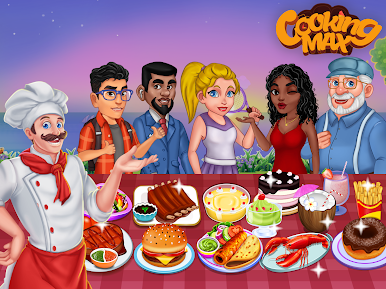
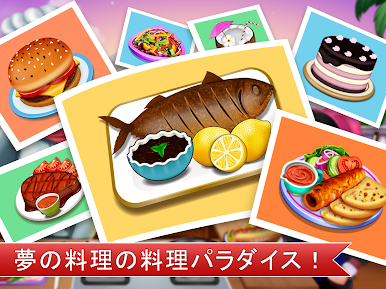
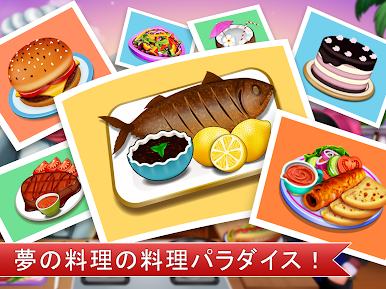
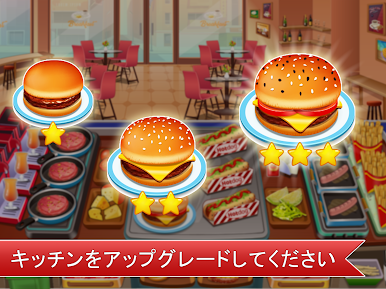
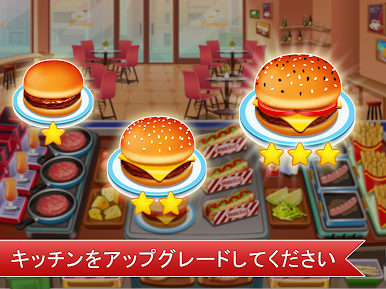
The game isn’t just about one restaurant; there’s this road-trip feeling as you unlock new cities, and every city serves up its own menu, so you’re always cooking up something different — from cakes and juice to steak and seafood (well, seafood is “coming soon” apparently). There are a bunch of different stages, so there’s always a new set of restaurant chaos to sort out, plus timed events for stuff like Halloween or Christmas. There’s also this whole upgrade loop; if you want to keep up with challenges and more demanding customers, you have to earn money to get better kitchen gear and cooler ingredients, which keeps things interesting. They’re planning more levels and new game modes too, like playing with friends or trading gifts. Overall, it’s simple to get the hang of but gets pretty challenging as you move on, and it has that satisfying, “one more round” feeling if you like cooking games with a hectic twist.
Ready to top the leaderboard? We bet you do. Let precise controls and sharp visuals optimized on BlueStacks lead you to victory.










Cooking Max:料理とレストランのための究極のアプリをPCでプレイ
-
BlueStacksをダウンロードしてPCにインストールします。
-
GoogleにサインインしてGoogle Play ストアにアクセスします。(こちらの操作は後で行っても問題ありません)
-
右上の検索バーにCooking Max:料理とレストランのための究極のアプリを入力して検索します。
-
クリックして検索結果からCooking Max:料理とレストランのための究極のアプリをインストールします。
-
Googleサインインを完了してCooking Max:料理とレストランのための究極のアプリをインストールします。※手順2を飛ばしていた場合
-
ホーム画面にてCooking Max:料理とレストランのための究極のアプリのアイコンをクリックしてアプリを起動します。

