

電卓
BlueStacksを使ってPCでプレイ - 5憶以上のユーザーが愛用している高機能Androidゲーミングプラットフォーム

Run Calculator Free No Ads on PC or Mac
What’s better than using Calculator Free No Ads by Tzegian Free Apps & Tools? Well, try it on a big screen, on your PC or Mac, with BlueStacks to see the difference.
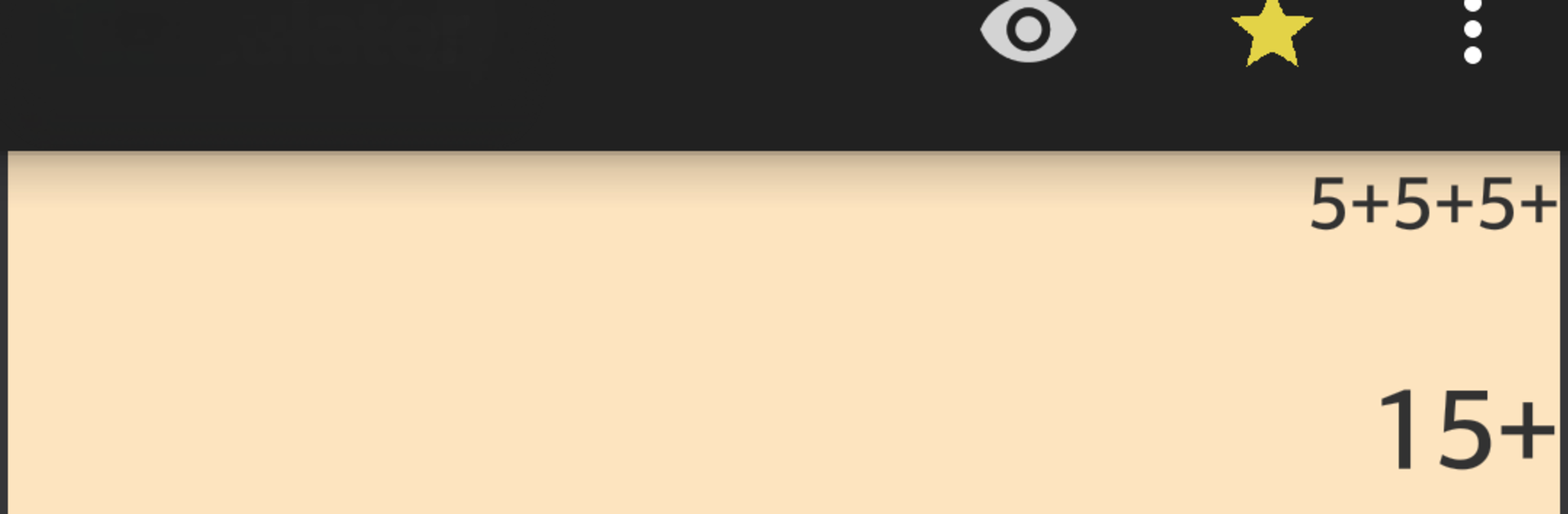
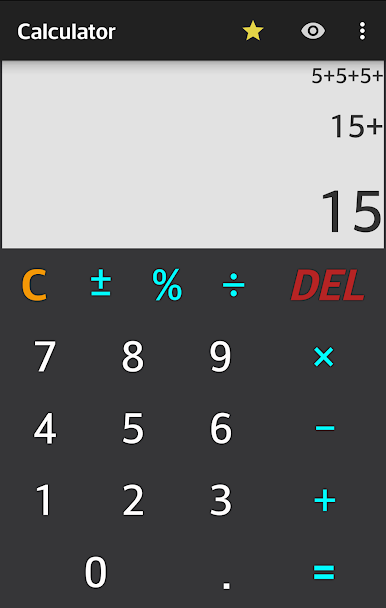
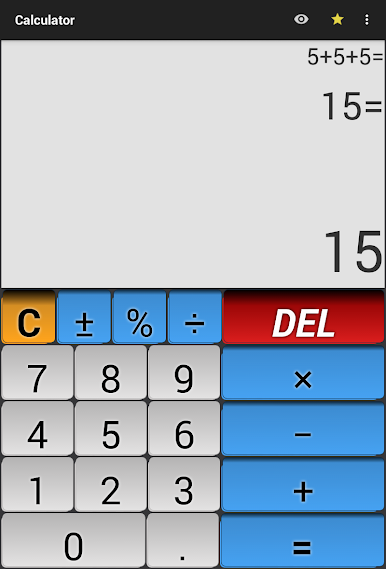
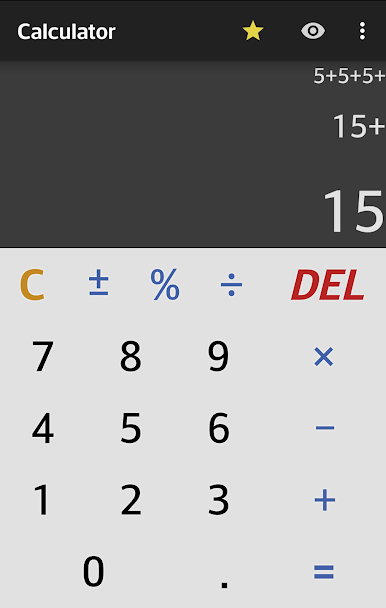
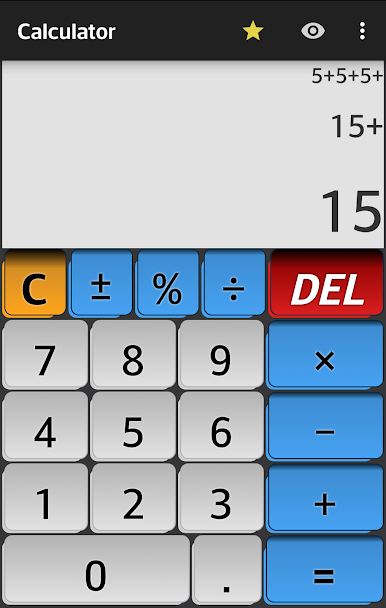
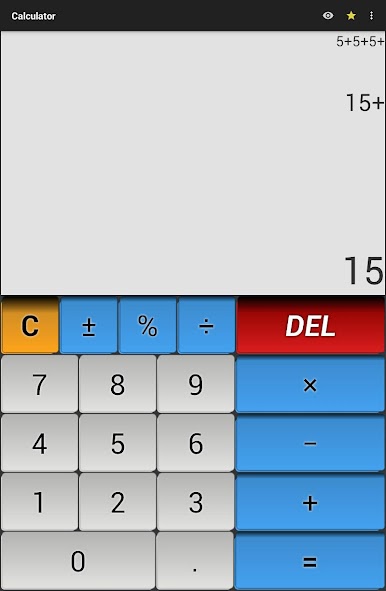
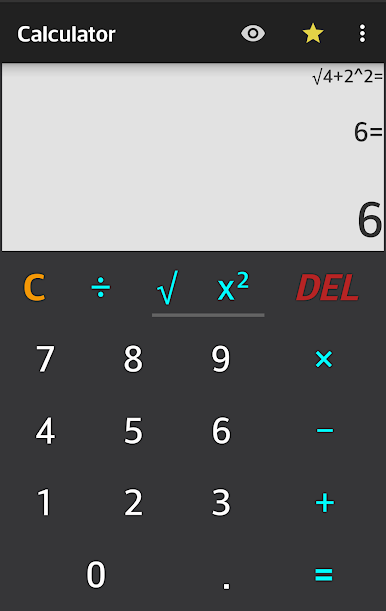
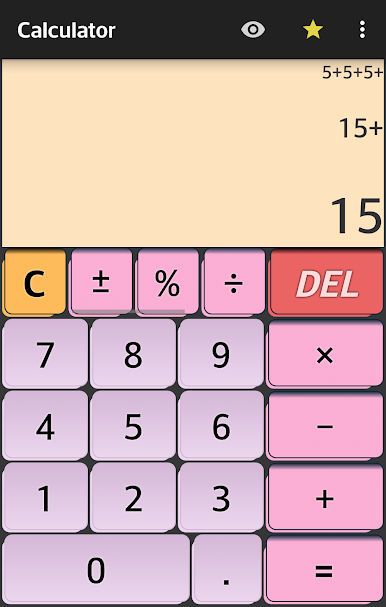
Calculator Free No Ads feels like the basic calculator everyone actually wants. It opens quick, there are zero ads, and the layout is clean with big buttons so there is no poking at the wrong number. On BlueStacks it scales nicely on a PC screen, so the keypad is easy to click and the whole formula is shown at the top while the current step and result update in real time. It is light, smooth, and just stays out of the way.
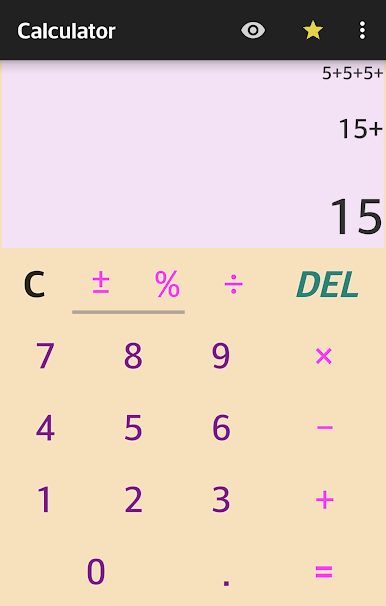
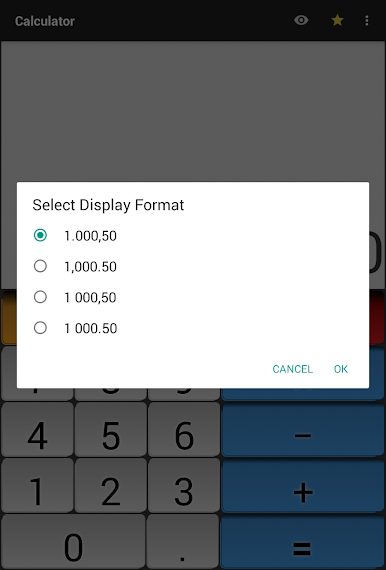
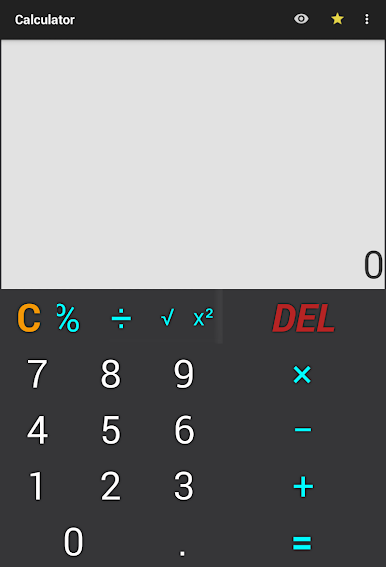
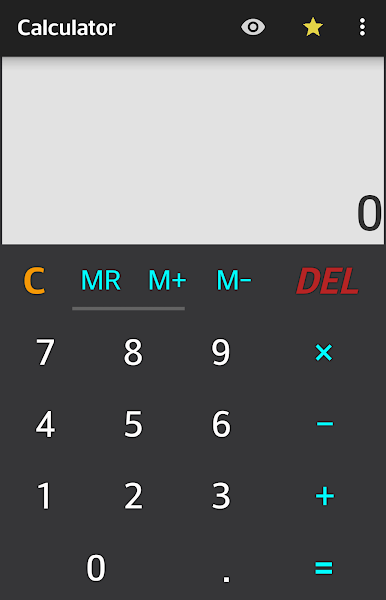
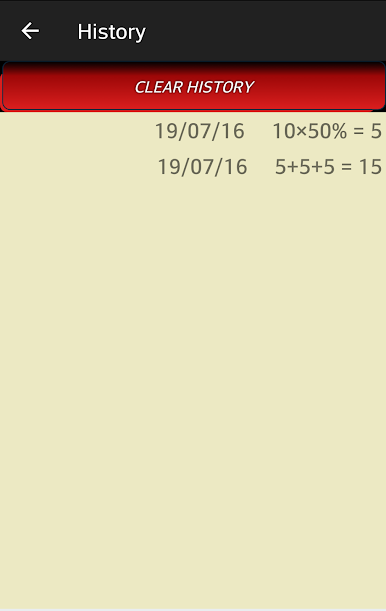
There is more than the usual plus minus multiply divide. Swipe or drag over the top row to reveal extras like percent, sign change, square, and square root, and the old school memory keys are there too, tucked behind a simple up or down drag. The percent button is super handy for tips and discount math. A full history is stored with dates, so going back to find a bill split or a homework calc is simple. Copy either the result or the whole expression to paste elsewhere, which is great when moving numbers between apps on a desktop. Themes are included if someone wants a different look, and there are display format options for thousands and decimal seperators, so numbers read the way a person expects. Vibration can be turned off, and the only network touch is for analytics. No fluff, no drain, just a fast calculator that does day to day math without fuss.
BlueStacks gives you the much-needed freedom to experience your favorite apps on a bigger screen. Get it now.

電卓をPCでプレイ
-
BlueStacksをダウンロードしてPCにインストールします。
-
GoogleにサインインしてGoogle Play ストアにアクセスします。(こちらの操作は後で行っても問題ありません)
-
右上の検索バーに電卓を入力して検索します。
-
クリックして検索結果から電卓をインストールします。
-
Googleサインインを完了して電卓をインストールします。※手順2を飛ばしていた場合
-
ホーム画面にて電卓のアイコンをクリックしてアプリを起動します。

