


このページには広告が含まれます
Catholic Calendar: Universalis
書籍と資料 | Universalis Publishing
BlueStacksを使ってPCでプレイ - 5憶以上のユーザーが愛用している高機能Androidゲーミングプラットフォーム

Play Catholic Calendar: Universalis on PC
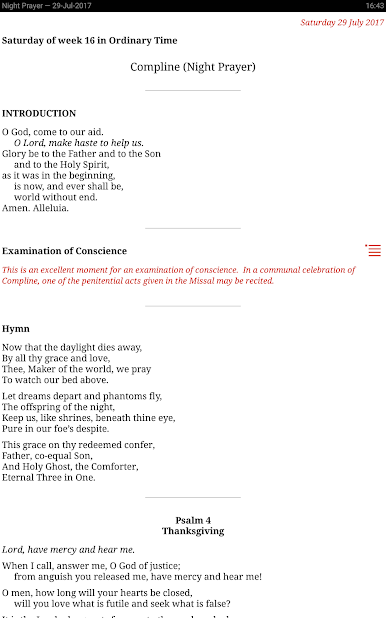
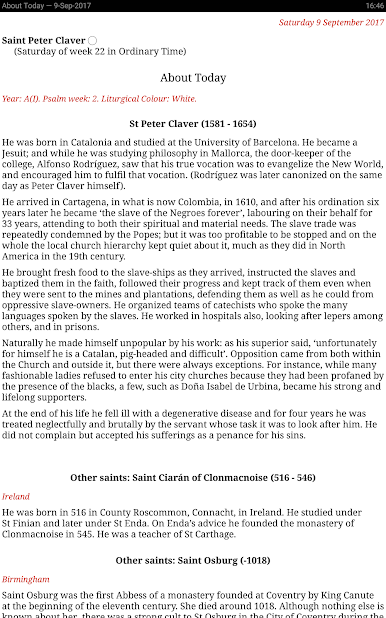
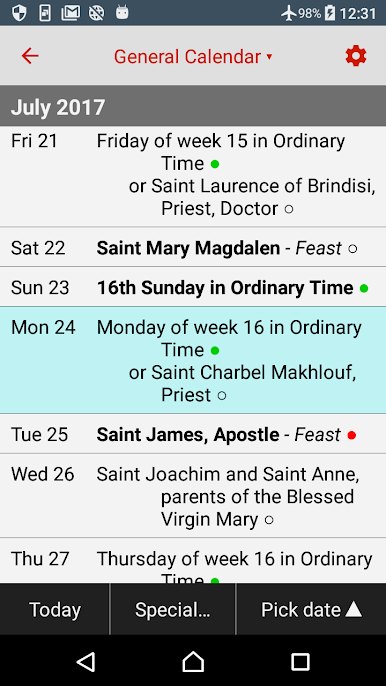
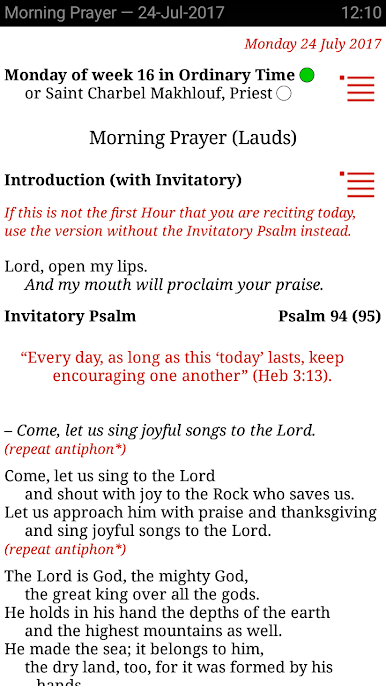
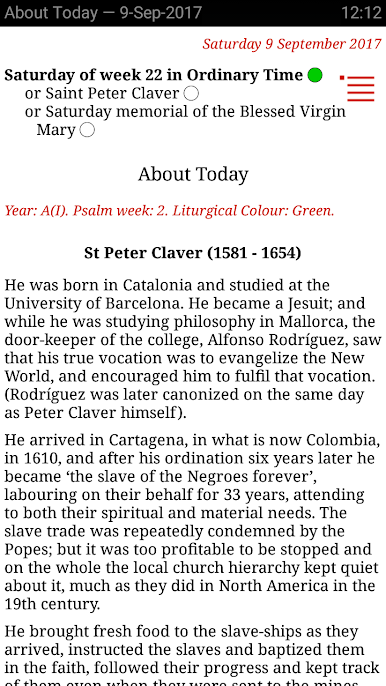
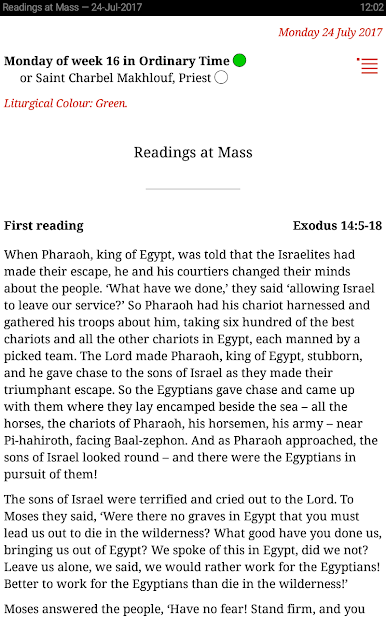
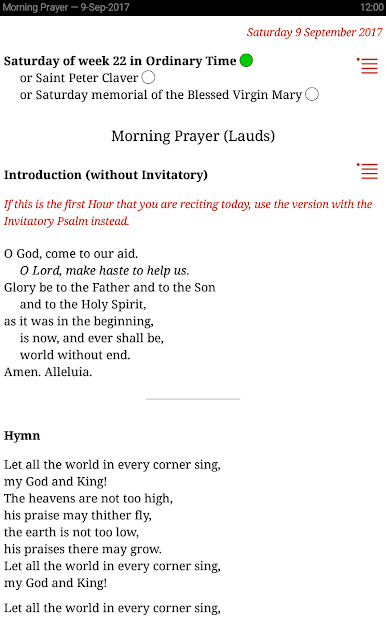
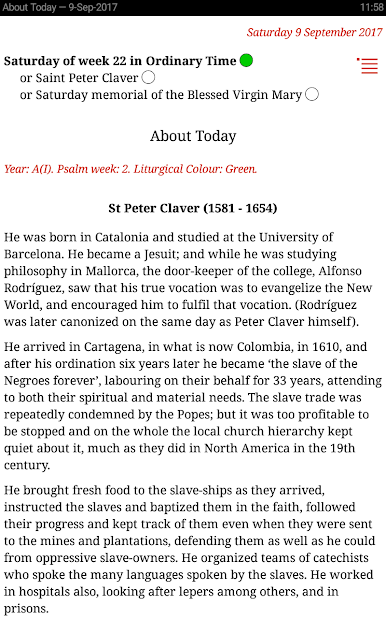
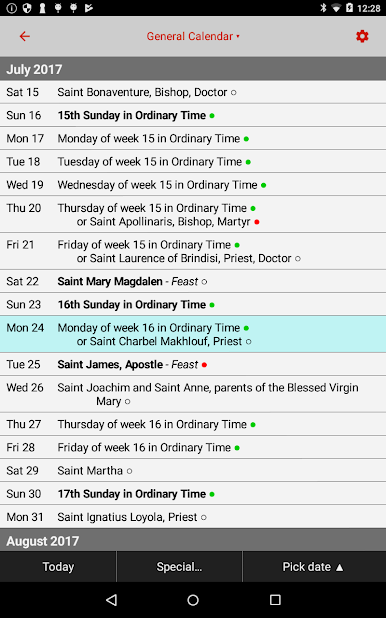
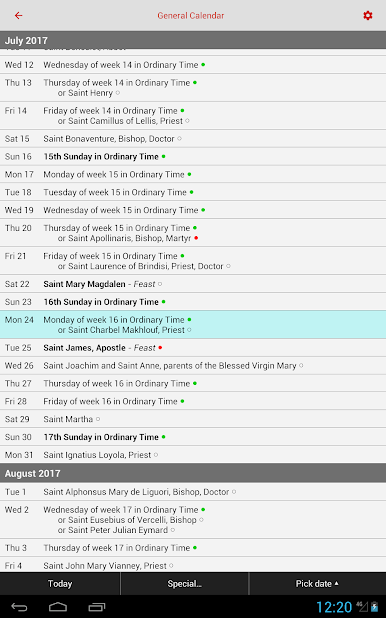
Feasts and celebrations according to the General Calendar and the local calendars of the UK, the USA, Australia, New Zealand, South Africa, Ireland, and others. Features "About Today" pages giving more information about the saint of the day.
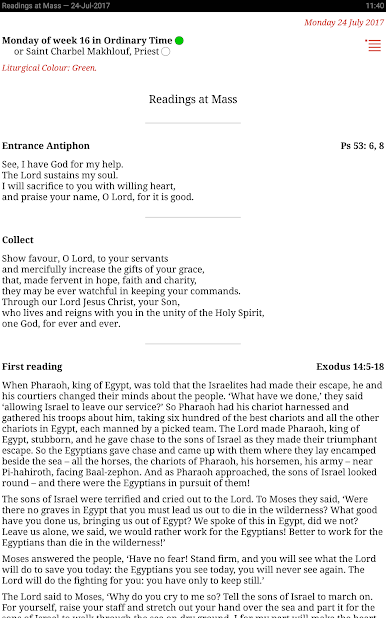
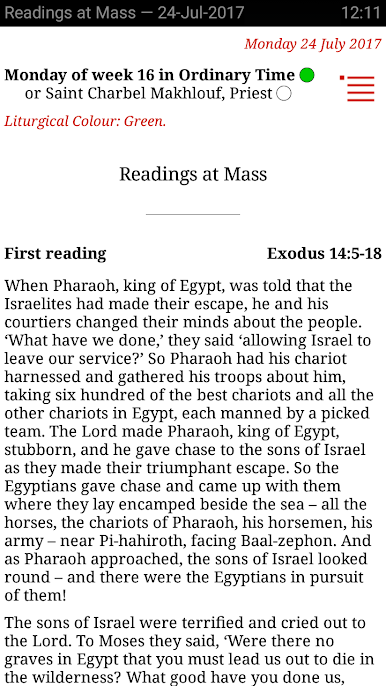
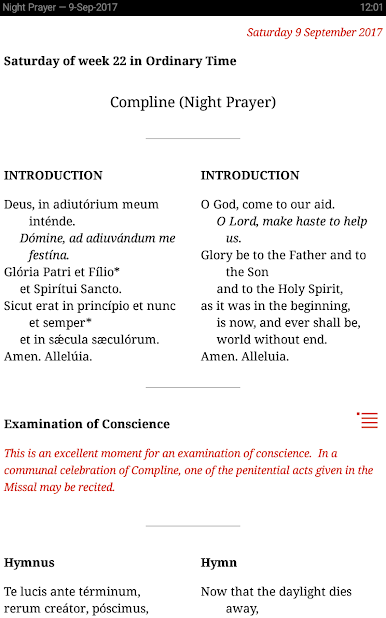
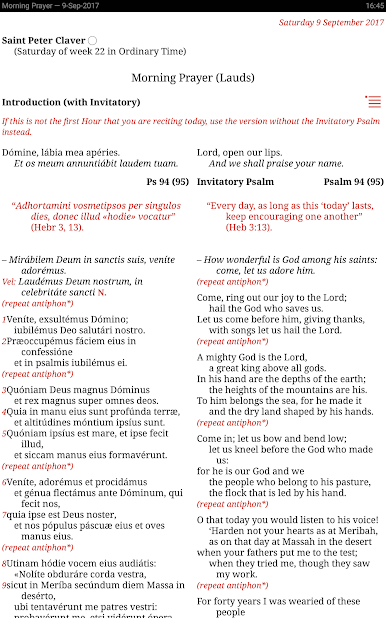
You get a free one-month preview of the Universalis pages, which contain the Readings at Mass (NAB translation for the USA, the new ESV for Great Britain, Jerusalem Bible in the rest of the world), the Mass Today (which combines the daily Mass readings with the Order of Mass) and the Liturgy of the Hours: Morning Prayer, the three daytime hours, Evening Prayer, Night Prayer, and the Office of Readings (scripture readings – United States: RSV. Elsewhere: Jerusalem Bible, with RSV as an optional add-on).
If you like what you see in the one-month preview, you can take out a monthly subscription to it or you can buy the Universalis app instead.
You can purchase or subscribe to audio for all the Hours (spoken in English), the Gospel of the day (Jerusalem Bible, spoken in English), or the daytime Hours (Terce, Sext, None) spoken in Latin.
This app is complete in itself. It needs no Internet connection and no downloads.
You get a free one-month preview of the Universalis pages, which contain the Readings at Mass (NAB translation for the USA, the new ESV for Great Britain, Jerusalem Bible in the rest of the world), the Mass Today (which combines the daily Mass readings with the Order of Mass) and the Liturgy of the Hours: Morning Prayer, the three daytime hours, Evening Prayer, Night Prayer, and the Office of Readings (scripture readings – United States: RSV. Elsewhere: Jerusalem Bible, with RSV as an optional add-on).
If you like what you see in the one-month preview, you can take out a monthly subscription to it or you can buy the Universalis app instead.
You can purchase or subscribe to audio for all the Hours (spoken in English), the Gospel of the day (Jerusalem Bible, spoken in English), or the daytime Hours (Terce, Sext, None) spoken in Latin.
This app is complete in itself. It needs no Internet connection and no downloads.
Catholic Calendar: UniversalisをPCでプレイ
-
BlueStacksをダウンロードしてPCにインストールします。
-
GoogleにサインインしてGoogle Play ストアにアクセスします。(こちらの操作は後で行っても問題ありません)
-
右上の検索バーにCatholic Calendar: Universalisを入力して検索します。
-
クリックして検索結果からCatholic Calendar: Universalisをインストールします。
-
Googleサインインを完了してCatholic Calendar: Universalisをインストールします。※手順2を飛ばしていた場合
-
ホーム画面にてCatholic Calendar: Universalisのアイコンをクリックしてアプリを起動します。

