


『SMART USEN』1,000ch以上が聴ける音楽アプリ
BlueStacksを使ってPCでプレイ - 5憶以上のユーザーが愛用している高機能Androidゲーミングプラットフォーム

Run 『SMART USEN』1,000ch以上が聴ける音楽アプリ on PC or Mac
Why limit yourself to your small screen on the phone? Run 『SMART USEN』1,000ch以上が聴ける音楽アプリ, an app by USEN Corp., best experienced on your PC or Mac with BlueStacks, the world’s #1 Android emulator.
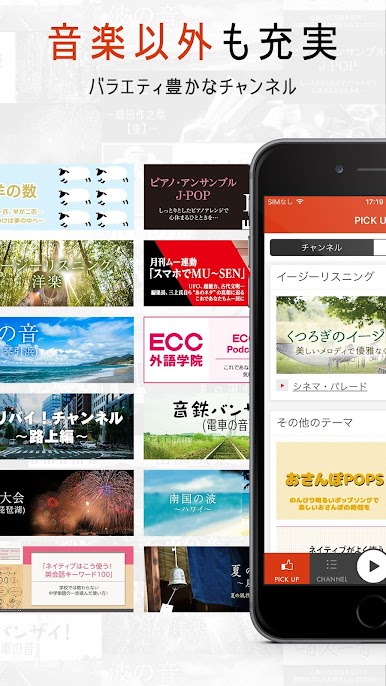
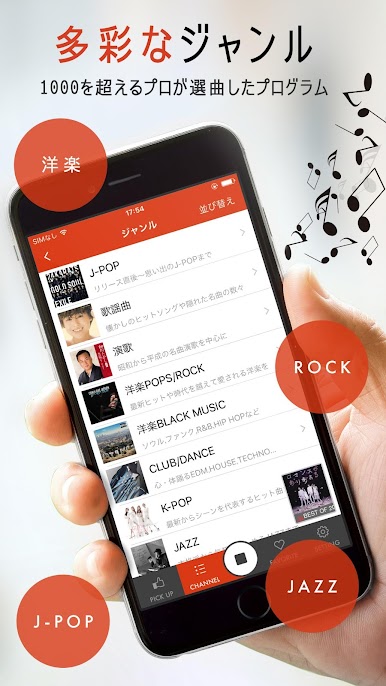
This one feels like old school cable radio but on a phone screen, only it runs nicely on a PC with BlueStacks too. You get a huge wall of channels, well over a thousand, covering J-POP, Western hits, jazz, classical, and a bunch of world music. Pick a channel and it just rolls through tracks without asking for anything else. It is more like tuning into a station than building a playlist. There is no fiddling with queues, no loop of the same few songs. It keeps things fresh and moves along on its own, which is great if someone wants music on while working or studying and does not want to babysit it.
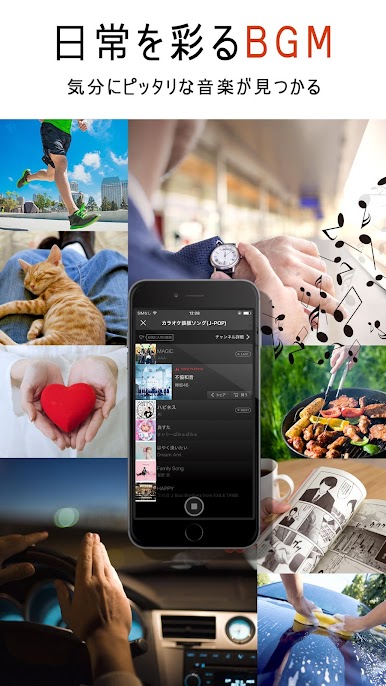
The vibe is simple and relaxed. The interface is very point and go. Tap a channel, hear music, switch whenever. Because it is channel based, it is strong for discovery and background listening, though anyone who needs to pick exact songs every time may feel boxed in. On BlueStacks, having it open on the desktop makes it easy to leave in the background while doing other stuff, and switching channels with a mouse is quick. There is a free trial to see if the catalog fits, and the monthly plan is 539 yen with tax included. It targets older Android versions so it runs light, which also helps when running alongside other apps. It is straightforward, a little radio-like, and has a lot of choice without the hassle.
Eager to take your app experience to the next level? Start right away by downloading BlueStacks on your PC or Mac.
『SMART USEN』1,000ch以上が聴ける音楽アプリをPCでプレイ
-
BlueStacksをダウンロードしてPCにインストールします。
-
GoogleにサインインしてGoogle Play ストアにアクセスします。(こちらの操作は後で行っても問題ありません)
-
右上の検索バーに『SMART USEN』1,000ch以上が聴ける音楽アプリを入力して検索します。
-
クリックして検索結果から『SMART USEN』1,000ch以上が聴ける音楽アプリをインストールします。
-
Googleサインインを完了して『SMART USEN』1,000ch以上が聴ける音楽アプリをインストールします。※手順2を飛ばしていた場合
-
ホーム画面にて『SMART USEN』1,000ch以上が聴ける音楽アプリのアイコンをクリックしてアプリを起動します。

