

Walter Feeds & Speeds
BlueStacksを使ってPCでプレイ - 5憶以上のユーザーが愛用している高機能Androidゲーミングプラットフォーム

Run Walter Feeds & Speeds on PC or Mac
What’s better than using Walter Feeds & Speeds by Walter AG? Well, try it on a big screen, on your PC or Mac, with BlueStacks to see the difference.
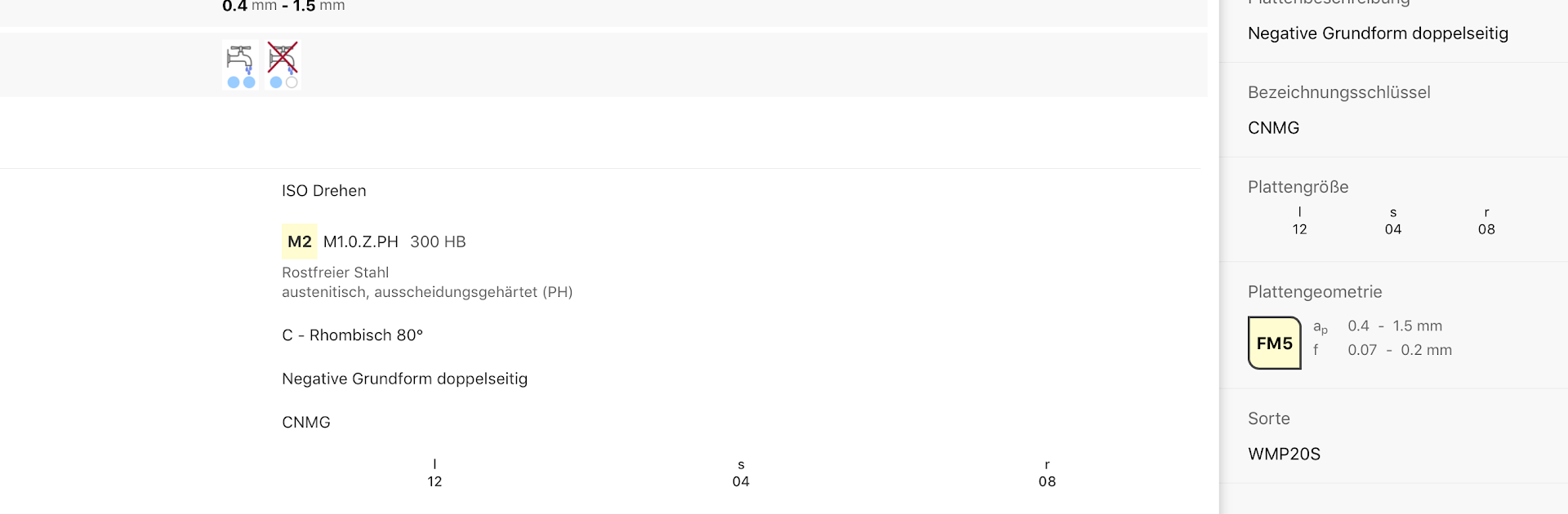
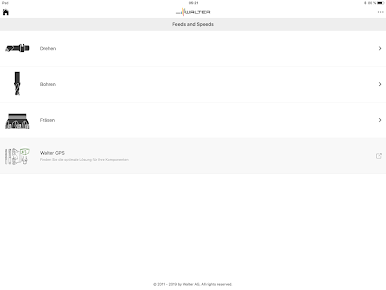
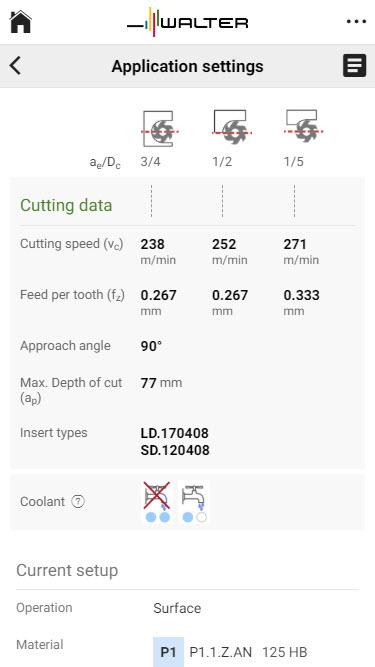
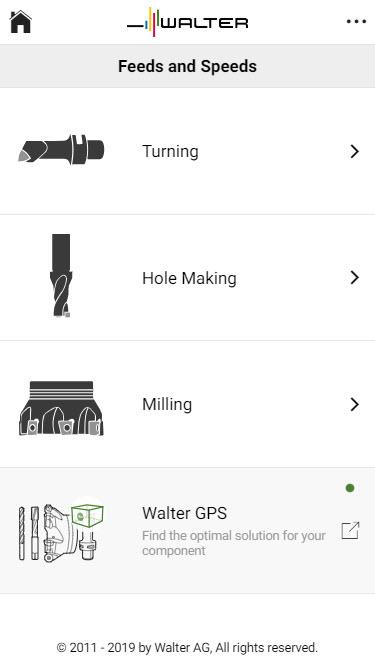
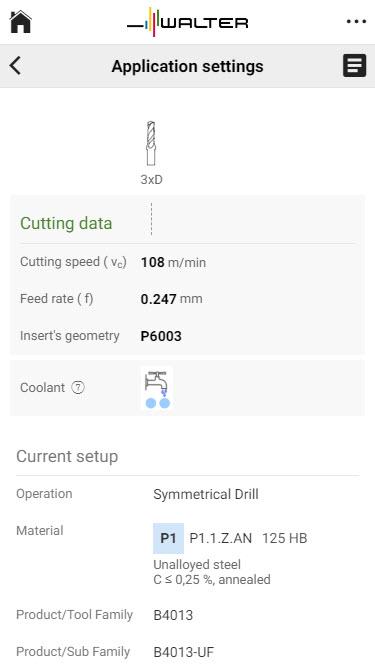
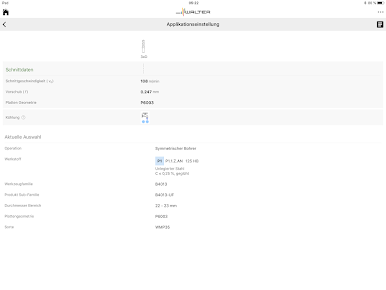
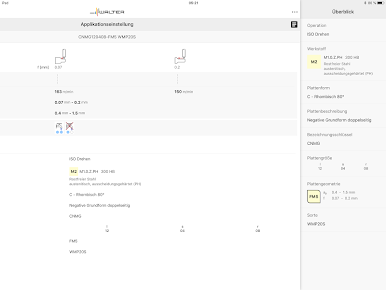
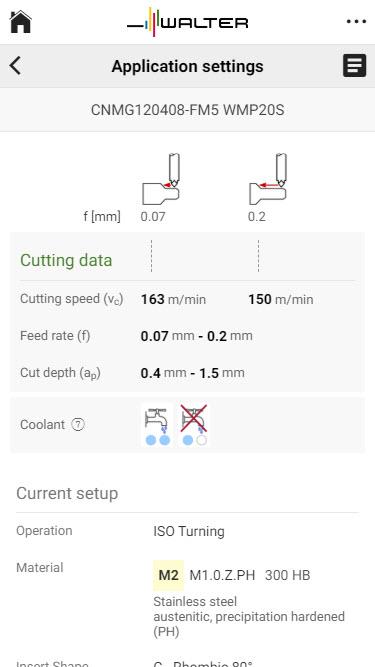
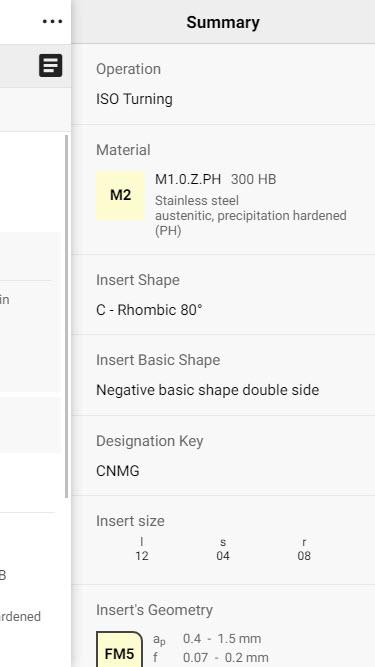
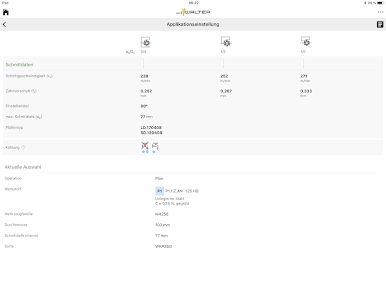
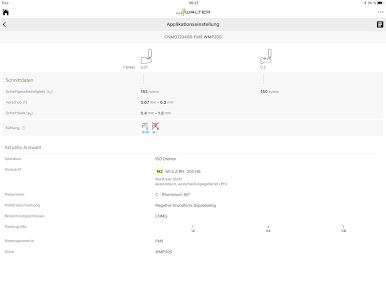
Walter Feeds & Speeds feels like a straight up machining helper, not a flashy thing, more like a clean calculator that gets out of the way. It walks a person through the usual steps to figure base cutting speed and feed rate. Pick the operation first turning, drilling, threading, or milling then choose the workpiece material, pick the tool type, add a few details, and it spits out sensible starting numbers. It is geared toward tooling with indexable inserts, which is nice if that is the setup on the machine, and the layout keeps that clear so no hunting around.
What stands out is how direct it is. No walls of text, no mystery settings, just a tidy path from operation to material to tool choices. Someone who does quick checks before a job would appreciate how fast it gives a baseline, and someone double checking numbers mid run will not get buried in menus. On a PC with BlueStacks it feels even better, since the bigger screen makes the menus and values easier to read, and clicking through the steps with a mouse is smooth. It is the kind of app that sits quietly next to CAD or CAM and keeps the numbers honest without wasting time.
Ready to experience Walter Feeds & Speeds on a bigger screen, in all its glory? Download BlueStacks now.
Walter Feeds & SpeedsをPCでプレイ
-
BlueStacksをダウンロードしてPCにインストールします。
-
GoogleにサインインしてGoogle Play ストアにアクセスします。(こちらの操作は後で行っても問題ありません)
-
右上の検索バーにWalter Feeds & Speedsを入力して検索します。
-
クリックして検索結果からWalter Feeds & Speedsをインストールします。
-
Googleサインインを完了してWalter Feeds & Speedsをインストールします。※手順2を飛ばしていた場合
-
ホーム画面にてWalter Feeds & Speedsのアイコンをクリックしてアプリを起動します。

