


Calculus Course Assistant
BlueStacksを使ってPCでプレイ - 5憶以上のユーザーが愛用している高機能Androidゲーミングプラットフォーム

概要
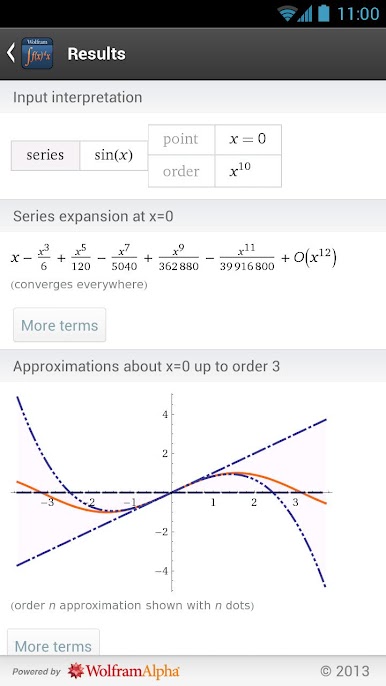
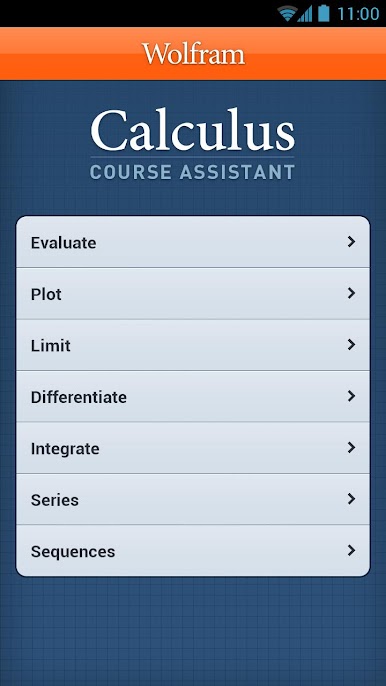
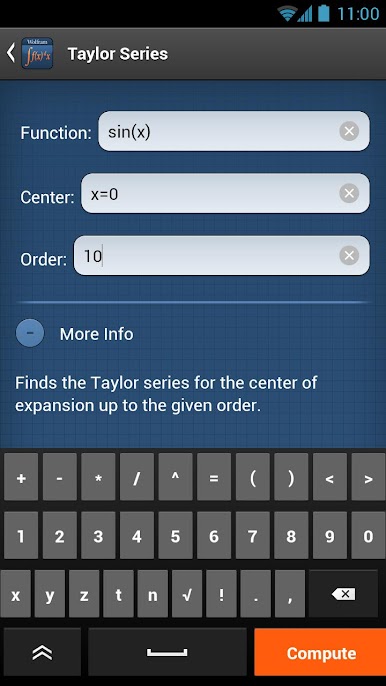
This app covers the following topics applicable to Calculus, AP Calculus AB, AP Calculus BC, Calculus I, and Calculus II:
- Evaluate any numeric expression or substitute a value for a variable.
- Plot basic, parametric, or polar plots of the function(s) of your choice.
- Determine the limit of a function as it approaches a specific value.
- Differentiate any function or implicit function.
- Find the critical points and inflection points of a function.
- Identify the local and absolute extrema of a function.
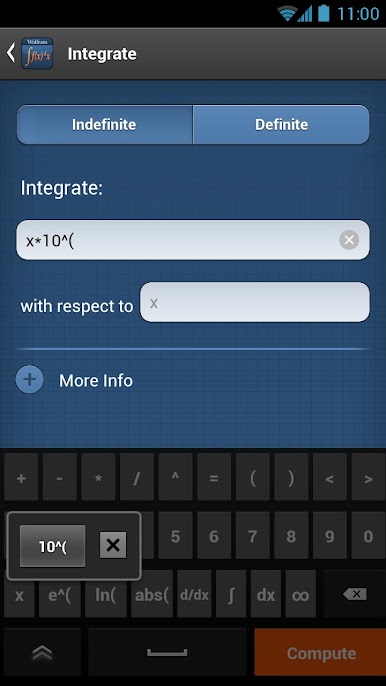
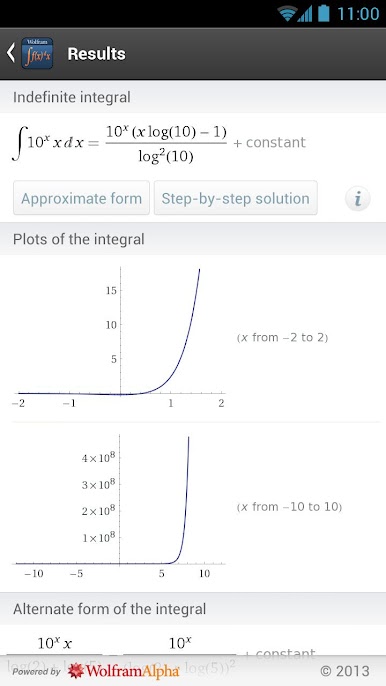
- Integrate a function, with or without limits.
- Sum a function given a lower and upper bound.
- Find the closed form of a sequence or generate terms for a specific sequence.
The Wolfram Calculus Course Assistant is powered by the Wolfram|Alpha computational knowledge engine and is created by Wolfram Research, makers of Mathematica—the world's leading software system for mathematical research and education.
The Wolfram Calculus Course Assistant draws on the computational power of Wolfram|Alpha's supercomputers over a 2G, 3G, 4G, or Wi-Fi connection.
Calculus Course AssistantをPCでプレイ
-
BlueStacksをダウンロードしてPCにインストールします。
-
GoogleにサインインしてGoogle Play ストアにアクセスします。(こちらの操作は後で行っても問題ありません)
-
右上の検索バーにCalculus Course Assistantを入力して検索します。
-
クリックして検索結果からCalculus Course Assistantをインストールします。
-
Googleサインインを完了してCalculus Course Assistantをインストールします。※手順2を飛ばしていた場合
-
ホーム画面にてCalculus Course Assistantのアイコンをクリックしてアプリを起動します。

