


このページには広告が含まれます
Workday
ビジネス | Workday, Inc.
BlueStacksを使ってPCでプレイ - 5憶以上のユーザーが愛用している高機能Androidゲーミングプラットフォーム

Play Workday on PC
The Workday Mobile App gives you the tools, insights, and answers you need to maintain workplace productivity - all in one convenient place.
TOP FEATURES
The Workday app is the ultimate mobile solution that gives you instant access to nearly all your Workday tasks, from checking in to work and requesting time off to connecting with teammates and learning new skills.
- Get push notification reminders so you never forget important tasks
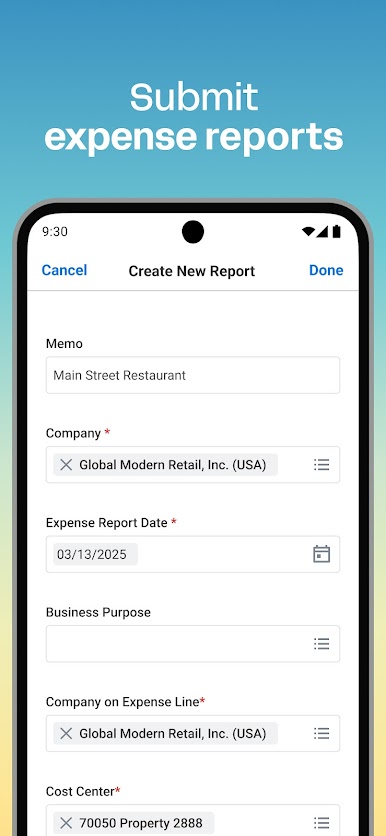
- Submit timesheets and expenses
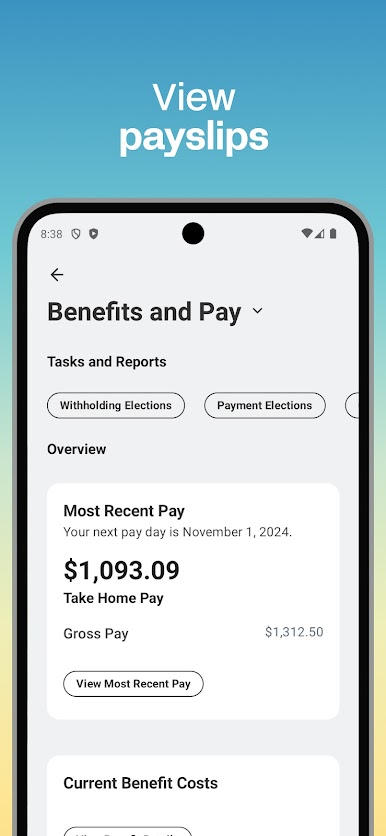
- View your payslips
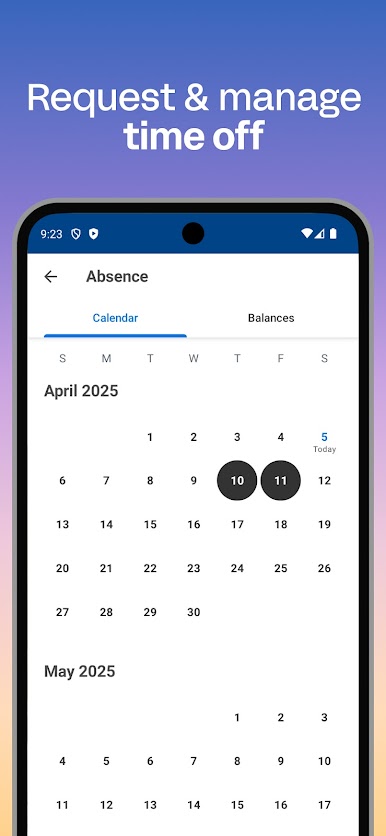
- Request time off
- Learn about your teammates
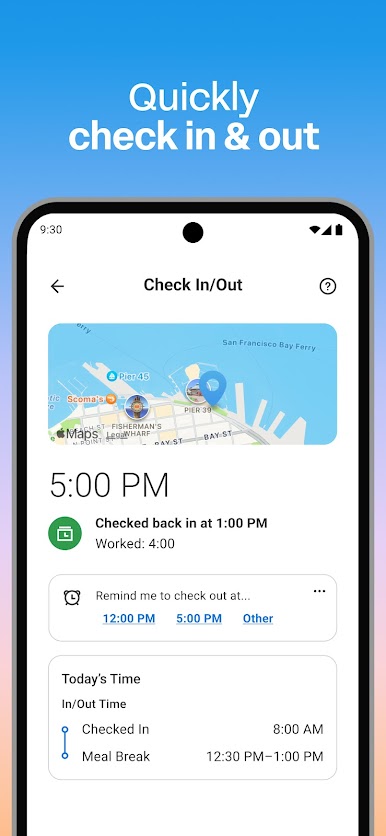
- Check in and out of work
- Learn new skills with training videos
- Find new internal opportunities at your organization through gigs and jobs
Plus HR and employee management features just for managers:
- Approve employee requests with a tap
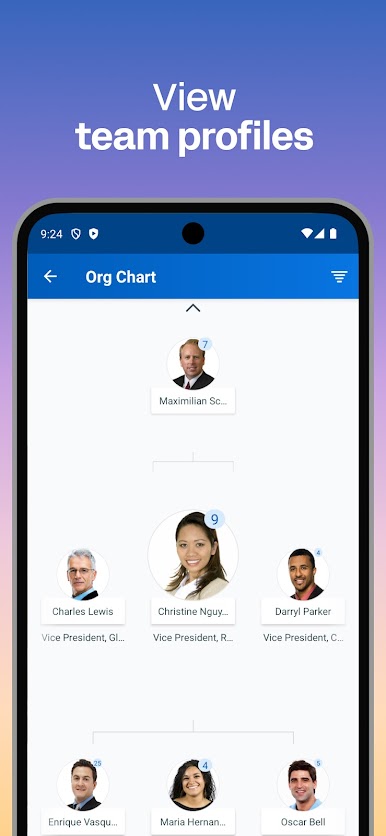
- View team and employee profiles
- Adjust employee roles
- Manage payroll and request compensation changes
- Give performance reviews
- Use the hours tracker and view employee timesheets
- Browse interactive reports and dashboards
SIMPLE AND INTUITIVE
The Workday Mobile App is incredibly easy to use, organizing everything you need to do your best work in one intuitive app.
FLEXIBLE AND PERSONAL
Get quick access to the workplace tools, insights, and actions you need most, so you can manage your work life anywhere, any time.
SAFE AND SECURE
Lost or stolen device? Don’t worry – your account is protected by best-in-class Workday security and mobile-native technology like biometric authentication. Plus, because your information is stored in the cloud, not on your device, you can rest easy knowing that your data is not only secure, it’s always up to date.
TOP FEATURES
The Workday app is the ultimate mobile solution that gives you instant access to nearly all your Workday tasks, from checking in to work and requesting time off to connecting with teammates and learning new skills.
- Get push notification reminders so you never forget important tasks
- Submit timesheets and expenses
- View your payslips
- Request time off
- Learn about your teammates
- Check in and out of work
- Learn new skills with training videos
- Find new internal opportunities at your organization through gigs and jobs
Plus HR and employee management features just for managers:
- Approve employee requests with a tap
- View team and employee profiles
- Adjust employee roles
- Manage payroll and request compensation changes
- Give performance reviews
- Use the hours tracker and view employee timesheets
- Browse interactive reports and dashboards
SIMPLE AND INTUITIVE
The Workday Mobile App is incredibly easy to use, organizing everything you need to do your best work in one intuitive app.
FLEXIBLE AND PERSONAL
Get quick access to the workplace tools, insights, and actions you need most, so you can manage your work life anywhere, any time.
SAFE AND SECURE
Lost or stolen device? Don’t worry – your account is protected by best-in-class Workday security and mobile-native technology like biometric authentication. Plus, because your information is stored in the cloud, not on your device, you can rest easy knowing that your data is not only secure, it’s always up to date.

WorkdayをPCでプレイ
-
BlueStacksをダウンロードしてPCにインストールします。
-
GoogleにサインインしてGoogle Play ストアにアクセスします。(こちらの操作は後で行っても問題ありません)
-
右上の検索バーにWorkdayを入力して検索します。
-
クリックして検索結果からWorkdayをインストールします。
-
Googleサインインを完了してWorkdayをインストールします。※手順2を飛ばしていた場合
-
ホーム画面にてWorkdayのアイコンをクリックしてアプリを起動します。

