


このページには広告が含まれます
App Manager
ツール | wssc
BlueStacksを使ってPCでプレイ - 5憶以上のユーザーが愛用している高機能Androidゲーミングプラットフォーム

Play App Manager: Install& Analyzer on PC
Do you need to uninstall multiple apps quickly?
Do you want to know when an app was installed or updated?
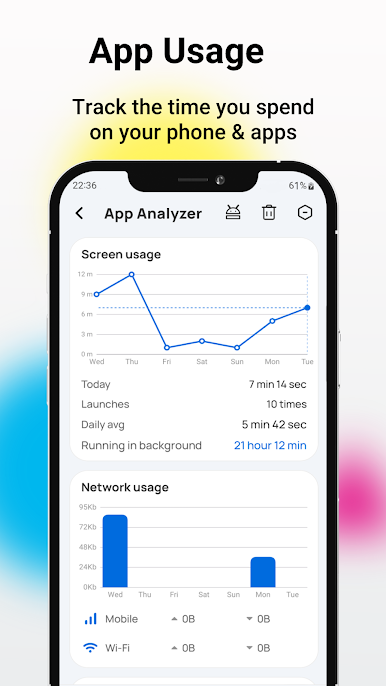
Do you need to know which apps you spend the most time on every day?
Do you know which apps are abusing the network and causing network lags?
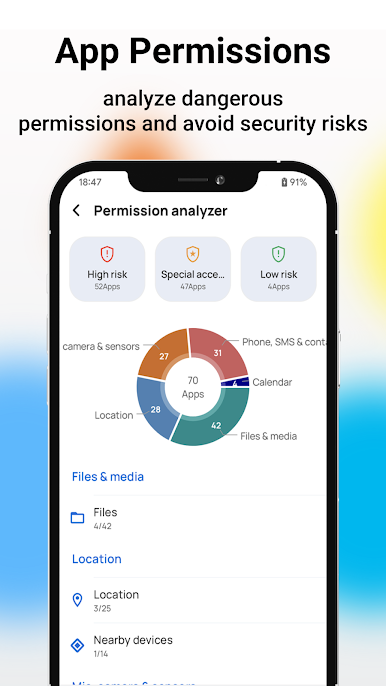
Do you know which apps are using dangerous permissions on your phone?
Have you installed apps without icons and are worried about uninstalling them?
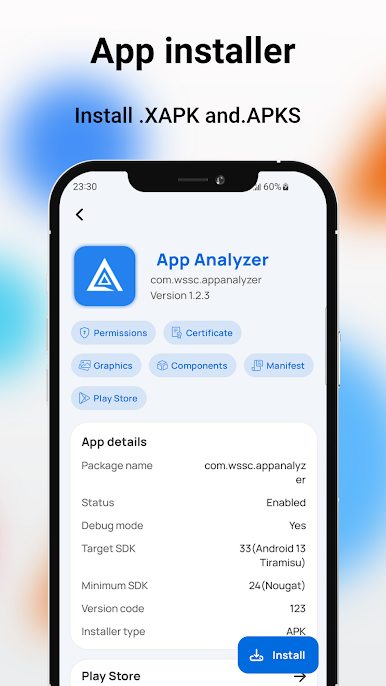
Are you worried about installing APK, APKS, APKM, XAPK files?
Do you know which apps are annoying you by running secretly in the background?
Do you want to uninstall apps you don't use and worry about saving storage space?
If so, this app is a great choice.
Functions: 👇 👇
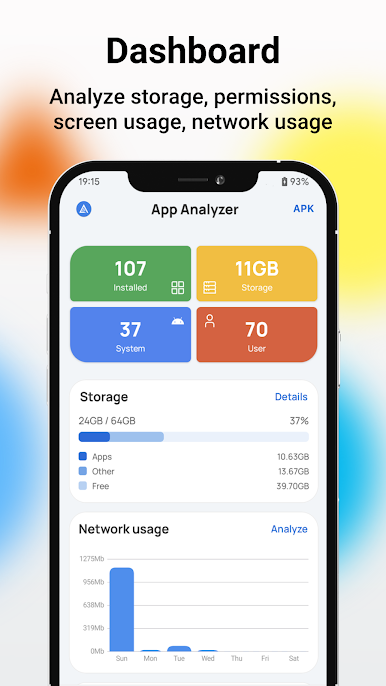
• App screen time tracker and network data usage tracker
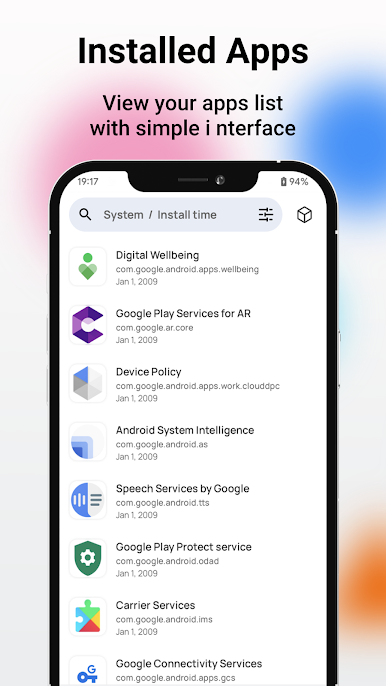
• Timeline based on app installation and updates
• Sort by app installation time, update time, size, name, screen time, opens, network usage
• Manage app usage permissions to help you analyze and view dangerous permissions and avoid security risks
• Manage and view the extent of app running in the background, end long-running app, and free up memory space
• Quickly find specific app based on app classification
• Batch operations:
- uninstall apps
- Install apps
- Share apps
- re-install
• Operate on selected individual app:
- Run app
- Uninstall app
- Export APK file
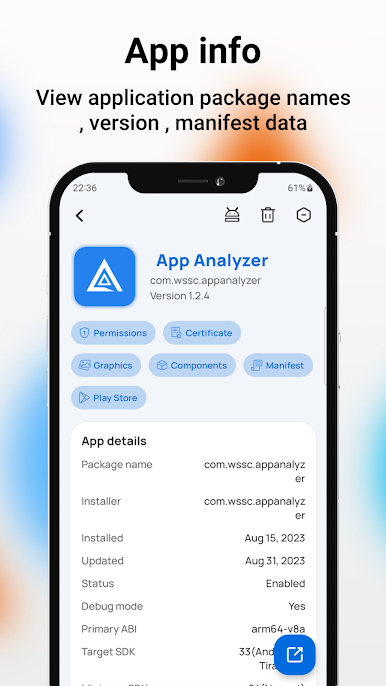
- View AndroidManifest file
- Component info
- Metadata info
- Play Store info
- Permission list
- Certificate info
- Signature info
Beautiful operation interface, no ROOT permissions required, multiple themes
Permission: 👇 👇
• READ_PHONE_STATE,Read phone status to obtain network information
• REQUEST_DELETE_PACKAGES -> Help users uninstall unused, redundant, and potentially dangerous app
• PACKAGE_USAGE_STATS -> Analyzing the most common app and internet usage
• QUERY_ALL_PACKAGES -> Retrieve installed app
Feedback: 👇 👇
Share your idea to help improve the app.
You can directly recommend new features through the "Settings-Feedback" option in the app or send an email to: wssc2dev@gmail.com.
App ManagerをPCでプレイ
-
BlueStacksをダウンロードしてPCにインストールします。
-
GoogleにサインインしてGoogle Play ストアにアクセスします。(こちらの操作は後で行っても問題ありません)
-
右上の検索バーにApp Managerを入力して検索します。
-
クリックして検索結果からApp Managerをインストールします。
-
Googleサインインを完了してApp Managerをインストールします。※手順2を飛ばしていた場合
-
ホーム画面にてApp Managerのアイコンをクリックしてアプリを起動します。

