


このページには広告が含まれます
LED Scroller - LED Banner
ツール | wssc
BlueStacksを使ってPCでプレイ - 5憶以上のユーザーが愛用している高機能Androidゲーミングプラットフォーム

Play LED Scroller - LED Banner on PC
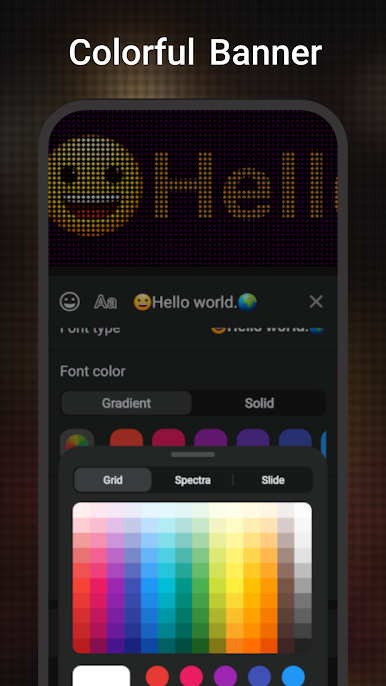
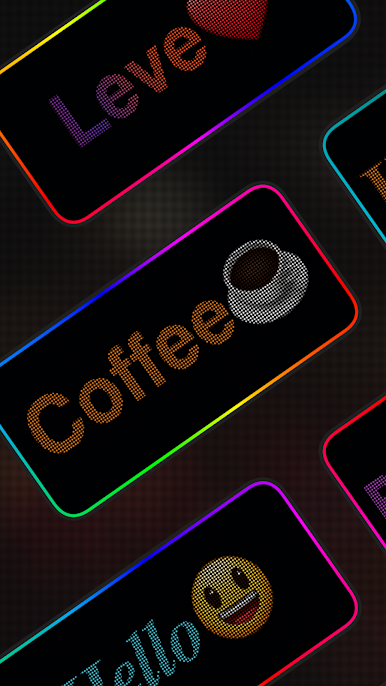
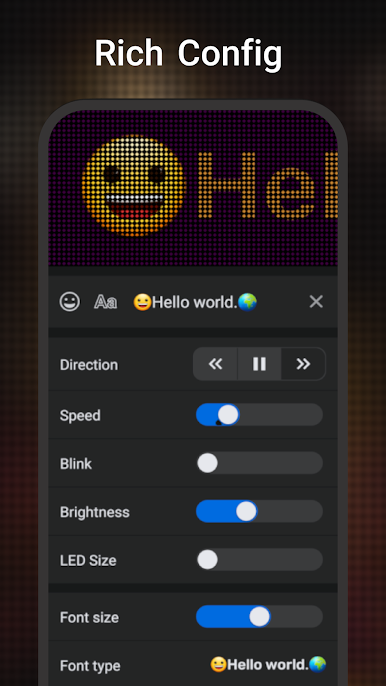
LED Banner is an easy-to-use full-screen LED display with minimal and useful scrolling display text that quickly turns your mobile phone into a scrolling LED Banner display with just one click.
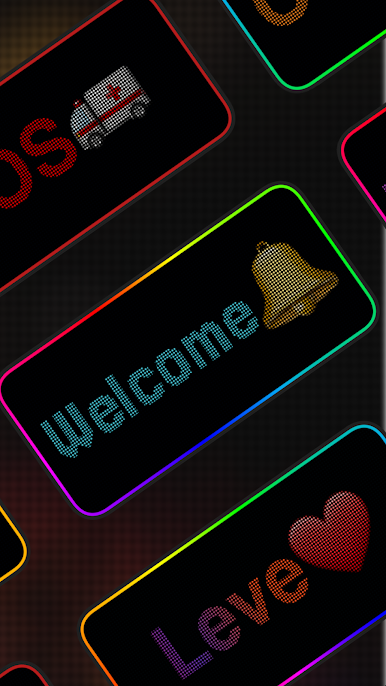
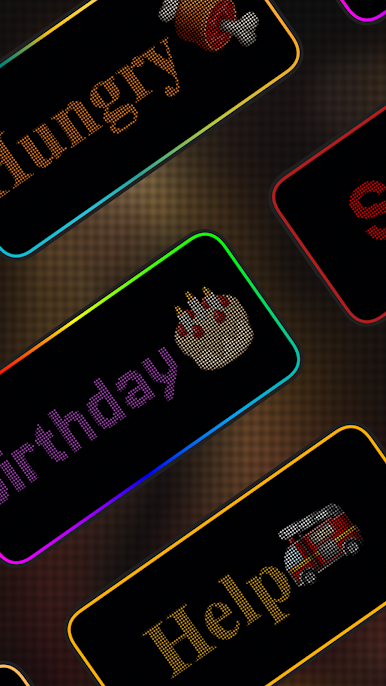
You can also dynamically customise the LED Banner display, making this app a great choice if you need an LED display for parties, concerts, airports, competitions, proposals and many other occasions.
Feature:👇 👇
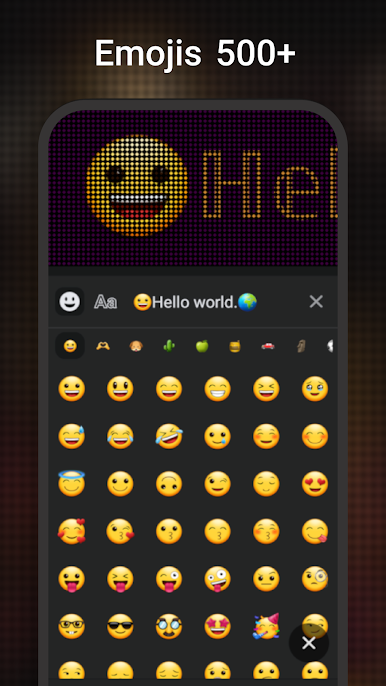
- Support mainstream emoticons
- Support text and background colour modification
- Support display border colour modification
- Support LTR and RTL directions
- Support almost all languages
- Support large text size
- Support multiple colour mixing
- Support LED size modification
- Support export in GIF format
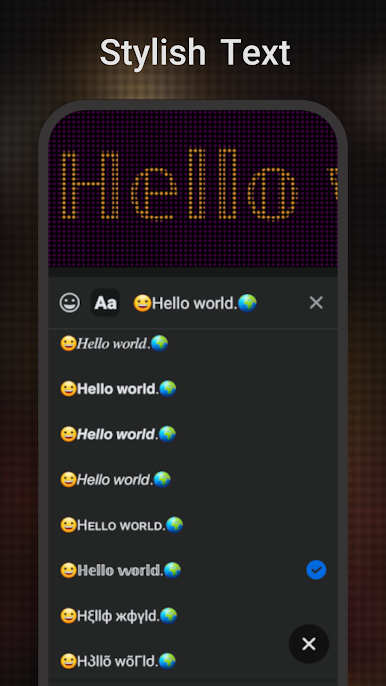
- Support stylish font
Scenarios: 👇 👇
- Birthday Party
- Concert Calling
- Airport Handheld Shuttle Display
- Competition Cheering
- Wedding Blessing
You can also dynamically customise the LED Banner display, making this app a great choice if you need an LED display for parties, concerts, airports, competitions, proposals and many other occasions.
Feature:👇 👇
- Support mainstream emoticons
- Support text and background colour modification
- Support display border colour modification
- Support LTR and RTL directions
- Support almost all languages
- Support large text size
- Support multiple colour mixing
- Support LED size modification
- Support export in GIF format
- Support stylish font
Scenarios: 👇 👇
- Birthday Party
- Concert Calling
- Airport Handheld Shuttle Display
- Competition Cheering
- Wedding Blessing
LED Scroller - LED BannerをPCでプレイ
-
BlueStacksをダウンロードしてPCにインストールします。
-
GoogleにサインインしてGoogle Play ストアにアクセスします。(こちらの操作は後で行っても問題ありません)
-
右上の検索バーにLED Scroller - LED Bannerを入力して検索します。
-
クリックして検索結果からLED Scroller - LED Bannerをインストールします。
-
Googleサインインを完了してLED Scroller - LED Bannerをインストールします。※手順2を飛ばしていた場合
-
ホーム画面にてLED Scroller - LED Bannerのアイコンをクリックしてアプリを起動します。

