

English Verbs
BlueStacksを使ってPCでプレイ - 5憶以上のユーザーが愛用している高機能Androidゲーミングプラットフォーム

Run English Verbs on PC or Mac
Let BlueStacks turn your PC, Mac, or laptop into the perfect home for English Verbs, a fun Education app from Universk.
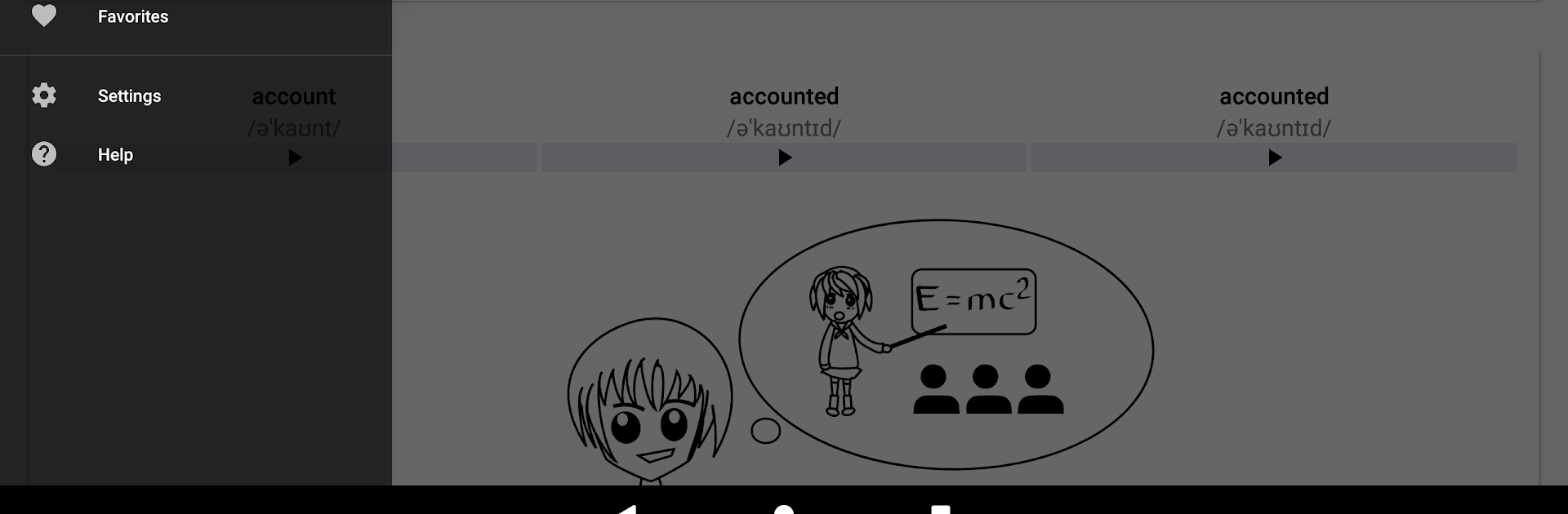
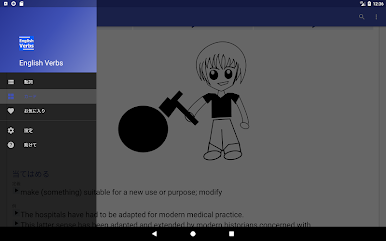
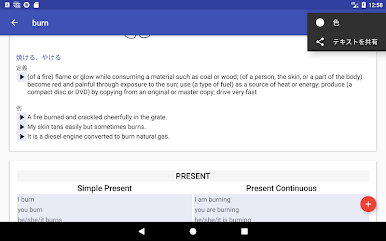
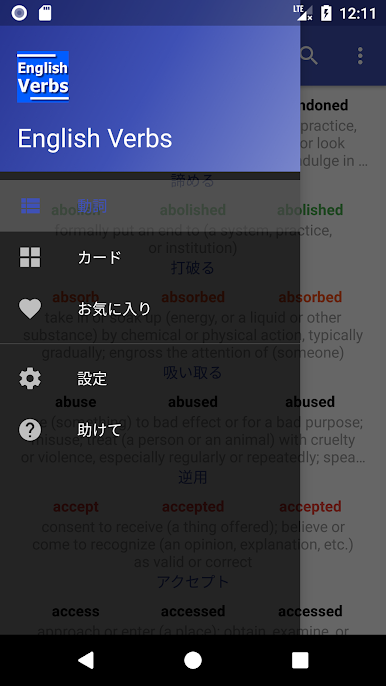
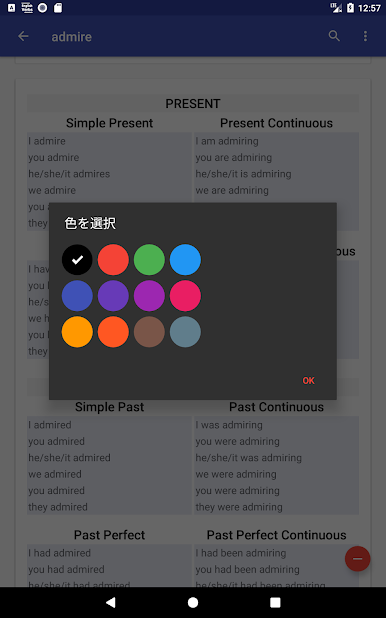
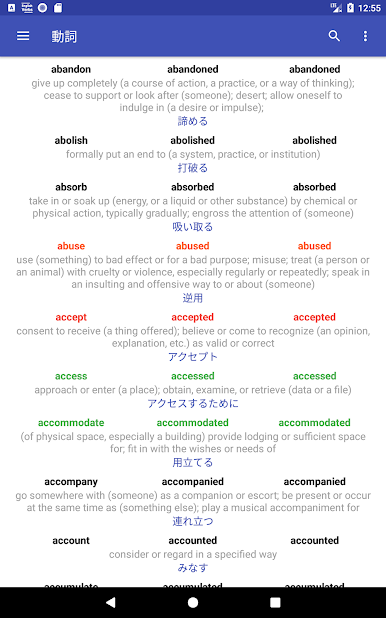
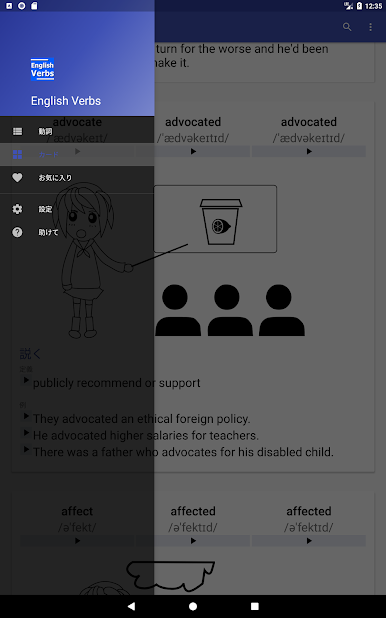
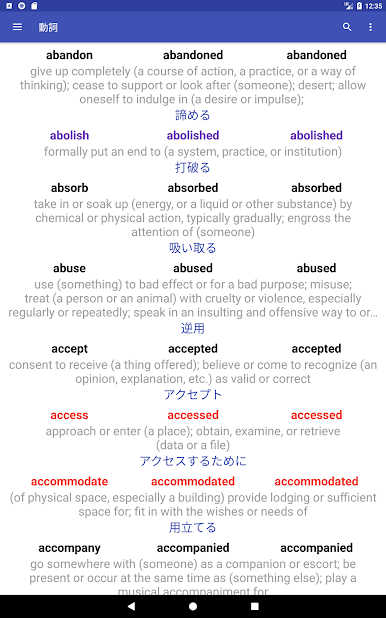
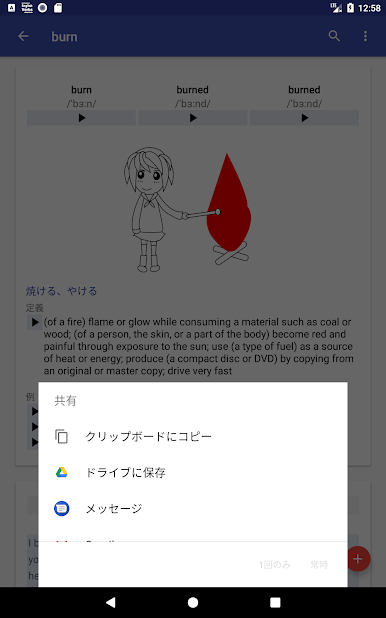
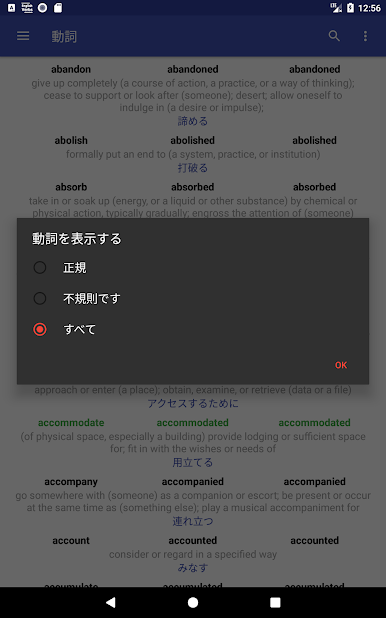
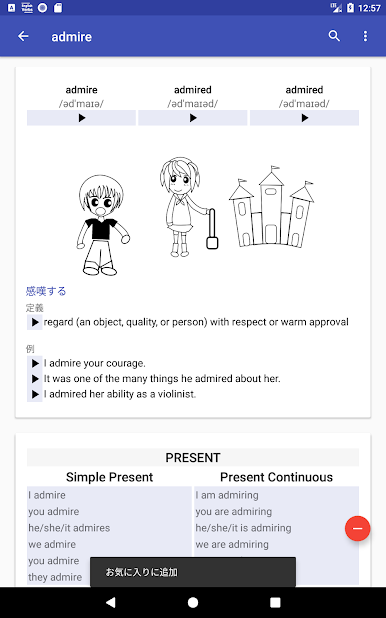
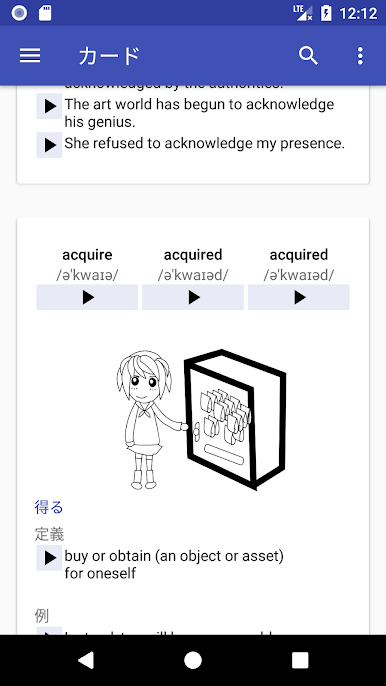
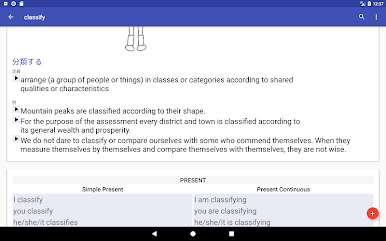
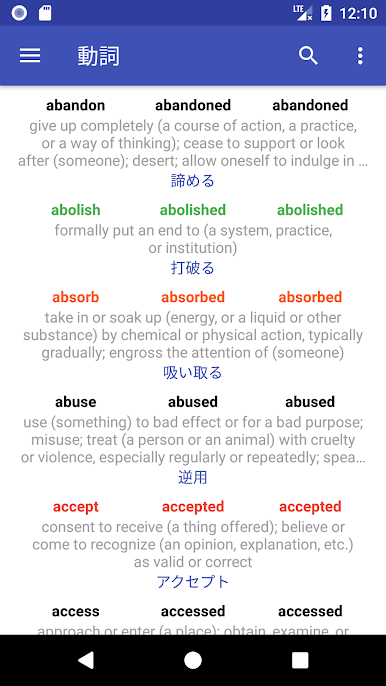
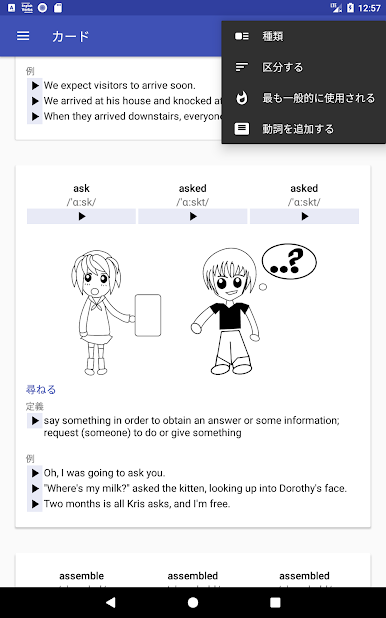
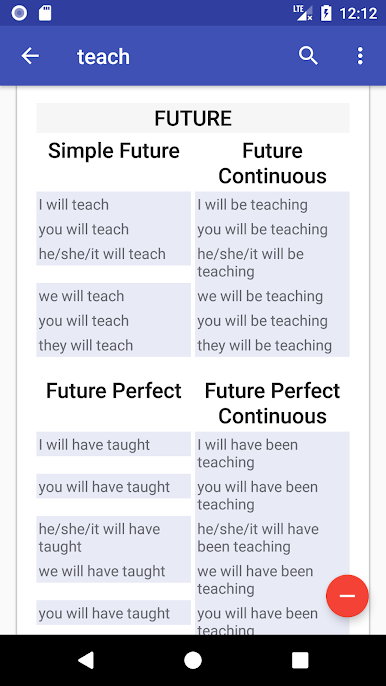
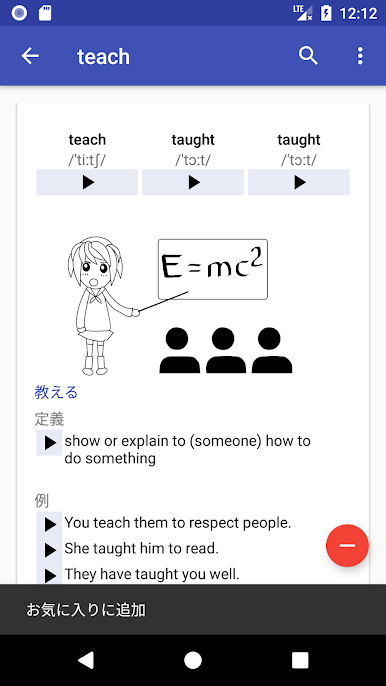
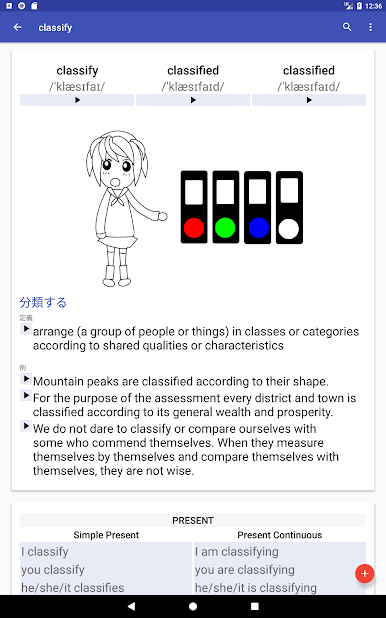
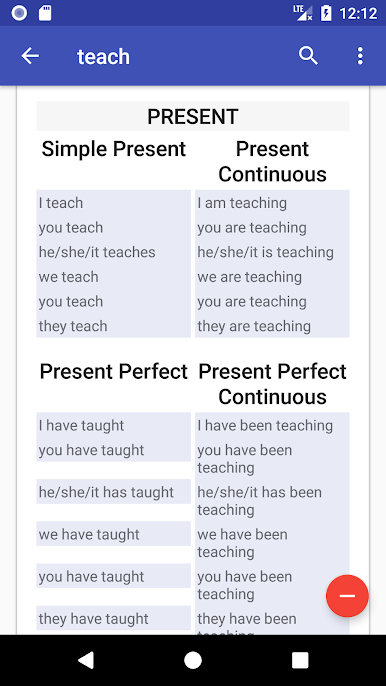
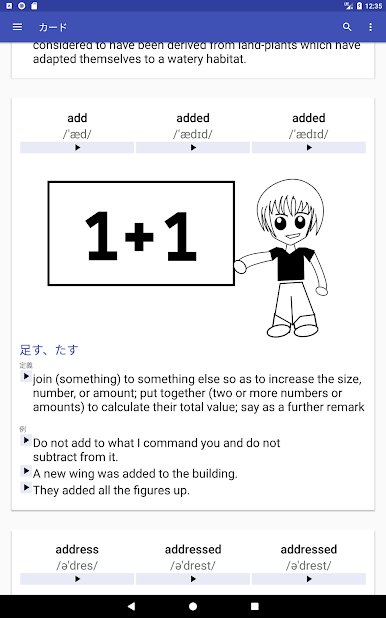
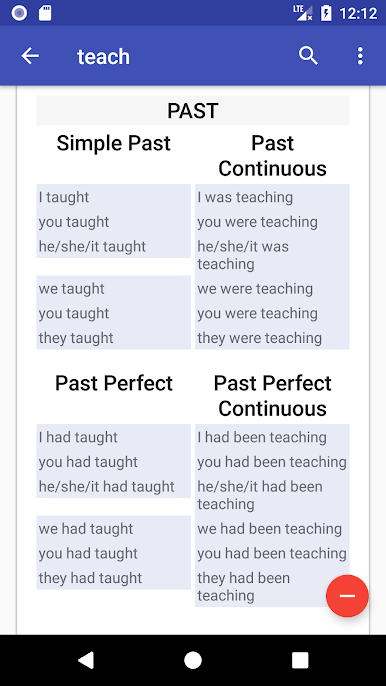
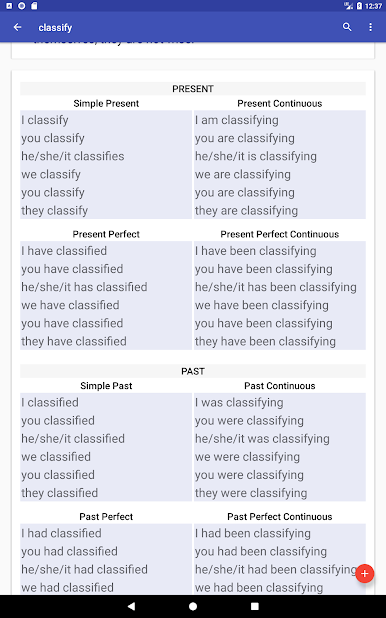
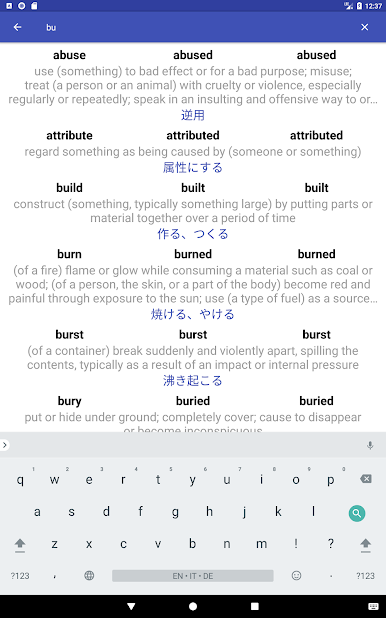
So, playing around with English Verbs on PC (it works smoothly through BlueStacks), it’s kind of like having a whole library of verbs right at your fingertips, without any of the old-fashioned grammar book hassle. Scrolling through, there are just tons of verbs — and not just regular ones, all those oddball irregular verbs show up too, fully sorted. Each verb pops up with all its different forms like past, participle, present, and so on, and the app breaks down the different tenses for you, so it’s not just the basics. Everything’s laid out in a clean way, but you can switch things up with card view or a simple list if you prefer skimming.
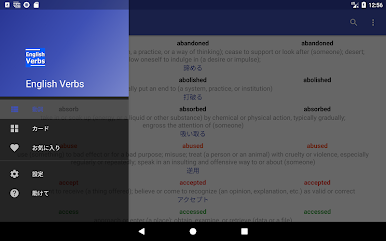
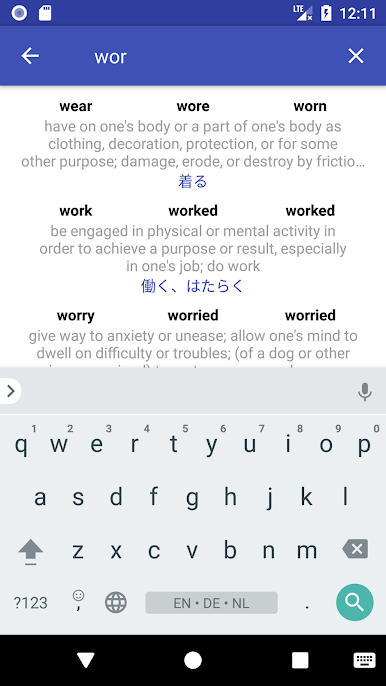
The thing that’s clever is you can favorite the verbs you’re learning or just want to keep checking, and there’s even a way to make your own personal verb list, so you don’t lose track. It’s helpful if you’re into examples and pronunciations, since those are there too. Some folks might care that the app’s set up for lots of different languages — so you get translations in a bunch, not just English. Searching is quick, and there are options to sort by how common a verb is or if it’s regular or irregular, which cuts down a lot of scrolling. Notifications can remind you to keep at it, but it doesn’t nag. All in all, it doesn’t feel stuffy or textbook-like. Good if you just want to brush up or make sense of all those weird verb endings without getting bogged down.
Eager to take your app experience to the next level? Start right away by downloading BlueStacks on your PC or Mac.
English VerbsをPCでプレイ
-
BlueStacksをダウンロードしてPCにインストールします。
-
GoogleにサインインしてGoogle Play ストアにアクセスします。(こちらの操作は後で行っても問題ありません)
-
右上の検索バーにEnglish Verbsを入力して検索します。
-
クリックして検索結果からEnglish Verbsをインストールします。
-
Googleサインインを完了してEnglish Verbsをインストールします。※手順2を飛ばしていた場合
-
ホーム画面にてEnglish Verbsのアイコンをクリックしてアプリを起動します。

