


ビデオウォーターマーク - ビデオのウォーターマークの作成と
BlueStacksを使ってPCでプレイ - 5憶以上のユーザーが愛用している高機能Androidゲーミングプラットフォーム

Run Video Watermark - Create & Add Watermark on Videos on PC or Mac
Let BlueStacks turn your PC, Mac, or laptop into the perfect home for Video Watermark – Create & Add Watermark on Videos, a fun Video Players & Editors app from Z Mobile Apps.
About the App
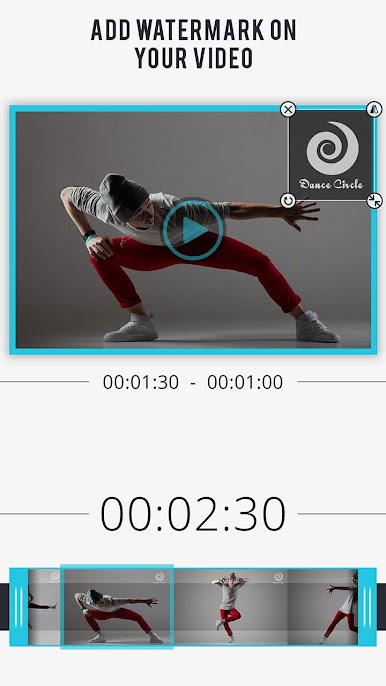
Ever wanted to stamp your own mark on your videos without jumping through a hundred hoops? Video Watermark – Create & Add Watermark on Videos from Z Mobile Apps lets you quickly create and add watermarks or logos straight from your phone—no need to touch a desktop or laptop. This app keeps things simple and gives you all the tools you need to protect your videos and share your personal or brand identity effortlessly.
App Features
- Choose and Edit Your Video
-
Pull up any video from your gallery and get started right away—no complicated setup required.
-
Create or Pick a Watermark
-
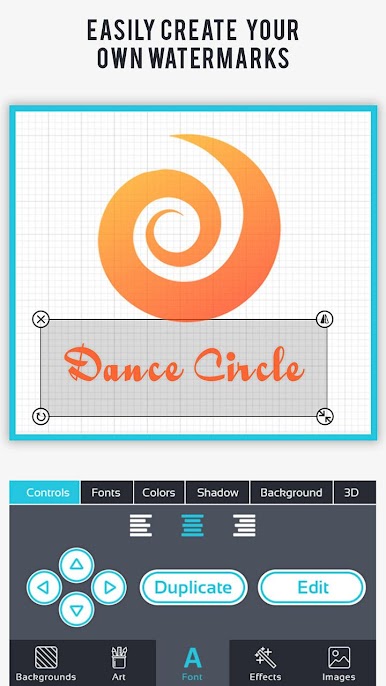
Whip up your own watermark or logo using the built-in watermark maker, or pick from handy templates if you want a head start.
-
Tweak to Your Liking
-
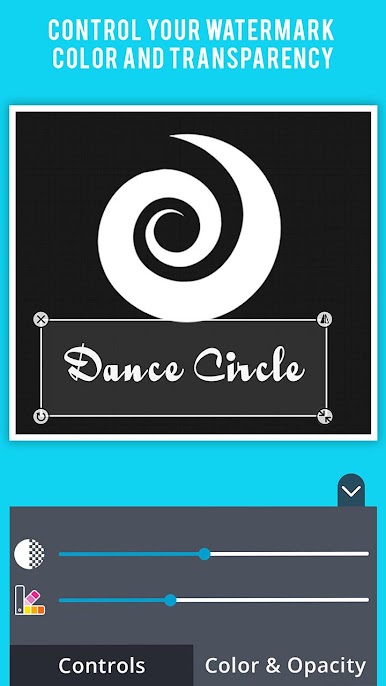
Adjust the size, move it wherever you want, change the color and even tweak the transparency for that just-right look.
-
Work in the Background
-
Don’t want to wait around? The app can add your watermark in the background and let you know when it’s done, so you can text, scroll, or just relax.
-
Supports Big Video Formats
-
Works great with MP4s and all the major video types you’d expect, so you’re not stuck converting files.
-
High-Quality Results
-
Your finished videos look sharp and professional, with your watermark crystal clear—no weird pixelation here.
-
Easy Saving and Sharing
-
Everything you make gets saved to your own album, ready for you to watch or share on social apps right away.
-
Handy Notifications
-
You’ll get a heads-up when your video’s ready, even if you’ve closed the app.
-
Gallery Management
- Browse, watch, or delete the videos you’ve watermarked—all in one spot.
Whether you’re branding your content for social media or adding a bit of flair to videos for friends, Video Watermark – Create & Add Watermark on Videos has you covered. And yes, you can even try it out through BlueStacks if you want that familiar experience on a bigger screen.
BlueStacks brings your apps to life on a bigger screen—seamless and straightforward.





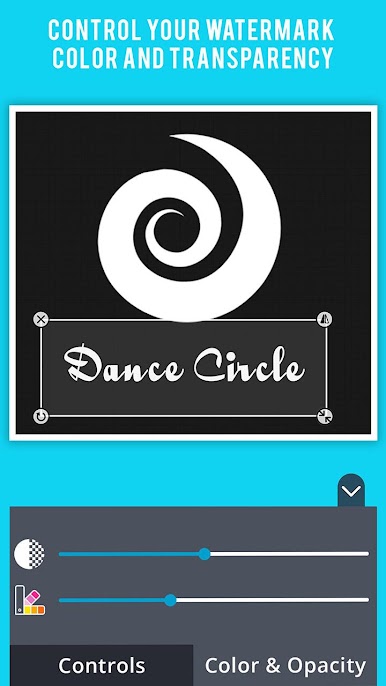
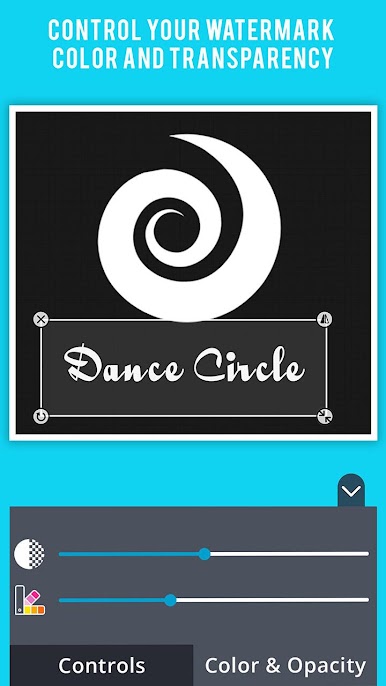
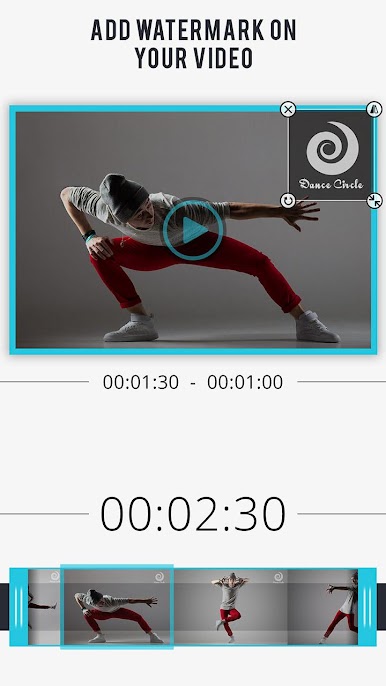


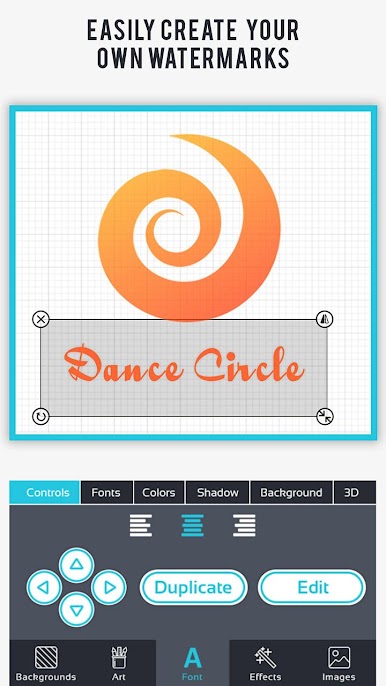



ビデオウォーターマーク - ビデオのウォーターマークの作成とをPCでプレイ
-
BlueStacksをダウンロードしてPCにインストールします。
-
GoogleにサインインしてGoogle Play ストアにアクセスします。(こちらの操作は後で行っても問題ありません)
-
右上の検索バーにビデオウォーターマーク - ビデオのウォーターマークの作成とを入力して検索します。
-
クリックして検索結果からビデオウォーターマーク - ビデオのウォーターマークの作成とをインストールします。
-
Googleサインインを完了してビデオウォーターマーク - ビデオのウォーターマークの作成とをインストールします。※手順2を飛ばしていた場合
-
ホーム画面にてビデオウォーターマーク - ビデオのウォーターマークの作成とのアイコンをクリックしてアプリを起動します。

