


Contexto: Popular Words Game
BlueStacksを使ってPCでプレイ - 5憶以上のユーザーが愛用している高機能Androidゲーミングプラットフォーム

Play Contexto: Popular Words Game on PC or Mac
From the innovators and creators at MASTERMIND WORD GAMES, Contexto: Popular Words Game is another fun addition to the World of Word games. Go beyond your mobile screen and play it bigger and better on your PC or Mac. An immersive experience awaits you.
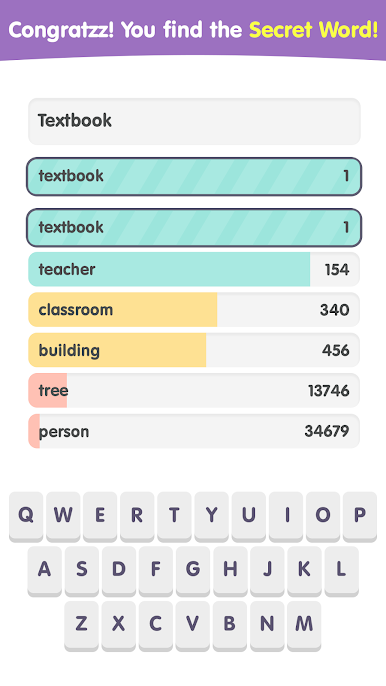
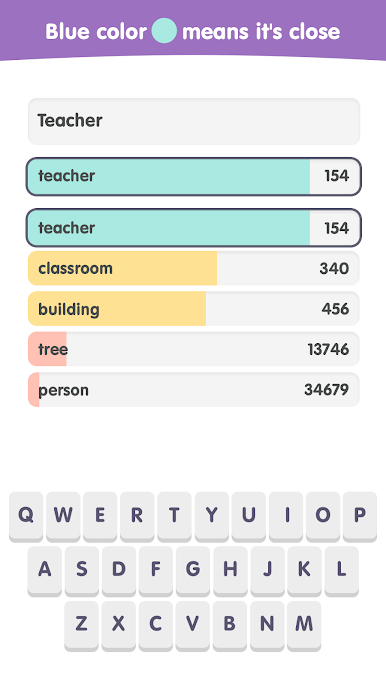
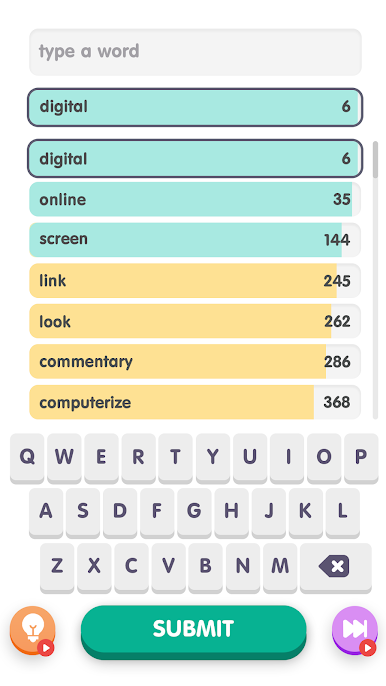
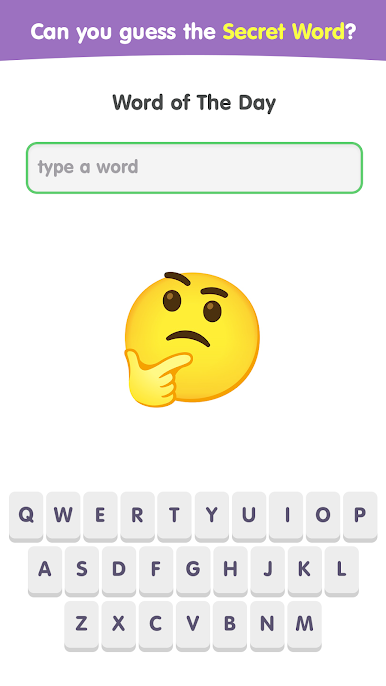
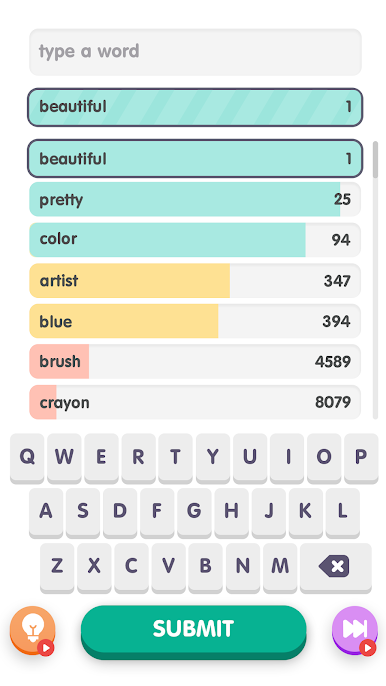
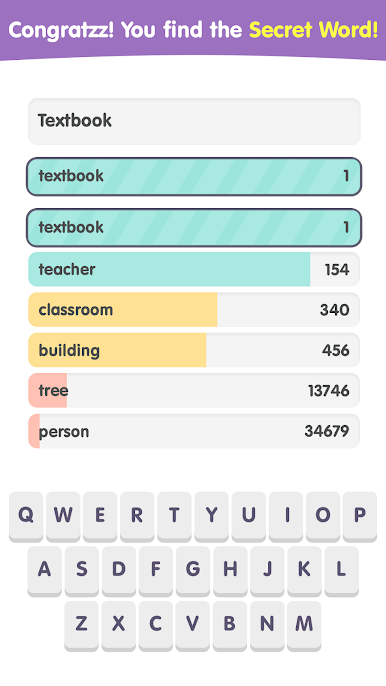
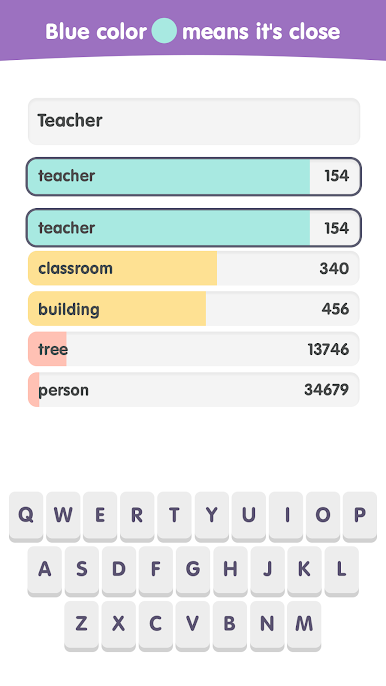
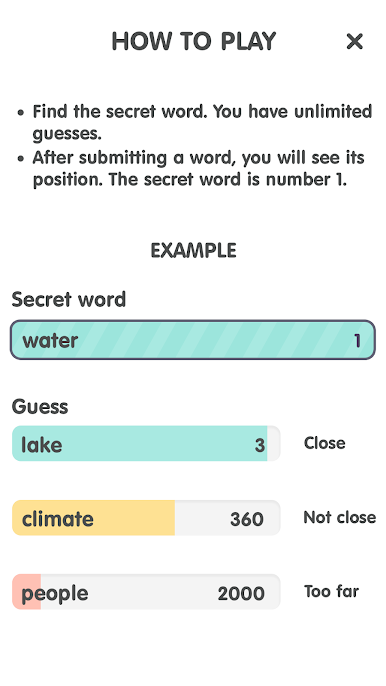
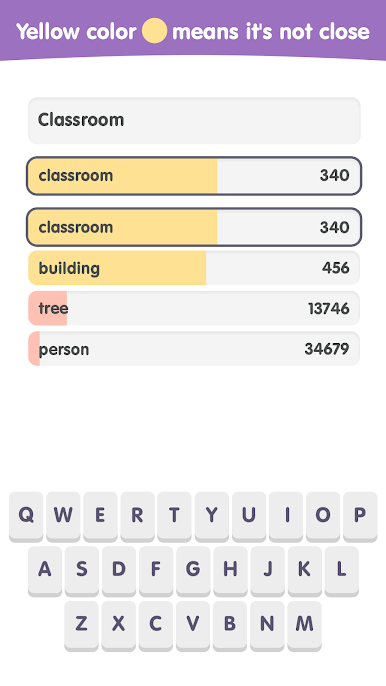
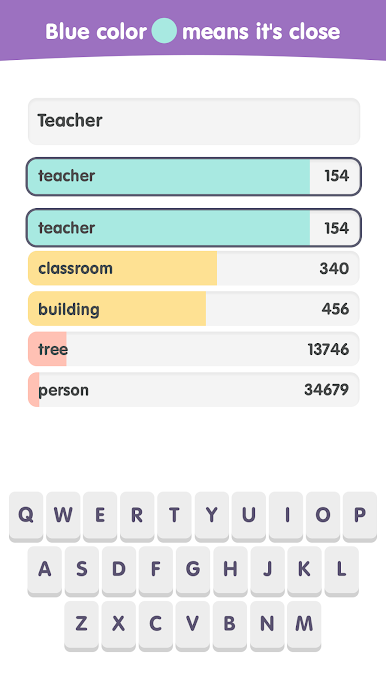
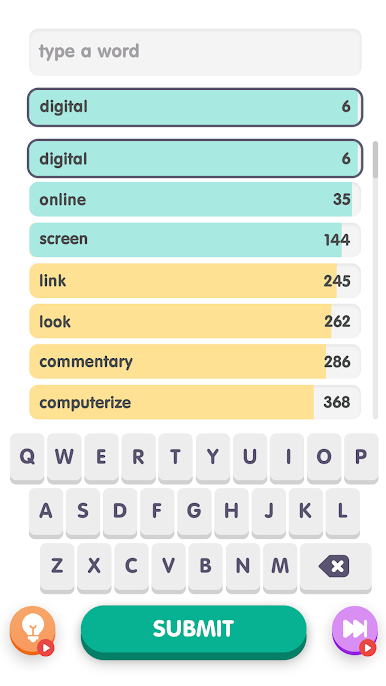
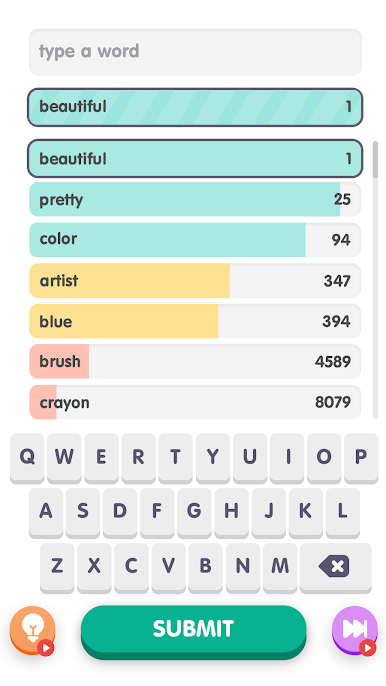
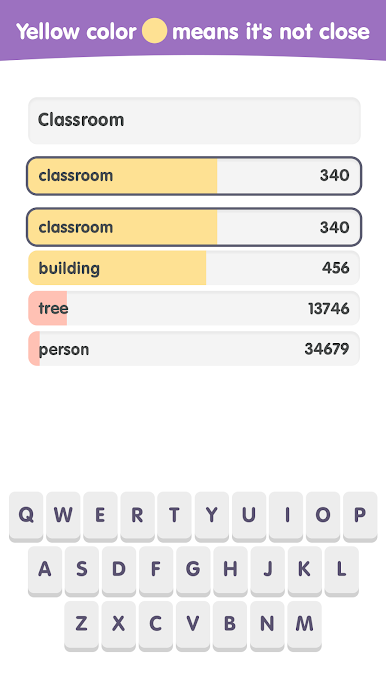
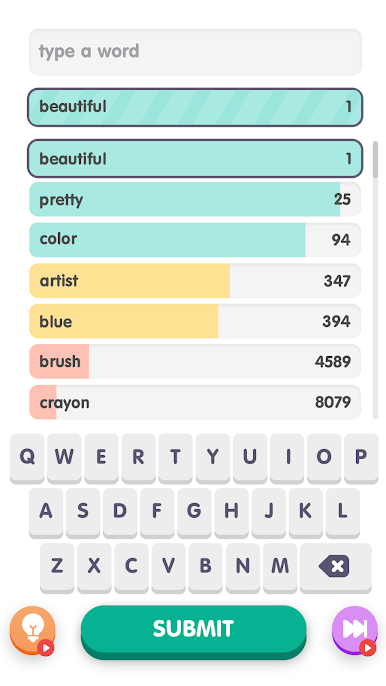
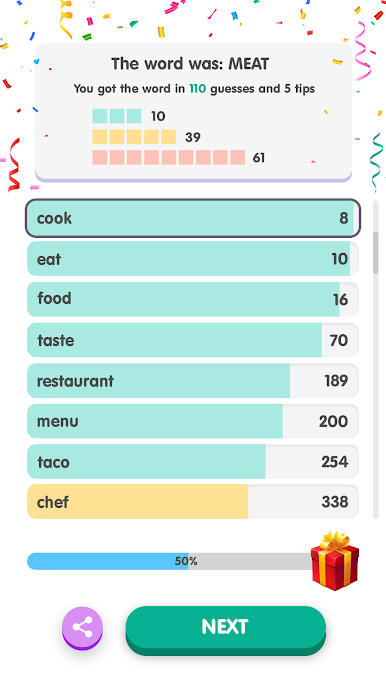
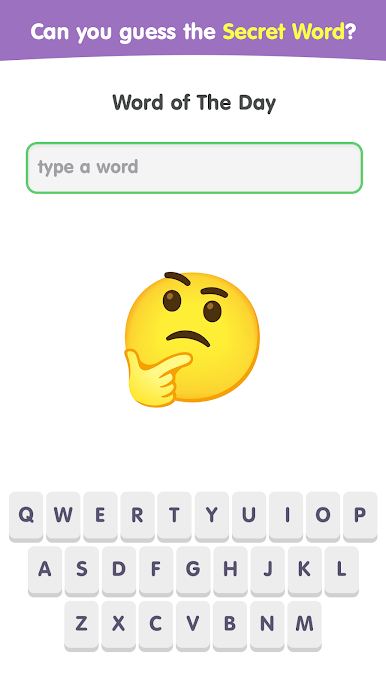
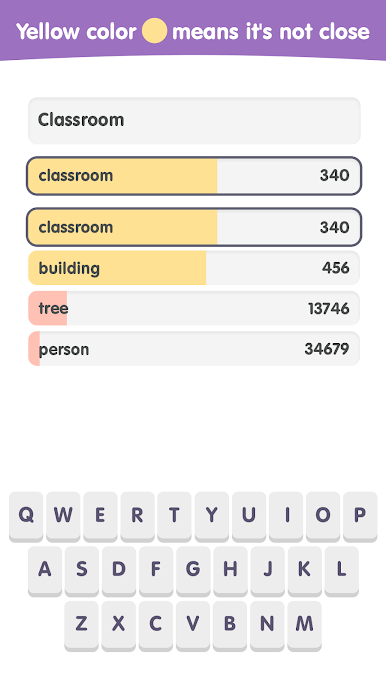
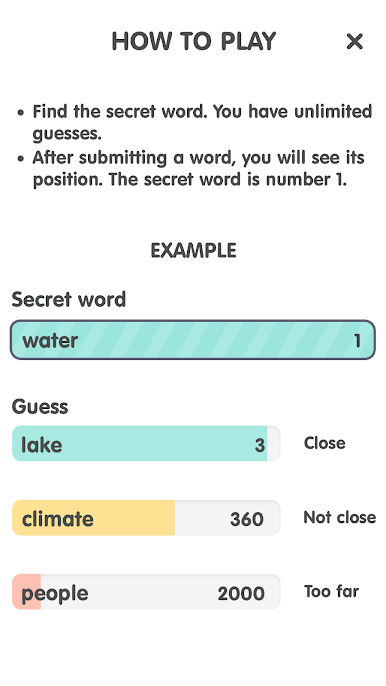
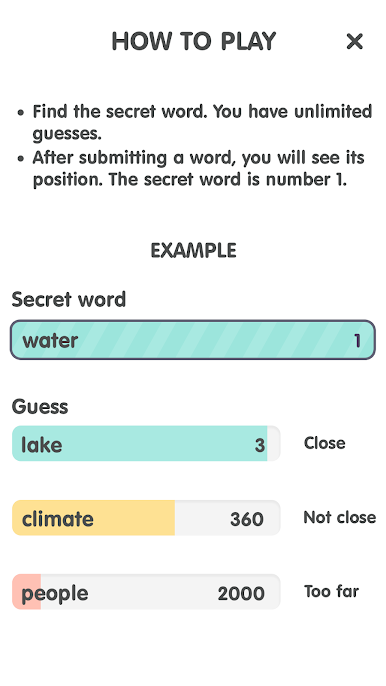
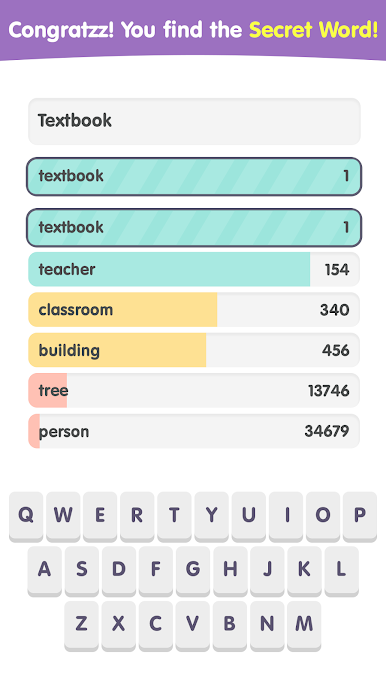
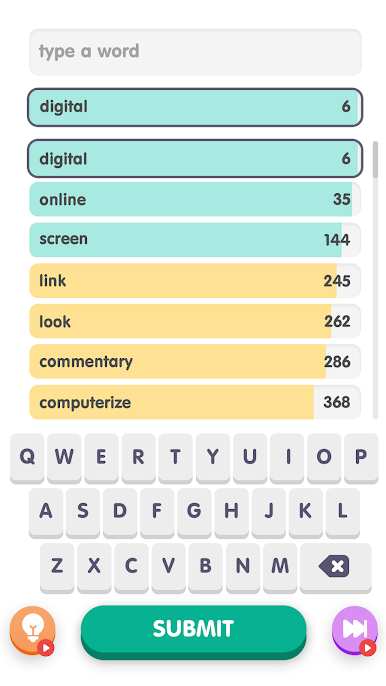
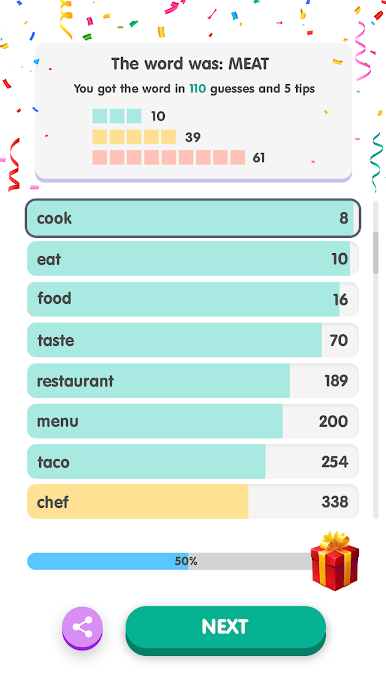
Contexto: Popular Words Game is one of those clever word games where the clue is not letters, it is meaning. A player types any word, the game rates how close it is to the hidden answer, and shows a rank number for that guess. Lower is better, with the secret word sitting at number 1. It is unlimited guesses, no timer breathing down the neck, so it turns into this fun loop of tossing out ideas, watching the number drop, then pivoting to something that fits the same theme. The ranking comes from an algorithm that looks at how words are used in real language across lots of text, so it nudges the player toward the concept rather than just matching letters. It feels like a chill mix of trivia, lateral thinking, and hot-cold warmer hints.
What stands out is how fast the feedback snowballs. One guess suggests a direction, the next narrows it, then suddenly all the guesses live in the same neighborhood and the right word clicks. It can be a bit vague at first if someone expects letter clues, but that is also why it is satisfying. There are fresh puzzles to chew through and nothing limiting attempts, so it is easy to keep going and learn new words along the way. On PC with BlueStacks, typing guesses with a keyboard and scanning the history on a bigger screen just feels smoother, especially during those long guess chains. It is simple, brainy, and somehow hard to put down once the number starts dropping.
Ready to top the leaderboard? We bet you do. Let precise controls and sharp visuals optimized on BlueStacks lead you to victory.
Contexto: Popular Words GameをPCでプレイ
-
BlueStacksをダウンロードしてPCにインストールします。
-
GoogleにサインインしてGoogle Play ストアにアクセスします。(こちらの操作は後で行っても問題ありません)
-
右上の検索バーにContexto: Popular Words Gameを入力して検索します。
-
クリックして検索結果からContexto: Popular Words Gameをインストールします。
-
Googleサインインを完了してContexto: Popular Words Gameをインストールします。※手順2を飛ばしていた場合
-
ホーム画面にてContexto: Popular Words Gameのアイコンをクリックしてアプリを起動します。

