


Cloud Softphone
BlueStacksを使ってPCでプレイ - 5憶以上のユーザーが愛用している高機能Androidゲーミングプラットフォーム

Run Cloud Softphone on PC or Mac
Why limit yourself to your small screen on the phone? Run Cloud Softphone, an app by Acrobits, s.r.o., best experienced on your PC or Mac with BlueStacks, the world’s #1 Android emulator.
About the App
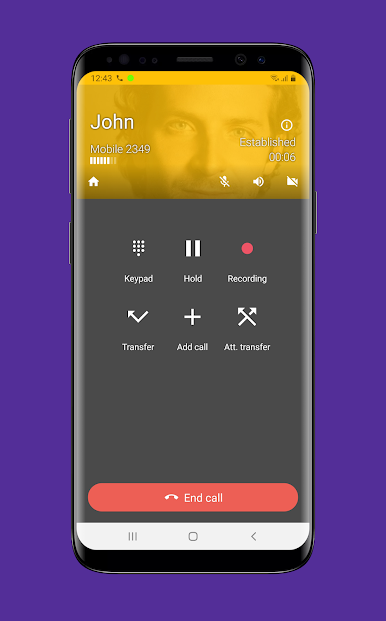
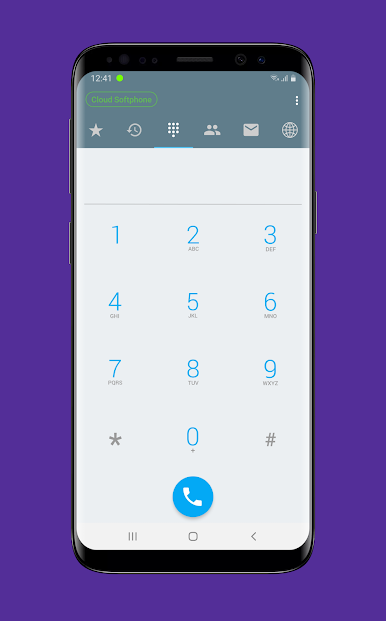
Cloud Softphone brings simple, flexible calling to your fingertips—no tech skills required. Whether you’re handling business calls or keeping in touch with your contacts, this Communication app from Acrobits, s.r.o. makes it a breeze to connect. If your VoIP provider or PBX admin has set you up, you’ll be chatting in no time, and you can forget about complicated setups.
App Features
-
Quick & Painless Setup
Forget the headaches. Just scan a QR code from your service provider, and Cloud Softphone handles the rest. No need to tinker with endless settings. -
Highly Customizable
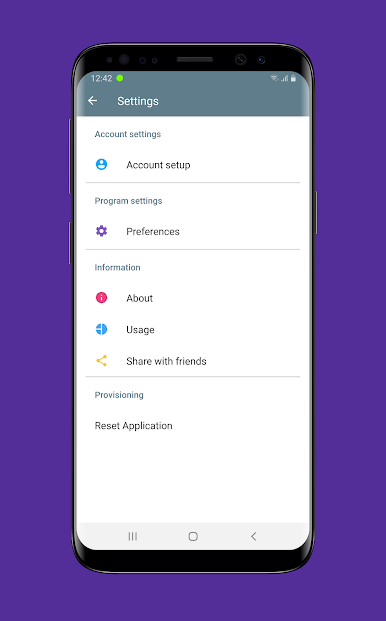
Got specific needs? There are plenty of options to tailor the calling experience, all without getting overwhelmed by menus. -
Reliable Connection
Cloud Softphone’s been around for years and has the awards to prove it. You can count on clear calls and stable performance whether you’re on your phone or running things through BlueStacks. -
Provider-Ready Integration
The app plays well with a broad range of VoIP providers and PBX systems, making it easy for businesses and their users to get started. -
Smooth Communication
Crisp voice calls and instant notifications mean you won’t miss anything important. -
Award-Winning Security & Innovation
With past recognition for unified communications, you’re getting a solution designed for both security and everyday convenience.
BlueStacks brings your apps to life on a bigger screen—seamless and straightforward.
Cloud SoftphoneをPCでプレイ
-
BlueStacksをダウンロードしてPCにインストールします。
-
GoogleにサインインしてGoogle Play ストアにアクセスします。(こちらの操作は後で行っても問題ありません)
-
右上の検索バーにCloud Softphoneを入力して検索します。
-
クリックして検索結果からCloud Softphoneをインストールします。
-
Googleサインインを完了してCloud Softphoneをインストールします。※手順2を飛ばしていた場合
-
ホーム画面にてCloud Softphoneのアイコンをクリックしてアプリを起動します。

