


FlowerChecker+, plant identify
BlueStacksを使ってPCでプレイ - 5憶以上のユーザーが愛用している高機能Androidゲーミングプラットフォーム

概要
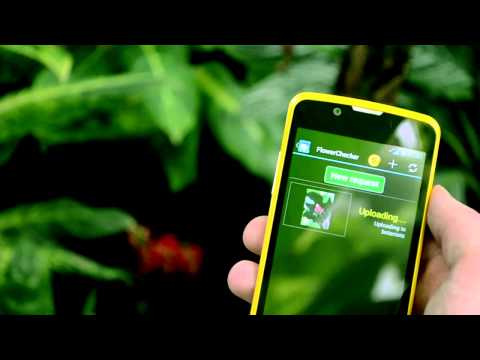
The installation includes three prepaid identifications, each other for ~ 1 USD / 0.7 EUR. Anyway, if we can't identify your plant, you don't spend anything.
Our team will respond as soon as possible, but the identification usually takes minutes or hours. In average, we manage to solve more than 95% plant requests.
The app is add-free.


FlowerChecker+, plant identifyをPCでプレイ
-
BlueStacksをダウンロードしてPCにインストールします。
-
GoogleにサインインしてGoogle Play ストアにアクセスします。(こちらの操作は後で行っても問題ありません)
-
右上の検索バーにFlowerChecker+, plant identifyを入力して検索します。
-
クリックして検索結果からFlowerChecker+, plant identifyをインストールします。
-
Googleサインインを完了してFlowerChecker+, plant identifyをインストールします。※手順2を飛ばしていた場合
-
ホーム画面にてFlowerChecker+, plant identifyのアイコンをクリックしてアプリを起動します。

